Mixing & Mastering
Turn rough takes into release-ready tracks. Practical mixing and mastering guides covering EQ, compression, levels, loudness and the workflow that gets your songs sounding finished.Start here: The Best Free VST Plugins · The Best EQ Plugins · The Best Compressor Plugins · The Best Reverb Plugins.
-
How to Slice Samples in FL Studio
Learn how to slice samples in FL Studio using Slicex and Edison: chop loops at transients, map slices to the…
-
How to Use the Piano Roll in FL Studio
Learn how to use the Piano Roll in FL Studio: draw and edit notes, set velocity, use snapping, and apply…
-
How to Make a Bassline in FL Studio
Learn how to make a bassline in FL Studio: pick a bass sound, write the notes in the Piano Roll,…
-
How to Add VST Plugins in FL Studio
Learn how to add VST plugins in FL Studio: install the plugin, scan your folders, find it in the browser,…
-
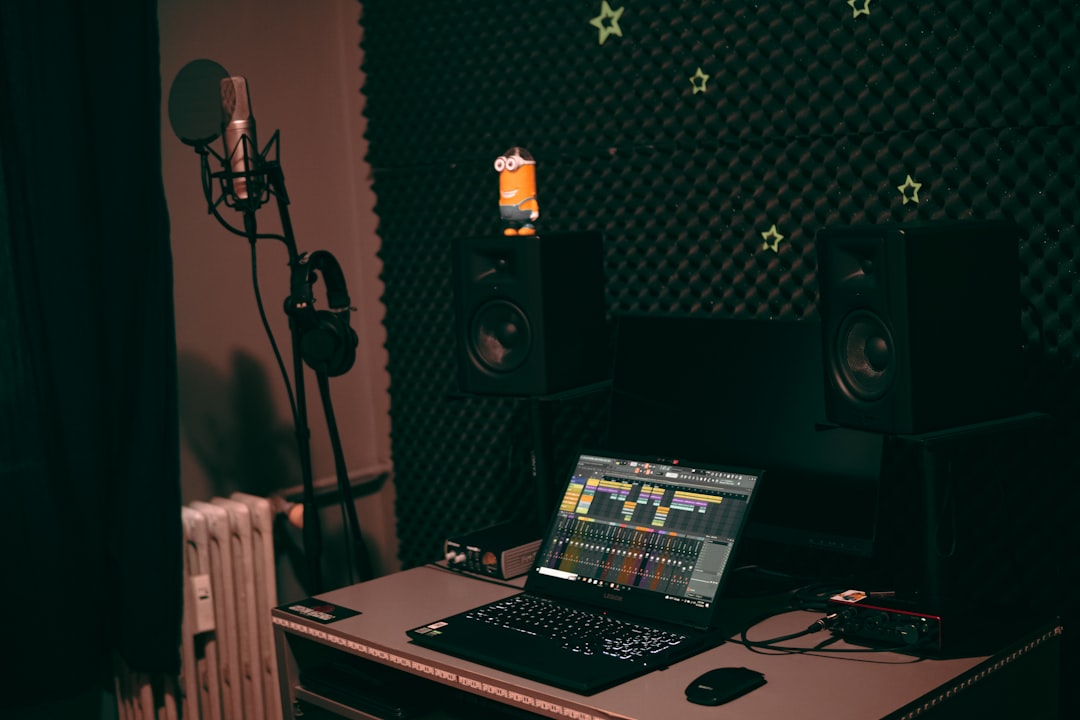
How to Sidechain in FL Studio
Learn how to sidechain in FL Studio using Fruity Peak Controller or sidechain routing into a compressor, with step-by-step settings…
-
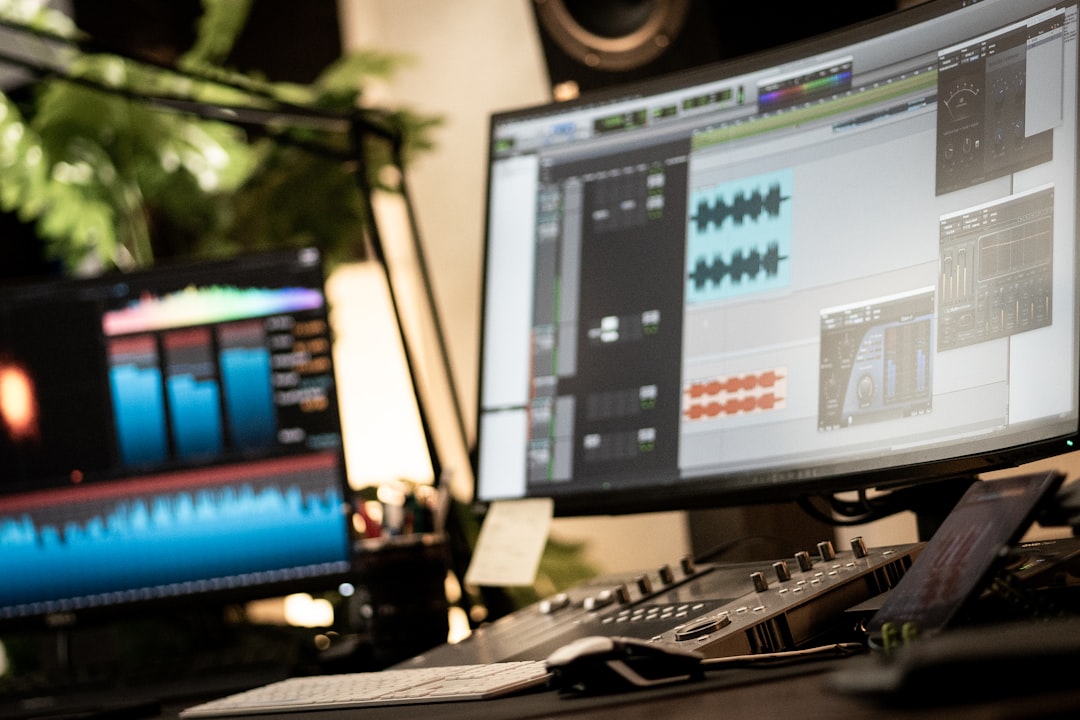
How Loud Should Vocals Be in a Mix?
How loud should vocals be in a mix? Learn genre-based guidelines, why levels matter less than clarity, and the techniques…
-

How to Mix on Headphones
Mixing on headphones can give pro results if you do it right. Learn how to pick the right pair, avoid…
-
What Is Sidechain Compression?
What is sidechain compression? Learn how it works, why producers use it to duck the bass under the kick, and…
-

How to Mix Drums
Learn how to mix drums step by step — gain staging, EQ, compression, parallel processing and balancing the kit so…
-

How to Compress Vocals
Learn how to compress vocals — set threshold, ratio, attack and release for an even, upfront vocal, and when to…