Mixing & Mastering
Turn rough takes into release-ready tracks. Practical mixing and mastering guides covering EQ, compression, levels, loudness and the workflow that gets your songs sounding finished.Start here: The Best Free VST Plugins · The Best EQ Plugins · The Best Compressor Plugins · The Best Reverb Plugins.
-
How to Use Session View in Ableton Live
Learn how to use Session View in Ableton Live: launch clips and scenes, build ideas non-linearly, set quantisation and record…
-

How to Record Vocals in Ableton Live
Learn how to record vocals in Ableton Live: set up your interface, create an armed audio track, set levels, monitor…
-
How to Set Up a MIDI Controller in Ableton Live
Learn how to set up a MIDI controller in Ableton Live: connect the device, configure MIDI preferences, enable control surfaces…
-
How to Use Racks in Ableton Live
Learn how to use Racks in Ableton Live: build Instrument, Audio Effect and Drum Racks, set up chains, Macros and…
-
How to Warp Audio in Ableton Live
Learn how to warp audio in Ableton Live: set Warp Markers, fix timing, match tempo and pick the right Warp…
-
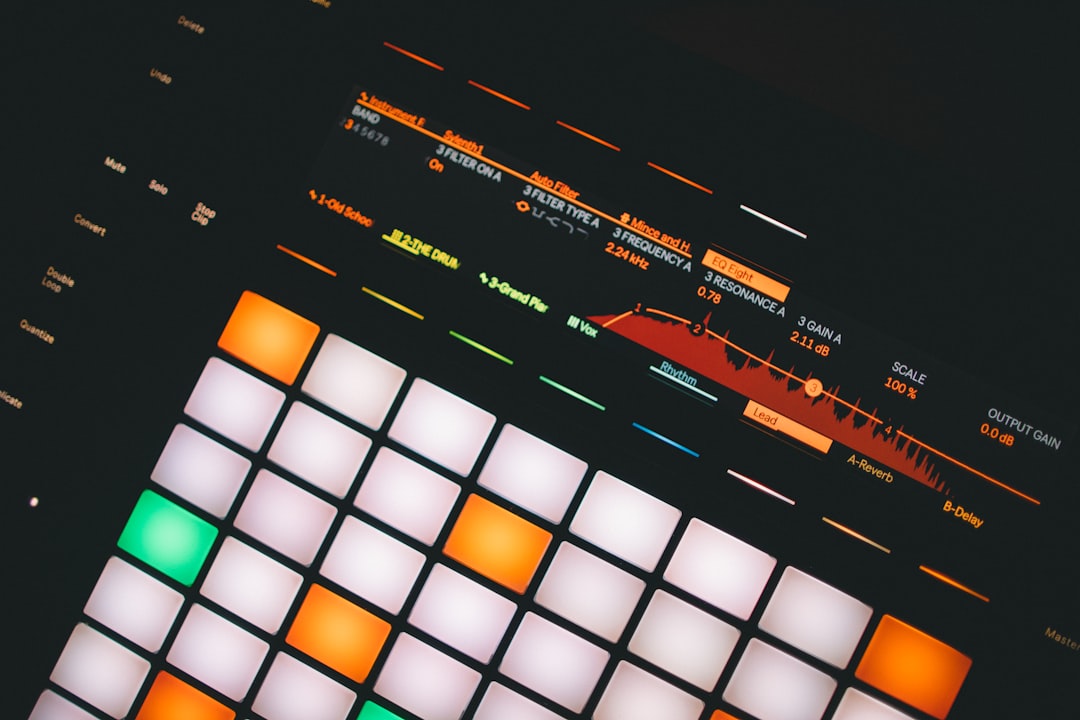
How to Sidechain in Ableton Live
Learn how to sidechain in Ableton Live using the Compressor’s built-in sidechain input, plus volume-shaping with envelopes for clean, controllable…
-
How to Record MIDI in FL Studio
Learn how to record MIDI in FL Studio: connect your controller, arm recording, set the count-in and metronome, and clean…
-
How to Route Mixer Tracks in FL Studio
Learn how to route mixer tracks in FL Studio: send channels to mixer tracks, build bus groups, set up sends…
-
How to Use Patcher in FL Studio
Learn how to use Patcher in FL Studio to chain instruments and effects, build reusable presets, layer sounds and create…
-
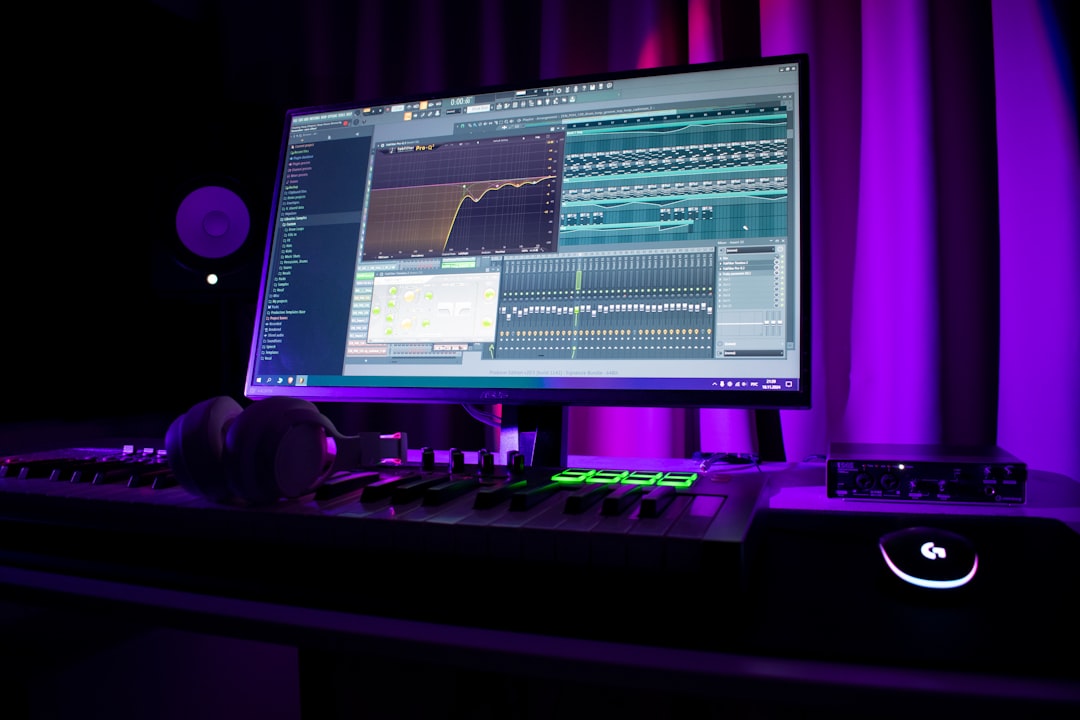
How to Arrange a Song in FL Studio
Learn how to arrange a song in FL Studio: move from patterns to the Playlist, build sections, add transitions and…