
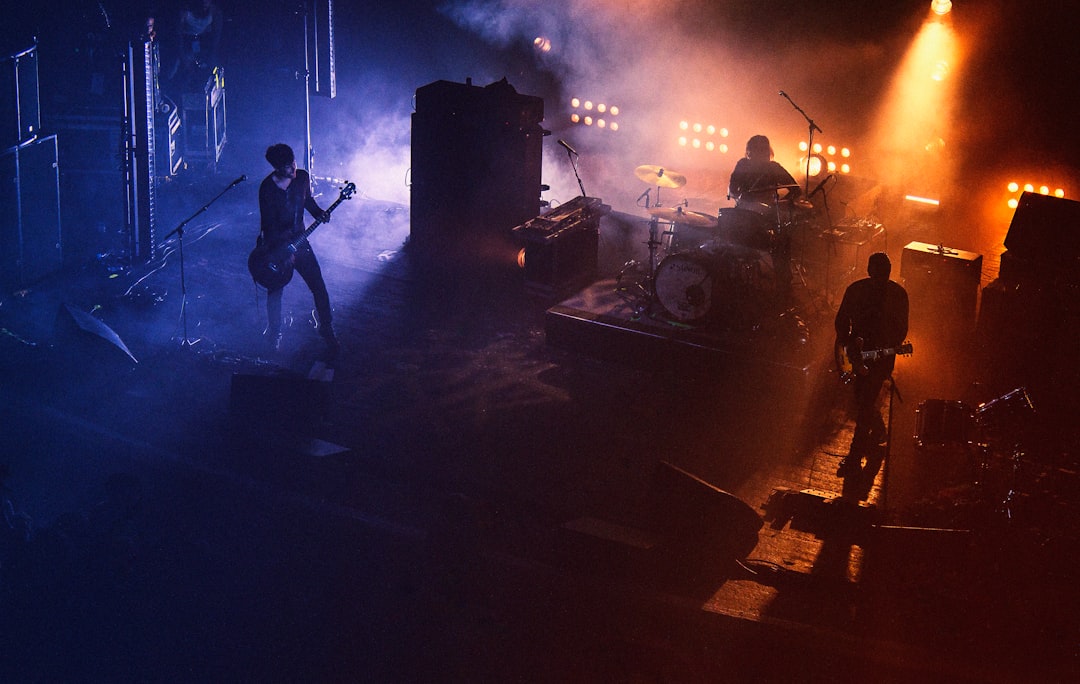
A monitor mix is the blend of audio sent back to the people on stage so they can hear themselves and each other while they play. To answer what is a monitor mix simply: it is a separate mix from what the audience hears, tailored to a performer’s needs and sent to a floor wedge or in-ear monitor. Without it, musicians are guessing.
What is a monitor mix vs front-of-house?
There are two different jobs happening at a gig. The front-of-house (FOH) mix is what the crowd hears through the main speakers — balanced for the room. The monitor mix is what the band hears on stage, balanced for the performers. They are almost never the same.
A drummer might want lots of bass and kick in their monitor but no drums in it at all (they hear those acoustically). A lead singer usually wants mostly their own vocal, with just enough band to stay in time. The FOH mix, meanwhile, has to make everything sit together for the audience. If you are new to building the audience mix, start with how to mix live sound.
How a monitor mix is created
Monitor mixes are built using the aux sends (auxiliary sends) on a mixer. Each input channel can be sent to an aux at an independent level, and that aux output drives a monitor. So you can dial a unique blend for every wedge.
- Set the aux send to “pre-fade” so the monitor level doesn’t change when you move the main faders.
- Assign one aux per monitor mix — for example, aux 1 to the singer’s wedge, aux 2 to the guitarist’s.
- For each mix, turn up only the channels that performer needs, at the level they want.
- Watch the gain structure — a monitor that’s pushed too hard will feed back. Make sure your gain staging on the mixer is solid first.
Pre-fade vs post-fade sends
This trips up a lot of beginners. A pre-fade send takes the signal before the channel fader, so the monitor level is independent of the FOH mix — exactly what you want for monitors. A post-fade send follows the fader and is used for effects like reverb. For monitor mixes, set your aux sends to pre-fade.
Wedges, in-ears, and shared mixes
A monitor mix can feed a floor wedge or a set of in-ear monitors. Wedges are simple and shared; in-ears give each performer a private, consistent mix and lower stage volume. The trade-offs are covered in in-ear monitors vs wedges, and if you decide to go the in-ear route our walkthrough on setting up in-ear monitors covers the routing in detail. Small setups sometimes run one shared monitor mix for the whole band to save aux sends, which is fine if everyone can live with the same blend.
Who controls the monitor mix?
At small gigs, the same person mixing FOH also rides the monitors from the front. That works but means compromises. Larger shows use a dedicated monitor engineer at side-stage. If you’re running everything yourself, our guide on mixing monitors from the front of house shows how to juggle both. Solo performers can manage it with our solo performer sound guide.
Keeping a monitor mix clean
The golden rule: less is more. Only put what a performer truly needs in their monitor. Every extra channel adds stage volume, muddies the mix, and increases feedback risk. Cut low frequencies on vocals in the monitor send, and ring out the wedges before doors open — see how to ring out monitors.
How to build a monitor mix step by step
If you have never built one from scratch, a repeatable order of operations keeps things calm during soundcheck. Folding these steps into your wider soundcheck routine means the monitors are sorted before the audience mix even begins, because a player who can hear themselves will perform better and complain less.
- Start every monitor send at zero. A silent wedge is a safe wedge — you add to it deliberately rather than pulling things down in a panic.
- Bring up the one thing that performer needs most. For a singer that is their own voice; for a bassist it is often the kick drum to lock in with.
- Add supporting channels one at a time, asking the performer after each one. Stop the moment they say “that’s enough” rather than filling the mix out of habit.
- Check the whole stage together. One loud wedge bleeds into every open microphone, so balance the monitors against each other, not in isolation.
- Walk the stage during the first song and listen. What sounds fine from behind the desk can be a feedback-prone mess at the performer’s position.
Treat these levels as a starting point, not a final setting. As the room fills with bodies and the band warms up, the energy on stage changes and the monitors usually need a small trim during the set.
Common monitor mix mistakes
Most monitor problems come down to a handful of repeat offenders, and knowing them in advance saves a lot of grief on stage.
- Putting too much in the wedge. Cramming every channel into a monitor is the fastest route to mud and feedback. If a performer asks for “more me,” the fix is often turning other things down, not turning their channel up.
- Using post-fade sends by accident. If the monitor level dips every time you ride the main fader, your send is post-fade. Switch it to pre-fade so the stage stays stable however you mix the audience.
- Chasing volume instead of clarity. A monitor that is simply louder rarely helps. A cleaner, lower-frequency-trimmed vocal at a moderate level is easier to sing to than a loud, boomy one.
- Forgetting to ring out the wedges. Skipping this step means you discover your feedback frequencies live, in front of the audience, at the worst possible moment.
- Ignoring stage volume. Loud monitors force loud backline, which forces louder monitors. Keeping the whole stage quieter than feels natural usually produces a better result everywhere.
Frequently asked questions
Why can’t the band just listen to the front-of-house mix?
The main speakers point away from the stage at the audience, so performers hear a delayed, off-axis, room-coloured version. A dedicated monitor mix points the right blend straight at the performer at the right level, which is far easier to play to.
What’s the difference between an aux send and a monitor mix?
An aux send is the tool; a monitor mix is the result. You use one or more aux sends to build a custom blend of channels, and that blend, routed to a wedge or in-ears, is the monitor mix.
How many monitor mixes does a band need?
One per performer who needs a different blend is ideal. A small band can share a single mix; a full band on a digital mixer often runs four or more so the singer, drummer and other players each get what they need.
Can I build a monitor mix without a separate monitor engineer?
Yes. Plenty of small and mid-size gigs are mixed entirely from front of house, with the same person handling both jobs. It means compromises, since you cannot fine-tune every wedge in real time, but a careful pre-fade setup during soundcheck gets you most of the way there. A dedicated monitor engineer only becomes essential once the number of mixes and quick changes outgrows what one person can ride safely.



