
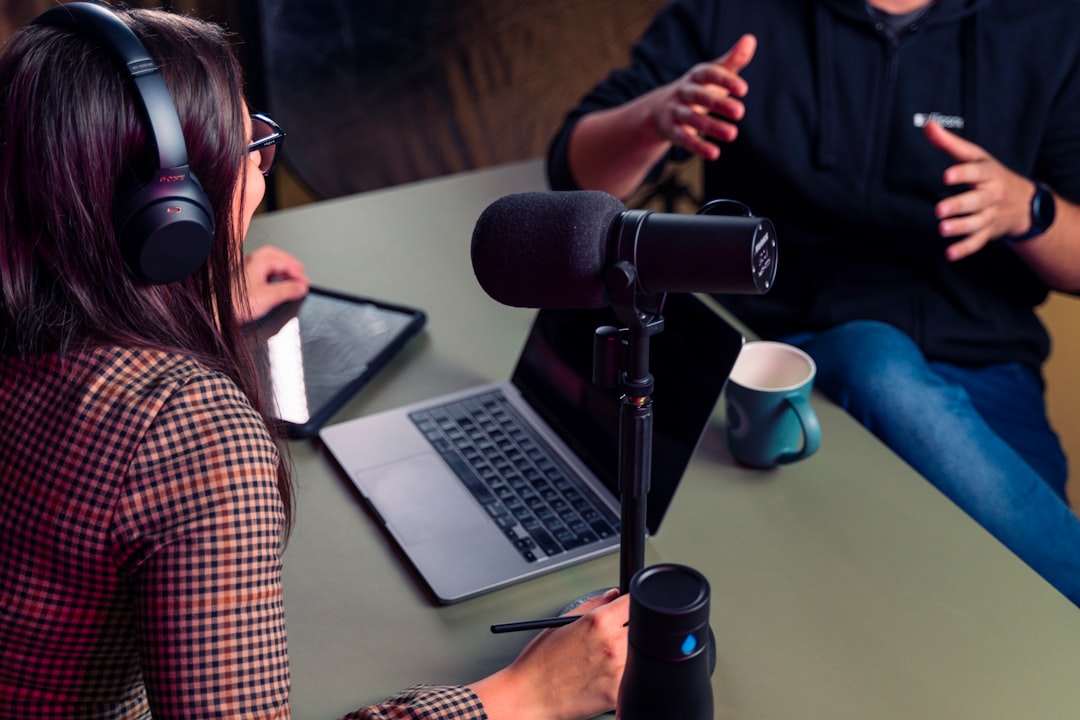
The best software to record remote podcast interviews all share one essential feature: they record each participant’s microphone locally in high quality, then combine the tracks — so a shaky internet connection never wrecks your audio. Beyond that, they differ in video support, editing tools, ease of use, and how guests join. This guide explains what to look for and where the main tools fit.
Violet Recording is reader-supported — we may earn a commission from links on this page, at no extra cost to you.
Quick answer
For high-quality video plus audio, Riverside is a strong all-rounder. For audio-first reliability, SquadCast is purpose-built and dependable. Zencastr is a browser-friendly option that is easy for guests to join. Descript stands out if you want recording and powerful text-based editing in one place. Choose based on whether you need video and how much editing you want built in.
Try the free AI Transcription →
Why local recording is the feature that matters most
On a standard video call, audio is compressed and sent over the internet, so it degrades. The best remote-recording tools sidestep this by recording each microphone locally on each person’s device at full quality, then uploading those clean files. This “local recording” or “progressive upload” feature is the single most important thing to look for. Our guide on how to record a remote podcast interview explains the technique in full.
How to choose remote-recording software
Separate tracks per speaker
You want one isolated track per participant so you can edit and balance each voice independently and clean up noise on only the track that needs it. This is standard in good tools but worth confirming.
Audio only or video too
If you produce a video podcast or want clips for social, choose a tool that records separate high-resolution video tracks locally as well. If you are audio-only, you can pick a lighter, audio-focused tool.
How guests join
The easier it is for a guest to join, the fewer technical problems you will face. Browser-based tools that need no download and no account are the most guest-friendly — important since guests cause most remote-audio headaches, even before you get to actually interviewing them well on the day.
Built-in editing and extras
Some tools include transcription, automatic clip generation, and even text-based editing. These can replace separate steps in your workflow — useful if you also want help with transcribing your podcast or repurposing content for social media.
Backups
Look for automatic local backups and progressive uploads, so a crash or closed browser tab does not lose the recording. Even with a great tool, ask guests to keep a local safety recording.
The main tools compared
Riverside
A polished, browser-based platform that records separate, high-quality local tracks for both audio and video, then uploads them progressively. It includes transcription and clip tools, making it a strong choice for video podcasts and creators who want a near-complete workflow in one place. Riverside is the one to try first if you want high-quality video and audio together with built-in transcription and clip creation.
SquadCast
Purpose-built for podcasters, with a strong reputation for reliable audio and progressive uploads that protect your recording. It supports video too, but its core strength is dependable, high-quality interview audio with minimal fuss. SquadCast is the pick when audio reliability matters more than anything else.
Zencastr
A browser-based option that is easy for guests to join with no download, recording local tracks per participant. A good pick when guest simplicity and solid audio matter most, with video available as well. Zencastr is worth choosing when the easiest possible guest experience is your top priority.
Descript
Combines remote recording with its standout text-based editor — you edit audio and video by editing the transcript. Ideal if you want recording and heavy editing, filler-word removal, and transcription handled in a single tool. Descript is the natural choice if text-based editing and transcription are central to how you produce your show.
The free double-ender route
If budget is tight, you can skip dedicated software entirely: everyone records themselves locally in Audacity or a DAW while talking over any call app, then sends you their file. It takes more coordination but costs nothing and sounds excellent. Our remote interview guide covers how to run it.
What about plain video-call apps?
Zoom and similar apps can export per-participant audio files, which is better than a single mixed recording, but the audio is still compressed in transit. Use them as a last resort or strictly for communication while a proper tool or a local backup captures the real audio.
Matching the software to your show
The “best” tool is the one that fits the way you actually produce. A few honest trade-offs are worth weighing before you commit to a subscription.
Solo audio show on a budget
If you record short audio interviews and edit lightly, you rarely need the most feature-packed platform. A dependable audio-first tool, or even the free double-ender, will give you clean, separate tracks without paying for video features you will never export. Spend your effort on the room and the mic instead, since those affect quality far more than the recording app does — it is worth picking the right podcast microphone before you worry about software.
Video podcast or heavy social clipping
If you want talking-head video, vertical clips, or shareable highlights, pick a tool that captures local high-resolution video per speaker and includes clip generation. Re-creating those features with separate apps is slow and fiddly, so an all-in-one platform usually pays for itself in saved editing time.
Interview show with a long edit
If your episodes are long and conversational, transcription and text-based editing become genuinely useful, letting you cut tangents and filler quickly. A tool built around that workflow can collapse recording, transcribing, and a first edit pass into one place, though you will still want to understand how to edit a podcast properly to get a polished result.
Common mistakes to avoid
Most remote-recording disasters come down to a handful of avoidable errors. Run a short test recording before every important interview — thirty seconds of both people talking, played back to check levels and that separate tracks are actually being captured. Ask guests to plug in over Ethernet or sit close to the router, close bandwidth-hungry apps, and keep the recording tab in the foreground so the browser does not throttle it. Confirm each person is using a microphone rather than laptop speakers and a built-in mic, and that nobody is wearing open speakers that bleed the other voice back into their track. Finally, do not rely on a single copy: keep the platform’s local backups and, where you can, a second safety recording on each end. Treat the call app and the recording tool as two separate jobs, and let the proper recorder — not the video call — capture the audio you will publish.
Frequently asked questions
What software do professional podcasters use for remote interviews?
Many use Riverside, SquadCast, or Zencastr because they record each microphone locally in high quality. Others pair a simple call app with local recordings on each end. Descript is popular when editing and transcription are part of the workflow.
Do these tools record audio and video?
Most of the leading tools record both, capturing separate local video and audio tracks per participant. If you only need audio, you can choose a lighter audio-focused option or simply ignore the video features.
Can I record a remote interview for free?
Yes. A double-ender — where each person records themselves locally and sends you the file afterwards — costs nothing and delivers full quality. Several dedicated tools also offer limited free tiers to get you started.
Does a paid tool guarantee good audio?
No. Software protects against connection drop-outs and gives you separate tracks, but it cannot fix a noisy room, a bad microphone, or a guest sitting too far away. Good local recording removes the internet as a problem; the rest still depends on each person’s mic, room, and a quick level check before you start.



