
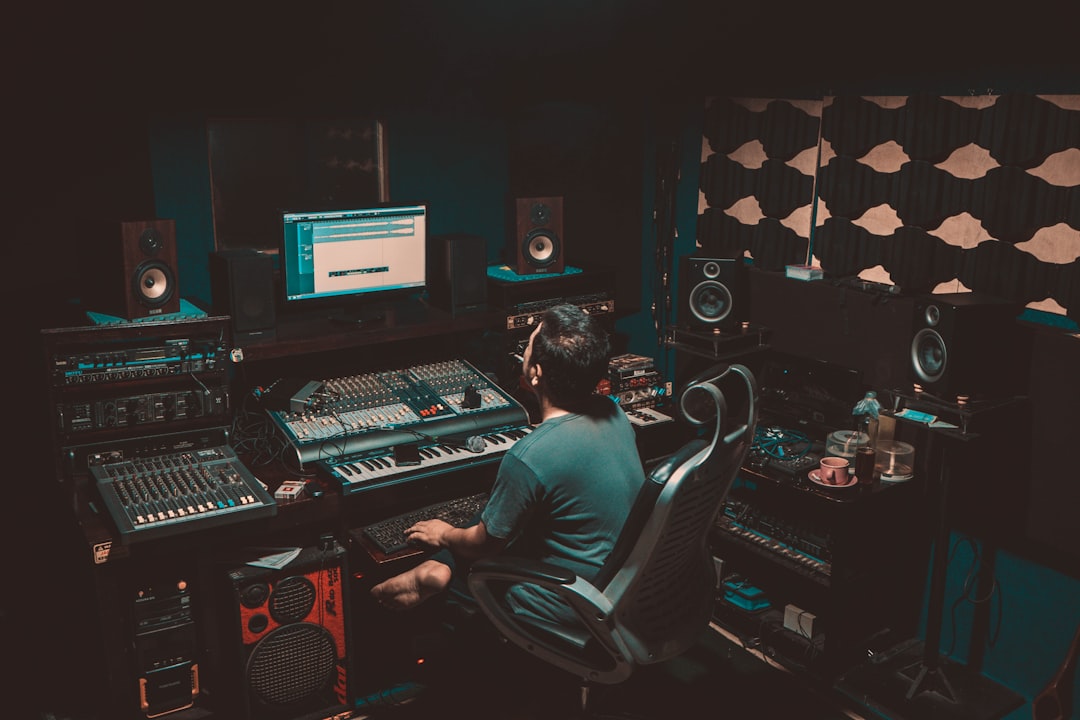
To make dubstep you produce at 140 BPM with a half-time drum feel, design aggressive bass sounds full of movement (wobbles and growls), and arrange the track around a tension-building intro and a hard-hitting drop. Learning how to make dubstep is mostly an exercise in bass sound design and arrangement. Here is a practical, step-by-step guide for the home producer.
Dubstep is built on the contrast between space and impact. The classic structure pulls you in with atmosphere, builds tension, then unleashes a heavy bass-driven drop.
Set the tempo and the half-time feel
Dubstep runs at 140 BPM almost universally. The trick is the half-time feel: although the tempo is 140, the snare lands on beat 3 of every bar, so it feels like a slow, heavy ~70 BPM groove. This spaciousness is what gives the bass room to dominate. Set your project to 140 BPM and program the drums with that half-time placement.
Program drums with space and weight
Dubstep drums are sparse and punchy. The core pattern:
- Kick on beat 1 (and sometimes the “and” of 2).
- Snare or clap hitting hard on beat 3 — the defining half-time backbeat.
- Hi-hats and percussion filling the gaps with syncopation and the occasional roll.
Layer your kick and snare from multiple samples for weight and a sharp transient. Leave space — the drums frame the bass rather than crowd it. Set clean levels with our gain staging guide.
Design the bass — the heart of dubstep
Dubstep is a bass genre, and sound design is where you spend most of your time. Use a wavetable or subtractive synth — free options like Vital and Surge are excellent, and Serum is an industry standard. If you are still building a toolkit, our roundup of the best free synth VSTs covers every plugin mentioned here. Build your sound in two layers:
- Sub bass: a clean sine wave for the deep low end that you feel more than hear.
- Mid/growl bass: the aggressive, designed sound that sits above the sub.
Create movement with an LFO assigned to the filter cutoff (the classic “wobble”), and add growls and “talking” textures using FM, distortion, and tools like comb filters or formant effects. Automate the LFO rate so the wobble follows the rhythm. This designed bass is the lead instrument.
Layering and processing the drop bass
The fearsome, detailed bass tones you hear in modern dubstep are almost never a single synth patch. They are built from stacked layers, each covering a different part of the frequency range and a different part of the character. A reliable approach is to split the work into three jobs:
- The sub layer holds the low end on its own. Keep it a clean sine, mono, and let nothing else compete below roughly 100 Hz.
- The mid layer is where the movement lives — the wobble, the growl, the “reese” character. This is the layer you distort and modulate hardest.
- The top layer adds bite and presence above the mids so the bass cuts through on small speakers and earbuds, not just on a club system.
Distortion and saturation are central to the dubstep sound because they generate new harmonics that make a bass feel aggressive and “alive”. Try stacking two or three different distortion types in series rather than pushing one to extremes; each adds its own colour. After distortion, a touch of EQ tames the harsh resonances that inevitably build up. Multiband processing helps a lot here: you can distort the mids heavily while leaving the sub untouched and clean, which keeps the low end solid even when the rest of the bass is screaming.
Resampling is the other technique worth learning early. Bounce your designed bass to an audio clip, then chop, reverse, pitch and re-process that audio. Working with the rendered sound rather than the live synth lets you sculpt details that would be fiddly to automate, and it is exactly how many producers get those constantly-shifting drops where no two bars sound the same.
Add a melodic intro and atmosphere
Before the heaviness, dubstep usually opens with a melodic, atmospheric section — pads, a simple chord progression, plucks or a vocal — to create emotional contrast. This makes the drop hit harder. Choose a minor key for a darker mood and write a memorable melodic motif you can reference later.
Build tension and arrange the drop
The arrangement is intro, build-up, drop, then often a second build and drop. The build-up creates tension with risers, snare rolls that speed up, filter sweeps, and a rising pitch, often ending on silence or an impact before the drop. The drop releases all that energy with the full drums and the heavy bass. Keep the first drop the highlight and vary the second so it does not feel repetitive.
Mix and master for impact
Dubstep needs a clean low end and a loud, punchy master. Keep only the sub bass in the lowest frequencies and high-pass everything else so the low end stays tight; our guide to mixing bass walks through keeping the sub and mid layers out of each other’s way. Use sidechain compression on the bass triggered by the kick so they do not clash. Control harsh resonances with EQ. Start with our EQ and compression fundamentals and check loudness targets in our guide to LUFS and how loud a master should be. The mixing and mastering hub covers the rest.
Common mistakes to avoid
A few habits hold back most beginner dubstep tracks, and they are easy to fix once you know to listen for them:
- Letting the sub and mid bass fight. If both layers carry low frequencies you get a muddy, undefined low end. High-pass the mid/growl layer so the sub owns everything underneath it.
- Over-distorting without EQ. Heavy distortion piles up harsh upper-mid resonances. Sweep an EQ to find the painful frequencies and pull them down before they fatigue the listener.
- A drop with no contrast. The drop only feels heavy because the section before it was quiet and spacious. If your intro is already busy and loud, the drop has nowhere to go.
- Chasing loudness too early. Crushing the master with a limiter on every bounce hides mix problems instead of solving them. Mix at a sensible level and leave loudness for the final stage.
- Static, repetitive bass. A single unchanging wobble gets boring fast. Vary the rhythm, switch patches between bars, and use resampling so the drop keeps evolving.
Frequently asked questions
What BPM is dubstep?
Dubstep is almost always produced at 140 BPM, but with a half-time feel — the snare hits on beat 3 — so it feels like a slow, heavy ~70 BPM groove while the hi-hats and tempo run at 140.
What synth is best for dubstep bass?
Wavetable synths are ideal because they handle the aggressive, evolving sounds dubstep needs. Serum is an industry standard, and Vital and Surge are powerful free alternatives that are perfect for designing wobbles and growls.
How do you make a dubstep wobble bass?
Assign an LFO to the filter cutoff of a bass synth so the tone opens and closes rhythmically, then automate the LFO rate to match your groove. Layer a clean sub for the low end and add distortion or FM to the mid bass for grit.
How long does it take to make a dubstep track?
There is no fixed answer, but expect the bass sound design alone to take the bulk of your time when you are starting out. A simple loop can come together in an afternoon, while a polished, fully arranged track with varied drops, careful layering and a finished mix often takes several sessions. The skill that speeds everything up is sound design, so practise building basses on their own.
Do I need expensive plugins to make dubstep?
No. Free wavetable synths like Vital and Surge cover almost everything you need for dubstep bass, and most digital audio workstations ship with usable EQ, compression and distortion. Good results come from understanding layering, modulation and arrangement far more than from owning premium plugins.



