Mixing & Mastering
Turn rough takes into release-ready tracks. Practical mixing and mastering guides covering EQ, compression, levels, loudness and the workflow that gets your songs sounding finished.Start here: The Best Free VST Plugins · The Best EQ Plugins · The Best Compressor Plugins · The Best Reverb Plugins.
-

BandLab Mastering Review: Is It Any Good?
Is BandLab Mastering any good? An honest review of BandLab’s free AI mastering: presets, how to use it, paid extras,…
-

How to Use Multiband Compression in Mastering
Master multiband compression in mastering with real crossover, ratio and gain-reduction settings to control boomy lows and harsh highs without…
-
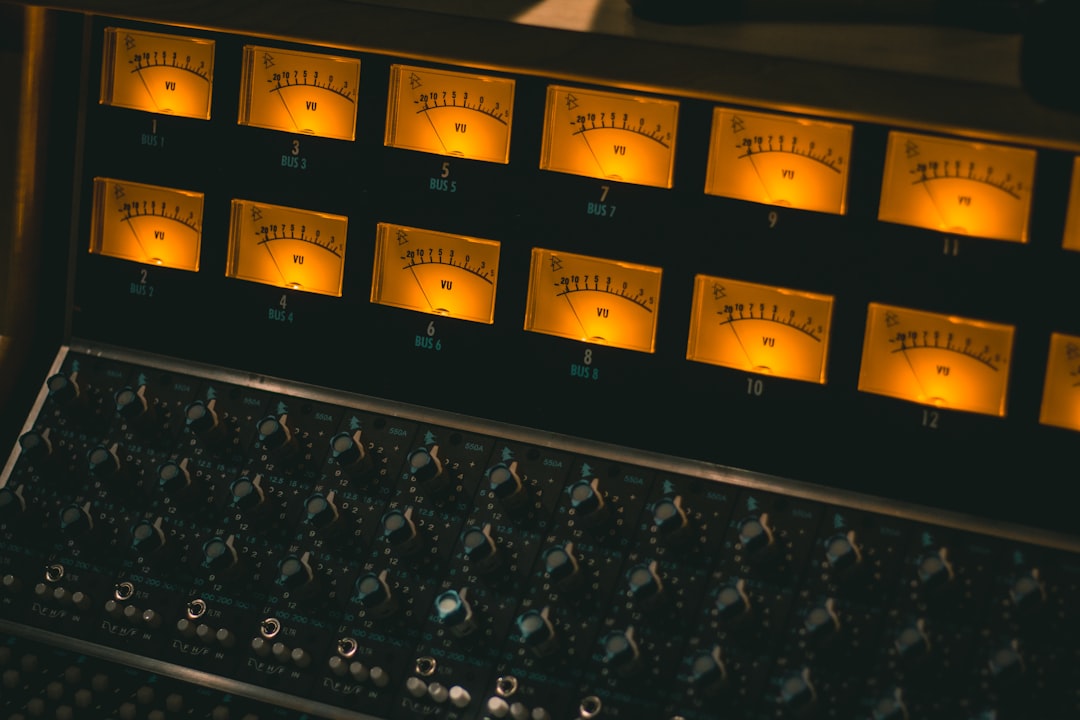
Best Mastering Plugins for Beginners
The best mastering plugins for beginners, with honest pros and cons, real loudness targets and advice on which tool to…
-
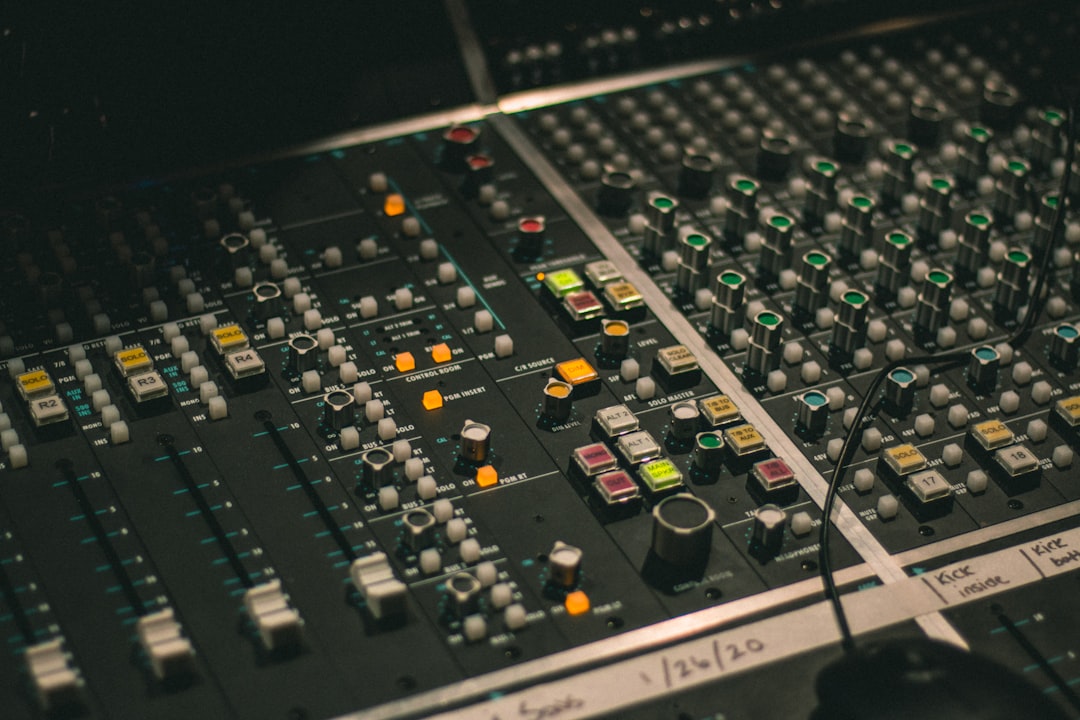
How to Master a Demo (Fast, Clean Results)
Learn how to master a demo quickly: gain staging, gentle EQ, glue compression and safe loudness targets so your rough…
-

How to Master Classical and Acoustic Music
Learn how to master classical music with gentle EQ, transparent limiting and dynamics-preserving targets so orchestral and acoustic recordings breathe.
-

How to Master a Mix at Home
Master a mix at home with a simple plugin chain, real LUFS and true-peak targets and gentle EQ moves for…
-

How to Master for Vinyl
A practical guide to mastering for vinyl: mono bass, sibilance control, side-length limits and headroom so your cut sounds clean…
-
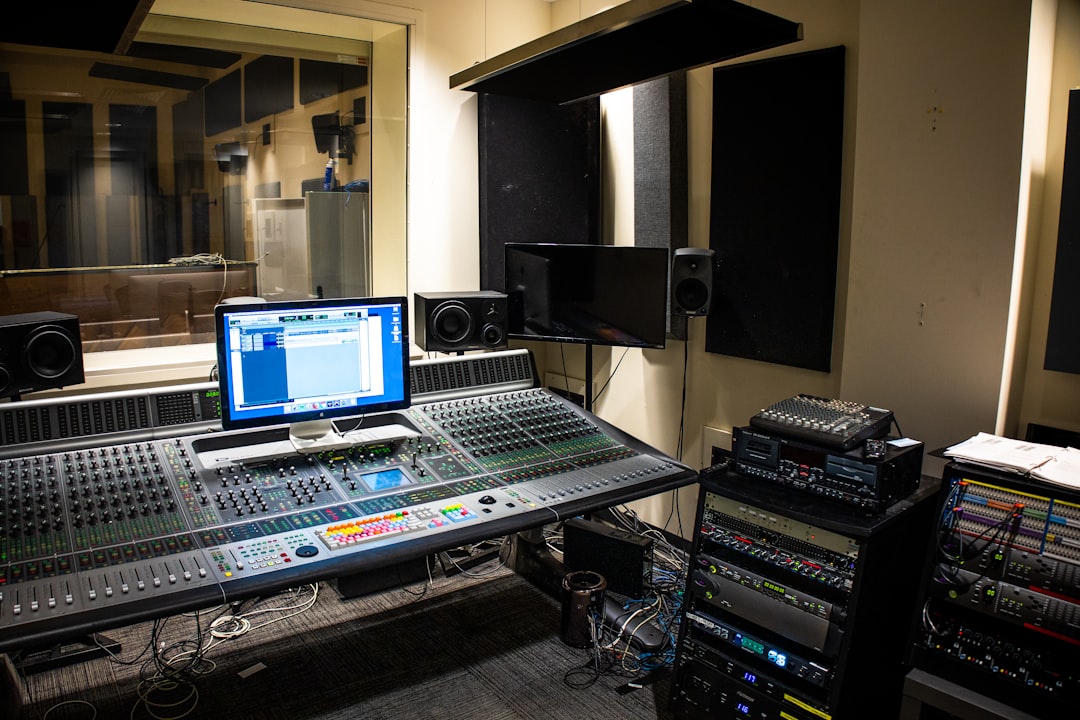
How to Master a Live Recording
Learn to master a live recording: tame crowd noise, manage dynamics and hit sensible LUFS targets while keeping the energy…
-

How to Check Your Master Before Release
A pre-release checklist to check your master using LUFS, true-peak and mono tests so your track survives streaming codecs and…
-
How to Master a Single for Release
Learn how to master a single for release with real LUFS targets, true-peak ceilings and gentle EQ moves so your…