
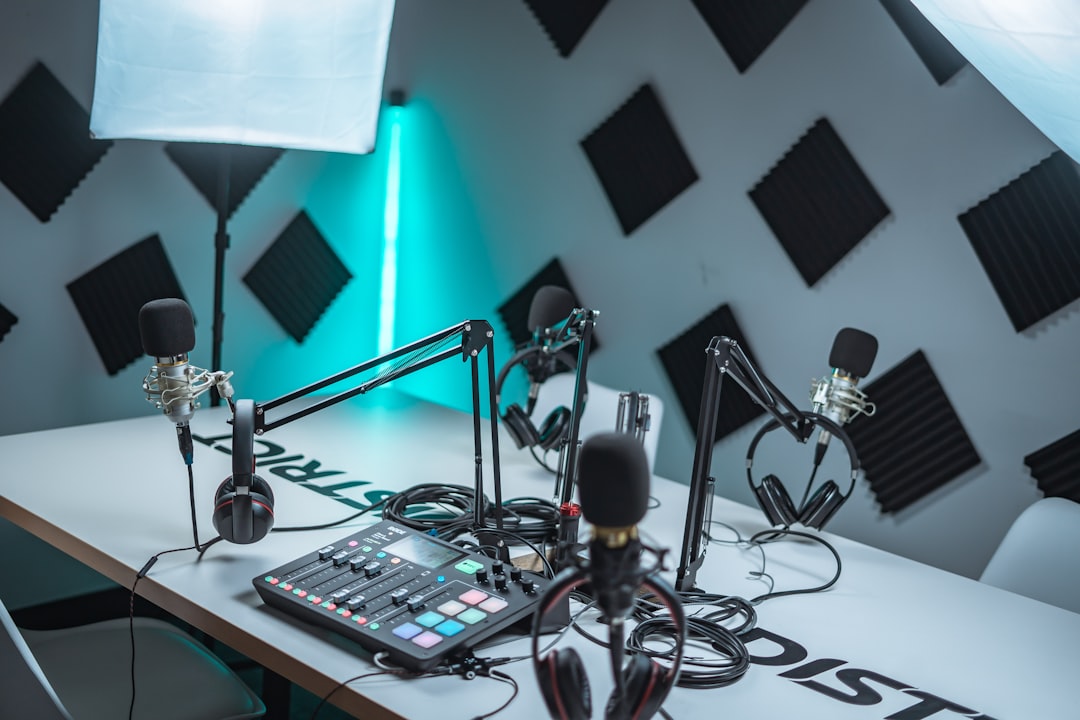
Learning how to master a podcast means taking your edited voice recording and finishing it so every episode sounds clear, consistent and correctly loud across apps. Mastering a podcast is far simpler than mastering music — you’re not chasing tone and width, you’re making speech intelligible and getting the loudness right.
Here’s the practical chain that turns a clean edit into a polished, publish-ready episode.
Master in the right order
Always master after editing, not before. Get your edit clean first — cuts done, levels roughly balanced — then run the mastering chain on the finished episode. If you’re still tightening that stage, our walkthrough on how to edit a podcast covers getting to a clean edit before you ever open a master. A typical order is: clean up noise, EQ, compress, then set final loudness. Doing it in this sequence stops you amplifying problems you’ll later try to fix.
If your levels and tone still need work before that stage, our guide on how to mix a podcast covers balancing voices, EQ and compression.
Clean up noise and rumble first
Before any tone shaping, remove what shouldn’t be there: background hiss, hum, low-frequency rumble and clicks. A gentle high-pass filter (rolling off the very low frequencies below the voice) clears out rumble and mic handling noise. For broadband hiss, use a light noise-reduction pass — our guide to removing background noise from a podcast covers doing this without making voices sound underwater.
EQ for clarity
Mastering EQ on speech is subtle. Aim for intelligibility, not drama:
- High-pass to remove rumble below the voice.
- A gentle cut in the low-mids if the voice sounds boxy or muddy.
- A slight lift in the upper-mids/presence range if it sounds dull, to aid clarity.
If you’ve mixed music or other voices before, the same fundamentals apply; our primer on EQ and compression fundamentals translates directly to spoken word. EQ can only do so much with a thin or boomy source, though — capturing a strong voice at the mic, as we cover in how to sound better on a podcast microphone, leaves far less to fix in the master.
Compress for consistency
Speech naturally jumps between loud and quiet. Compression evens that out so listeners aren’t constantly reaching for the volume — especially important for people listening in cars or on the bus. Use a moderate ratio and aim for gentle, consistent gain reduction rather than heavy squashing. The goal is an even, comfortable level, not a crushed one.
A common refinement is to compress in two light stages rather than one heavy one. A first, gentle pass tames the biggest peaks, and a second pass nudges the overall level into a tighter window. Two soft passes sound far more natural than a single aggressive one, and they leave the voice breathing rather than pumping. If a particular word or laugh still leaps out after compression, ride the fader or use clip gain on that section by hand — automation always sounds cleaner than asking a compressor to react to one stray transient.
Set the loudness to the right target
This is the part people mean when they ask how to master a podcast. Loudness is measured in LUFS, and podcast platforms expect spoken-word content to sit in a defined range so all shows play back at a similar volume. Use a loudness meter to measure your finished episode and normalize it to the accepted spoken-word target, leaving a little headroom on the peaks via a limiter so nothing clips.
Getting this number right matters more than any other mastering step. We dig into the specifics — and why podcast targets differ from music — in our guide to podcast loudness and LUFS. If you’ve come from music, our LUFS explainer for masters is worth a read for the underlying concept.
One point that trips people up: measure loudness across the whole episode, not a single loud moment. Loudness meters report an integrated value averaged over the full programme, so a quiet intro and a lively interview balance out into one number. Aim for that integrated reading, keep your true-peak under the platform’s ceiling, and your show will hold its level next to anything else in a listener’s queue.
How to choose your mastering approach
Most podcasters fall into one of three camps, and the right approach depends on how much control you want versus how much time you have:
- Fully manual — you place each plugin (high-pass, EQ, compressor, limiter) yourself and meter the result. Most control, best results, steepest learning curve.
- Assisted — you do the cleanup and EQ, then lean on an auto-leveling or loudness-normalize feature to hit the target. A sensible middle ground for weekly shows.
- One-click — a built-in “mastering” or “studio sound” preset does everything. Fastest, least consistent across very different recordings, but fine for clean source audio.
If you publish regularly, build the chain once, save it as a preset or template, and reuse it every episode. Consistency between episodes matters as much as any single master, and a saved chain means you spend your time editing rather than rebuilding settings.
Common mistakes to avoid
A few habits quietly undermine an otherwise good episode:
- Over-processing. Heavy noise reduction and hard compression make voices sound robotic or underwater. Less is almost always more.
- Mastering on the wrong target. Pushing a podcast as loud as a pop master leaves it fatiguing and out of step with other shows. Stick to the spoken-word range.
- Skipping the listen-back. A meter can read perfectly while a click, breath or harsh sibilant slips through. Always audition the final file.
- Inconsistent levels between guests. Balance each speaker during the edit so the master isn’t fighting a lopsided mix — this matters most on a remote podcast interview, where guests record on wildly different setups.
Tools that handle the whole chain
You don’t need expensive software. Audacity and Reaper both do everything above. Hindenburg and Descript are built for spoken word and include auto-leveling that handles much of the loudness and EQ work for you. Whatever you use, always listen back to the mastered file on headphones and a phone speaker before publishing — that’s where you catch problems a meter won’t show.
Frequently asked questions
Do I really need to master a podcast?
Yes, at least lightly. Even a quick pass of noise cleanup, leveling and setting the correct loudness makes a huge difference to how professional your show sounds and how it plays back against other podcasts in the same app.
What is the difference between editing and mastering a podcast?
Editing is removing mistakes and arranging the content. Mastering is the final polish on the assembled episode — cleaning noise, EQ, compression and setting the final loudness so it’s consistent and ready to publish.
Can software master my podcast automatically?
Tools like Descript, Hindenburg and various auto-leveling features can get you most of the way, particularly for loudness and consistency. They’re a great starting point, though a quick manual listen-through still catches things automation misses.
Should I master each episode separately or use the same settings every time?
Build a reliable chain and reuse it as your starting point, then make small per-episode tweaks for different guests or recording conditions. A saved template keeps your show consistent week to week while still letting you adjust when a particular recording needs it.



