
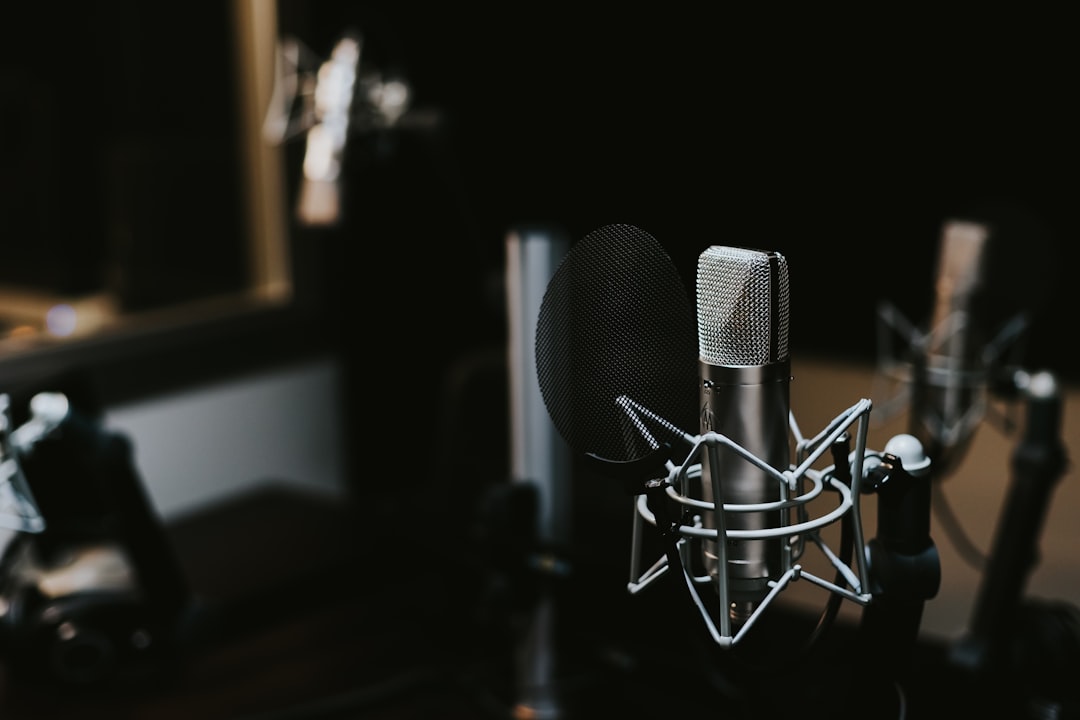
Figuring out how to start a podcast comes down to seven decisions: your concept, your format, your gear, where you record, how you edit, who hosts the audio, and how you submit it to the directories. Get those right and the rest is just hitting record consistently. This guide walks through each step in plain English so you can publish your first episode without overthinking it.
Step 1: Nail down your concept and format
Before you buy anything, decide what your show is about and who it is for. A tight, specific topic is far easier to grow than a vague “two friends chatting” show. Pick a niche you can talk about for 30-plus episodes, then choose a format:
- Solo — you talking to the mic. Simplest to record and schedule.
- Co-hosted — two regular hosts. Great chemistry, harder to coordinate.
- Interview — you plus a rotating guest, usually recorded remotely.
Also settle on a name and rough episode length early. Our guides on how to name a podcast and how long an episode should be can help you lock those in.
Step 2: Get the right starter equipment
You do not need a broadcast studio. A decent USB or XLR microphone, a pair of closed-back headphones, and a quiet room will outperform most expensive setups used badly. A dynamic microphone is forgiving in untreated rooms because it rejects more of what is behind and around it.
For a full breakdown of what actually matters, see our podcast equipment for beginners guide. If you want to compare specific mics, our best podcast microphones roundup covers options for every budget. Picking the right capsule type also helps — read condenser vs dynamic microphones before you decide.
Step 3: Set up a quiet space to record
Room sound matters more than mic price. Record in a small, soft room — closets, rooms with carpet, curtains, and furniture all kill reflections. Get the mic close to your mouth (a hand-span away), use a pop filter, and keep noisy appliances off. A little basic acoustic treatment goes a long way if your room is echoey.
Step 4: Record your first episode
Record into free software like Audacity, or a more capable DAW such as Reaper. Set your levels so your loudest moments peak well below clipping, watch your gain staging, and always monitor with headphones so you catch problems live. If you are recording with a remote guest, use a dedicated tool rather than a plain video call — our guide to recording a remote podcast interview explains how to capture clean, separate tracks.
Step 5: Edit and clean up the audio
Editing is where a rough recording becomes a listenable show. Trim dead air, cut mistakes, remove distracting noises, and balance levels between speakers. You do not need to be heavy-handed — clarity beats polish. New to it? Start with our beginner’s guide to editing a podcast, then bring your loudness in line with platform targets using our podcast loudness guide.
Step 6: Choose a podcast host
A podcast host stores your audio files and generates the RSS feed that every directory reads. You upload an episode once, and the host distributes it everywhere. Well-known options include Buzzsprout, Libsyn, and Podbean, plus Spotify for Podcasters. Compare them in our best podcast hosting platforms guide, and if budget is tight, read free vs paid podcast hosting.
Step 7: Submit to the directories
Once your host has built your RSS feed, you submit that feed to each major directory. The two biggest are Spotify and Apple Podcasts. Follow our walkthroughs for getting your podcast on Spotify and on Apple Podcasts, then submit to the remaining directories in one pass.
How to plan a workflow you can actually sustain
Most podcasts do not fail because of bad audio — they fail because the host runs out of steam. The fix is to design a routine you can repeat without dread. Decide on a realistic publishing cadence first. Weekly feels professional but is demanding; fortnightly or monthly is perfectly respectable and far easier to keep up with a full-time job. Whatever you choose, batch your work so each episode moves through the same predictable stages.
A simple, repeatable pipeline looks like this:
- Plan — jot a rough outline or bullet points so you are not improvising the whole episode.
- Record — capture audio in a consistent spot with the same mic position and levels every time.
- Edit — do your trims and clean-up in one focused session rather than fiddling endlessly.
- Publish — upload, write a clear episode title and show notes, and schedule it.
Keeping your recording conditions identical from episode to episode pays off twice over: your sound stays consistent, and editing gets faster because you are solving the same small problems each time. Save a template project in your DAW with your usual track layout so you are not rebuilding it from scratch.
Common mistakes beginners make
A handful of avoidable errors trip up almost every first-time podcaster. Knowing them in advance saves you a painful re-record.
- Buying gear before fixing the room. An expensive mic in an echoey, hard-walled room sounds worse than a modest mic in a soft one. Treat the space first.
- Sitting too far from the mic. Distance lets room reflections and background noise creep in. Stay close and use a pop filter to tame plosives.
- Recording too hot. Pushing levels until they clip ruins audio that cannot be repaired later. Leave headroom and aim for healthy, not maximum, levels.
- Over-editing. Cutting every breath and pause makes a show sound unnatural and robotic. Tidy the obvious mistakes and let the conversation breathe.
- Ignoring loudness targets. Episodes that are too quiet or wildly inconsistent in volume frustrate listeners. Match the platform standards before you publish.
- Launching with a single episode. One lonely episode gives new listeners nothing to binge and no reason to subscribe.
Frequently asked questions
How many episodes should I have before launching?
Three to five finished episodes is a good launch bundle. It gives new listeners something to binge and proves to you that you can sustain a recording schedule before you go public.
Do I need expensive gear to start a podcast?
No. A solid dynamic USB microphone, headphones, and a quiet, soft-furnished room cover the essentials. Technique, consistency, and editing matter far more than the price of your equipment.
How do listeners actually find my podcast?
Your host publishes an RSS feed, which you submit to directories like Spotify and Apple Podcasts. Listeners discover you there through search, categories, and recommendations, plus any promotion you do on social media.
How long does it take to make one episode?
For a beginner, expect recording plus editing to take a few hours per episode at first. That drops quickly as you settle into a routine, keep your recording setup consistent, and stop second-guessing every edit. Batching several episodes in one sitting speeds things up further.
How much does it cost to start a podcast?
You can start for very little. A usable microphone, headphones, and free recording software cover the basics, and many podcast hosts offer low-cost or limited free tiers. The main ongoing cost is hosting once your show grows, so weigh up your options in our free versus paid hosting guide above.



