Mixing & Mastering
Turn rough takes into release-ready tracks. Practical mixing and mastering guides covering EQ, compression, levels, loudness and the workflow that gets your songs sounding finished.Start here: The Best Free VST Plugins · The Best EQ Plugins · The Best Compressor Plugins · The Best Reverb Plugins.
-

How to Record Vocals in Pro Tools
Learn how to record vocals in Pro Tools: set your playback engine, create an audio track, assign input, set levels,…
-
How to Use Takes in Reaper
Learn how to use takes in Reaper: record multiple lanes, show take lanes, audition and switch takes, and comp the…
-

How to Route Tracks in Reaper
Learn how to route tracks in Reaper: use the routing matrix, sends, folder tracks and the master to build buses,…
-

How to Install Plugins in Reaper
Learn how to install plugins in Reaper: run the installer, point Reaper to your VST folder, rescan, and load VST,…
-

How to Record Vocals in Reaper
Learn how to record vocals in Reaper step by step: set your audio device, arm a track, set input monitoring…
-

How to Export a Song From GarageBand
Learn how to export a song from GarageBand — share to disk as MP3 or uncompressed WAV/AIFF, set quality, and…
-
How to Make a Beat in GarageBand
Learn how to make a beat in GarageBand — set your tempo, program drums with Drum Machine Designer or the…
-
How to Use Apple Loops in GarageBand
Learn how to use loops in GarageBand — browse the Loop Browser, drag Apple Loops onto the timeline, and let…
-
How to Add a Drummer Track in GarageBand
Learn how to add a drummer in GarageBand — create a Drummer track, choose a genre and player, and shape…
-
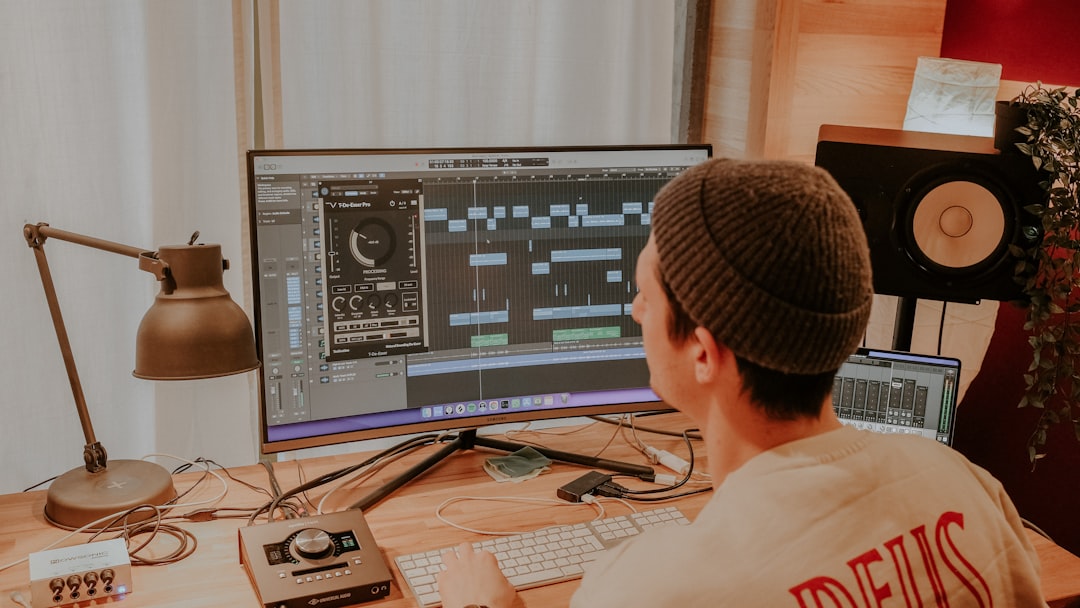
How to Use Smart Tempo in Logic Pro
Learn how to use Smart Tempo in Logic Pro — set Keep, Adapt or Automatic modes so Logic follows your…