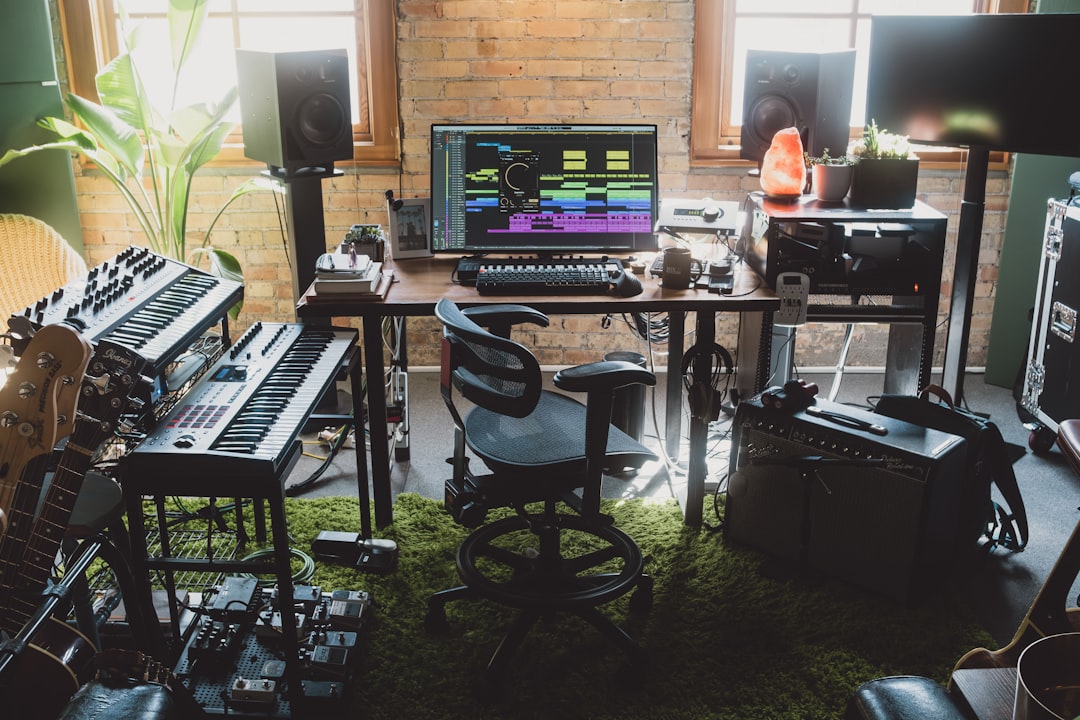
For anyone publishing regularly, music is a constant bottleneck. You need the right track for every video, it has to be claim-free so it doesn’t wreck your monetisation, and you rarely have time to hunt through stock libraries. That’s why ai music for content creators has become a core part of so many creators’ toolkits: describe what you want, get an original track in minutes, and keep publishing. This guide covers the tools that suit creator work, how to match music to your format, and how to stay on the right side of platform copyright systems.
Why ai music for content creators is different
Creators have a distinct set of needs compared with musicians or ad agencies. Speed and volume matter because you’re publishing often. Claim-avoidance matters because a copyright strike can demonetise a video or take a channel offline. And brand consistency matters because a recognisable sonic identity helps your channel feel professional. The best tools for creators optimise for exactly these: fast prompt-to-track generation, clear commercial licensing, and enough control to build a consistent sound.
- Turnaround: minutes per track, not hours of searching.
- Claim-free output: original music that won’t trigger content-ID on your uploads.
- Format flexibility: long beds for videos, short hooks for reels and shorts, stingers for podcasts.
- Repurposing: a track you can reuse across a series without it going stale.
The best ai music for content creators
For most creators, an all-in-one that handles both audio and video is the biggest time-saver, and Solmi is the strongest pick here. You write a prompt describing the vibe and it generates a full song, then turns that song into a matching music video, which is exactly the audio-plus-visual combination shorts, reels, and TikToks demand. That means one tool can produce both your background track and a ready social clip. Confirm the commercial-use terms on your plan before publishing monetised content, as with any generator.
Other tools worth having in the kit:
- Soundraw for customisable, royalty-clear tracks you can edit section by section to match your edit points.
- Beatoven.ai for mood-based scoring built specifically around video and podcast production.
- Mubert for endless, loop-friendly background beds, great for long-form or ambient content.
- Ecrett Music for quick, scene-based cues when you just need something that fits and is license-clear.
- Suno for full, characterful songs with vocals when you want a memorable theme or a fun original track, checking the commercial terms for your use.
Matching music to your format
Different content wants different music, and prompting for the format saves editing time:
- Long-form YouTube: low-energy, non-distracting beds that sit under narration for minutes without fatiguing. Ask for sparse arrangements and minimal melodic hooks.
- Shorts, reels, TikTok: punchy, immediate tracks with a hook in the first few seconds, since these formats live or die on the opening moment.
- Podcasts: a memorable intro theme, a softer outro, and a couple of short stingers for segment transitions. Consistency across episodes builds your brand.
- Vlogs and lifestyle: warm, upbeat tracks that carry energy between talking segments.
- Tutorials and explainers: understated, neutral beds that don’t compete with your voice.
When prompting, describe the emotion and energy first, then tempo and instrumentation. “Calm, focused, gentle piano and soft pads, slow” gives a model far more to work with than “chill background music.”
Staying claim-free
The whole point of using AI music is to avoid copyright headaches, so protect that:
- Use tools that grant clear commercial rights and, ideally, address platform copyright claims directly.
- Keep a record of your prompts, generations, and the license terms in force, so you can dispute a mistaken claim if one appears.
- Remember that most AI licenses are non-exclusive, so another creator could use similar music; that’s usually fine, but factor it in if you want a unique brand sound.
- Confirm the license covers your specific platforms, including live streams and VODs if you broadcast.
Because the legal status of AI-generated music and copyright is still developing, treat this as general guidance rather than legal advice, and verify a tool’s current terms before you rely on them for monetised work.
Free vs paid, and what it costs you
Most creator-focused tools offer a free tier, which is perfect for testing the sound and workflow before you commit. The catch is that free output is often watermarked, limited in quantity, or licensed for personal use only, none of which works for a monetised channel. Because content creation is a commercial activity the moment your videos earn ad revenue, sponsorships, or client fees, plan to use the paid commercial tier and confirm the license covers exactly what you do. When you compare plans, weigh them against your real publishing volume: a daily uploader gets far more from an unlimited subscription than someone who posts monthly and might do better buying the occasional track. Also check what happens to your rights if you cancel, since some tools tie usage to an active subscription while others grant a lasting license for tracks made while you were subscribed. Knowing that difference up front prevents an unpleasant surprise if you ever pause your plan.
Building a repeatable workflow
The creators who get the most out of AI music treat it like a system, not a one-off. Establish a channel sound by settling on a few prompt templates that produce your signature vibe, so your videos feel cohesive. Build a small library of go-to tracks and stingers you can drop in instantly. Generate a batch of options during a content-planning session rather than mid-edit, so music never holds up an upload. And where a tool exports stems, use them to duck the bed cleanly under your voice for a professional finish.
To compare the wider field, see our best AI music generators roundup and the AI music tools hub, which tracks new tools as they launch. For trimming clips, matching levels, and prepping audio to sit under narration, the free audio tools hub has the utilities that turn a generated track into a polished, publish-ready soundtrack.