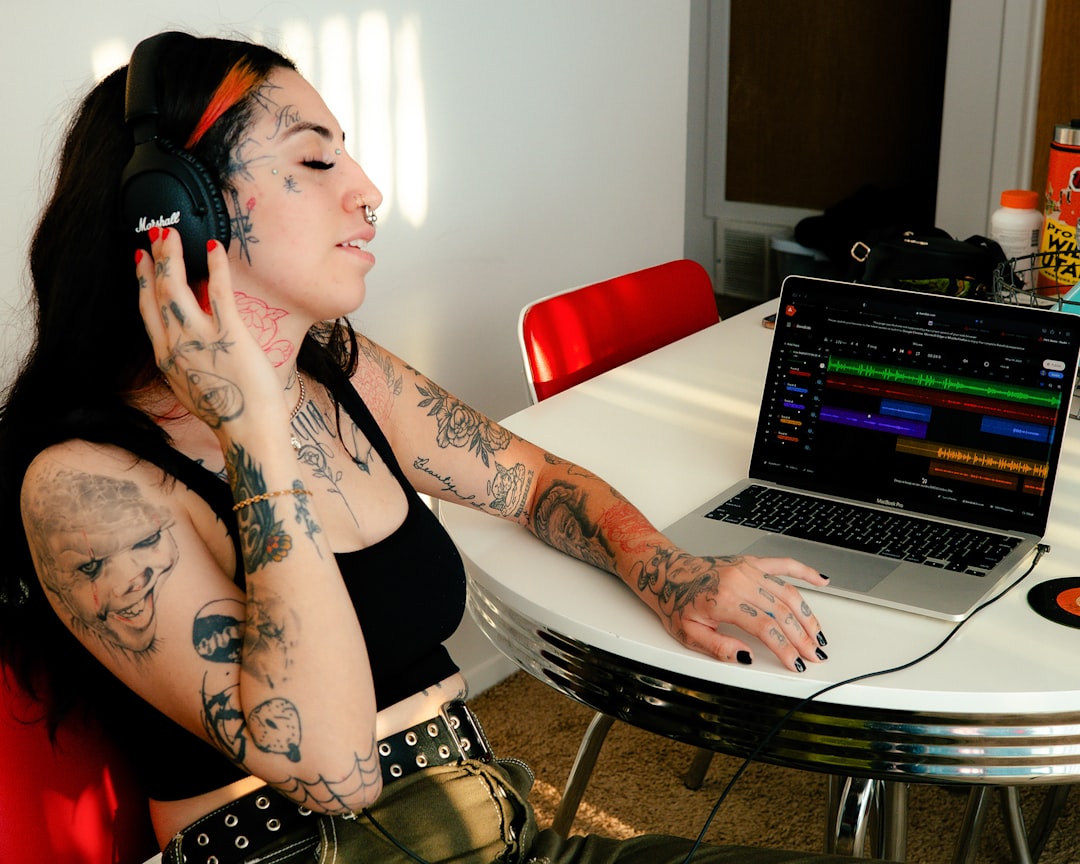
Finding a good ai singing voice generator used to mean settling for something that sounded like a talking sat-nav trying to hold a tune. That has changed fast. Today’s tools split into two camps: engines that sing lyrics you type from scratch, and voice-conversion tools that re-render a performance you already have. This roundup covers the strongest options in each camp, with the honest trade-offs, so you can pick the right ai singing voice tool for demos, covers, backing vocals, or a full original lead. None of these is perfect, and knowing where each one struggles will save you hours.
What makes a good AI singing voice tool
Before the list, a few criteria worth weighing:
- Input type: does it generate from text/lyrics, or convert an existing sung take? Conversion almost always sounds more musical because a human supplies the phrasing.
- Control: can you edit pitch, timing, vibrato and pronunciation after generation, or are you stuck with one export?
- Timbre realism: breathiness, consonants and dynamic range are where most tools still betray themselves.
- Licensing: can you legally release what you make? Cloning a named artist is a legal minefield.
Generate a singing voice from lyrics
These tools build a melody and voice from text, ideal when you have no vocalist and no recorded reference.
- Solmi — Solmi is built around the “make a song or cover from scratch” idea: feed it lyrics and a style and it produces a sung line or a full track. Pros: genuinely start-from-nothing workflow, fast for demos and topline ideas, good for songwriters who cannot sing. Cons: as with any generative engine, you get less granular control than a full DAW-based editor, and complex custom melodies can need several attempts to land.
- Synthesizer V (Dreamtonics) — a MIDI-and-lyrics vocal synth where you draw the melody note by note. Pros: outstanding realism on the better voice databases, deep control over pitch, timing, tension and breath, works offline. Cons: steeper learning curve; you are effectively “playing” the vocal, which takes time to master, and individual voice databases are sold separately.
- Vocaloid — the long-standing note-by-note vocal synth. Pros: mature ecosystem, huge library of voicebanks, precise editing. Cons: the classic voicebanks can sound overtly synthetic next to newer engines, and it is one of the pricier routes.
Convert an existing performance to a new ai singing voice
If you can sing or hum the melody, even roughly, conversion tools re-render it in a different timbre and usually sound more human because the feel is real.
- Kits.ai — browser-based voice conversion and royalty-free voice models aimed at producers. Pros: licensed voices you can actually release, straightforward workflow, decent quality on clean input. Cons: quality depends heavily on your source recording; noisy or pitchy guides convert badly.
- RVC (open-source, self-hosted) — the community standard for voice conversion. Pros: free, high quality, endlessly customisable, runs locally so your audio stays private. Cons: technical setup, needs a capable GPU for comfortable speed, and it is on you to stay on the right side of licensing when choosing models.
Cleaning up whatever you generate
No ai singing voice comes out release-ready. Every tool above benefits from post-processing, and this is where a recorded-vocal chain earns its keep. Plan to tune, de-ess and mix:
- Pitch and timing: even good output drifts. Melodyne gives note-level control for fixing the handful of notes that land flat, while Auto-Tune is faster for real-time correction; a Retune Speed near 20-30 ms keeps it natural.
- Sibilance: generated voices tend to over-emphasise “s” sounds. A de-esser such as FabFilter Pro-DS pulling 3-5 dB around 6-8 kHz cleans it up.
- Full vocal chain: if you want an all-in-one, iZotope Nectar bundles EQ, compression, de-essing and harmony into one plugin, which is handy for quickly rounding off an AI take.
Which ai singing voice tool should you pick
There is no single winner, only the right fit for your situation:
- Songwriter who cannot sing and wants a full idea fast: a from-lyrics generator like Solmi.
- Producer who wants maximum realism and will invest time: Synthesizer V.
- Anyone who can sing a rough guide: a conversion tool (Kits.ai for convenience and licensing, RVC for control and privacy) will beat pure generation nearly every time.
- Release-focused work: prioritise licensed voices. The best-sounding cloned model is worthless if you cannot legally distribute it.
The honest bottom line
Every ai singing voice generator still trades something away: realism for control, control for speed, or quality for licensing safety. Match the tool to whether you are generating from text or converting a take, then budget real time for tuning and mixing, because that post-work is what turns any of these from an obvious robot into a usable vocal. To experiment with the tuning and EQ side before you commit, try our free browser audio tools, and for the fundamentals of shaping a lead, our vocal production guides walk through the same chains these AI takes need.