
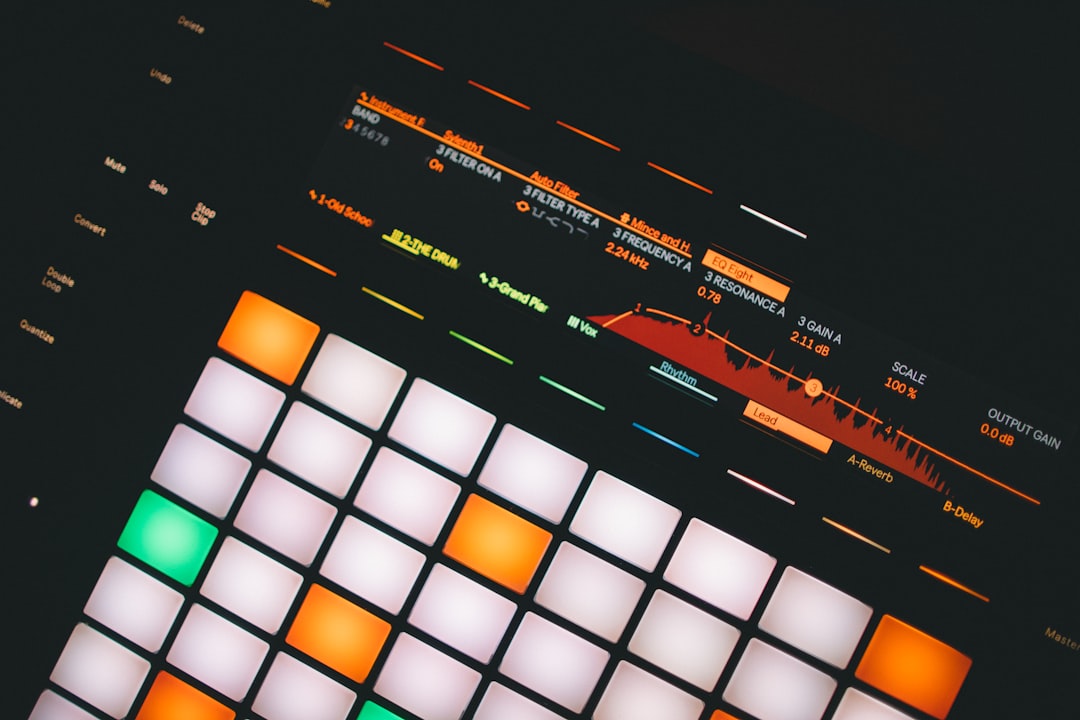
Sidechaining is how you get bass and pads to duck out of the way every time the kick hits, freeing up low-end space and creating that classic pumping groove. The good news: how to sidechain in Ableton Live is built right into the stock Compressor, so you don’t need any extra plugins. This guide covers the standard compressor method plus an envelope-based alternative for total control.
Why sidechaining works
The kick drum and the bass usually share the same low-frequency range, so when both play together they compete for the same space and the low end turns muddy. Sidechaining solves this by momentarily turning the bass down at the exact instant the kick hits, then letting it climb back up. Your ear hears both elements clearly because they take turns rather than fighting over the same band. The same idea applies to pads, sustained chords and anything else that masks your kick or your vocal. If you want the theory behind the move, our explainer on what sidechain compression is covers it in plain terms.
There are two broad ways to do it. You can let a compressor react dynamically to the kick, which is fast to set up and breathes with your performance, or you can shape the volume directly for a fixed, repeatable curve. Neither is “correct” — they suit different jobs, and many producers keep both in their toolkit.
Method 1: Compressor sidechain (the standard way)
Ableton’s Compressor has a dedicated sidechain section. Here’s the routing:
- Drop a Compressor onto the track you want to duck (for example, the bass track).
- Click the Sidechain toggle to expand the sidechain panel, then switch it on.
- In the Audio From dropdown, choose your kick track as the source.
- Set a low threshold so the kick triggers gain reduction, a fast attack, and a release around 100–200 ms so the bass recovers before the next hit.
- Watch the gain-reduction meter and adjust the ratio and threshold until you hear the bass duck cleanly on each kick.
If you don’t want the kick itself colouring the result, route a pre-FX tap of the kick or use a separate trigger track that you keep silent in the mix. Getting these levels sensible first is just good gain staging, and it pairs with the wider job of getting your kick and bass to sit together in the low end.
Method 2: Volume shaping for total control
When you want a precise, repeatable pump that isn’t dependent on a compressor reacting to a transient, shape the volume directly:
- Use a dedicated volume-shaping device (such as an LFO/envelope-style tool, including ones built in Max for Live) on the bass track and draw the ducking curve you want.
- Or automate the track’s volume manually in the arrangement so it dips on every kick — slower but completely predictable. If you go this route, our guide to automating parameters in Ableton walks through drawing those moves.
This approach gives you a consistent shape every bar, which many producers prefer for tight electronic music. If you’re new to drawing parameter changes, our cross-DAW guide on sends and returns shares the same routing mindset you’ll use here.
Sidechaining effects, not just instruments
You can sidechain a reverb or delay return so its tail ducks when the dry signal plays, keeping vocals or leads clear. Put a Compressor on the return track and set the dry signal as its sidechain source. Our guide to using reverb and delay explains when this trick helps.
Dialling in the settings
The four controls that shape the feel of the pump are threshold, ratio, attack and release, and it helps to know what each one is doing rather than guessing.
- Threshold sets how much the kick has to push before ducking begins. Lower it until the gain-reduction meter moves on every hit, then back off slightly if the effect feels too aggressive.
- Ratio controls how hard the bass is pulled down once it crosses the threshold. A gentle ratio gives a subtle dip; a steep ratio gives the obvious “pumping” sound used in a lot of dance music.
- Attack decides how quickly the duck happens. A fast attack carves space instantly so the kick punches through; a slightly slower attack lets the very front of the kick and bass overlap, which can sound fuller.
- Release sets how fast the bass returns. This is the control you tune to your tempo so the level recovers smoothly just before the next beat.
Work with one element soloed against the kick at first, then unmute the rest of the arrangement and check the move still makes sense in context.
Common mistakes to avoid
- Over-ducking. If the bass disappears completely it leaves an audible hole. Aim for movement, not a total drop, unless heavy pumping is the deliberate effect.
- A release that’s too long. If the bass hasn’t recovered before the next kick, it never reaches full level and the groove sounds weak and lifeless.
- Using a weak trigger. A soft or buried kick won’t drive the sidechain reliably. A punchy transient triggers far more consistently, even if that kick is muted in the final mix.
- Sidechaining everything by habit. Reach for it when two parts genuinely mask each other, not as an automatic step on every track. EQ or arrangement changes often solve the clash with less side effect.
Tips for a clean pump
- Use a punchy kick with a clear transient as the trigger, even if it’s muted in the final mix.
- A few dB of ducking is usually plenty unless heavy pumping is the goal.
- Match the release to your tempo so the ducked element fully recovers before the next kick.
- Keep the bigger mix in view — sidechaining is one move within the whole mix.
Related guides
Coming from another DAW? Compare with how to sidechain in FL Studio, and for the principles behind the dynamics see EQ and compression fundamentals. More tutorials are in the mixing and mastering hub.
Frequently asked questions
Do I need an extra plugin to sidechain in Ableton Live?
No. The stock Compressor includes a sidechain section with an Audio From source selector, so you can sidechain using only built-in devices. Third-party tools and Max for Live devices are optional alternatives.
How do I sidechain without the kick being heard?
Use a separate trigger track containing the kick pattern and keep its output silent in the mix, then select it as the Compressor’s sidechain source. The bass still ducks on each hit while the trigger itself isn’t audible.
What release time should I use when sidechaining in Ableton?
Start around 100–200 ms and adjust to the tempo. The ducked element should return to full level just before the next kick hits — shorter releases give a tighter pump, longer ones a slower swell.
Should I sidechain with the compressor or with volume shaping?
Use the compressor when you want a quick, musical duck that responds to your performance, and volume shaping when you need an identical, predictable curve every bar. Both are valid — the compressor is faster to set up, while volume shaping gives you exact control over the shape.



