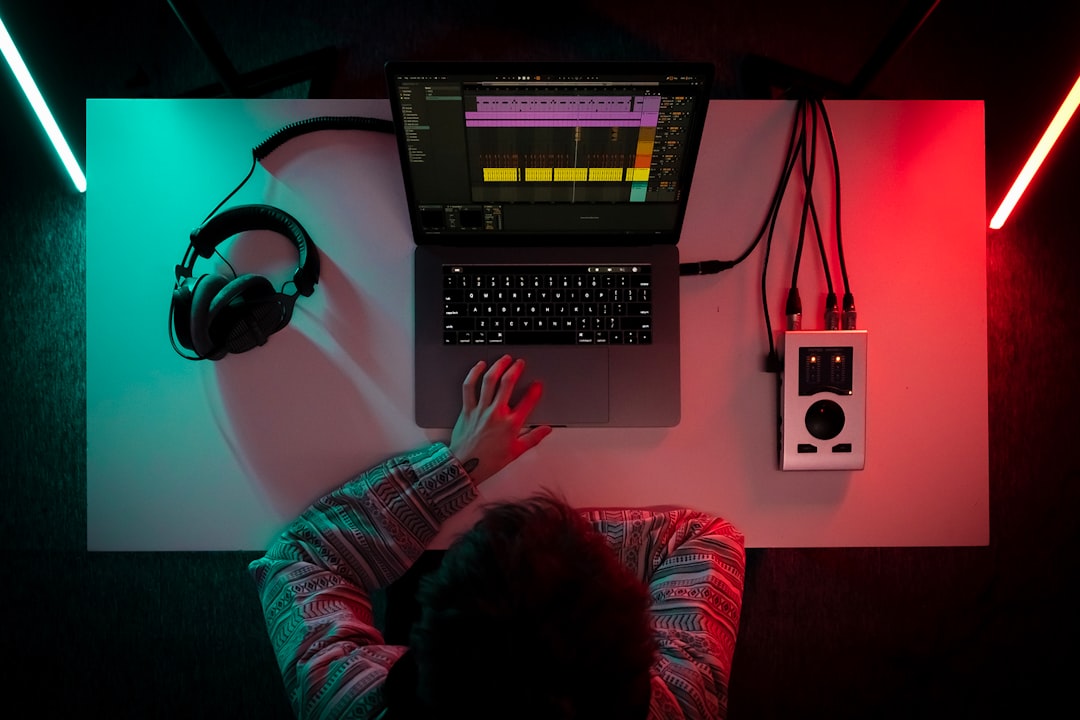
Modern ai autotune tools do two very different jobs, and picking the right one starts with knowing which you want: invisible, natural pitch correction that nobody notices, or the deliberate, robotic “hard tune” effect that has defined pop and hip-hop for two decades. The latest generation uses machine learning to make both faster and more convincing – identifying notes, tracking pitch in real time, and even correcting timing. This guide covers the best AI-powered autotune apps and plugins, what each is genuinely good for, and honest starting settings so you get a professional result instead of a seasick warble.
Transparent correction vs the hard AI autotune effect
Before choosing a tool, decide the goal. Transparent correction gently nudges slightly off notes to the nearest correct pitch while preserving the natural glides and vibrato of the performance – the aim is that no one can tell it was used. The hard effect snaps every note instantly to the scale with zero transition time, producing that unmistakable synthetic quiver. The two use the same core technology set to opposite extremes: slow retune speed for transparency, instant retune speed for the effect. Many tools do both; a few specialise. Knowing which you want tells you which product and which settings to reach for.
A crucial point that no plugin will tell you: autotune works far better on a well-sung, in-tune source. It is a polish, not a rescue. The closer the raw take is to correct, the more transparent even aggressive settings will sound, because the software has less distance to drag each note.
The best AI autotune apps and plugins
- Antares Auto-Tune – the original and still the industry reference, and the source of the classic hard-tune sound. Its Pro version offers detailed graphical note editing, while lighter versions give quick real-time correction. Pros: the definitive T-Pain effect, low-latency real-time mode for tracking and live use, deep control in the Pro edition. Cons: the full version is expensive and subscription options can add up, and the interface has a learning curve. The default retune speed is the tell: near 0 for the hard effect, higher values for natural.
- Melodyne – not real-time autotune but the gold standard for detailed, natural correction. It analyses audio into editable “blobs” so you can adjust pitch, timing, vibrato and even note transitions individually. Pros: the most transparent, musical results possible; unmatched control; also fixes timing. Cons: it is a hands-on editing process, not a set-and-forget plugin, so it takes longer, and it does not do the classic hard effect. Best when invisible perfection is the goal.
- Waves Tune – a strong value option, available in both a real-time version for quick correction and the hard effect, and a full graphical version for detailed work. Pros: frequently on sale for very little, covers both transparent and effect use, real-time version is easy. Cons: not quite as natural as Melodyne on tricky material, and the Waves licence manager can be fiddly. Best for producers on a budget who want both modes.
- iZotope Nectar – includes a capable pitch module inside a full AI-assisted vocal chain, so you get correction plus EQ, compression and de-essing in one plugin. Pros: convenient all-in-one, AI assistant sets up a chain for you, good for beginners. Cons: its pitch correction is solid but not as specialised as a dedicated tuner, and the hard effect is less characterful than Auto-Tune’s. Best if you want tuning and mixing handled together.
If you want to create AI vocals or full covers from scratch rather than correct an existing take, that is a different tool category – Solmi generates original AI vocals and covers from a prompt or reference, which pairs well with these tuners when you then want to polish the result.
Starting settings for natural AI autotune
For transparent correction that nobody notices, dial in something like this and adjust to taste:
- Set the correct key and scale first. This is the single biggest mistake beginners make – if the scale is wrong, the tuner drags notes to the wrong pitches and everything sounds worse. Enter the song’s key, and if it uses notes outside a simple major/minor scale, remove or bypass those notes from the correction map.
- Retune speed: for a natural sound, start around 20-40 ms (in tools that use milliseconds) or a mid setting – fast enough to fix pitch, slow enough to keep natural glides and vibrato. For the hard effect, set it to 0.
- Humanise / flex-tune (where available): engage it for transparent correction so sustained vibrato is left alone and only the centre pitch is nudged.
- Correct in passes. On an important lead, let the automatic tuner do the bulk, then switch to graphical mode (in Melodyne, Waves Tune or Auto-Tune Pro) to hand-fix the handful of notes the automatic pass got wrong. This hybrid approach gives professional results.
For the hard T-Pain effect, the recipe is deliberately simple: correct key and scale, retune speed at 0, and often a slightly exaggerated setting so every transition snaps. Automate the effect on and off if you want it only on certain hooks.
Getting professional results, honestly
Two truths keep your vocals sounding good. First, tune a clean source – a well-warmed-up, in-tune take needs only gentle correction, so it always sounds more natural than a shaky take dragged into place. If you record your own vocals, a few minutes of preparation pays off; our guide on warming up your voice for recording covers a routine that noticeably reduces how much tuning you need afterwards. Second, do not stack effects to cover problems – piling heavy correction on a poor take just trades pitch errors for artefacts.
Whichever tool you choose, the workflow is the same: set the key correctly, choose transparent or hard based on the song, let the automatic pass do the heavy lifting, and hand-correct the few notes that matter. Do that and even inexpensive AI autotune sounds professional. Pair any of these plugins with the free tuner in our browser audio tools hub to check your source pitch before you commit to correction, and you will spend far less time fixing and far more time finishing tracks.