
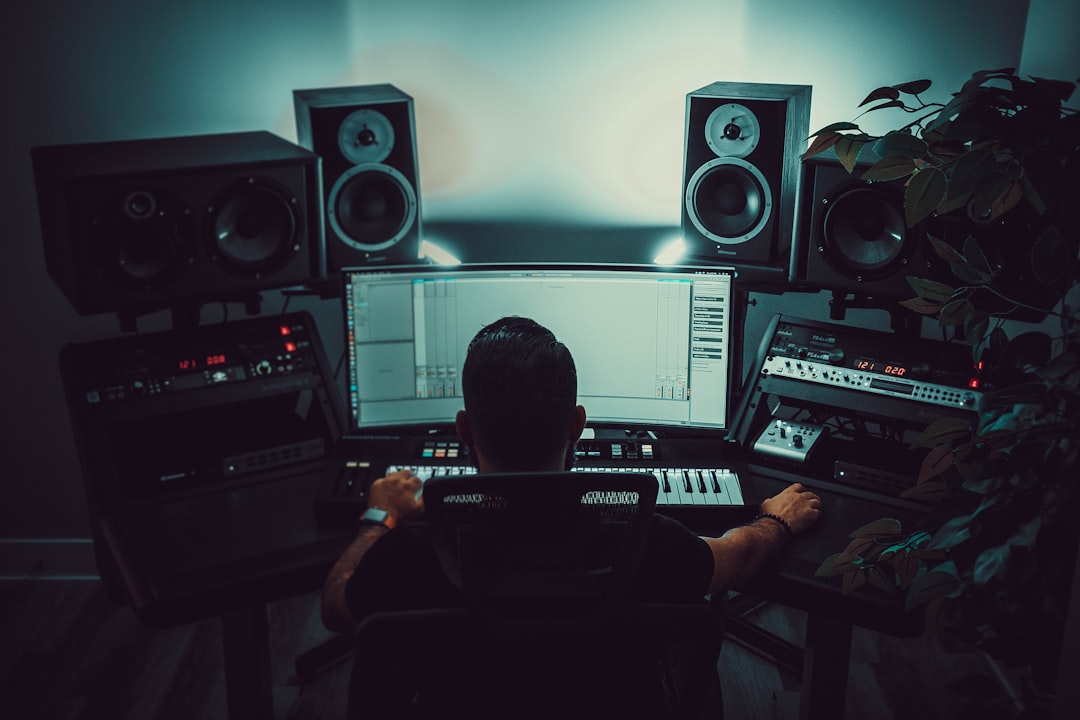
Lo-fi is the perfect match for AI music: warm, repetitive, mood-driven, and built for background listening rather than close attention. That is exactly the zone where generative tools shine, which is why an ai lofi generator can spin up hours of study beats, chillhop and sleepy jazz-hop without you touching a keyboard. This guide covers the tools that do it best, what “good” lo-fi output actually sounds like, and the small prompting tricks that keep it from sounding sterile.
What makes a good AI lofi generator
Lo-fi has a recognisable recipe: a laid-back swung drum groove, a mellow jazzy or Rhodes-style chord loop, a soft bassline, and a haze of texture – vinyl crackle, tape wobble, gentle background noise. A good ai lofi generator reproduces that warmth without tipping into two failure modes. The first is sounding too clean and clinical, where the “beat” is technically lo-fi but has none of the cosy imperfection that defines the genre. The second is looping so obviously that the listener notices the seam and gets pulled out of focus.
The best tools balance consistency with subtle variation – the same mood for a long stretch, but with little changes in the drums, a chord swap, a filter opening up – so a study session or stream can run for an hour without fatigue.
The tools worth knowing
Soundraw works well for lo-fi because it is built around mood and length. You can generate a relaxed, mellow track and then edit it section by section, which is handy if you want a specific structure for a video or a stream segment rather than an endless loop. It leans clean and professional, so you may want to prompt for more texture.
Suno and Udio both produce convincing lo-fi when prompted for it, and they add character – real-sounding instrument performances, occasional vocal chops or humming if you ask. Suno is fast and great for churning out options; Udio tends to sound a touch richer. Because they are general song tools, you steer them toward lo-fi with your prompt rather than a genre preset.
Solmi is a strong all-in-one pick if your lo-fi is headed for a visual home – a “lofi beats to study to” style video, a livestream backdrop, or a looping ambience clip. It generates the track from your prompt and can build a matching music video, so you get both the audio and something watchable in one pass. It offers a free tier plus paid plans as you scale. For creators who publish lo-fi as content rather than just listening to it, Solmi is the most direct route from idea to upload. For pure endless-loop generation to listen to privately, a mood-first tool may be all you need.
There are also niche apps built specifically for infinite lo-fi radio, which stream continuously and never repeat exactly. Those are great for personal focus but usually do not give you a downloadable, licensable file – so check that before you build content around one.
How to make AI lo-fi sound warmer, not sterile
The genre lives on imperfection, so prompt for it deliberately:
- Ask for texture by name: vinyl crackle, tape saturation, soft hiss, muffled or “underwater” filtering.
- Keep the tempo slow and the groove swung – mention a relaxed, head-nod feel rather than a straight beat.
- Name the instruments: Rhodes electric piano, muted jazz guitar, dusty drums, warm upright bass.
- Set a clear mood: rainy-day, late-night, nostalgic, sleepy – lo-fi is more about feeling than complexity.
- Generate a few and layer or sequence them for length, so a long session has gentle change instead of one obvious loop.
Limitations to keep in mind
AI lo-fi is one of the more reliable use cases, but it is not perfect. Very long, truly non-repetitive tracks are still hard to generate in a single pass – most tools give you a shorter clip you then extend or loop. Fine control over a specific chord change or drum fill is limited. And because so much AI lo-fi shares similar training influences, output across tools can start to sound alike. For background focus, streaming and content beds that is rarely a problem. If you want a signature lo-fi identity – a recognisable channel sound – use the AI output as a base and add your own samples, mixing and one-of-a-kind touches on top.
For other moods and genres, see our roundup of the best AI instrumental generators. To trim, loop, convert or add your own crackle to a generated track, the free Violet Recording tools hub has the utilities, and the wider AI music tools cluster covers each platform in more depth.



