
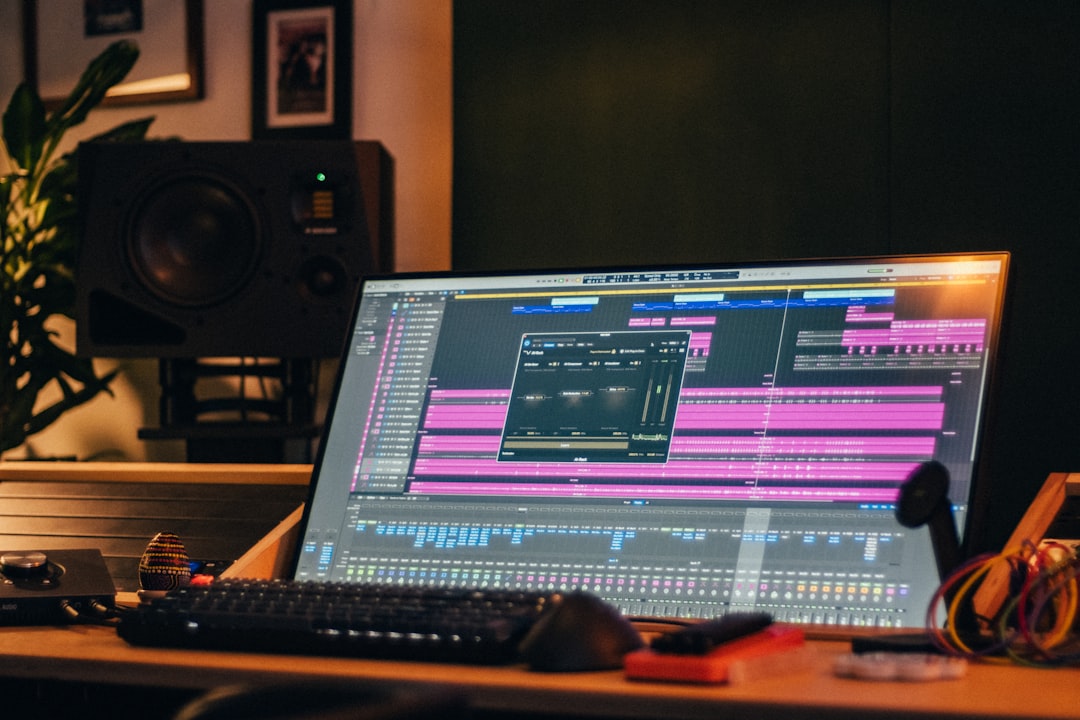
The best AI mixing tools use machine learning to analyse your tracks and suggest — or apply — EQ, compression, levels and effects, turning a daunting mix into a guided process. This guide covers what these tools actually do, where they genuinely help a home producer, where they don’t, and which ones are worth your time.
Violet Recording is reader-supported — we may earn a commission from links on this page, at no extra cost to you.
Quick answer: what AI mixing tools are good for
AI mixing tools are excellent for getting a fast, balanced starting point: a “mix assistant” can analyse your session, set rough levels, carve problem frequencies and suggest a tonal balance in seconds. They’re a learning aid and a time-saver, not a replacement for taste. The best results come from using them as a smart first pass, then finishing by ear. For the full workflow, see how to use AI to mix a song.
How AI mixing tools work
Most fall into a few categories:
- Mix assistants that listen to a track (or whole session) and propose processing — iZotope Neutron‘s Mix Assistant is the best-known example.
- Smart EQs that detect masking, resonances or tonal imbalance and suggest cuts and boosts. Our explainer on what a smart EQ is goes deeper.
- Assistant-driven masters like iZotope Ozone, which analyse a mix and build a mastering chain.
- Auto-mix and balance tools that set rough levels across a session automatically.
For background on the company behind much of this, see iZotope’s AI tools explained.
What to look for in AI mixing tools
- Assistant quality: Does the analysis produce a genuinely useful starting point, or generic moves?
- Editability: The best tools suggest, then let you adjust everything by hand.
- DAW integration: Plugins that run inside your DAW beat clunky upload-download services for mixing.
- Track vs full-mix scope: Some work per-track; others analyse the whole session and balance it.
- Learning value: Tools that show their reasoning teach you why a move was made.
Two practical points worth adding. First, almost every plugin here offers a free trial — typically a couple of weeks — which is long enough to run it on two or three of your own sessions before you spend anything. Your own material is the only benchmark that matters; a tool that shines on a demo track can stumble on your room-heavy vocal recordings. Second, watch CPU usage. Analysis-heavy plugins can be demanding on older machines, so if your laptop already struggles with a full session, test the trial with your typical track count before buying. Prices shift often with sales and subscription options, so check current listings rather than assuming last year’s figure still applies.
The best AI mixing tools
iZotope Neutron
Neutron’s Mix Assistant analyses your tracks and proposes levels and processing, with smart EQ, compression and an “unmask” feature that finds where instruments clash. It’s the closest thing to a mixing co-pilot inside your DAW. Our pick for a per-track mixing assistant. Pros: analyses individual tracks and suggests a full chain, with the unmask feature genuinely useful on busy arrangements. Cons: it’s a paid plugin and works best as a starting point you refine, not a finished mix.
iZotope Ozone
Ozone is mastering-focused but its assistant-driven approach overlaps with mix finishing — it analyses a stereo mix and builds a tonal balance and loudness chain you can then tweak. Our pick for finishing and bus processing. Pros: the Master Assistant gives you a quick, balanced chain on the mix bus that’s easy to edit module by module. Cons: it’s aimed at the master rather than individual tracks, so pair it with Neutron for per-track work. If mastering is your main goal, compare it with the other options in our roundup of the best AI mastering services.
Smart EQ plugins
Several EQs now detect resonances and masking automatically and suggest corrective moves, which is a real time-saver on cluttered mixes. Great for cleaning up before you make creative choices. Our picks here. sonible’s smart:EQ is a popular profiling EQ that suggests corrective curves, Soundtheory Gullfoss is loved for fast, musical tonal balancing, and oeksound soothe2 is the go-to for taming harsh resonances dynamically. Pros: big time-savers on cluttered or harsh material. Cons: they correct rather than make creative decisions, so they’re a clean-up stage, not the whole mix.
Auto-balance and assistant tools
Other plugins and services set rough levels across a session or suggest a full processing chain, giving you a fast, sane starting balance to refine. Our picks here. sonible’s smart:comp brings the same profiling approach to dynamics, Baby Audio Smooth Operator offers quick one-knob resonance and balance control, and web-based services like RoEx aim to set rough levels across a whole session automatically. Pros: a fast, sane starting balance you can build on. Cons: treat the output as a draft to refine by ear, not a final mix.
Which tool suits which producer
If you only buy one thing, match it to where you actually lose time. Mixing full multitrack sessions of your own recordings? Neutron is the pick — the per-track assistant and unmask feature earn their keep on busy arrangements. Mostly finishing beats or two-track bounces? Ozone on the mix bus gets you further, faster, and doubles as a mastering tool. If your recordings tend to sound boxy or harsh — common with untreated home rooms — a corrective tool like soothe2 or a smart EQ will fix the problem closer to its source than any assistant can. And if you’re brand new and just want a listenable rough balance to build on, an auto-balance tool or web service is the gentlest entry point, with the least to configure.
Common mistakes when mixing with AI
The mistakes we see most often are easy to avoid once you know them:
- Accepting the first suggestion as final. Assistants aim for “safe and balanced”, which usually means a slightly bland mix. Use the suggestion as your gain-staged starting point, then push levels and tone where the song wants them.
- Running assistants on bad source material. AI can’t fix a badly recorded track — it just balances the problems. Sort out obvious noise, clicks and gain issues first.
- Stacking multiple AI tools on the same track. A smart EQ, a resonance suppressor and a mix assistant all pulling in different directions creates a smeared, over-processed sound. Pick one job per tool per track.
- Skipping reference tracks. Assistants that let you feed in a reference generally produce far more genre-appropriate results than the generic default profile. Choose a commercial track close to your arrangement and use it.
- Re-running analysis after every small edit. Analyse once with the full arrangement playing at its loudest section, commit to the starting point, then work by ear from there.
Where AI mixing tools help — and where they don’t
They genuinely help with speed, problem-spotting (masking, resonances, level imbalances) and giving beginners a structured starting point. What they can’t do is make the creative, genre-aware decisions that define a great mix — vibe, automation, the deliberate “wrong” choice that makes a record exciting. Treat the AI as a smart assistant and finish by ear. This is the same divide you see in the debate over AI mastering vs human mastering.
To build the underlying skills the AI is shortcutting, work through our beginner’s guide to mixing your first song and EQ and compression fundamentals. For where mixing tools fit among everything else, see the best AI plugins for music production and the wider best AI tools for music producers.
Frequently asked questions
Can AI mix a song for me completely?
Not to a professional standard on its own. AI gives you a strong, fast starting point and catches technical problems, but the final creative and tonal decisions are still best made by ear.
Are AI mixing tools good for beginners?
Yes — they’re a great learning aid. A mix assistant shows you sensible levels and processing, which helps you understand what a balanced mix looks like, as long as you study why it made each move.
Do AI mixing tools work inside my DAW?
The best ones do. Plugins like iZotope Neutron and Ozone run as inserts in your DAW, which is far more practical for mixing than upload-and-download web services.
Do I need all of these tools, or just one?
Start with one that matches your biggest bottleneck — usually Neutron for full sessions or a smart EQ for cleanup — and learn it properly before adding anything else. Most home producers get the majority of the benefit from a single well-used assistant, and expect roughly a plugin-or-two budget rather than a whole bundle to begin with.



