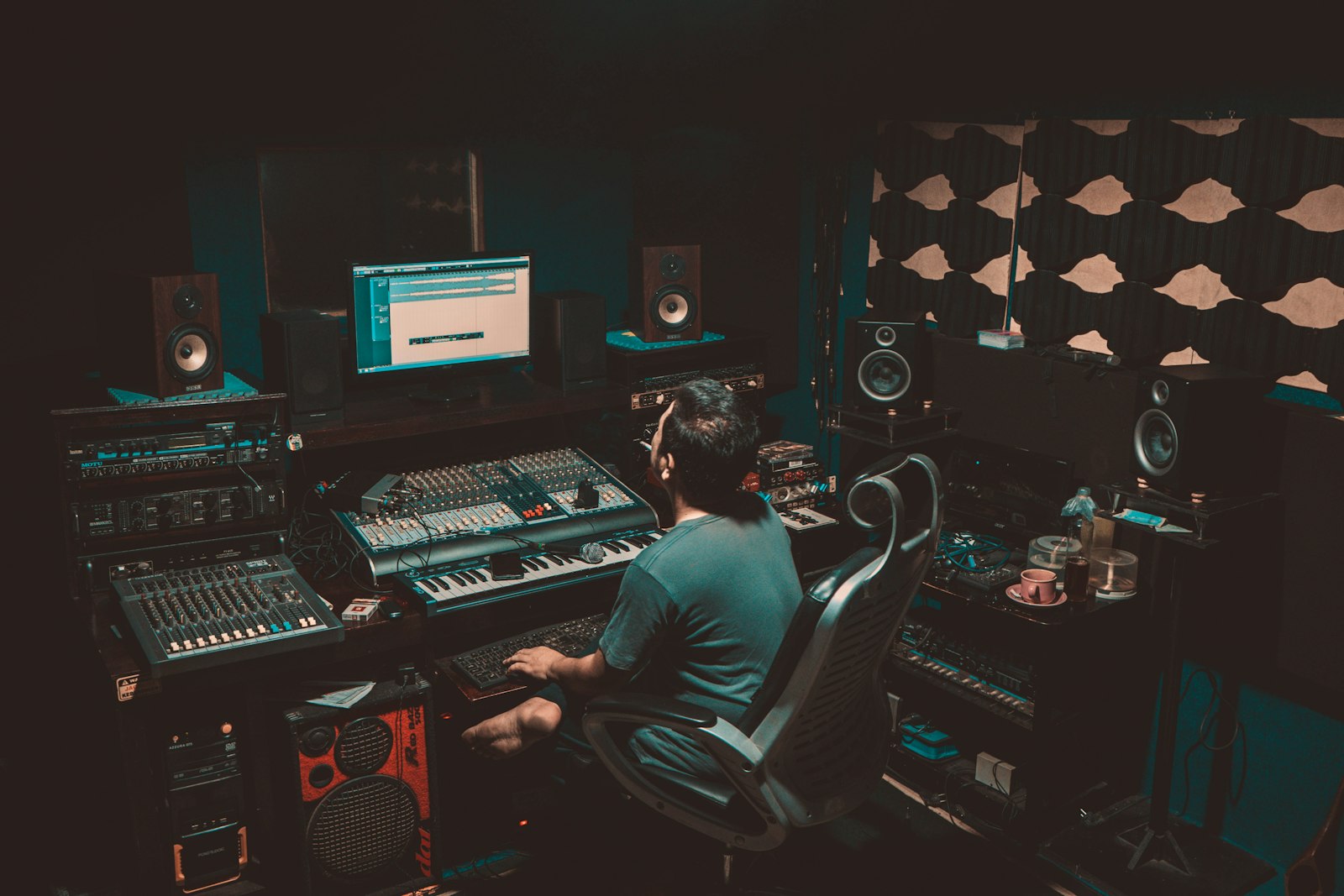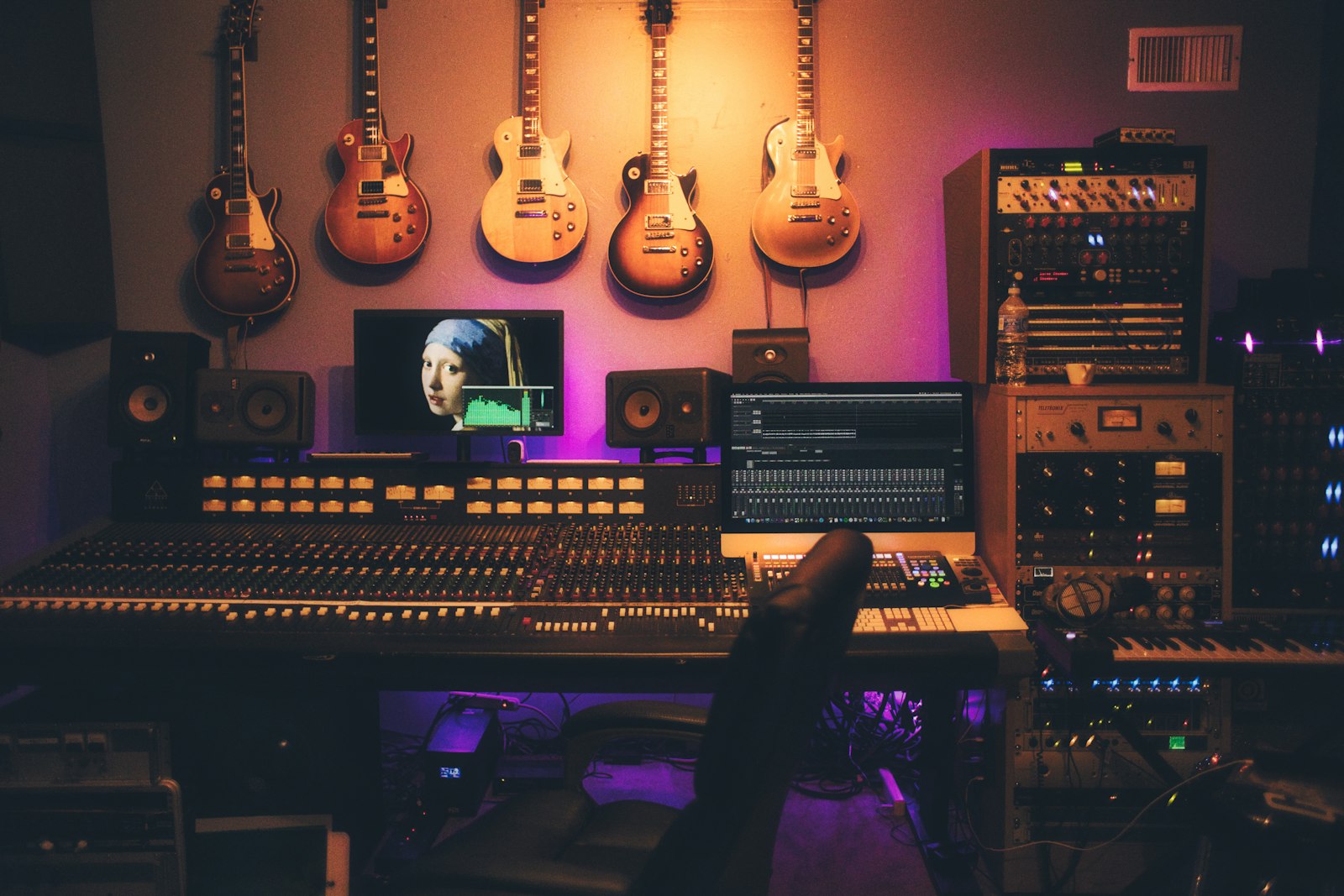
To make a hip hop beat, you set a tempo around 80–95 BPM, program a kick-snare-hat pattern on a drum grid, add a tuned 808 bassline that follows a simple chord or note movement, drop in a melodic loop or chords on top, then loosen the timing with swing and arrange it into an intro, verse, hook and outro. That is the whole job in one sentence — the rest of this guide is how each of those steps actually sounds and feels when a producer does it well.
Violet Recording is reader-supported — we may earn a commission from links on this page, at no extra cost to you.
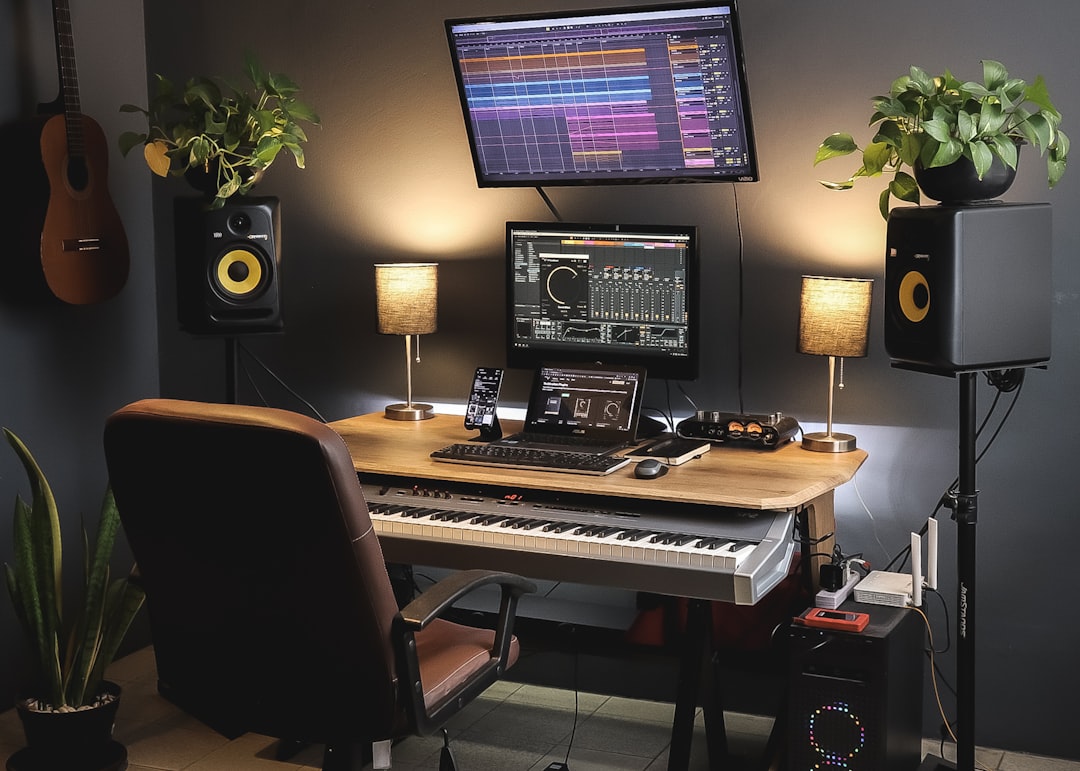
You do not need expensive gear to start. A laptop, a free or paid DAW, a pair of headphones and a little patience will get you a finished beat in an afternoon. This walkthrough is DAW-agnostic, so it works whether you are in FL Studio, Ableton Live, GarageBand or a phone app — the concepts move with you.
What you’ll need before you make a hip hop beat
Here is the short list. None of it is fancy, and most of it is free.
- A DAW — the software you build the beat in. If you don’t have one yet, start with our roundup of the best free DAWs for beginners or, if you’re producing on a phone, the best beat-making apps.
- Drum sounds — a kick, snare (or clap), closed hat, open hat, and an 808 bass. Every DAW ships with usable stock kits; you can upgrade later.
- Headphones or monitors — you need to hear low end clearly, because the 808 lives down there.
- A reference track — one song in the style you’re chasing, so you can A/B your groove against something that already works.
Step 1: Set your tempo and feel
Tempo sets the whole mood, so choose it first. Classic boom-bap and lo-fi sit around 80–90 BPM and feel heavy and head-nodding. Modern trap is usually written at 130–150 BPM but counted in half-time, so it feels slow while the hi-hats have room to roll fast — a 140 BPM trap beat feels like a 70 BPM beat with double-speed hats. Mainstream radio rap often lands in the 90–100 range.
Don’t overthink it. Pick a number in the 80–95 range for your first beat, and adjust once you hear a melody against it. If you want to feel a tempo before you commit, open our free online tools and tap along with the metronome or BPM finder until a speed feels right in your body — that instinct is more reliable than a number on a screen.
Step 2: Program the drums that carry the groove
Drums are the skeleton. Get them right and a plain melody will still knock; get them wrong and the best melody in the world will feel stiff. Open your DAW’s step sequencer or piano roll and work in a one- or two-bar loop.
The kick and snare backbone
Put the kick on beat 1 to anchor the bar, then add one or two more kicks with space between them — a common pattern is beat 1 and the “and” of beat 2. Put the snare or clap on beats 2 and 4. That backbeat is the single most important thing in the whole beat, because it’s what people clap and nod to. Resist the urge to make it busy; the snare on 2 and 4, dead simple, is what makes a beat feel like hip hop rather than a drum solo.
Hi-hats and the sense of motion
Hats create momentum. Start with steady closed hats on every eighth note, then bring them to life two ways. First, vary the velocity — make some hats loud and some quiet instead of a flat robotic line, and the groove instantly breathes. Second, add hat rolls: short bursts of faster hats (sixteenths or triplets) right before the snare or at the end of a bar. Those rolls are the signature of trap, and a single well-placed roll does more than a whole bar of frantic ones. Drop an open hat on an offbeat occasionally to give the loop a lift.
If your DAW’s stock drums feel thin, a fuller kit makes an obvious difference. Curated one-shots and drum kits from a service like Splice are the quickest upgrade, and it’s worth browsing our picks for the best free drum VSTs before you spend anything.
Step 3: Lay down the 808 bassline
The 808 is the tuned kick-bass hybrid that defines the low end of modern hip hop, and it is where beginners lose the most quality. An 808 isn’t just a bass note — it’s the same sound as your kick’s sub, stretched into a pitched slide. Load an 808 sample or a sine-bass instrument and treat it as both rhythm and melody.
Write notes, not just thuds
Program the 808 in the piano roll so it plays actual pitches. Start by following the root notes of whatever chords or melody you’ll add — if your melody is in A minor, your 808 wants to spend most of its time on A, moving to other chord tones for variation. Slide between notes (a portamento or glide) for that liquid trap movement, and keep the pattern sparse. Long, held 808 notes hit harder than a stream of short ones.
Make the kick and 808 share the low end
Here’s the pro move most tutorials skip: your kick and your 808 fight for the same frequencies, and if they play at the exact same time they cancel out into a muddy flub. Either place the kick and the 808 on the same hits so they read as one sound, or duck the 808 slightly under the kick with sidechain compression so the kick punches through. Getting this relationship clean is the difference between a beat that thumps on a phone speaker and one that disappears.
Step 4: Add the melody and chords on top
Now the emotion. A hip hop melody can be as small as a three-note loop — simplicity is a feature here, not a limitation, because the beat has to leave room for a vocal. Reach for a piano, a bell, a plucked synth, or a sampled instrument, and write something that loops cleanly over two or four bars.
If you don’t play keys, build a chord progression from a minor scale — minor keys carry most of the mood in this genre. A i–VI–III–VII movement (for example Am–F–C–G) is a reliable, emotional starting point. Play the chords, then pick out single notes from those chords to make a topline melody that sits above them. Melodic loops and sample packs from a service like Splice are a fast way to find a starting phrase you can chop and rearrange into something of your own.
One caution on sampling: if you flip a loop or a record, know that clearing samples is a legal minefield, and it matters the moment you try to release or sell the track. If your goal is a fully original, royalty-free record you actually own, you can take a melody idea or a rough beat and turn it into a finished, original song with Solmi — a clean way to go from a sketch to a release-ready track without the sample-clearance headache.
Step 5: Add swing so the beat feels human
A beat programmed perfectly on the grid sounds like a machine, because humans don’t play perfectly on the grid. Swing (or shuffle) nudges the off-beat notes slightly late, giving that lazy, behind-the-beat pocket that boom-bap and lo-fi live on. Most DAWs have a swing or groove percentage — start around 8–15% on your hats and see how the loop loosens up.
You can go further by hand: drag individual hits a few milliseconds off the grid, push the snare a hair late for a laid-back feel, or pull it early for urgency. Micro-timing like this is what separates a beat that sounds like a preset from one that sounds like a person made it. Don’t quantize everything to death — a little human sloppiness is the sauce.
Step 6: Arrange the loop into a full track
A four-bar loop is not a beat — it’s an idea. Arrangement turns it into something someone can rap over for three minutes without getting bored. Think in sections and build tension by adding and removing elements.
- Intro (4–8 bars): start stripped back — maybe just the melody, or melody plus hats — so there’s somewhere to grow into.
- Verse (16 bars): the full groove, but leave gaps in the melody so a vocal has room to breathe.
- Hook / chorus (8 bars): the biggest moment — bring in a counter-melody, an extra layer, or a fuller 808 to lift the energy.
- Transitions: use a reverse cymbal, a filter sweep, a drum fill, or a bar where the drums drop out to move between sections. These little moments are what keep a listener with you.
- Outro: peel elements away until the beat fades to where it started.
The trick that makes arrangements feel dynamic is subtraction. Muting the drums under a hook, or dropping everything but the 808 and a vocal for two bars, creates more excitement than piling on more sounds. Contrast is energy.
Step 7: A quick balance and rough mix
You don’t need a full mixdown to know if a beat works, but a rough balance helps. Set your levels so the kick and 808 sit as the loudest elements — hip hop is a low-end genre and the drums lead. Pan the hats and melodic elements slightly left or right to open up the stereo image, keeping the kick, snare and 808 in the centre. A touch of reverb on the melody adds depth; keep the drums mostly dry so they stay punchy.
When you’re ready to take mixing seriously, our beginner’s guide to mixing your first song and our primer on EQ and compression fundamentals cover the moves that make a beat sound finished and loud enough to compete.
Common mistakes when you make a hip hop beat
Three things trip up almost every beginner. First, overcrowding — too many sounds at once, leaving no space for a vocal; a great beat is mostly empty. Second, a weak kick-808 relationship — if your low end is muddy, it’s almost always these two clashing. Third, looping forever without arranging — the four-bar loop feels amazing on repeat, but a song needs sections, tension and release. Fix those three and you’re already ahead of most bedroom producers.
Where to go next
Once you can make a beat you’re proud of, there’s a real market for it. Producers sell beats to rappers, license them for content, and build catalogues that earn while they sleep — our guide on how to start selling beats walks through pricing, licensing and where to list them. Keep making beats, finish more than you start, and browse the rest of the mobile music production hub for more production walkthroughs.
Frequently asked questions
What BPM should a hip hop beat be?
Most hip hop sits between 80 and 100 BPM for boom-bap, lo-fi and mainstream rap. Trap is written at 130–150 BPM but counted in half-time, so it feels slow while the hi-hats move fast. Pick a tempo that makes you nod your head, then adjust once you add a melody — the number matters less than the feel.
Do I need expensive software to make a beat?
No. Every major DAW, including free ones like GarageBand and the free tiers of several programs, ships with drums and instruments capable of a professional-sounding beat. Start with a free DAW or a beat-making app, learn the fundamentals here, and only upgrade your sounds or software once you hit a real limit. Skill beats gear every time.
How do I make my 808s hit harder?
Tune the 808 to the key of your melody so it reads as musical rather than muddy, keep the notes long and sparse, and sort out the relationship with your kick — either layer them on the same hit or sidechain the 808 under the kick so the two don’t cancel out. Adding a little distortion or saturation also helps an 808 cut through small speakers like phones and laptops.