
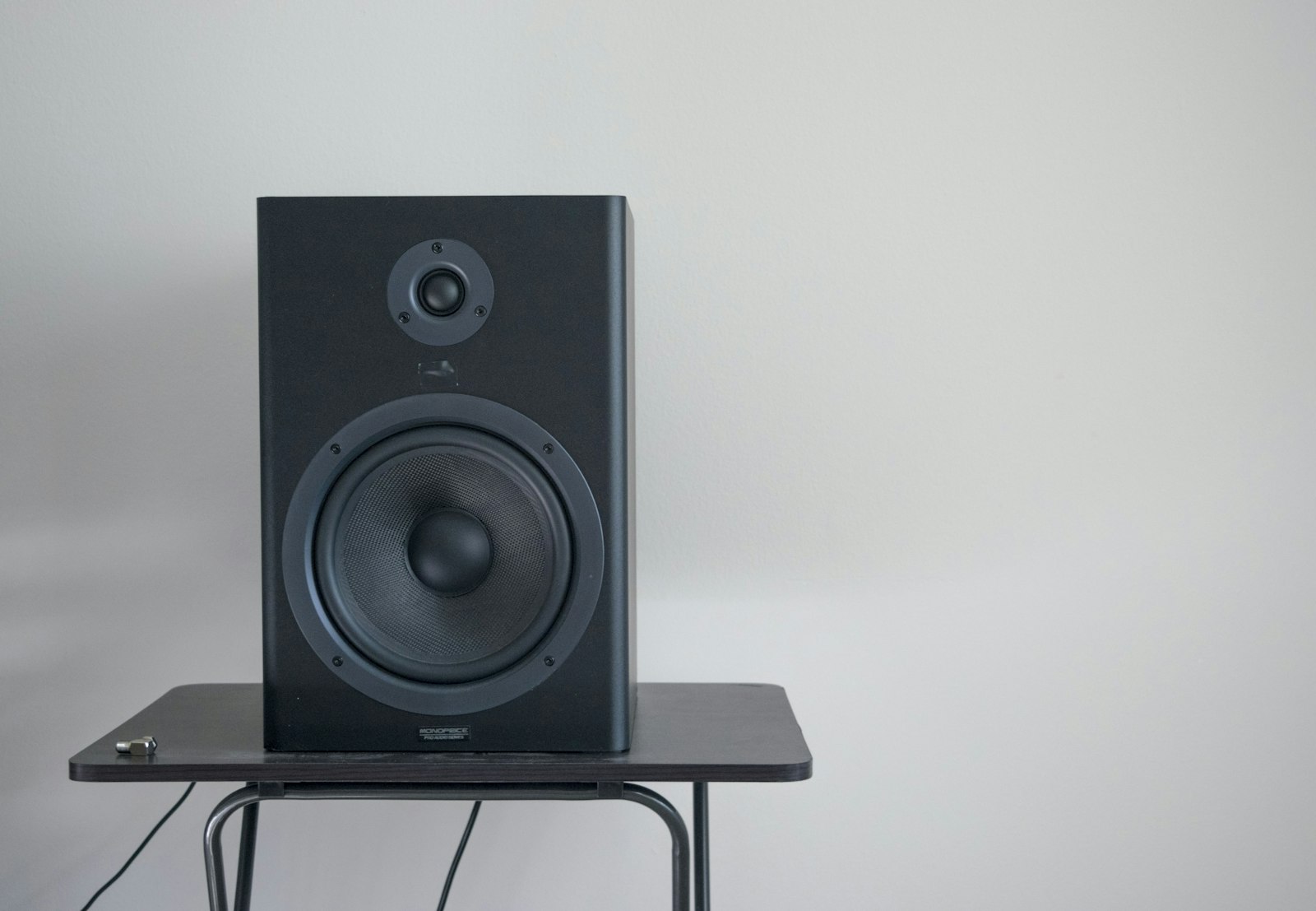
Studio monitors or headphones? It’s one of the most common questions in home recording, and the honest answer is that both can produce professional mixes – but they ask different things of your room, your budget and your habits. If you’re still weighing whether speakers belong in your setup at all, our guide on whether you need studio monitors is a good companion to this comparison.
Some links in this article are affiliate links. If you buy through them we may earn a small commission, at no extra cost to you. We only recommend gear we’d use ourselves.
The case for studio monitors
Monitors let you hear how your mix sits in physical space: stereo width, depth and low end are all easier to judge. The catch is the room. In an untreated space, reflections and bass build-up colour what you hear, so you end up mixing the room as much as the music. Monitors reward a treated, symmetrical setup.
The case for headphones
Headphones are consistent, portable and immune to room problems, which makes them ideal for untreated bedrooms and late-night sessions. The trade-offs are stereo image (it can sound in your head) and the risk of fatigue and over-detailed decisions. Modern reference headphones and correction software have narrowed the gap considerably.
What “accuracy” really means
Both monitors and headphones are described as “flat” or “reference” tools, but no system is perfectly neutral, and that’s less important than people assume. If the idea of a “reference” tool is new to you, it’s worth understanding what reference headphones actually are before you spend. What you actually need is a sound you know intimately. A monitor or headphone that you have spent months learning – that you can predict the way you predict the acoustics of your own living room – will give you mixes that travel better than a more expensive set you have only just unboxed. Familiarity beats specifications.
This is also why chasing the “best” pair endlessly tends to backfire. Every time you switch, you reset that learning. Pick a competent, honest pair within your budget, then commit to it long enough to build a mental map of how it represents bass, midrange detail and stereo width.
Open-back vs closed-back headphones
If you do lean on headphones, the open-back versus closed-back distinction matters for mixing specifically. Open-back designs let air move freely behind the driver, which usually gives a more natural, less “in-your-head” soundstage and a smoother top end – better for the detailed listening that mixing involves. The trade-off is that they leak sound in both directions, so they’re no good for tracking next to a live microphone.
Closed-back headphones isolate well and keep the click track out of the mic, which makes them the right tool for recording vocals and acoustic instruments. Many home studios end up owning one of each: a closed-back pair for tracking and an open-back pair for mixing decisions.
How to choose for your situation
Rather than asking which is “better” in the abstract, match the tool to your constraints:
- Untreated room, thin walls or shared space: start with headphones. You’ll sidestep the room entirely and avoid annoying neighbours during late sessions.
- You can treat the room and play at a sensible volume: monitors will teach you more about low end and stereo depth over time.
- Tight budget: a single good pair of headphones almost always outperforms cheap monitors in a bad room. Spend the monitor money on treatment first.
- You mix and master for others: aim to own both and cross-reference, because clients’ music will be heard on everything.
How to get translatable mixes on either
- Reference constantly: compare your mix to professional tracks in the same genre.
- Check on multiple systems: phone speaker, earbuds, car – if it works everywhere, it’s done.
- Mix at low volume: it reveals balance problems and protects your ears.
- Treat the room if you’re on monitors – even basic acoustic treatment transforms accuracy.
Common mistakes to avoid
- Mixing too loud: high volume flatters everything and hides balance problems. It also fatigues your ears within minutes, so the decisions you make late in a session are the least reliable.
- Trusting headphone low end blindly: headphones can exaggerate or hide sub-bass depending on the model. Always check the low end on a second system before you commit.
- Over-tweaking on detail: headphones put every tiny artefact under a microscope. Resist the urge to fix things no one will ever hear on speakers.
- Ignoring the room on monitors: moving a desk against a wall or sitting off-centre can wreck your low end. Position and symmetry matter as much as the speakers themselves.
Frequently asked questions
Can I mix a whole track on headphones alone?
Yes – plenty of released records have been mixed entirely on headphones. The key is to reference against commercial tracks you know well and to check the final mix on at least one other system, such as a phone speaker or earbuds, before you sign off. That final check catches the low-end and stereo decisions that headphones can mislead you on.
Do I need expensive monitors to get started?
No. An honest entry-level pair in a room with even basic acoustic treatment will outperform a premium pair in an untreated room. Spend on the room before you spend on the speakers, and learn whatever pair you have thoroughly.
Should I use room correction or headphone correction software?
It can help, particularly headphone correction that flattens a known model’s response. Treat it as a useful aid rather than a fix-all: it can’t undo a badly placed monitor or a strong room resonance, and you still need to reference your mixes on other systems to be sure they translate.
Our recommendation
If your room isn’t treated, start on a good pair of reference headphones – you’ll make better decisions sooner. Our roundup of the best headphones for mixing and mastering is a sensible place to begin. Add monitors (and treatment) as your space allows, then use both and reference back and forth. When you’re ready to set monitors up correctly, see how to position studio monitors.
Shop related gear
Building your monitoring setup? These are the home-studio starting points:
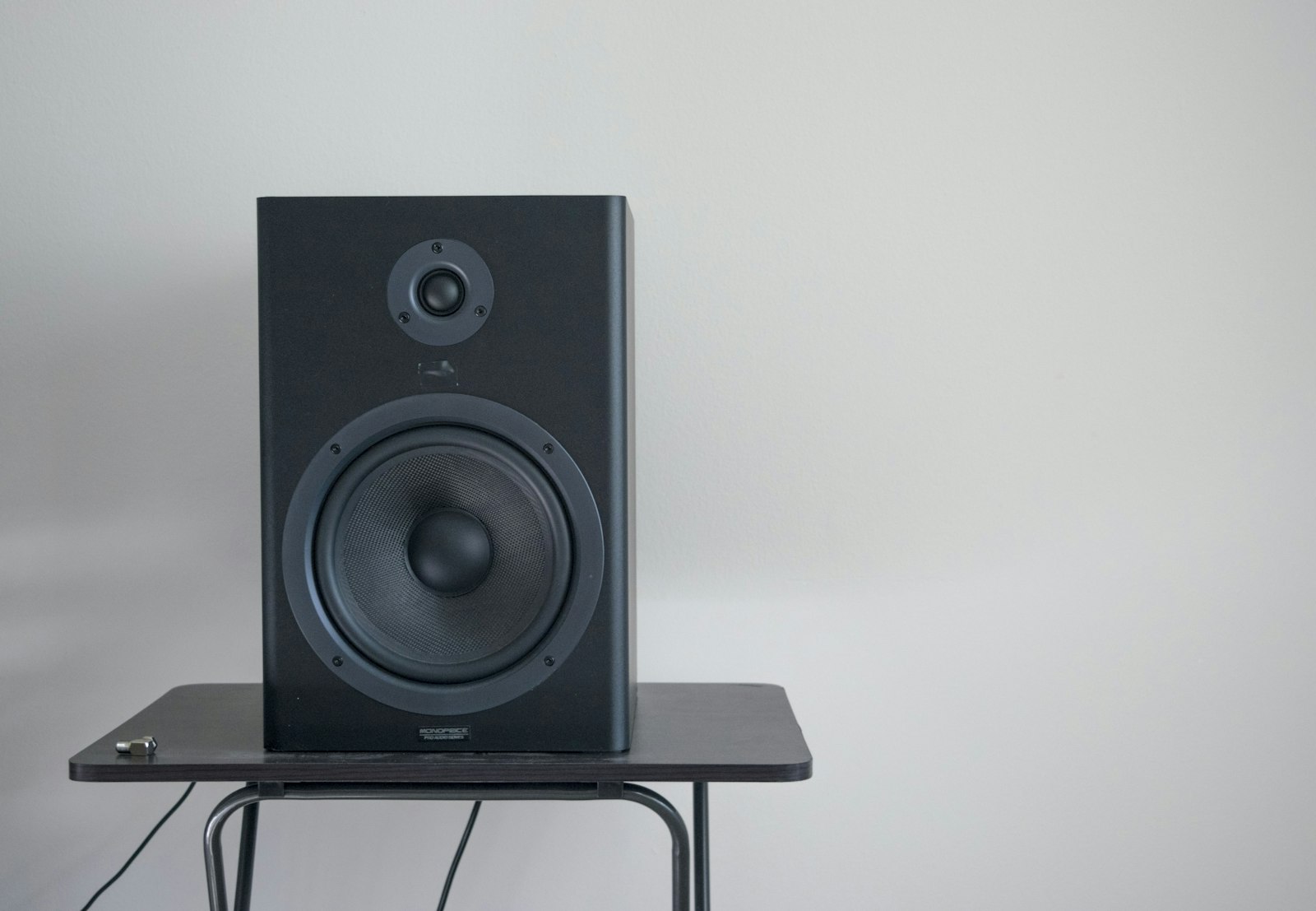
Versatile nearfield monitors — the home-studio standard for accurate mixing.
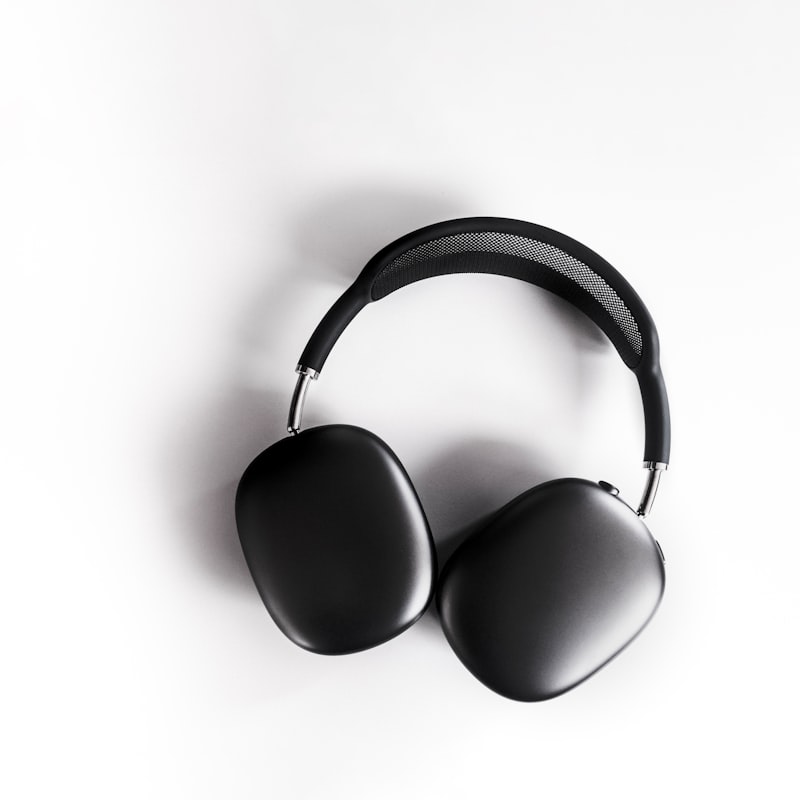
Reference headphones for detailed, consistent mixing in any room.



