
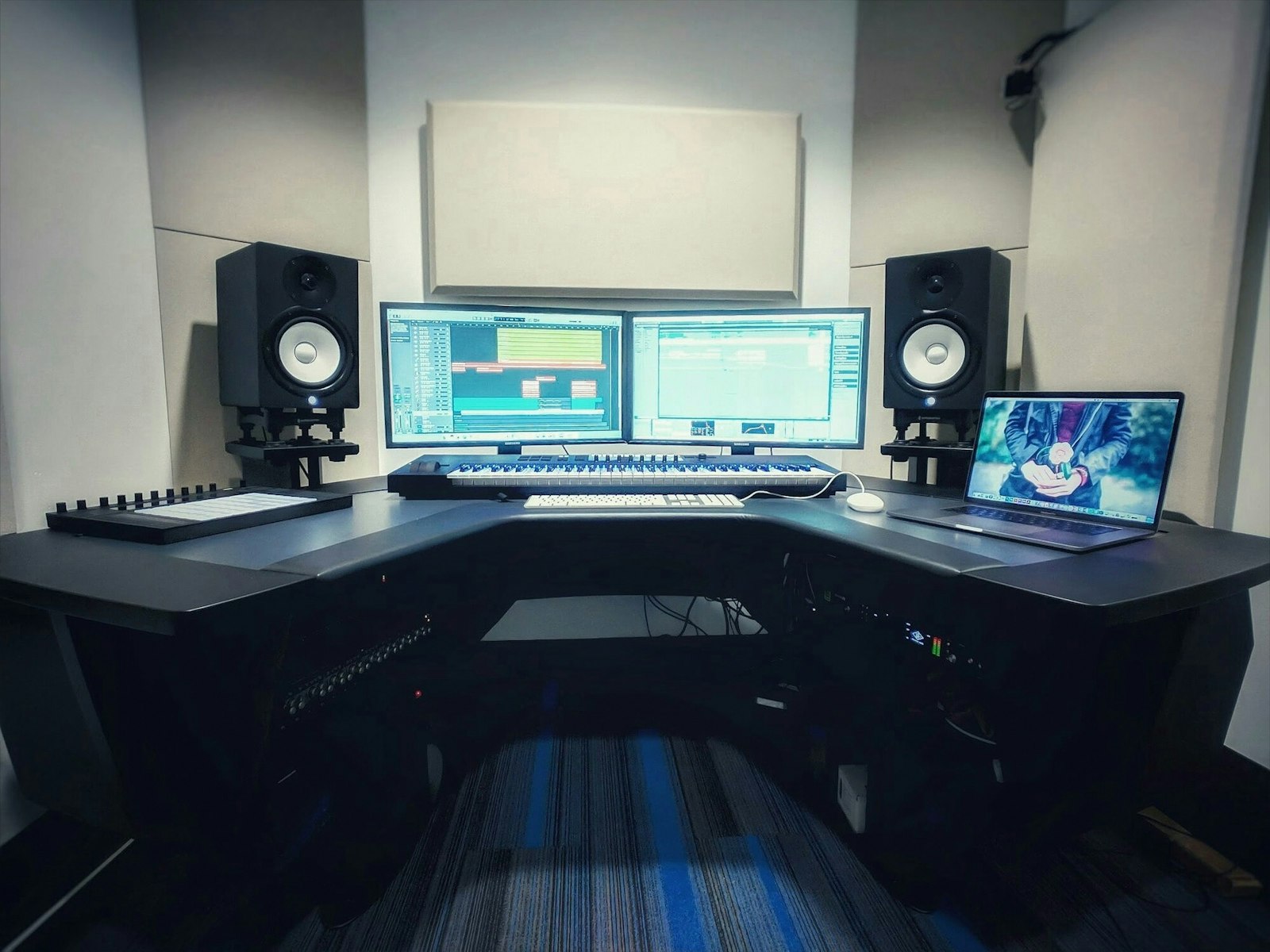
Even excellent monitors sound wrong in the wrong position. Before you spend on upgrades, dial in placement – it’s free and it’s the single biggest improvement most home studios can make.
The equilateral triangle
Your two monitors and your head should form an equilateral triangle: the distance between the speakers equals the distance from each speaker to your ears. Angle (toe-in) the monitors so they point at your head, with the tweeters at ear height. This gives you an accurate stereo image and a clear centre.
Distance from the walls
Bass builds up near walls and especially corners, making your low end sound bigger than it really is. Pull the monitors away from the front wall where you can, keep the setup symmetrical in the room, and avoid putting one speaker near a corner and the other in open space.
Decouple and level them
- Use isolation pads or isolation stands to decouple monitors from the desk and reduce resonance.
- Keep both monitors at the same height and the same distance from your ears.
- Set monitor and interface levels so you mix at a comfortable, moderate volume.
Treat the first reflection points
Sound bounces off the side walls, ceiling and desk before it reaches you, smearing detail and stereo focus. Absorbing those first reflection points tightens the image dramatically. Not sure whether to mix on monitors at all yet? Compare the options in monitors vs headphones for mixing.
A step-by-step way to set up
If you are starting from scratch, work through placement in a fixed order rather than nudging things at random. A repeatable method gets you to an accurate result faster and makes it easy to undo a change that did not help.
- Find the listening position first. Sit where you will actually mix, then build the speaker layout around your head rather than around the desk or the furniture.
- Centre yourself across the room’s width. Equal distance to the left and right side walls keeps reflections symmetrical, so the stereo picture is balanced.
- Set the triangle. Place the monitors so the gap between them matches the distance to your ears, then toe them in to point at your head.
- Get tweeters to ear height. Stands or pads let you raise or tilt the cabinets so the high-frequency drivers fire straight at your ears.
- Step back from the front wall. Move the monitors forward a little at a time and listen to how the bass tightens up as they leave the wall.
- Check the centre. Play a mix you know well; the lead vocal and kick should sound like they are coming from a solid point between the speakers, not from one side.
How to choose where to sit and aim
The right position is a compromise between what the room allows and what your monitors need. A few principles help you make that trade-off well.
Mix along the longer dimension of the room where you can, firing into the length rather than across a narrow span – this delays the rear reflection and gives the sound room to develop. Avoid sitting exactly halfway between the front and back walls, where bass cancellations are worst, and resist pushing the desk hard against the wall just to reclaim space. If your monitors have a rear bass port, they are especially sensitive to wall proximity, so give them a little more breathing room than a sealed design would need.
Common mistakes
Most home-studio monitoring problems come down to a handful of avoidable errors:
- Tweeters too low. Monitors sat flat on the desk often fire high frequencies at your chest, dulling detail. Raise or tilt them to ear height.
- Asymmetry. One speaker near a corner and the other in open space, or a desk pushed to one side of the room, throws off the balance and the stereo image.
- Mixing too loud. High volumes flatter the sound and tire your ears, leading to decisions that fall apart on other systems. Keep levels moderate.
- Speakers on the desk surface. Without decoupling, the desk resonates and adds a boxy thickness to the low mids.
- Skipping room treatment. Perfect placement still leaves early reflections and bass build-up untouched, so plan to treat the room as well.
How far apart should studio monitors be?
Far enough to form an equilateral triangle with your head: the gap between the two monitors should roughly equal the distance from each monitor to your ears. For a typical desk setup that lands somewhere around an arm’s reach to each side. Too narrow and the image collapses to the centre; too wide and a hole opens up in the middle.
Should studio monitors be vertical or horizontal?
Most nearfield monitors are designed to be used upright, with the tweeter above the woofer, and they image best that way. Lying them on their sides spreads the drivers horizontally, which can blur the stereo picture and create comb-filtering as you move your head. Follow the orientation the manufacturer intended, and keep both cabinets matched.
Do I still need acoustic treatment if my monitors are positioned well?
Yes. Placement and treatment solve different problems. Good positioning gives you an accurate triangle and a clear centre, but it cannot stop sound reflecting off your walls and ceiling or stop bass building up in the corners. Treating the room is the next step once placement is sorted. Once everything is in place, you can fine-tune levels and balance by going on to calibrate your studio monitors.
Shop related gear
Get your monitors positioned for accurate sound:
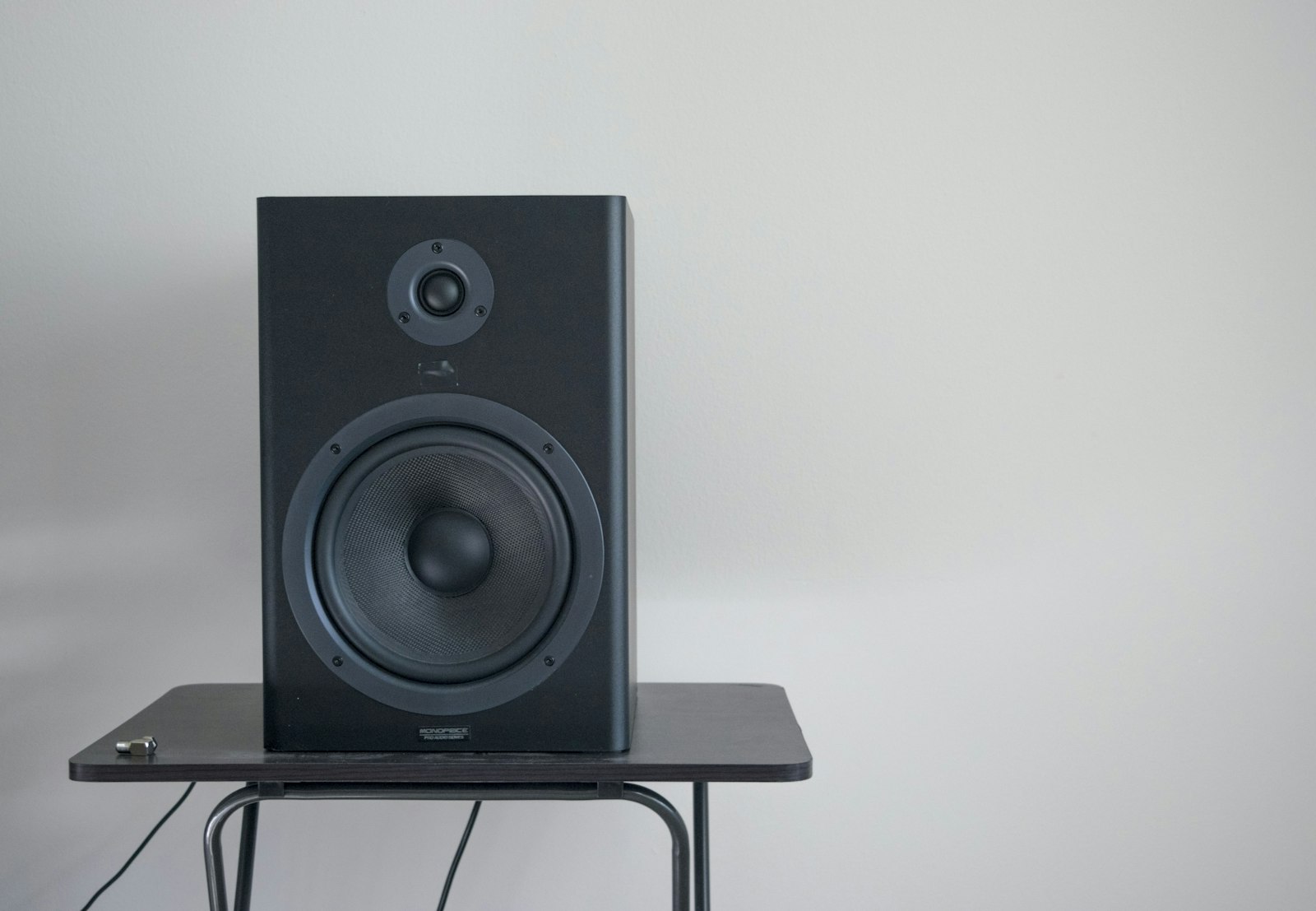
Versatile nearfield monitors — the home-studio standard for accurate mixing.

Decouple your monitors from the desk for tighter, clearer stereo imaging.



