
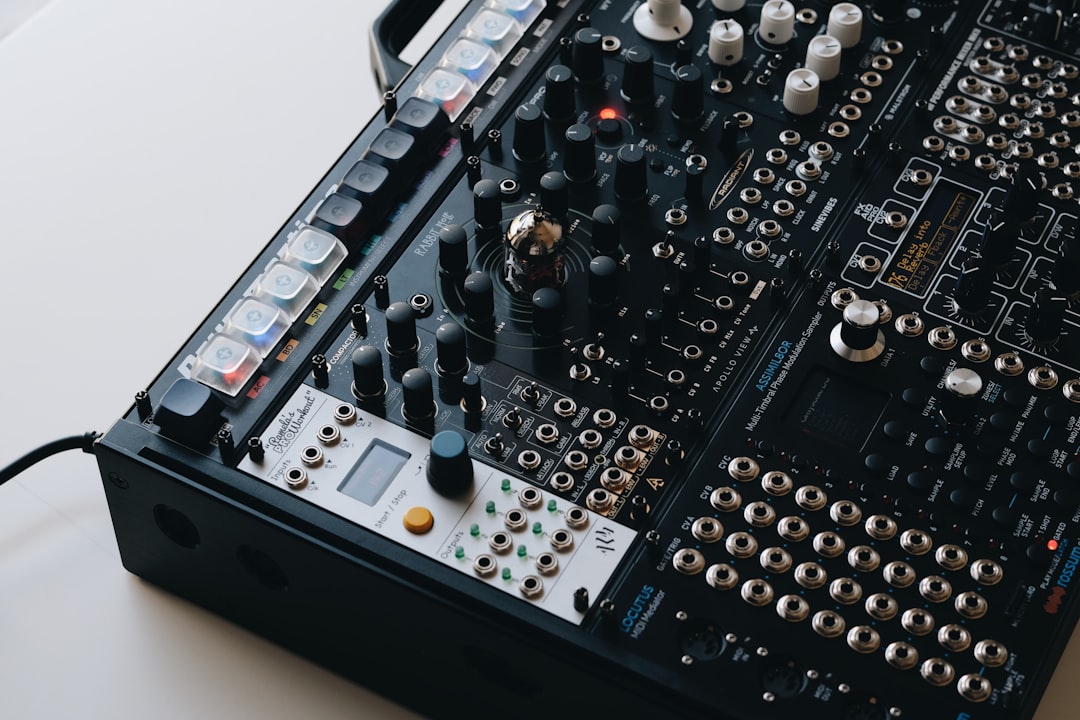
A noise gate is a processor that automatically silences (or lowers) any audio that falls below a level you set, then lets the audio through again once it rises above that level. In plain terms, it shuts the door on quiet background noise — hiss, hum, amp buzz, room tone, headphone bleed — and opens it when the wanted sound arrives. It is one of the simplest tools in mixing, and one of the easiest to misuse.
Used well, a gate cleans up a track without you hearing it work. Used badly, it chops the start and end off words or notes. This guide explains what a noise gate does, the controls that matter, and how to dial one in.
How a noise gate works
A gate constantly watches the signal level and compares it to a threshold you choose. When the signal is louder than the threshold, the gate is open and audio passes at full volume. When the signal drops below the threshold, the gate closes and the audio is attenuated — fully muted, or reduced by a set amount.
This is the opposite of a compressor, which acts on the loud parts of a signal. A gate acts on the quiet parts. The two are often confused, so it helps to understand how a compressor works before you reach for either — and our primer on EQ and compression fundamentals ties them together.
The controls you need to know
- Threshold: the level the signal must exceed for the gate to open. Set it just above the noise floor and just below the quietest part of the wanted sound.
- Attack: how fast the gate opens once the threshold is crossed. Fast attack catches sharp transients (drums); slower attack avoids clicks on soft sources.
- Hold: how long the gate stays open after the signal drops below the threshold. Useful for stopping the gate “chattering” on and off.
- Release: how quickly the gate closes once the signal falls below threshold. Too fast sounds abrupt; too slow lets noise back in.
- Range (or depth): how much the gate reduces the signal when closed. A partial reduction often sounds more natural than full silence.
A few gates add a hysteresis or lookahead control. Hysteresis sets the gap between the level that opens the gate and the (slightly lower) level that closes it again, which is the single most effective cure for chatter. Lookahead lets the gate “see” a transient a few milliseconds early so it can be fully open by the time the sound actually hits — handy on snappy percussion where even a fast attack shaves the front off the hit.
How to set up a noise gate, step by step
- Insert the gate first in the channel’s signal chain, before EQ and compression, so it acts on the raw recording.
- Solo the track and listen to the quiet sections — the noise you want gone.
- Raise the threshold slowly until the background noise disappears in the gaps.
- Play the full performance. If the gate cuts the tails of words, notes or cymbals, lower the threshold or increase hold and release.
- Set the range so the closed gate dips the noise rather than hard-muting it; -10 to -20 dB is a natural starting point.
- Adjust attack: fast for percussive sources, slower for vocals and sustained instruments to avoid a clipped start.
When to use a gate — and when not to
Reach for a gate on noisy guitar amps, hissy DI signals, tom and kick mics picking up the rest of the kit, and dialogue or podcast tracks with steady room hum. It is a clean-up tool for clearly defined sounds with obvious gaps between them. Gating spill is a routine step when you mix a multi-mic drum kit, where each close mic hears the whole room.
For guitarists who want the gate on the floor rather than in the DAW, see our guide to the best noise gate pedals.
Be cautious on vocals and acoustic instruments with long, quiet tails. Aggressive gating makes breaths and reverb stutter. For background hiss on a vocal, gentle vocal processing and careful editing often beats a hard gate. And prevention beats correction: getting clean gain staging and a quiet recording environment means you need the gate far less. For more mixing context, browse the mixing and mastering hub.
Using the sidechain (key) input
Most gates have a sidechain or key input that lets the gate listen to one signal while it acts on another. The classic use is a filtered key: you feed the gate’s detector a copy of the track and apply EQ to that copy, so the gate triggers only on the part of the sound you care about. On a kick drum, for example, you can tell the detector to ignore everything except the low thump, which stops snare and hi-hat spill from holding the gate open. If the idea of one track controlling another is new, our explainer on sidechain compression covers the same routing.
The same input enables creative tricks. Keying a gate from a separate rhythmic track — a hi-hat pattern or a synth pulse — chops a sustained pad or held chord into a tight, gated rhythm. It is the same principle as classic gated-reverb drum sounds, where a short gate slams the reverb tail shut for that punchy, abrupt decay.
Common mistakes to avoid
- Threshold set too high. The gate clamps onto the quiet ends of phrases and the performance starts to sound clipped and lifeless. Always check the softest passages, not just the loud ones.
- Release set too fast. An instant close cuts natural tails dead and can add an audible click. Lengthen the release until decays fade smoothly.
- Gating instead of fixing the source. A gate hides noise in the gaps but does nothing while the sound plays. If the noise floor is high, treat the room or re-record rather than masking the symptom.
- Hard-muting everything. A full -inf range can sound unnaturally dead. Dialling in a modest range often keeps the track feeling alive while still controlling the noise.
Gate vs expander
An expander is a gentler relative of the gate. Instead of slamming shut, it gradually reduces level the further below the threshold the signal goes, which sounds smoother and more transparent. Many engineers prefer a downward expander for vocals and drums where a full gate would be too obvious. If your plugin offers an expander mode, try it before resorting to a hard gate. It sits alongside the gate in the same family of dynamics tools as the limiter and the compressor, each shaping a different part of the level.
Frequently asked questions
Does a noise gate remove noise during the actual performance?
No. A gate only acts in the gaps when the signal drops below the threshold. While the wanted sound is playing, the gate is open and the noise plays through with it. To reduce noise during a performance you need a dedicated noise-reduction tool or, better, a cleaner recording.
Where in the signal chain should the gate go?
Usually first, before EQ and compression, so it works on the raw level and is not confused by processing that changes the dynamics. The main exception is when you deliberately gate a compressed signal for a special effect.
Why does my gate sound choppy or stuttery?
This is “chatter” — the signal hovers around the threshold and the gate flicks on and off. Fix it by lowering the threshold slightly, adding hold time, lengthening the release, or using a softer range instead of full mute. If your gate has a hysteresis control, raising it usually clears chatter outright.
Should I gate before or after recording?
Gate at the mixing stage, not on the way in. Recording through a gate bakes the decision into the file, and if the threshold was even slightly wrong you cannot undo the clipped tails. Capture the full signal cleanly, then gate as an insert in the mix where you can audition and adjust it freely.



