
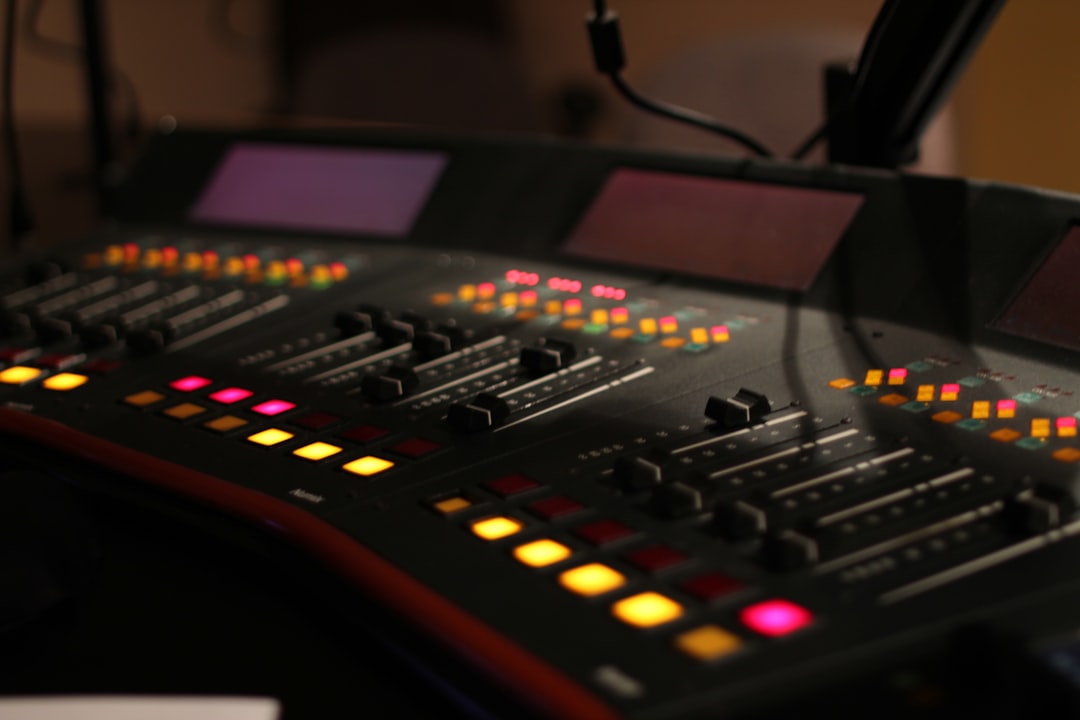
The right mid side eq plugin unlocks a dimension of mixing that ordinary stereo EQ cannot touch: the ability to process the center of your mix separately from the sides. In mid-side mode, the “mid” is everything shared between left and right (vocals, kick, snare, bass) while the “side” is the stereo difference (wide guitars, room, reverb, panned synths). Boosting air on the sides only widens a mix without brightening the vocal; high-passing the sides tightens a loose low end without thinning the bass. This roundup covers the best mid-side EQ plugins with honest pros and cons and concrete frequency moves.
If you have ever wanted a mix to feel wider and cleaner at the same time, mid-side EQ is the technique, and these are the tools that do it best.
What makes a great mid-side eq plugin
Any EQ that offers a mid-side mode can do the job, but the best ones make it effortless. Look for per-band left/right/mid/side switching so you can process different frequencies in different modes within one instance, a clean linear-phase option for mastering-grade work where phase matters, clear metering, and ideally a way to audition the mid and side signals in isolation so you know exactly what you are shaping. Crossover and filter quality matter too, since sloppy mid-side implementations can smear the stereo image.
The best mid side eq plugin for most people: FabFilter Pro-Q
FabFilter Pro-Q lets every single band run in stereo, left, right, mid, or side mode independently, which makes it the most flexible mid-side EQ available. You can high-pass the sides at 120 Hz, dip 300 Hz on the mid only, and add a side-only air shelf above 10 kHz all in one instance. Its per-band solo and visual analyzer make finding the target trivial.
- Pros: Per-band M/S/L/R routing, superb analyzer, dynamic bands, linear-phase mode, low CPU for the flexibility.
- Cons: Premium price, and clean rather than colored — it adds no analog character of its own.
Two concrete moves that transform a mix: high-pass the side channel below 100 to 120 Hz to pull the bass and kick into a tight mono center (this alone cleans up a surprising amount of low-end wobble), and apply a gentle side-only high shelf of 1 to 2 dB above 8 to 10 kHz to widen the top end without touching the vocal. A third move worth knowing: if a busy chorus feels crowded in the center, a narrow mid-only dip of 2 dB around 400 to 600 Hz clears space for the vocal and snare without dulling the wide guitars sitting in the sides.
TDR Nova: the best free mid-side eq plugin
TDR Nova offers mid-side processing in its free version, plus dynamic bands, making it a remarkable no-cost entry point. You can set the whole plugin to mid or side mode and shape a band dynamically, which is perfect for taming a resonance that only builds up in the center of a busy mix.
- Pros: Free, dynamic mid-side bands, clean sound, low CPU — genuinely capable for the price of nothing.
- Cons: Global M/S mode rather than per-band routing in the free version, and a utilitarian interface.
Where Nova earns its keep is the combination of mid-side and dynamic behavior. A resonance that only builds up in the dense center of a chorus can be caught by setting the plugin to mid mode and letting a band duck 2 to 3 dB only when that frequency crosses the threshold — the sides, and the quieter verses, stay completely untouched. For a free plugin that is a remarkable amount of control, and it is the ideal place to learn the technique before committing to a paid tool.
iZotope Ozone EQ: mid-side for mastering
The equalizer inside iZotope Ozone includes a dedicated mid-side mode with both digital (linear-phase) and analog options, aimed squarely at the master bus. On a finished mix, small side-channel moves — a fraction of a dB of air on the sides, a tightening high-pass on the side lows — add polish and width without disturbing the center.
- Pros: Mastering-grade, linear-phase option, integrates with a full mastering chain and metering, clear visualization.
- Cons: Part of a larger suite, so it is more than you need if you only want a mid-side EQ for mixing.
How to use a mid-side eq plugin without wrecking mono compatibility
Mid-side EQ is powerful, but it is also the fastest way to break a mix on mono speakers if you overdo it. The golden rules:
- Keep the low end mono. High-pass the side channel below about 100 to 120 Hz. Bass and kick belong in the center; stereo low end causes phase issues and disappears when summed to mono.
- Boost air on the sides, not harshness. Side-channel shelving above 8 kHz widens beautifully; boosting side mids can make the mix hollow when it collapses to mono.
- Always mono-check. After any side-channel move, sum to mono and confirm nothing vanishes or turns thin. Watch a correlation meter while you do it.
Used with those guardrails, a mid-side EQ widens, clarifies, and tightens in ways stereo EQ simply cannot. For the broader technique, our guide on how to use mid-side EQ walks through the workflow step by step, and the free stereo and loudness utilities in our audio tools hub let you verify mono compatibility on a bounce in seconds. Pick the mid side eq plugin that fits your budget and stage — Pro-Q for flexible mixing, TDR Nova to start free, Ozone for mastering — and make small, purposeful moves.



