
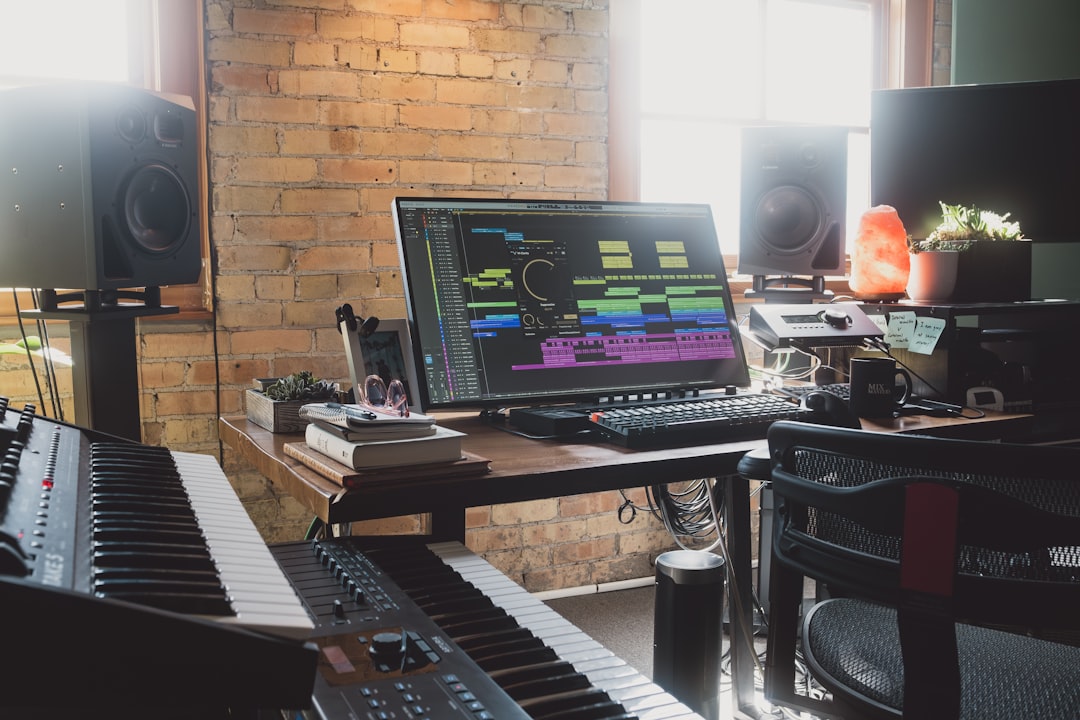
Making convincing ai vocals is no longer a novelty trick reserved for big studios. With the right workflow you can generate a lead vocal, harmonies, or a full guide track in an afternoon, then treat it exactly like a recorded performance. The catch is that most people stop at the raw export, which almost always sounds robotic, pitchy in odd places, and detached from the beat. This guide walks through the whole chain, from generating the voice to making it sit inside a real mix, so your ai vocals pass as a human take rather than a demo curiosity.
Where AI vocals actually come from
There are two broad approaches, and it helps to know which one you need before you start.
- Text-to-singing / prompt-based generation creates a melody and voice from scratch. You supply lyrics and often a style, and the engine sings them. This is ideal when you have no vocalist and no recorded reference at all. For this “make a vocal from nothing” route, Solmi is a good starting point because it can build a sung line or a full cover from lyrics and a style prompt without you needing to record a note.
- Voice conversion (cover models) takes an existing sung performance, either yours or a rough guide, and re-renders it in a different timbre. Because the pitch, timing and phrasing come from a real performance, conversions almost always sound more musical than pure generation. If you can hum or sing the melody at all, record that first and convert it.
A useful hybrid: generate a rough melody with a text-to-singing tool, sing along to internalise the phrasing, then re-record your own guide and convert that. You get the machine’s idea and a human’s feel.
Recording or preparing the input
If you are using voice conversion, the input performance is everything. Garbage in, robotic out. Record in a quiet room, keep a consistent distance of roughly 15-20 cm from the mic, and use a pop filter. Aim your peaks around -6 dBFS so the model has clean, un-clipped material to read. Sing with intention even on a guide take, because the model copies your dynamics and vibrato faithfully. A flat, mumbled guide produces a flat, lifeless conversion.
Before feeding audio in, do minimal cleanup only: a gentle high-pass filter around 80 Hz to remove rumble, and de-essing left for later. Do not compress heavily or add effects. Most conversion models prefer a dry, mono, mono-source vocal.
Fixing pitch and timing on your ai vocals
This is the step that separates believable ai vocals from obvious ones. Raw output usually has micro-pitch drift and a few notes that land in the cracks between semitones. Treat it like any tuning job.
- For transparent, note-by-note correction, Melodyne lets you grab individual notes and nudge pitch, drift and timing by hand. Start by correcting only the clearly wrong notes rather than snapping everything to perfect pitch, which kills realism.
- For a faster, real-time approach, Auto-Tune works well; set a moderate Retune Speed around 20-30 ms so it corrects without the hard “T-Pain” snap, unless that effect is the goal.
- Set the correction key/scale to your song. AI output can wander outside the intended scale, and constraining it immediately tightens the performance.
For timing, line up consonants and phrase starts to the grid or to the drums. Even shifting a late line 20-40 ms earlier can make an AI take suddenly feel deliberate.
Mixing so the vocal sounds recorded, not generated
Once tuned, mix your ai vocals with the same chain you would use on a human singer. A sensible starting order:
- Subtractive EQ: high-pass around 90-100 Hz, then dip any boxy buildup around 250-400 Hz by 2-3 dB. AI voices often have an artificial resonance here.
- De-essing: AI models frequently exaggerate sibilance. A dynamic de-esser around 6-8 kHz with 3-5 dB of reduction on peaks tames it. FabFilter Pro-DS handles this cleanly.
- Compression: 3-4 dB of gain reduction with a medium attack (10-20 ms) and fast release evens out the level. AI vocals can have unnatural dynamic jumps, so a second, gentler compressor in series often helps.
- Saturation: a touch of tape or tube saturation adds the harmonic grit that generated voices lack. This is one of the single most effective tricks for realism.
- Space: a short plate reverb (0.8-1.2 s) and a slap delay glue the voice to the track. Keep reverb lower than you think; too much wet signal exposes the synthetic tone.
Blending, doubling and harmonies
A single dry AI line rarely convinces. Generate or convert a second pass for a natural double and pan the two slightly left and right. Small differences between takes read as human. For harmonies, convert the same melody up a third and a fifth, then pull them well back in the mix so they support rather than dominate. If your tool only outputs one take, you can create width with a subtle pitch-and-time shifted duplicate, but real second passes always sound better.
Ethics and clearance
Be honest about limitations and legality. Cloning a recognisable artist’s voice for release can violate publicity and likeness rights, and many platforms remove such uploads. For anything you publish or monetise, use a voice you own, a licensed model, or a generic generated timbre. AI vocals are a production tool, not a shortcut around consent.
Putting it together
The realistic workflow is: get the best possible input (a real sung guide beats a text prompt), convert or generate, correct pitch and timing conservatively, then mix it exactly like a recorded vocal with EQ, de-essing, compression, saturation and modest space. If you want to experiment with the full signal chain, our free browser audio tools let you test EQ and pitch ideas before committing, and our wider vocal production guides cover the recording fundamentals that make conversions shine. Nail the input and the tuning, and ai vocals stop sounding like a gimmick and start sounding like a singer.



