
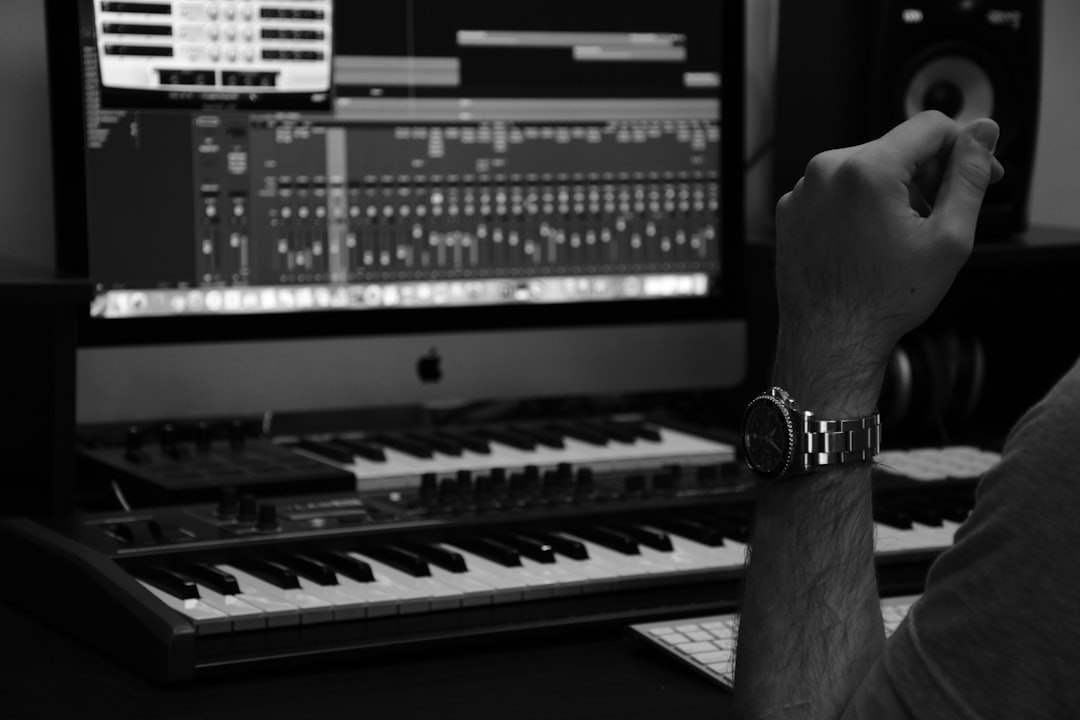
This Splash Pro review looks at an AI music generator that leans into something many instrumental tools avoid: full songs with AI vocals and lyrics. Splash Pro grew out of a playful, accessible approach to AI music and has developed into a text-prompt song maker aimed at creators, hobbyists, and marketers who want a complete, sung track rather than just a backing bed. If you have seen the viral wave of prompt-to-song tools and wondered where Splash Pro fits, this breakdown covers what it does, who it is for, and its real limitations.
What Splash Pro does
Splash Pro generates songs, including vocals, from a text prompt. You describe a style, mood, and subject, optionally supply lyrics, and the platform returns a track with a sung lead and instrumental arrangement. The capabilities that stand out:
- Vocal generation. Unlike instrumental-only tools, Splash Pro produces AI vocals, which is the headline feature for anyone who wants a real song rather than background music.
- Prompt-based creation. A simple text description gets you a first draft quickly, lowering the barrier for non-musicians.
- Lyric input. You can guide the words instead of leaving everything to the model, which helps for branded or message-specific songs.
- Accessible, playful design. Splash has historically emphasized ease and fun, so the learning curve is gentle.
For creators who want a shareable song, the vocal capability is what separates Splash Pro from the many instrumental-only generators in this category.
Splash Pro suits hobbyists, content creators, social media marketers, and anyone who wants to make a fun or original song without musical training. If you want a track with vocals for a video, a jingle, or just to experiment, its prompt-first flow makes that achievable in minutes. It is also a reasonable entry point for people who find full DAW-based production intimidating and want to see results fast.
It is a weaker fit for producers who need precise, note-level control, or for anyone expecting studio-grade vocal realism on par with a human session singer. And while it makes songs, pairing that song with a polished video is a separate step unless you use a tool designed to do both.
Honest limitations in this Splash Pro review
A fair assessment has to name the rough edges:
- Vocal realism. AI vocals across the whole industry can still sound synthetic on certain phrases or sustained notes, and Splash Pro is not immune.
- Polish gap. Output is typically a strong draft rather than a mastered final; serious releases benefit from mixing and mastering.
- Control ceiling. The approachable design that makes it easy also means less granular control than a producer might want.
- Rights depend on plan and evolving terms. Commercial use and monetization scale with your tier, so verify current terms before publishing.
On ownership and monetization, tread carefully. Whether you can sell or fully own AI-generated songs, and how platforms license commercial use, is an unsettled and rapidly evolving legal area that differs by tool and by country. Read Splash Pro’s current terms against your specific plans, and treat this as general information, not legal advice.
How Splash Pro compares, and an all-in-one alternative
Because Splash Pro makes vocal songs, its natural comparisons are Suno and Udio rather than instrumental tools like Soundful or Beatoven.ai. Suno is widely liked for catchy, approachable output; Udio for audio detail; Splash Pro for its accessible, playful on-ramp. If you want full songs with vocals, all three deserve a look, and the winner often comes down to which vocal character and workflow you prefer.
If your goal is not just a song but a finished, postable video, consider an all-in-one platform. Solmi generates a song from a prompt and then turns it into a matching music video, collapsing two steps into one. For creators publishing to short-form platforms, that saves the separate hunt for visuals. Splash Pro gives you the song; an all-in-one creator gives you the song and the clip together.
For more head-to-head coverage of this fast-moving space, see our AI music tools reviews, and use our free audio tools hub to trim, convert, or split stems from anything you generate.
To coax stronger results from any vocal AI generator, write prompts that specify genre, tempo feel, and a clear subject, and keep your lyrics in even, singable lines, since AI vocals phrase far more naturally over regular meter than over long, irregular sentences. Generate several takes and treat the first as a rough draft; the gap between a clumsy AI song and a convincing one is usually a few regenerations plus a light edit to the best sections. Watch your song structure, because a strong, repeated chorus is what makes a track feel finished, and it often takes a couple of tries to land one. Once you have a keeper, plan a polish pass: trim, level the loudness, and consider mixing or mastering so the vocal sits properly against the instrumental. These habits matter more than the specific tool, and they transfer directly if you later try Suno, Udio, or an all-in-one creator.
The verdict
Splash Pro is an approachable, vocal-capable AI song maker that lets non-musicians go from a text idea to a complete sung track in minutes. Its strengths are accessible prompt-based creation, lyric input, and actual vocals, which set it apart from instrumental-only tools. Its limits are the industry-wide AI vocal artifacts, the need for mixing polish, a control ceiling for advanced producers, and plan-dependent rights. If you want a fun, fast song with vocals, try the free entry point and judge the vocals yourself. If you need that song plus a matching video in one workflow, an all-in-one creator is the stronger choice. Matched to your goal, Splash Pro is a genuinely fun way into AI music.



