
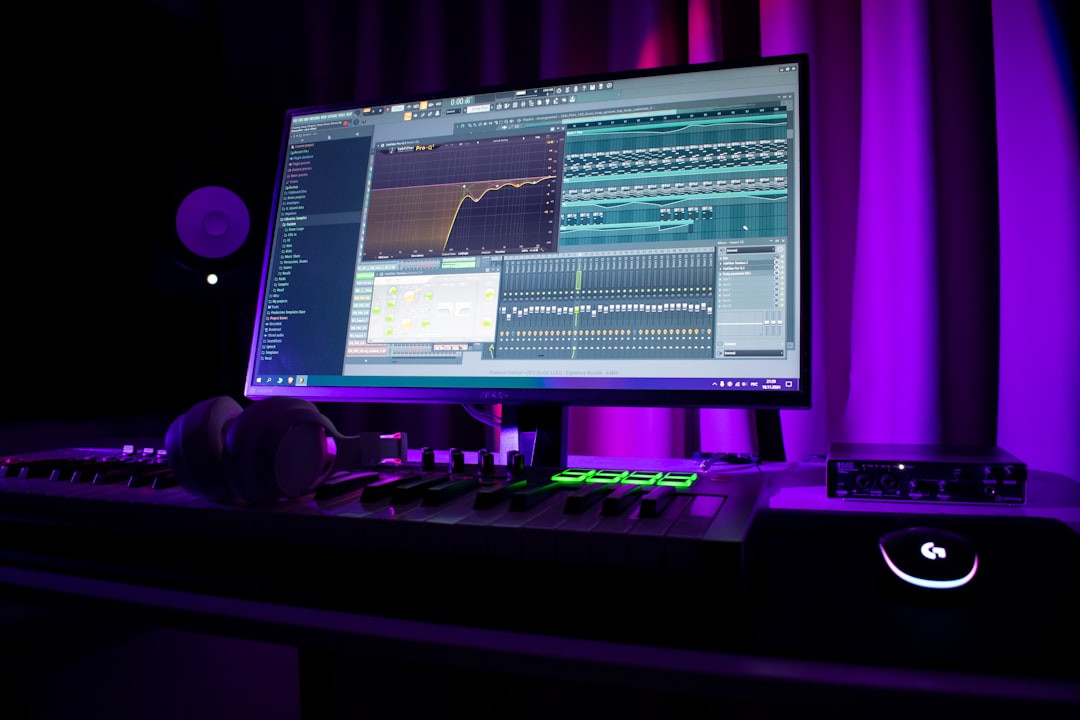
Reverb is one of the most-used effects in any mix, and you do not have to pay for a great one. A good free reverb plugin can deliver lush halls, tight rooms, classic plates and wild ambient washes that rival paid tools. Here are the best free reverbs and how to choose the right type for the job.
🔧 Free tool: try our Reverb Pre-Delay & Decay Calculator.
Violet Recording is reader-supported — we may earn a commission from links on this page, at no extra cost to you.
Quick answer: best free reverbs
- Best overall character: Valhalla Supermassive.
- Best classic algorithmic: OrilRiver.
- Best convolution (real spaces): Voxengo OldSkoolVerb and the free convolution reverbs in many DAWs.
- Best for ambient/experimental: Valhalla Supermassive again, plus TAL-Reverb-4.
The reverb types you should know
Reverbs fall into a few families. Algorithmic reverbs generate space mathematically and include rooms, halls and plates. Convolution reverbs use impulse responses to recreate real, specific spaces. For most mixing, a plate suits vocals and snares, a room adds natural glue, and a hall creates size and drama. If reverb is new to you, start with our primer on using reverb and delay.
Valhalla Supermassive
Supermassive is free and remarkable. It ranges from short, usable spaces to enormous, evolving delays and reverbs that are perfect for ambient and cinematic textures — it is a staple when you make ambient music. It is CPU-light, easy to use and good enough that many engineers reach for it on paid projects. Start with a preset close to what you want, then dial back the mix knob to taste.
OrilRiver
OrilRiver is a free algorithmic reverb that covers the everyday jobs convincingly: rooms, halls and plates with proper early-reflection and tail controls. It is a great default reverb for vocals, drums and acoustic instruments when you want something natural rather than dramatic.
Convolution reverbs
Voxengo OldSkoolVerb is a clean, classic-sounding free reverb that is easy to place on a mix bus or a send. Many DAWs also ship a free convolution reverb (such as Logic’s Space Designer or Reaper’s ReaVerb) that lets you load impulse responses of real halls, churches and studios. Convolution shines when you want the believable sound of a specific physical space.
Other free reverbs worth a slot
- TAL-Reverb-4 — a simple, characterful plate-style reverb that sits nicely on vocals and synths.
- Dragonfly Reverb — a free, open-source set (room, hall, plate and early-reflection versions) that is clean and flexible.
- Your DAW’s stock reverb — do not overlook it; many are perfectly good for bread-and-butter work.
How to choose the right free reverb
With so many good free options, the decision is less about which plugin is “best” and more about matching the tool to the job. A handful of questions will point you to the right one almost every time.
- What space am I trying to create? A believable real room or hall is a job for convolution; a stylised, larger-than-life wash is better handled by an algorithmic reverb where you can shape the tail freely.
- Vocals, drums or a whole mix? Vocals and snares usually love a plate. Drum rooms and acoustic instruments benefit from a natural room or short hall. A subtle ambience across the whole mix is best from one shared send.
- How much CPU do I have? Algorithmic reverbs such as Supermassive and OrilRiver are light and let you run several instances. Convolution reverbs with long impulse responses are heavier, so commit and bounce where you can.
- Do I want to tweak or just pick a preset? If you like to sculpt early reflections and decay in detail, OrilRiver gives you the controls. If you want a great sound fast, Supermassive’s presets get you there in seconds.
A practical starter kit covers nearly everything: one algorithmic reverb for rooms, halls and plates, one convolution reverb for real spaces, and Supermassive for anything big or ambient. With those three you rarely need to reach for a paid plugin, though if you eventually do, our roundup of the best reverb plugins covers the premium options.
How to use reverb without muddying the mix
Use reverb on a send/bus rather than inserting it on every channel, so multiple sources share one space and the mix stays cohesive. High-pass the reverb return to keep low frequencies clean, and pre-delay a touch to keep vocals up front. Always check the result in context with the full mix and at a sensible monitoring level — see monitors vs headphones for mixing. For the wider picture, our beginner’s mixing guide shows where reverb fits in the process, and the mixing and mastering hub has more.
Common reverb mistakes to avoid
Free or paid, most reverb problems come down to a few habits rather than the plugin itself. Watch out for these:
- Too much, too wet. If you can clearly hear the reverb as a separate effect, it is probably too loud. Push it up until you notice it, then pull it back until it disappears into the track.
- No high-pass or low-cut on the return. Reverb on low frequencies builds quickly into mud. Roll off the lows on the reverb send so the tail sits above the body of the mix.
- Long tails on a busy arrangement. The more elements in a mix, the shorter and tighter your reverb usually needs to be. Save long, lush tails for sparse, slow passages.
- Reverb instead of arrangement. Big reverb cannot fix a thin part or an empty arrangement. Sort the parts first, then add space.
- Ignoring pre-delay. A short pre-delay keeps the dry vocal up front and separates it from the tail, which preserves clarity and intelligibility.
Frequently asked questions
Are free reverb plugins good enough for a real mix?
Yes. Valhalla Supermassive, OrilRiver and free convolution reverbs are used on released music. The reverb type and how you use it matter far more than the price tag.
What is the difference between algorithmic and convolution reverb?
Algorithmic reverb generates the space mathematically and is flexible and CPU-light. Convolution reverb uses a recording (an impulse response) of a real space, so it sounds highly realistic but is less tweakable.
Should I put reverb on a send or directly on the track?
Usually a send. Routing several tracks to one reverb send makes the mix sound like a shared space and saves CPU. Use it as an insert only when you want a specific effect on a single source.
How many different reverbs should I use in one mix?
Often just one or two. A single short space to glue the mix together, plus an optional longer reverb for a lead vocal or feature, is plenty. Too many different spaces pull the mix apart and make it sound disjointed.



