
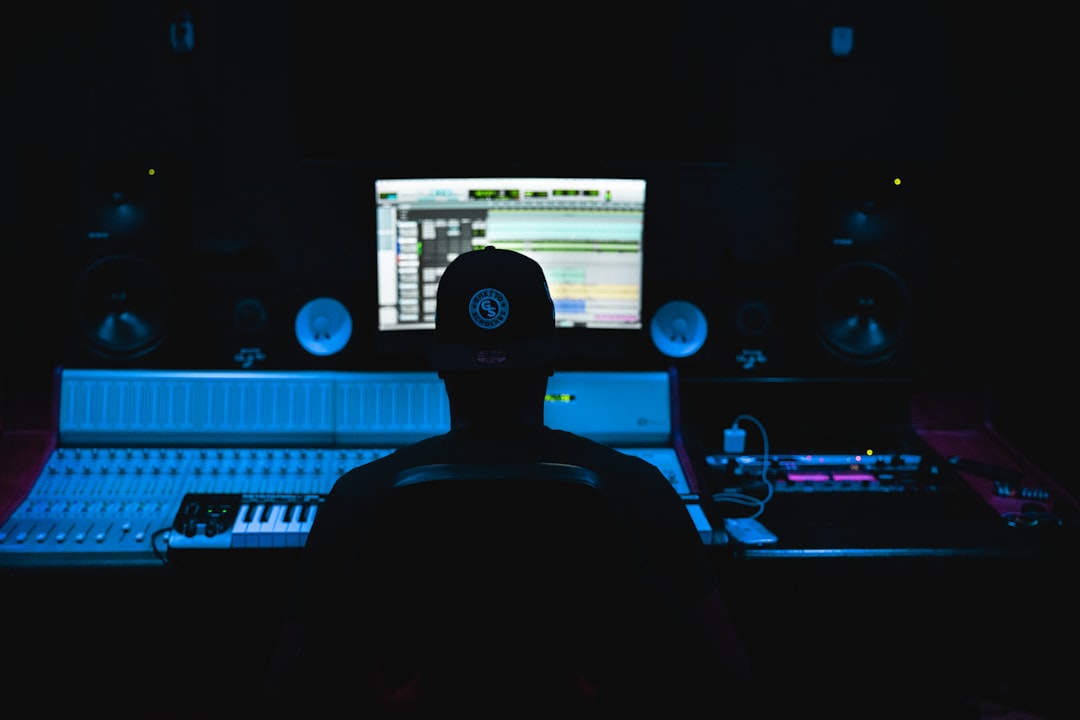
The best podcast recording software depends on how you record: solo into one mic, remotely with guests, or a multi-host show in one room. For free local recording, Audacity (Windows, Mac, Linux) and GarageBand (Mac) are excellent starting points. For remote interviews, Riverside and Zencastr record each guest locally for clean audio. Below is how to choose and which tools fit which workflow.
Violet Recording is reader-supported — we may earn a commission from links on this page, at no extra cost to you.
Quick answer
- Best free, all-platform editor: Audacity.
- Best free for Mac: GarageBand.
- Best for remote guests: Riverside or Zencastr (local recording per participant).
- Best full DAW for power users: Reaper or Adobe Audition.
- Best built-in cleanup: tools with noise reduction and leveling like Audition or Auphonic.
How to choose podcast recording software
Solo, in-person, or remote?
This is the single biggest decision. Solo and in-person shows can use any local recorder. Remote shows need software that records each participant locally rather than capturing the compressed call audio — that is what separates pro-sounding interviews from muffled internet recordings.
Editing power vs simplicity
A simple multitrack editor is enough for most talk shows. If you layer music, sound design, and effects, a fuller DAW gives you more control. Do not overbuy — a beginner show rarely needs a complex DAW. If you have never opened one, our roundup of the best free DAWs for beginners is a low-stakes place to start.
Multitrack recording
If you have more than one host or guest, recording each voice on a separate track makes editing and leveling far easier. Confirm your software (and interface) supports this. Our guide on how to record a podcast at home walks through the full chain.
Cleanup features
Noise reduction, loudness leveling, and a de-esser go a long way for speech. Some platforms include these; otherwise you add them as plugins or use a cleanup service. For consistent loudness across episodes, understand LUFS and how loud your audio should be.
Budget and how you plan to grow
Free tools will take most shows a long way, so there is no need to spend on day one. The question to ask is whether a tool will still suit you after a year of episodes. Paid editors and full DAWs earn their cost once you are editing every week, want faster cleanup, or need features like spectral repair and scripting. A sensible path is to start free, learn your workflow, and only upgrade when a specific limit starts costing you time.
Compared at a glance
| Pick | Why it stands out |
|---|---|
| Audacity (free, Windows/Mac/Linux) | The default free recommendation. |
| GarageBand (free, Mac) | If you are on a Mac, GarageBand is a friendly, capable multitrack recorder with built-in effects and a clean interface. |
| Reaper (full DAW) | Reaper is a lightweight, deeply capable DAW that many podcasters graduate to. |
| Adobe Audition | A polished, audio-focused editor with excellent speech cleanup, spectral repair for removing clicks and noises, and… |
| Riverside | A browser and app platform built for remote interviews. |
| Zencastr | Another remote-recording platform that captures separate local tracks for each guest and handles post-processing… |
| Auphonic (post-processing) | Not a recorder but a cleanup and loudness service: feed it your recording and it balances levels, reduces noise, and… |
Full picks and details below.
The best podcast recording software
Audacity (free, Windows/Mac/Linux)
The default free recommendation. Audacity records and edits multitrack audio, has solid noise reduction and normalization, and runs on every platform. The interface is dated and it is destructive by default, but for recording and cleaning up speech it is hard to beat at the price. Ideal for solo and in-person shows.
GarageBand (free, Mac)
If you are on a Mac, GarageBand is a friendly, capable multitrack recorder with built-in effects and a clean interface. It handles intros, music beds, and basic mixing well. The main limit is that exporting and podcast-specific features are less specialised than dedicated tools, but it is a great free starting point — our GarageBand beginner’s guide covers the basics if you are new to it.
Reaper (full DAW)
Reaper is a lightweight, deeply capable DAW that many podcasters graduate to. It offers unlimited tracks, strong routing, scripting, and a low resource footprint, with an affordable license. Best for people who want full editing power and plan to grow; if you decide to make the jump, our Reaper beginner’s guide gets you recording fast.
Adobe Audition
A polished, audio-focused editor with excellent speech cleanup, spectral repair for removing clicks and noises, and easy multitrack sessions. It is subscription-based and aimed at people who edit speech regularly and want professional tools.
Riverside
A browser and app platform built for remote interviews. It records each participant locally in high quality, then uploads the tracks, so a bad connection does not ruin your audio. It also captures video. Great for interview shows with remote guests.
Zencastr
Another remote-recording platform that captures separate local tracks for each guest and handles post-processing like leveling. A strong, browser-friendly option for remote talk shows that want minimal setup for guests.
Auphonic (post-processing)
Not a recorder but a cleanup and loudness service: feed it your recording and it balances levels, reduces noise, and meets podcast loudness targets automatically. Useful alongside any of the above if you do not want to master by hand.
Common mistakes to avoid
Most podcast audio problems come down to a handful of avoidable errors rather than the software itself.
- Recording the call instead of local tracks. Capturing the live call from a video chat gives you compressed, drop-out-prone audio. For remote guests, always use a tool that records each side locally.
- Recording everyone onto one track. A single shared track makes it almost impossible to fix one person who is too loud, too quiet, or clipping. Use separate tracks per voice wherever you can.
- Setting levels too hot. Recording so loud that the meters hit the top causes clipping that cannot be undone. Leave headroom and aim for a healthy but conservative level going in.
- Over-processing the audio. Heavy noise reduction and aggressive effects can make voices sound watery and unnatural. A light touch on a clean recording beats heavy repair on a bad one.
- Skipping a backup recording. For important interviews, run a local backup on each end so a software glitch does not cost you the episode.
Software is only half the job
Even the best software cannot fix a bad recording environment. A decent mic, a quiet room, and a little treatment matter more than which app you pick. See what you need to start a podcast for the full gear and setup picture, and the home studio gear checklist for the hardware side.
Frequently asked questions
What is the best free podcast recording software?
Audacity is the best free option across Windows, Mac, and Linux for recording and editing. On Mac, GarageBand is an excellent free alternative with a friendlier interface and built-in effects. Both handle solo and in-person shows well.
How do I record a podcast with a remote guest?
Use a platform that records each participant locally, such as Riverside or Zencastr, rather than recording the call audio. Local recording captures full-quality tracks even if the internet connection drops, then uploads them for editing.
Do I need a DAW to record a podcast?
No. A simple multitrack editor like Audacity or GarageBand is enough for most talk shows. A full DAW like Reaper or Audition helps if you do heavy editing, sound design, or run a complex multi-track production.
Can I record a podcast on my phone?
Yes, for a basic show. A phone with a decent external mic and a simple recording app can capture usable audio, especially for solo episodes. For mobile interviews and field segments, a dedicated handheld unit from our best portable field recorders guide is a sturdier option. You will still want to edit and level the result on a computer, and a quiet room matters more than the device you record on.



