
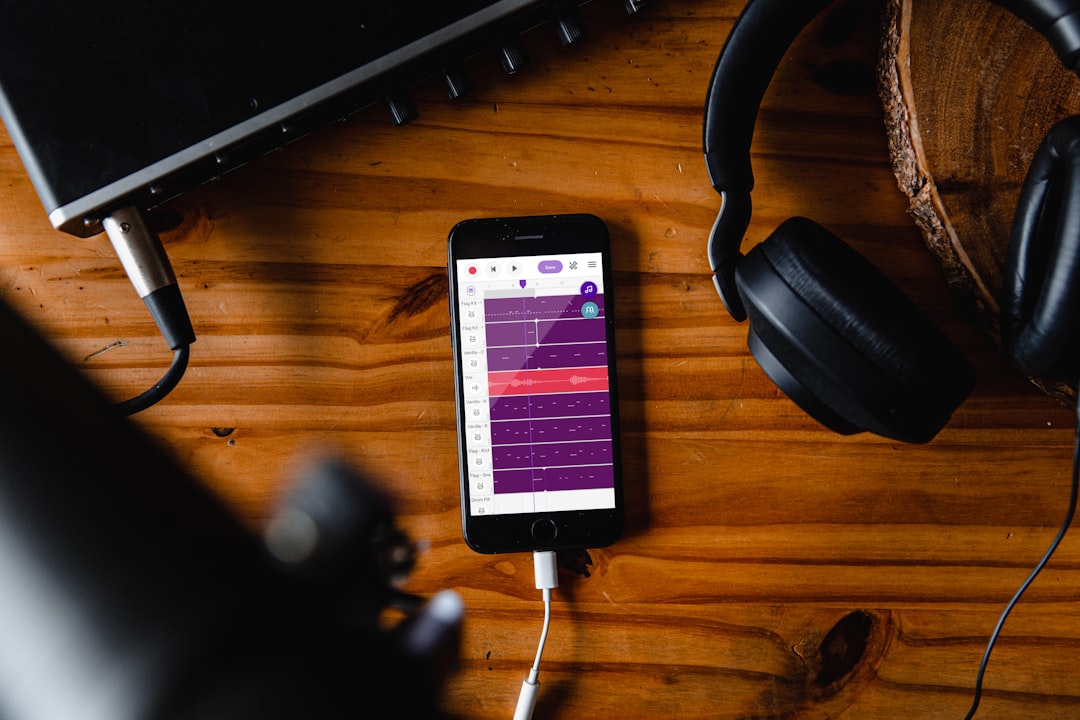
The best sampling apps put real sampling software on your phone or tablet: record any sound, chop it across pads and turn it into a beat. Koala Sampler is the standout for quick, hands-on sampling on both platforms, while iOS users get deeper options like BeatMaker 3 and AUv3 hosts. This guide explains what to look for and walks through the strongest picks.
Violet Recording is reader-supported — we may earn a commission from links on this page, at no extra cost to you.
| Pick | Best for |
|---|---|
| Koala Sampler | Fast cross-platform sampling |
| BeatMaker 3 | MPC-style iPad production |
| AUM with an AUv3 sampler | Modular iOS sampling rigs |
| FL Studio Mobile | Sampling inside a full DAW |
| BandLab | Free beginner sampling |
Quick answer
- Fast, fun, cross-platform sampling: Koala Sampler (iOS and Android).
- Deep, MPC-style production on iOS: BeatMaker 3.
- Flexible AUv3 sampling inside a host (iOS): a dedicated sampler running in AUM.
- All-in-one with sampling built in (cross-platform): FL Studio Mobile or BandLab.
What to look for in a sampling app
- Platform: Some of the most powerful samplers are iOS/iPadOS only. Confirm the app runs on your device first. Our iPhone vs Android for music production guide covers the gap.
- Recording and slicing: The core job is sampling a sound and chopping it cleanly across pads, with control over start points and loop points.
- Pitch and time: Good samplers let you play a sample across a keyboard and time-stretch it to fit your tempo.
- Sequencing: Can you build a pattern in the app, or do you need a separate sequencer?
- Effects: Built-in filters, reverb and delay save you bouncing out to another app.
- AUv3 support (iOS): Running as a plugin lets you slot the sampler into a larger setup. See what AUv3 apps are.
The best sampling apps
Koala Sampler (iOS and Android)
Koala is the easiest way into sampling and the best all-round pick for most people. You record straight into a pad, slice, pitch and sequence on one screen, and it runs on both platforms. It also works as an AUv3 plugin on iOS, so it fits into bigger projects. New to it? Read how to use Koala Sampler.
Best for: almost everyone — the fastest, most affordable way to record and chop samples on iOS or Android, whether you’re a beginner or slotting it into a bigger rig.
BeatMaker 3 (iOS / iPadOS)
BeatMaker 3 is a deep, MPC-inspired production app with serious sampling, slicing, layering and a full sequencer. It suits producers who want to build complete tracks around chopped samples on an iPad. It is iOS/iPadOS only.
Best for: iPad producers who want to build entire tracks around chopped samples with hands-on, MPC-style pad control.
AUM with a dedicated sampler (iOS / iPadOS)
AUM is an audio mixer and host that lets you load AUv3 samplers and route them however you like, building a modular sampling rig. It is the most flexible approach but assumes some comfort with iOS audio. Our guide to using AUM to connect your music apps shows how it fits together. AUM is iOS/iPadOS only.
Best for: experienced iOS users who want to wire up a custom, modular sampling rig from their favourite AUv3 samplers rather than rely on one fixed app.
FL Studio Mobile (iOS and Android)
If you want sampling inside a full DAW, FL Studio Mobile lets you import and play samples alongside its synths and drum kits, with a piano roll and arrangement view. It is a good cross-platform all-rounder rather than a dedicated sampler. See how to use FL Studio Mobile.
Best for: producers on iOS or Android who want sampling to live inside a full DAW so they can arrange a whole track without app-hopping.
BandLab (iOS and Android, free)
BandLab includes sampling and loop tools inside a free, cross-platform DAW, which makes it a low-risk way to try chopping samples into a track. It is not as focused as Koala, but it costs nothing and saves to the cloud. Our walkthrough on how to use BandLab to make music covers the basics if you are starting there.
Best for: beginners and Android users who want to try sampling for free inside a full DAW, with cloud backup, before paying for a dedicated app.
How to choose the right sampling app for you
- Confirm your platform. On Android, Koala, FL Studio Mobile and BandLab are your main options. On iOS you also get BeatMaker 3 and AUv3 hosts.
- Decide how deep you want to go. For quick beats, Koala is ideal. For full productions built on samples, BeatMaker 3 or a DAW makes more sense.
- Think about your wider setup. If you already use AUM or a host DAW, an AUv3 sampler slots in neatly.
- Start cheap. Koala and BandLab let you learn the craft before investing in a deeper app.
Get cleaner samples
Whatever app you choose, the quality of what you record matters. A small external mic or an audio interface lifts your recordings well above the built-in phone mic, and good technique cuts noise. See how to record music on your phone and the best microphones for smartphones. Once you have clean samples chopped across the pads, our guide to making beats on your phone shows how to turn them into a finished track.
Frequently asked questions
What is the best sampling app for beginners?
Koala Sampler. It is cheap, available on both iOS and Android, and you can record and chop a sample into a beat within minutes, with almost no learning curve.
Can I sample copyrighted music?
You can sample for practice and personal use, but releasing music that contains someone else’s recording usually requires clearance. Many producers sample their own playing, royalty-free packs, or cleared sources to stay safe.
Do I need an iPad for sampling apps?
No. Koala, FL Studio Mobile and BandLab all run well on phones. An iPad helps for deeper apps like BeatMaker 3 thanks to the larger screen, but it is not required to start.
What is the best software for sampling?
On a phone or tablet, Koala Sampler is our pick for the best software for sampling: it records, slices, pitches and sequences on one screen, runs on iOS and Android, and works as an AUv3 plugin. If you want sampling inside deeper production software, BeatMaker 3 on iPad or FL Studio Mobile are the strongest options.
Which sampling app works on both iOS and Android?
Koala Sampler, FL Studio Mobile and BandLab all run on both iOS and Android. Koala is the dedicated sampler of the three, while FL Studio Mobile and BandLab build sampling into a full DAW. BeatMaker 3 and AUM are iOS/iPadOS only, so Android users should start with Koala or BandLab.



