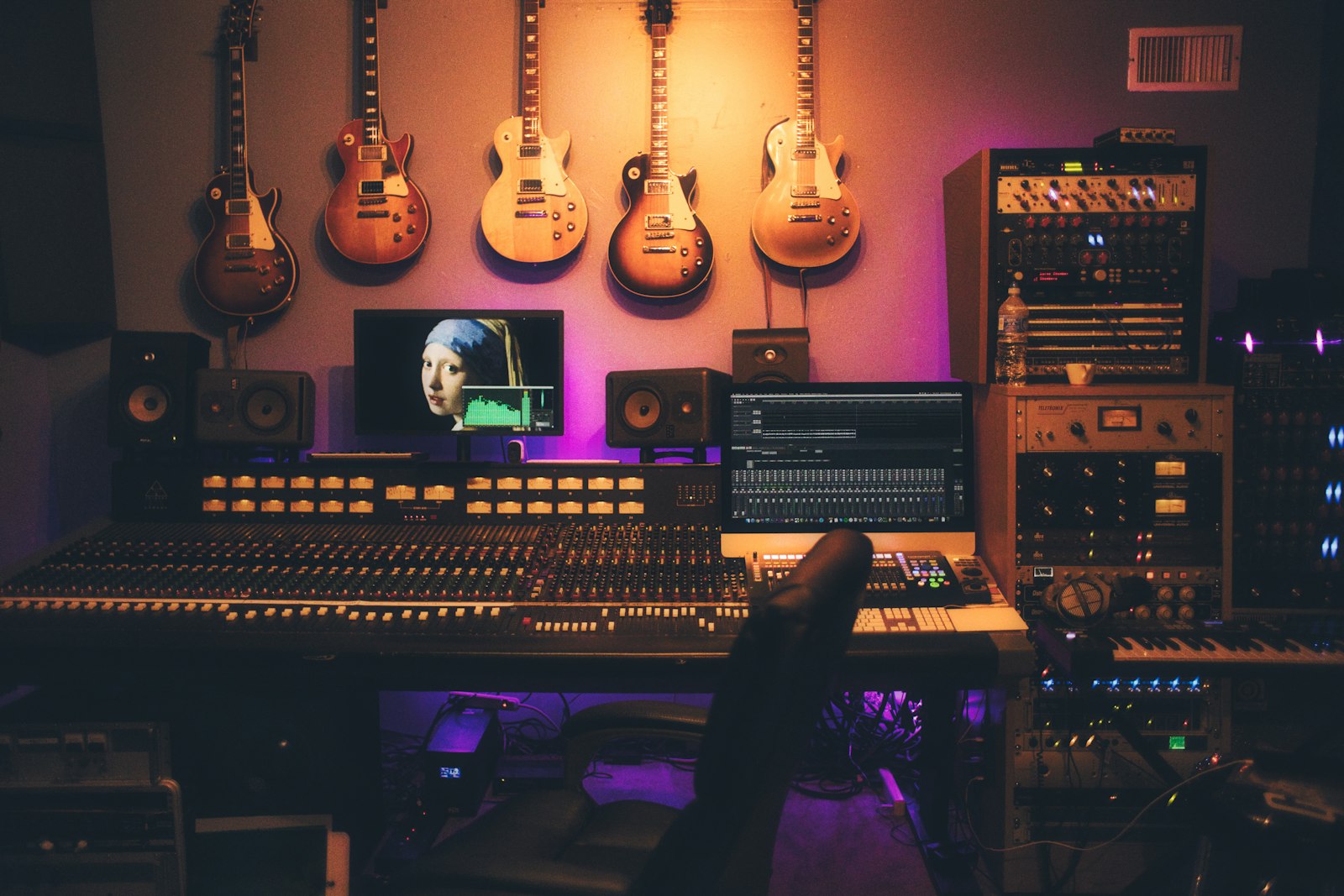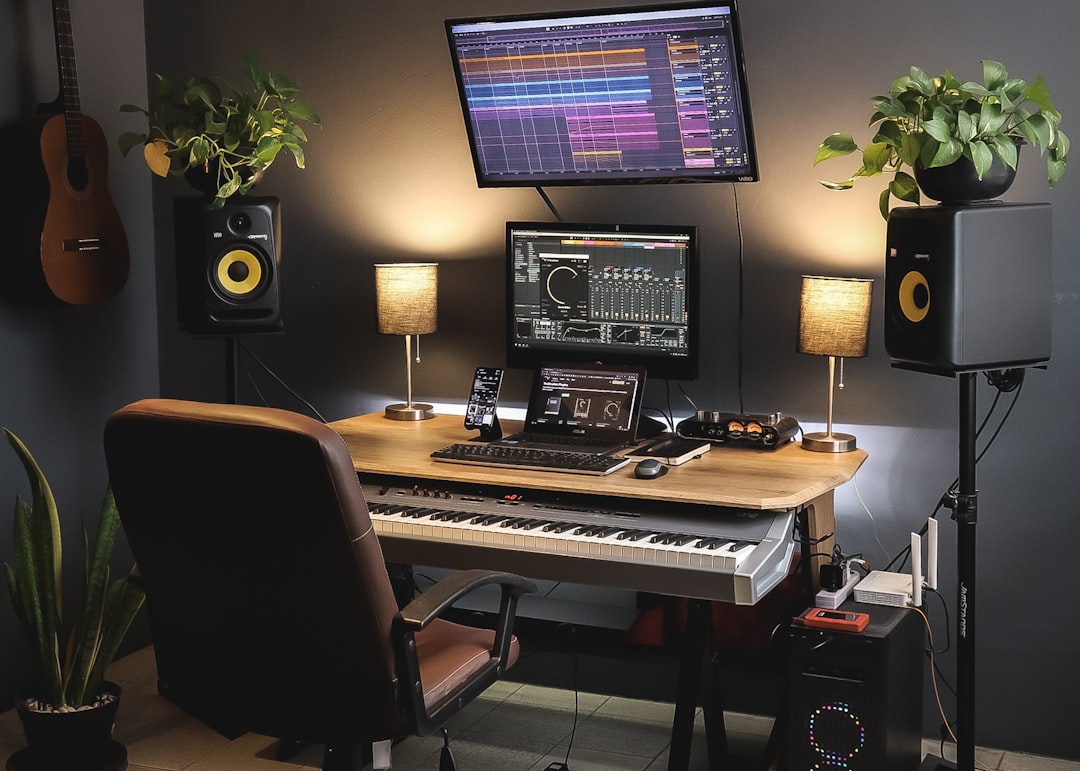
Whether you are producing a beat that needs some organic energy or filling out a song that feels empty, knowing how to add guitar to a track is one of the most valuable skills a home producer can have. A well-placed guitar part adds movement, texture, and a human feel that samples and synths often lack. The process breaks down into three stages: capturing a clean signal, shaping a tone that fits, and placing that guitar in the mix so it supports the song instead of crowding it. Here is how to do each.
Capture a clean signal first
You do not need an amp or a treated room to add guitar to a track. The modern home approach is to record a clean DI, the direct signal from your guitar into the instrument input of your audio interface, then shape the tone with plugins afterward. Plug your guitar into the input marked “Inst” or “Hi-Z” with an instrument cable, and set the gain so your hardest strums peak around -12 to -8 dBFS, leaving headroom so nothing clips.
Recording a DI has two big advantages. First, it is silent, so you can track at any hour without a loud amp. Second, it is endlessly editable: you can change the entire tone later, re-tune, or reamp the same performance through different sounds until it fits the track. Play the part tightly to the grid, mute unused strings cleanly, and comp together the best take before you commit to a tone.
Shape a tone with an amp sim
The DI on its own sounds thin and buzzy, so an amp simulator does the heavy lifting of turning it into a real guitar sound. Load an amp sim on the DI track and dial the tone to the role the part plays. A few reliable choices:
- Clean and shimmering for arpeggios, funk, or background texture. Reach for a clean amp with a touch of compression and reverb.
- Warm and broken-up for rhythm parts that add drive without dominating. A lightly overdriven tone sits well under vocals.
- High-gain and tight for rock or metal rhythm, where you will want to double-track and pan wide.
Popular plugins for this include AmpliTube, Guitar Rig, and Line 6 Helix Native, along with Neural DSP plugins for tight, modern tones. Each includes amps, cabs, and effects so you can build a complete sound on the DI. If you are chasing width on a rhythm part, record the part twice as two separate performances and hard-pan one take left and one right; that double-tracking is what makes guitars sound big rather than centered and small.
Fit the guitar into the mix
Adding a guitar is easy; making it sit without cluttering the track is the real skill. The key is carving space so the guitar occupies a lane other elements are not using.
- High-pass it. Roll off the low end of a rhythm guitar with a high-pass filter around 80-100 Hz so it stops competing with the bass and kick. Guitars rarely need anything below 100 Hz to sound full in a mix.
- Tame harshness. If the tone is fizzy or brittle, cut 2-4 dB near 3-4 kHz. For presence, a small 1-2 dB lift around 1-2 kHz helps the guitar cut through.
- Pan with purpose. A single rhythm guitar often sits better panned slightly off-center, around 20-40%, rather than dead center where it masks the vocal. Doubles go hard left and right.
- Automate for the vocal. Duck the guitar by a dB or two under the lead vocal so the two never fight for the same space.
Think about arrangement too. A track feels fuller when parts answer each other rather than all playing at once, so leave gaps, use a rhythmic strum in the verse and a bigger power-chord layer in the chorus, and let the guitar breathe. A short slapback delay of 60-100 ms or a subtle reverb can push a lead back and give it a sense of space without washing out the mix.
A quick workflow to add guitar to a track
Put it together and the routine is fast: record a clean DI with safe levels, load an amp sim and dial a tone that matches the part’s role, double-track and pan if you want width, then high-pass, carve harshness, and set the level so the guitar supports the song. Reamp or re-tone later if the mix changes; because you kept the DI, nothing is locked in.
For deeper dives, see our guides on recording guitar with an amp sim and double-tracking rhythm guitars, and use the tuner and metronome in our free audio tools hub to keep every take tight. Capture clean, shape with a sim, and place with intention, and you will add guitar to a track that sounds like it always belonged there.