
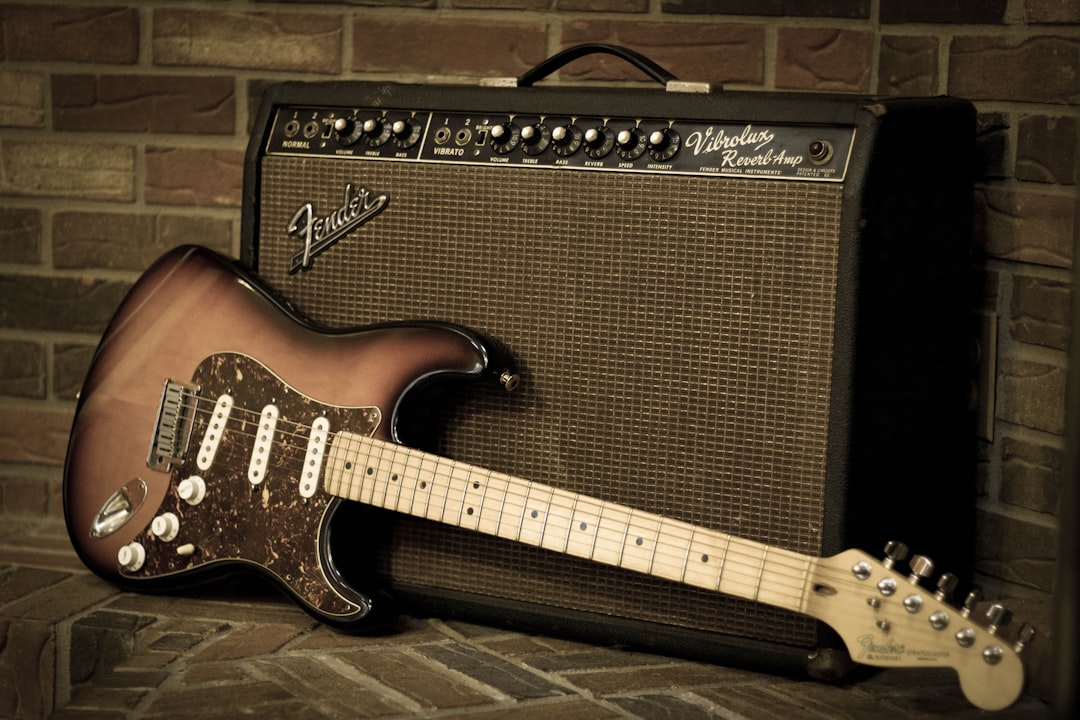
You can record bass without an amp by plugging straight into your audio interface and capturing a clean DI signal, then shaping the tone in software. This is how most modern records get their low end: a direct signal is quiet, repeatable and easy to reamp or process later. No microphone, no cab, no neighbours complaining.
The short version: get the bass into your interface as a clean DI, set sensible levels, and use an amp sim or a chain of plugins to add the character a real amp would. Here is the whole workflow.
Why record bass without an amp at all
A miked bass cab is hard to capture well in an untreated room. Low frequencies are long and easily excite room modes, so a DI gives you a cleaner, more controllable starting point. Recording a direct signal also means you can change the tone completely after the fact without re-recording the part, which is a huge advantage when you are working alone at home. If you are still weighing the trade-offs, our breakdown of DI vs amp for bass lays out where each approach wins.
Plenty of professional bass tones are 100% DI plus plugins. Others blend a DI with an amp sim. Either way, the DI is the foundation, so getting that right matters more than anything else.
What you need to record bass without an amp
- An audio interface with a proper instrument (Hi-Z) input — a Focusrite Scarlett, Universal Audio Volt, Audient iD or IK Multimedia AXE I/O all have one. Bass is a high-impedance source, so it needs a Hi-Z input, not a line input.
- A good cable — keep it short to reduce noise and high-end loss.
- Optional: a dedicated DI box — a quality active or passive DI can sound better than the interface input on some units, though most modern interface instrument inputs are perfectly usable. See our guide on DI boxes for guitar and bass.
- A DAW and an amp sim or bass plugin chain for the tone.
If you want a step-by-step on the signal path, our walkthrough on recording a clean bass DI covers the capture side in detail.
Step 1: Plug in and set your level
Connect the bass to the instrument input and engage the Hi-Z / instrument switch if your interface has one. Play the loudest part of the song and set the gain so peaks land roughly between -12 dBFS and -6 dBFS. Bass has big transients, so leave headroom — clipping the input is unrecoverable. Good gain staging at the source saves you a lot of trouble later.
Step 2: Capture a clean DI
Record the dry DI with no plugins printed to the track (use them only for monitoring). A clean, unprocessed DI is gold: it lets you reamp, swap amp sims, or fix tone choices months later. Mute hum by turning down before you stop playing, and watch for fret buzz and finger noise, which are far more obvious on a DI than through a loud amp.
Step 3: Add tone with an amp sim or plugins
Now make it sound like a record. Two main approaches:
- Bass amp sims — Neural DSP Parallax and the Darkglass-flavoured plugins, IK Multimedia Amplitube SVX, Positive Grid Bias and Mark Studio model real bass amps and cabs. Our roundup of the best bass amp sims compares the main options.
- A plugin chain — compression, EQ, light saturation and maybe a touch of distortion blended in. Many engineers split the signal into a clean low band and a distorted high band for grind that still keeps its weight. The best bass plugins cover most of these jobs in one window.
You can also run a hybrid: keep a clean DI underneath and layer an amp sim on top for grit. For dialling the finished sound, see how to get a good bass tone.
Step 4: Sit it in the mix
Bass and kick share the same space, so carve out room for both. Compression keeps the level even, and a high-pass somewhere very low tames sub-rumble. The full process lives in our guide to mixing bass guitar.
How to get the most natural DI tone
The DI is doing most of the work, so a few habits at the source pay off far more than any plugin you reach for afterwards. Most thin or lifeless DI tracks come down to the bass and the player rather than the gear.
If you are just getting started and need an instrument to plug in, our roundup of the best bass guitars for beginners focuses on basses with solid pickups and comfortable necks.
Working to a tighter budget? Our guide to the best cheap bass guitars worth buying picks out affordable basses with quiet pickups that make a clean DI easy.
- Fresh strings, or at least clean ones. Dead strings rob a DI of the high-mid detail that makes a tone feel present. If you want a darker, more vintage sound, that is fine — but choose it deliberately rather than living with it because the strings are worn out.
- Set the bass up first. A clean DI exposes every buzz, rattle and uneven note. A quick check of the action and intonation, and a steady picking or plucking hand, will do more for the recording than any amount of corrective EQ.
- Roll the tone control to taste before you commit. The onboard tone knob and pickup balance shape the raw signal in a way that is hard to fully recreate later, so it is worth dialling in a usable starting point rather than recording everything wide open.
- Mind the input impedance. A true Hi-Z input (around 1 megohm or higher) lets a passive bass breathe; feeding a passive pickup into a low-impedance line input dulls the top end. Active basses are less fussy because the onboard preamp drives the signal.
Common mistakes to avoid
A handful of issues account for most disappointing no-amp bass recordings:
- Printing the amp sim to the recorded track. Always keep the dry DI. Monitor through your sim if you like, but commit the clean signal so you can change your mind later.
- Tracking too hot. Bass transients spike well above where the meter looks like it is sitting. If you are flirting with 0 dBFS you will eventually clip a peak you cannot hear until it is too late. Leave headroom.
- Stacking sub on sub. Adding low-end EQ to fix a thin tone often just muddies the mix. More often the fix is mid-range, where the note definition and the sense of pitch actually live.
- Ignoring noise. Single-coil pickups, dimmer switches and nearby screens all add hum to a quiet DI. Position yourself away from interference and use a balanced, short cable before you reach for a noise-gate plugin.
Frequently asked questions
Do I need a DI box to record bass without an amp?
No. The instrument (Hi-Z) input on a decent audio interface is a built-in DI and works well. A separate DI box can add a little headroom or colour, but it is optional, not essential.
Does a DI bass sound as good as a miked amp?
For most modern genres, yes — a DI through a good bass amp sim is a release-ready tone and is more controllable than miking a cab in an untreated room. Some players still prefer a real miked rig for certain vibes, but DI plus sim is the home-studio standard.
Can I add distortion to a clean bass DI?
Yes. Blend a distorted copy of the DI with the clean one, or use an amp sim with drive. Keeping a clean low end underneath the distortion is what preserves the weight while adding grind.
Will an amp sim add latency while I track?
It can, but it is usually manageable. Lower your interface buffer size while recording to keep monitoring responsive, then raise it again for mixing when you want more processing headroom. If latency is still distracting, monitor the dry DI and switch the sim on afterwards — the printed clean signal sounds identical either way.



