
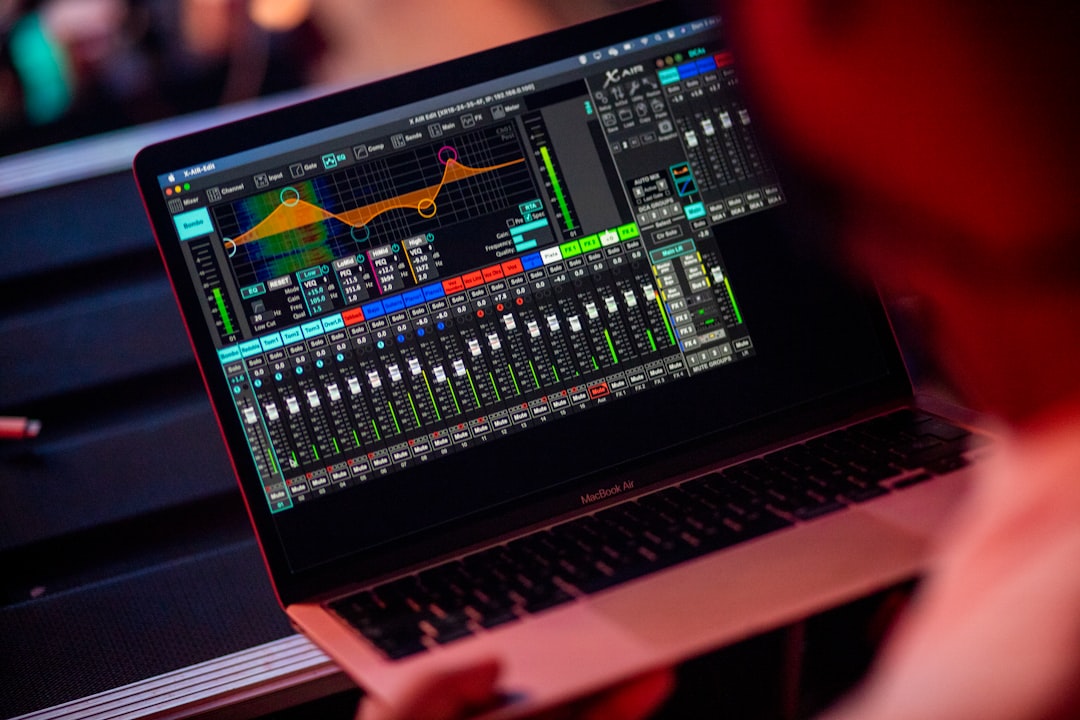
A synthesizer is an electronic instrument that generates sound from scratch and then shapes it using a set of controls. If you are asking what is a synthesizer, the key idea is that, unlike a guitar or a recorded sample, a synth creates its tone electronically — you build the sound yourself from raw waveforms, then sculpt it into anything from a warm pad to a screaming lead.
Synths power huge parts of modern music, from basslines and leads to atmospheric textures. Understanding their building blocks makes every synth, hardware or software, far less mysterious.
What is a synthesizer made of?
Most synthesizers share the same core sections, regardless of brand:
- Oscillators — generate the raw sound using basic waveforms like sine, square, sawtooth, and triangle. These set the fundamental tone.
- Filter — removes or emphasises frequencies to brighten or darken the sound.
- Amplifier — controls the volume over time.
- Envelopes — shape how parameters change from the moment a note is pressed to when it is released.
- LFOs — add movement by modulating parameters automatically.
Two of these deserve their own deep dives: the envelope, covered in our ADSR envelope explainer, and the LFO, covered in what is an LFO.
It also helps to know what each basic waveform sounds like, because they are the starting point for every patch. A sine wave is pure and hollow with no harmonics, which makes it ideal for sub-bass and soft tones. A sawtooth is bright and buzzy, packed with harmonics, and is the workhorse behind most leads and rich pads. A square wave is hollow and woody, and narrowing it into a thinner pulse gives that nasal, reedy character heard in classic synth lines. A triangle sits between sine and square: a little brighter than a sine but still mellow. Learning these four sounds by ear means you can usually guess where to start before you touch a single control.
How sound is shaped
The classic signal flow is oscillator into filter into amplifier. The oscillator makes the tone, the filter shapes its brightness, and the amplifier controls its loudness over time. Envelopes and LFOs then modulate these stages — for instance, an envelope can sweep the filter open when you press a key, while an LFO can add a slow wobble. This is the foundation of subtractive synthesis, which we cover step by step in subtractive synthesis explained.
The single most important control to understand is the filter cutoff, usually a low-pass filter that lets low frequencies through and removes the highs above the cutoff point. Lowering the cutoff makes a sound darker and rounder; opening it makes it brighter and more present. Alongside cutoff sits resonance, which emphasises the frequencies right at the cutoff point and adds a vocal, whistling quality as you push it. Together, an envelope sweeping the cutoff and a touch of resonance produce the expressive “wow” that defines so many synth sounds.
The main types of synthesizer
- Subtractive — starts with harmonically rich waveforms and filters out frequencies. The most common and beginner-friendly approach.
- FM (frequency modulation) — one oscillator modulates another to create complex, often metallic or bell-like tones.
- Wavetable — scans through a table of waveforms for evolving, modern textures.
- Additive — builds sound by stacking many sine waves together.
- Granular — generates sound from tiny grains of audio, often for the kind of evolving pads you would reach for when you make ambient music.
How to choose your first synth
With so many types and instruments available, the choice can feel overwhelming, but a few practical questions narrow it down quickly:
- Start with subtractive. Its oscillator–filter–amplifier signal flow is the easiest to hear and understand, and the concepts transfer to every other type. Most beginners are better served learning one subtractive synth deeply than collecting many.
- Software before hardware. A soft synth costs less, takes no desk space, and lets you save and recall patches instantly while you learn. You can always add hardware later once you know what you actually enjoy.
- Pick a flexible interface. A synth with clearly labelled knobs for cutoff, resonance, and the envelope stages will teach you faster than one where everything is buried in menus.
- Match it to your music. If you want deep basses and big leads, subtractive and wavetable cover most of it. If you are after bells, electric pianos, and metallic textures, an FM synth earns its place.
Common mistakes to avoid
A few habits trip up almost everyone when they begin programming sounds:
- Preset hopping. Scrolling through hundreds of factory patches feels productive but teaches you nothing about how the synth works. Pick one preset and change it.
- Stacking too much. Layering several oscillators, heavy effects, and deep modulation at once usually makes a muddy sound. Start simple and add only what the part needs.
- Ignoring the envelope. Many beginners only adjust the oscillator and filter, but the envelope’s attack and release shape how a sound feels in time. A slow attack turns a stab into a pad.
- Mixing in isolation. A patch that sounds huge on its own can disappear or clash in a full arrangement. Always check new sounds against the rest of your track.
Hardware vs software synths
Synths come as physical hardware instruments and as software plugins (often called soft synths or VSTs) that run inside your DAW. Software synths are an affordable, space-saving way to start, and many recreate classic hardware faithfully; you can build a complete setup from the best free synth VSTs before spending a cent. You play either type with a controller — see our guide on what a MIDI controller is for how to connect one and play your synths.
Using synths in your tracks
Once you have programmed a synth sound, it becomes a part in your arrangement like any other. You will record or sequence it, then balance it against your other elements with EQ and compression. If those tools are new, start with our EQ and compression fundamentals, and explore the full mixing and mastering hub for fitting synths into a finished mix. If your tracks lean heavily on synths, our walkthrough on how to make synthwave shows these sounds working together in a full production.
How to start learning a synth
The fastest way to get comfortable is to load a preset you like and then take it apart. Turn the filter cutoff and listen to the brightness change. Lengthen the attack and hear the sound fade in. Increase the LFO depth and notice the movement appear. Because every synth shares the same core sections, the skills you learn on one carry over to the next, whether it is a vintage hardware unit or a modern plugin. Resist the urge to scroll endlessly through presets; building even a few simple sounds from scratch will teach you more than hundreds of factory patches ever will.
Frequently asked questions
Do I need a hardware synth to make music?
No. Software synthesizers run inside your DAW and cover every type of synthesis. They are an affordable, space-saving way to learn, and many emulate classic hardware closely.
What is the easiest type of synthesis to learn?
Subtractive synthesis is the most beginner-friendly. It uses an intuitive signal flow — oscillator, filter, amplifier — so you can hear the effect of each control clearly as you learn.
What is the difference between a synth and a sampler?
A synthesizer generates sound electronically from waveforms. A sampler plays back recorded audio. Many instruments combine both, but the core distinction is generated versus recorded sound.
What does an oscillator actually do?
The oscillator is the part that produces the raw tone, usually by generating a repeating waveform such as a sine, sawtooth, square, or triangle. Its waveform choice and pitch set the starting character of the sound, which the filter and amplifier then shape.



