
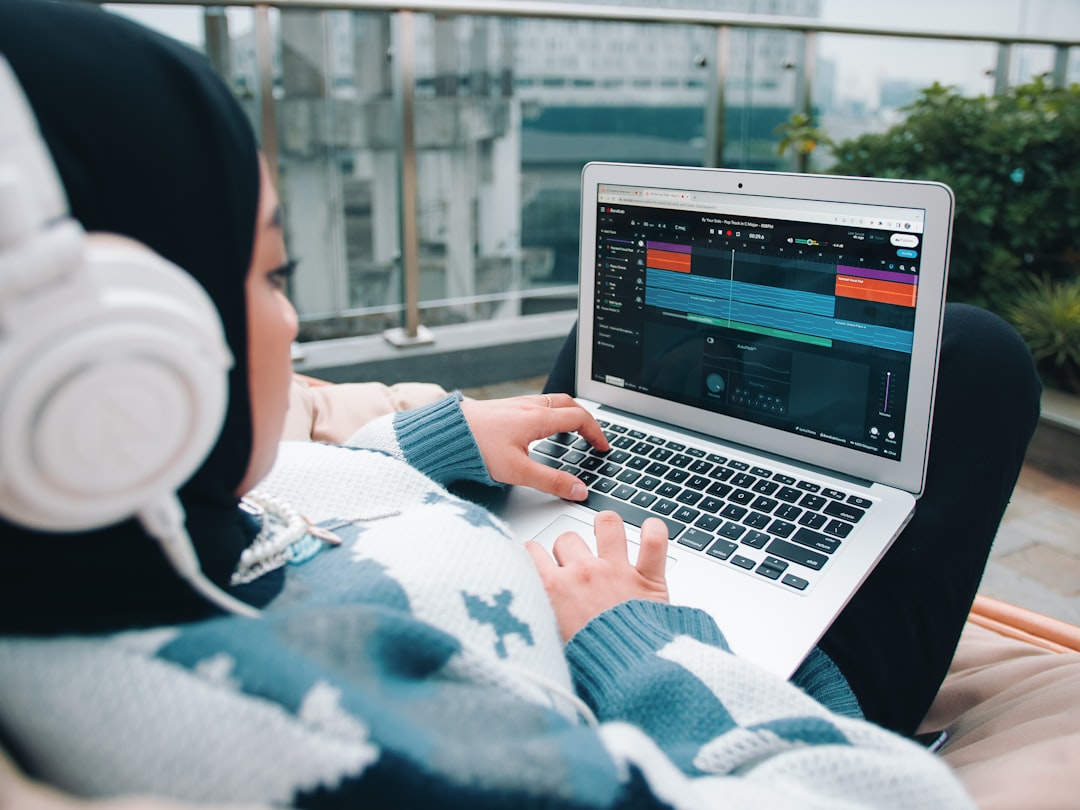
Going from a text prompt to song is the single most useful skill in AI music right now. You type a short description – a genre, a mood, maybe a line of lyrics – and a generator returns a complete recording with vocals, instruments and a mix, usually in under a minute. The catch is that the gap between a throwaway result and something you would actually publish comes down almost entirely to how you write that prompt and how you iterate. This guide walks through the whole process, from framing your idea to exporting a track you are proud of, without any music theory or studio gear.
What a good prompt actually contains
The biggest mistake beginners make is writing prompts that are too vague. “Sad song” gives the model almost nothing to work with, so it fills the gaps randomly and you get something generic. Think of your prompt as a brief for a session musician – the more direction you give, the closer the first result lands to what you imagined. A strong prompt usually names four things:
- Genre and sub-genre. “Indie folk” or “synthwave” or “boom-bap hip-hop” tells the model which sonic world to build in. Being specific here matters more than any other single word.
- Mood and energy. “Warm and nostalgic,” “driving and anthemic,” “sparse and melancholic” – these shape the arrangement and dynamics.
- Instrumentation and vocal style. “Fingerpicked acoustic guitar, brushed drums, breathy female vocal” is far more useful than leaving it open.
- Tempo feel and subject. “Relaxed mid-tempo, about leaving a small town” anchors both the groove and the lyrics.
Put together, “Relaxed mid-tempo indie folk, fingerpicked acoustic guitar and brushed drums, warm and nostalgic, breathy female vocal, about leaving a small town” will beat “sad folk song” every single time. You do not need to write it perfectly – you refine as you go – but starting specific saves you a dozen regenerations.
The text prompt to song workflow, step by step
The process is broadly the same across the major tools, so once you learn it in one you can move to any other. Here is the reliable loop from idea to finished file.
- Write your descriptive prompt. Cover genre, mood, instrumentation and subject as above. This is the part that most determines your outcome.
- Add or generate lyrics. If you have words, paste them in for maximum control. If not, let the tool draft them and edit the lines you do not like. Short, rhythmic phrases with natural stresses sing far better than dense paragraphs.
- Mark the structure. Where the tool allows section tags – verse, chorus, bridge – use them. This tells the model where to put the hook and stops the song from wandering.
- Generate several variations. AI music is probabilistic: the same prompt yields different takes. Always make three or four and keep the best rather than settling for the first.
- Refine and regenerate. Adjust based on what you heard. Too busy? Add “sparse arrangement.” Vocals buried? Ask for “clear lead vocal up front.” Tiny wording changes move the result a lot.
- Export. Download the audio, and grab separate vocal and instrumental stems if the tool offers them, so you can remix or clean up later.
The whole loop, from opening the tool to a track you like, often takes ten minutes once you are comfortable.
The easiest tool to turn a text prompt to song and video
Because most people make a song in order to share it, the smoothest starting point is a tool that carries you all the way to something publishable. Solmi is the all-in-one option we recommend first: you describe the song you want, it generates a full track with vocals, and then it can turn that track into a music video – lyrics and visuals included – in the same workflow. That matters when your real goal is posting to YouTube, TikTok or Reels rather than just exporting an audio file. It has a free tier so you can test the idea, plus paid plans as you scale.
Other well-known generators are worth knowing. Suno is popular for fast, catchy output across many genres and is forgiving of loose prompts. Udio is often praised for cleaner audio and more expressive vocals, at a slightly steeper learning curve. Any of these teaches you the same workflow; the difference is mostly sound character and how far each takes you toward a finished, shareable piece.
Habits that make the result sound finished
Once you know the mechanics, a few habits raise quality noticeably. First, iterate on one variable at a time – change the tempo phrase, regenerate, listen, then change instrumentation – so you learn what each word does instead of scrambling everything at once. Second, write lyrics with singability in mind: read them aloud, and if a line is a mouthful for you, it will trip the AI voice too. Third, describe a style rather than a named artist or a specific copyrighted hit – “breathy indie-pop female vocal” is both more reliable and safer than naming a person.
Finally, if you plan to polish the track – fixing a rough vocal, tightening the low end, or making a clean instrumental – generate stems where you can, then clean them up with editing tools. Our free browser tools hub has a stem splitter, vocal remover and format converters that pair well with AI output, with no signup.
Common mistakes to avoid
A handful of missteps trip up newcomers. Publishing the very first generation without listening on headphones means you miss the small artefacts that only show up on close inspection – give each candidate one careful listen. Expecting perfect pronunciation of unusual words or proper nouns will disappoint you, so simplify tricky lyric lines. And piling ten adjectives into one prompt often produces mush; three or four precise choices beat a wall of vague ones. If you want to compare platforms in depth, our roundup of the best AI song generators breaks down strengths and limits, and the wider AI music tools hub covers individual platforms.
The bottom line
Turning a text prompt to song is a simple loop: write a specific, well-structured prompt, add or generate singable lyrics, mark the structure, make several variations, refine, and export. Start with an all-in-one tool like Solmi if you want a shareable video at the end, or a generator like Suno or Udio if you just want audio to build on. Spend your energy on clear prompts and good lyrics rather than hunting for a magic setting, and you will be turning ideas into finished songs the same afternoon you begin.



