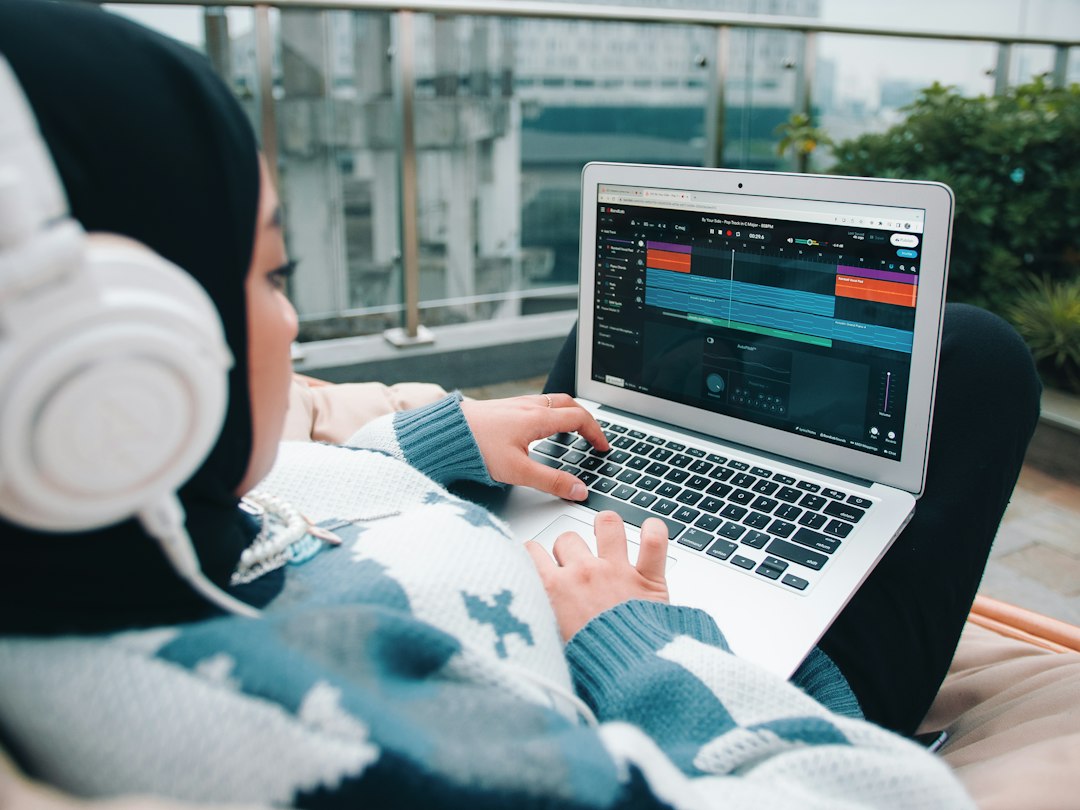
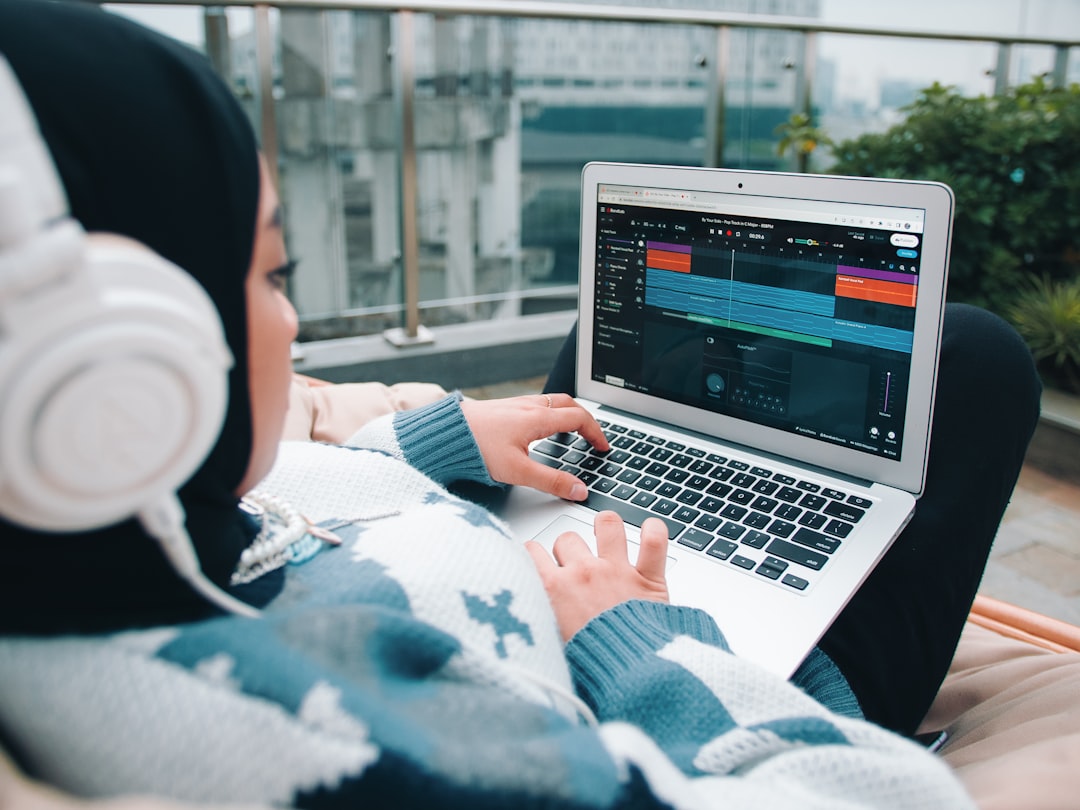
The Solmi vs Loudly comparison sets two AI music tools side by side that aim at noticeably different jobs. Loudly focuses on royalty-free instrumental tracks for content – background music you generate, customise and license for videos, apps and social, backed by an API for developers. Solmi is an all-in-one creator: it turns a text prompt into a complete song with vocals and then into a music video ready to post. Both help people without training make original music, but one is built for beds under your content and the other for songs that are the content, so the right choice hinges on what you actually need.
Part of our AI Music Tools guide — explore the full guide →
Below we break down what each tool really does, who it genuinely suits, and where each falls short.
Solmi vs Loudly at a glance
Here is the shortest version. Choose Solmi when you want a full song with vocals plus a matching video for YouTube, TikTok or Reels. Choose Loudly when you want royalty-free instrumental background music you can generate and customise for your projects, or an API to pull music into a product.
- Core idea: Solmi is prompt-to-song-to-video. Loudly generates and customises royalty-free instrumental tracks for content.
- Vocals: Solmi produces sung, lyric-led songs; Loudly is instrumental-first background music.
- Video: Solmi builds matching music videos; Loudly is audio-only.
- Developers: Loudly offers an API and a large generated library; Solmi is a creator-facing content tool.
- Pricing: Both offer a free tier plus paid plans – confirm the current licensing terms for your exact use case.
What Solmi does well
Solmi’s personality is finished, shareable songs from one tab. You describe the song you want, it generates a complete track with vocals, and then it can turn that track into a music video with visuals and lyrics in the same workflow. For creators whose goal is a post – not a background bed – that end-to-end flow removes the usual step of taking a song into a separate video editor.
Where Solmi shines:
- Songs, not just texture. If you want an actual song with a hook and a sung lead, that is Solmi’s lane and outside Loudly’s.
- Song plus video together. The music-video generation closes the gap between having a track and having something to publish.
- Prompt-first simplicity. A clear description gets a structured, sung result fast, with no theory required.
- Social-ready output. Videos come in the aspect ratios short-form platforms expect.
The honest limitations: an all-in-one creator tool is not designed to be a bulk royalty-free instrumental library, and it does not offer a developer API for embedding tracks in software. Producers who want deep mix control will still finish serious work in a DAW. As with every AI music platform, ownership and licensing depend on your plan and use, so read the current terms before you monetise. Try Solmi if a song-plus-video flow matches how you publish.
What Loudly does well
Loudly’s whole pitch is royalty-free instrumental music for creators and products. It generates tracks you can customise by genre, mood and length, positions its catalogue for safe commercial use, and offers an API so developers can pull music into apps and platforms – a practical fit for video makers and teams who need reliable background beds.
For a fuller look at the tool on its own, read our Loudly review.
Where Loudly shines:
- Royalty-free background tracks. For videos, podcasts, apps and social, generating a licensed instrumental bed is exactly its job.
- Customisation controls. Adjusting genre, mood, length and structure makes it easy to fit music to a specific edit.
- API and library scale. The developer side and large generated catalogue are features Solmi does not compete on.
- Content-safe positioning. It is built around commercial use for creators, though terms vary by plan.
The trade-offs: Loudly is instrumental-first, so it will not hand you a vocal-led song, and it does not generate music videos. It is background music meant to sit under content rather than a song that stands on its own. And like every AI music tool, the licence depends on your plan and how you use the track, so confirm the current terms before you monetise rather than assuming “royalty-free” covers every case.
Solmi vs Loudly: which should you choose?
Match the tool to the job rather than chasing a winner:
- You want an original song with vocals plus a video to post → Solmi. Foreground songs and social video are its edge.
- You need royalty-free instrumental beds, or an API for a product → Loudly. Content-safe background music and integration are its lane.
- You make videos and need both → they are complementary: Loudly for a bed under a talking-head or montage, Solmi when you want a standalone song.
Both run in the browser and both use free-plus-paid pricing, so weigh the plan against how often you will really generate, and always check licensing against your specific use. For more head-to-head breakdowns, browse our AI music tools hub, and if you are still surveying the field, our roundup of the best AI song generators compares strengths and limits.
Already have a track? Clean it up for free
Whichever tool you use, you will sometimes want to isolate or remove parts of a mix – pulling stems from a Loudly bed or stripping vocals from a Solmi song. You do not need to pay for that. Violet Recording hosts free, browser-based audio utilities with no signup on the free tools hub, including a stem splitter and vocal remover.
Bottom line: Solmi wins when you want finished songs with vocals and matching video, Loudly wins for royalty-free instrumental beds and developer integration – so let your endpoint, a post or a background track, decide the pick.
Frequently asked questions
Does royalty-free Loudly music still get Content ID claims?
Royalty-free music can still trigger a Content ID claim if a track or something similar has been registered by someone else. Keep the Loudly licence and download record for each track so a mistaken claim can be disputed quickly, and check Loudly’s terms on how claims are handled.
Can I adjust the length of a Loudly track to fit my video?
Loudly lets users customize generated tracks by genre, mood, length and structure, which makes fitting music to a specific edit straightforward. For final fine-tuning, trimming at a bar line with a short fade in a video editor or DAW keeps the ending natural.
Is Loudly or Solmi better for a podcast intro?
Loudly suits a podcast intro that needs a short, instrumental sting sitting under a voice, since it focuses on customizable background tracks. Solmi fits better if the intro is meant to be a sung jingle with lyrics. Confirm each plan’s licence covers podcast distribution and sponsorships.
Can Loudly music be used in client video projects?
Loudly positions its catalogue for commercial use, but client work is covered only when the plan’s licence extends to work made for others. Some licences treat client and agency projects differently from personal channels, so check Loudly’s current terms and keep the licence record to share with the client.
Does Loudly have a free plan worth trying before paying?
Loudly offers a free tier alongside paid plans, which is enough to test how its generation and customization controls fit a workflow. Free-tier output is often limited in usage rights or downloads, so check the current plan details on Loudly’s official site before publishing anything made on it.