
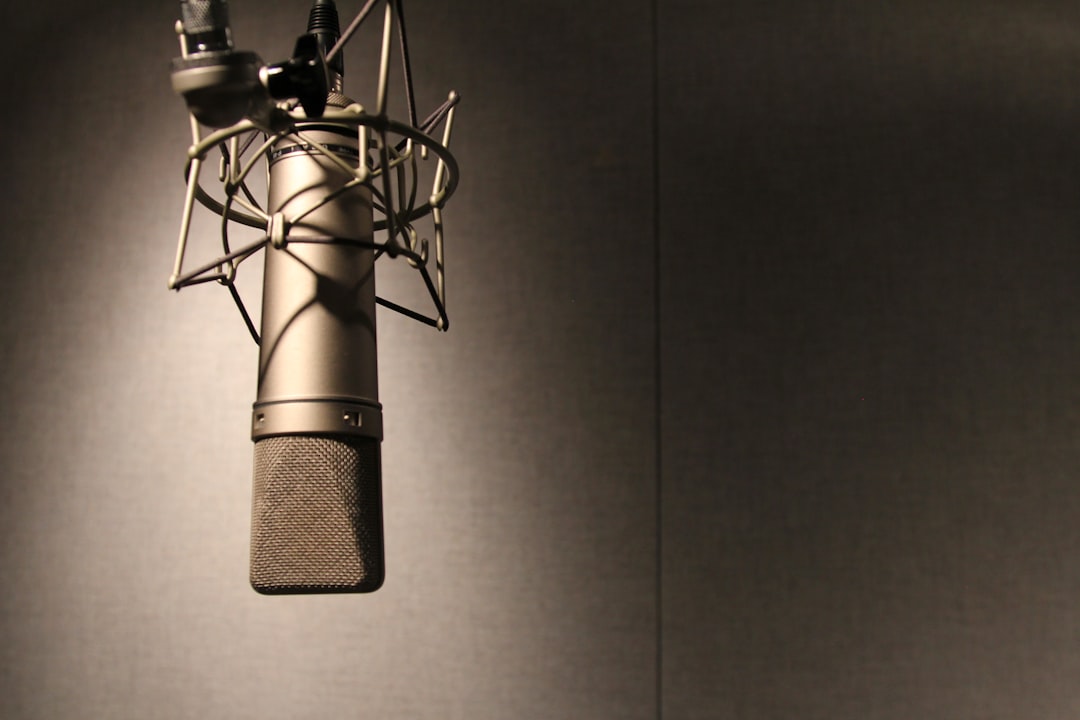
The best microphone for Twitch streaming gives you a clear, present, broadcast-style voice that cuts through game audio while ignoring your keyboard, mouse and room. Most streamers do brilliantly with a cardioid USB mic; those chasing a true radio sound move to an XLR dynamic on an interface or audio mixer.
Quick answer: Start with a USB cardioid mic like the HyperX QuadCast, Elgato Wave:3 or Blue Yeti. For the endgame broadcast sound, run a Shure SM7B or Rode PodMic into an interface like the Focusrite Scarlett or a stream mixer.
What to look for in a microphone for Twitch
Streaming is the most demanding desktop scenario: long sessions, loud games and a noisy desk. Prioritise rejection and a flattering close-up tone.
- Cardioid pattern: Front-focused pickup keeps keyboard, fans and room out of the broadcast. Our polar patterns guide covers this.
- Dynamic vs condenser: Dynamics reject room noise best and are forgiving of untreated spaces; condensers sound more detailed but pick up more room. See condenser vs dynamic microphones.
- USB vs XLR: USB is one cable and you’re live; XLR opens up better mics and processing. Compare in USB mic vs audio interface.
- Mounting: A boom arm and shock mount keep the mic close and isolate desk thumps — see what a shock mount does.
Best USB mics for streaming
One cable, software for levels, and you’re broadcasting. If you want to weigh up more options, our roundup of the best USB microphones goes deeper on each pick.
- HyperX QuadCast / QuadCast S: Built-in shock mount, tap-to-mute and RGB; a streamer staple in cardioid mode.
- Elgato Wave:3: Clean condenser with excellent Wave Link software for mixing mic, game and chat audio.
- Blue Yeti: The classic desktop USB mic; use cardioid and stay close to the front.
- Shure MV7: A broadcast dynamic with both USB and XLR, so it grows with you.
The XLR broadcast setup
This is where streams start sounding like radio shows.
- Shure SM7B: The streamer and podcaster favourite. Superb noise rejection, but it needs a lot of clean gain — pair it with a high-gain interface or a Cloudlifter. We dig into the trade-offs in our full Shure SM7B review.
- Rode PodMic: A more affordable broadcast dynamic that’s easy to drive and sounds great up close.
- Interface or stream mixer: A Focusrite Scarlett Solo handles a single mic; a GoXLR or Rodecaster adds live faders, mute and effects for advanced setups. Start with how to set up an audio interface.
USB or XLR: which should you choose?
This is the decision that trips up most new streamers, so it is worth being honest about. The right answer depends on your room, your budget and how much fiddling you enjoy — not on what your favourite streamer happens to own.
Pick USB if you want to be live tonight, you stream from a bedroom or shared space, or you would rather spend your energy on content than on gain staging. A modern USB cardioid mic on a boom arm, with the on-board software set sensibly, sounds genuinely broadcast-ready. There is no shame in it; the audience cannot hear the connector, only the result.
Pick XLR if you already know you want a long-term setup, you plan to add a second mic for a co-host, or you want hardware-level control over mute, levels and effects. The trade-off is cost and complexity: you are now buying a mic, an interface or mixer, cables and usually a boom arm and shock mount, and you have to learn to set input gain so the signal is strong but never clipping.
A sensible middle path is a hybrid mic such as the Shure MV7, which runs over USB today and over XLR the day you buy an interface. That lets you start simple and upgrade the chain around the same microphone instead of replacing it.
Common mistakes that ruin stream audio
Most bad-sounding streams are not caused by a cheap mic — they are caused by a few avoidable habits. Fix these before you spend more money.
- Sitting too far away. A mic an arm’s length back picks up far more room and game noise than voice. Get it within 10–20 cm and the difference is dramatic, especially with a dynamic.
- Cranking the gain to compensate. Turning up a distant mic just amplifies the room with it. Move closer and lower the gain instead.
- Skipping the noise gate. Without a gate your mechanical keyboard, fans and chair creaks broadcast non-stop. A gate that opens only when you talk cleans this up instantly.
- Using speakers instead of headphones. Speakers let game and chat audio bleed straight back into the mic, causing echo and the dreaded feedback loop. Headphones solve it.
- Plosives and clipping. Hard “p” and “b” sounds thump the mic; a pop filter or slight off-axis angle fixes plosives, and watching your level meter prevents clipping during loud moments.
- Ignoring the room. A bare, hard-walled room sounds boxy on a condenser. A little soft furnishing or foam behind the desk tames echo for very little money.
Setup tips for a pro stream
- Get the mic close (10–20 cm) on a boom arm so it’s off the desk and near your mouth.
- Use a noise gate so the mic only opens when you talk.
- Add light compression to even out shouting during hype moments and quiet chat.
- Wear headphones to prevent game audio bleeding into your mic.
- A little foam treatment behind your setup tames echo cheaply.
Frequently asked questions
Do I need an XLR mic to stream on Twitch?
No. Plenty of top streamers use USB mics. XLR gives you better sound and processing options, but a good USB cardioid mic on a boom arm sounds excellent and is far simpler to run.
Why does the Shure SM7B need a Cloudlifter?
The SM7B is a low-output dynamic that needs a lot of gain. Many budget interfaces run out of clean gain before it’s loud enough, so a Cloudlifter or high-gain interface adds quiet, clean boost.
How do I stop my mic picking up game audio?
Wear headphones instead of speakers, use a close cardioid (ideally dynamic) mic, and add a noise gate so the mic stays closed unless you’re speaking.
Is a condenser or dynamic mic better for streaming?
For most home streamers a dynamic is the safer choice because it rejects room noise and is forgiving of untreated spaces. A condenser sounds more detailed and airy, but it also hears more of your room, so it shines only when you have a quiet, treated space close to the mic.
Does a more expensive mic automatically sound better?
Not on its own. Mic placement, a noise gate and a treated-enough room matter far more than price. A modest mic used close and gated will out-perform a flagship mic placed badly across a noisy desk, so get the fundamentals right before upgrading the hardware.



