
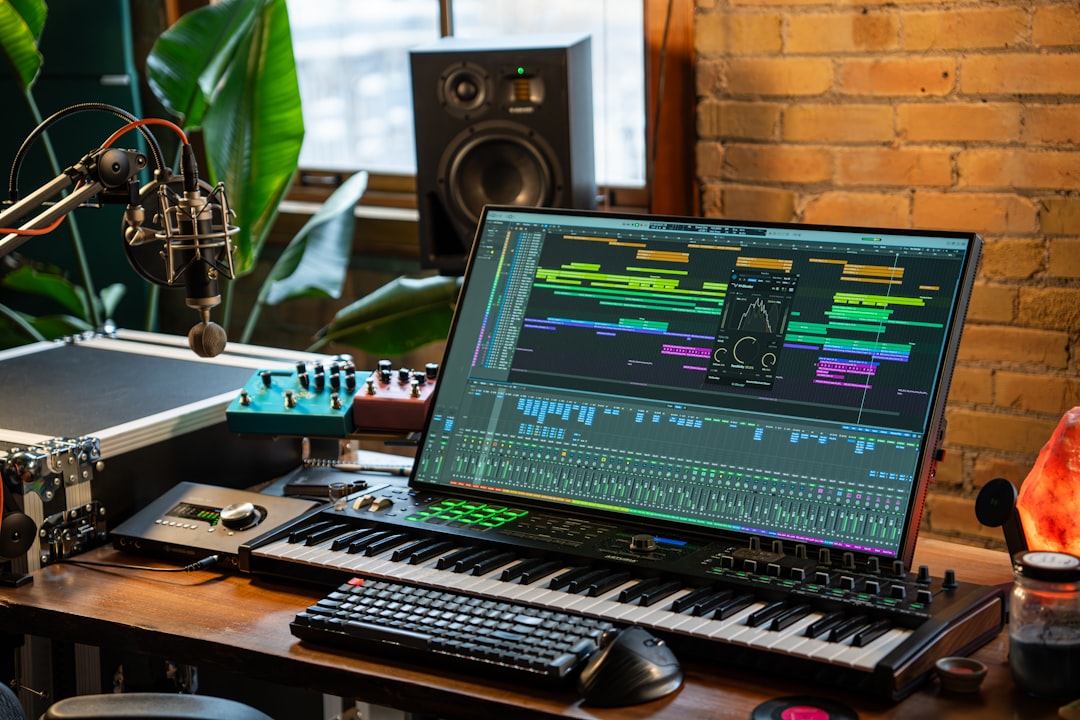
A monitor controller gives you a single, reliable volume knob for your speakers, plus the ability to switch sources and compare speaker sets. The best studio monitor controllers let you set a trusted listening level, mute and dim quickly, and A/B between monitors — all without diving into your DAW or interface menus. Here is how to choose, and the units worth knowing.
Violet Recording is reader-supported — we may earn a commission from links on this page, at no extra cost to you.
Quick answer
- Best simple passive controller: TC Electronic Level Pilot — one big knob, no power, very clean.
- Best active controller with extras: Mackie Big Knob series, PreSonus Monitor Station, SPL or Drawmer for higher end.
- Best if you don’t need one yet: use your interface’s monitor knob — many already do the job.
What a monitor controller actually does
It sits between your audio source (interface or converter) and your powered monitors. At minimum it gives you a high-quality volume control at your fingertips. Better units add mute, dim (a quick fixed level drop), mono summing (to check mono compatibility), source switching, and the ability to flip between two or three sets of speakers. Some also include headphone outputs and talkback. If the concept is new to you, our explainer on what a monitor controller is covers the fundamentals before you spend.
The point is consistency: you mix at the same trusted level, you can instantly check mono and reference tracks, and you compare monitors fairly. That discipline improves your mixes more than most gear does — pair it with the habits in our beginner’s guide to mixing your first song.
Do you even need one?
Many audio interfaces already have a clean monitor volume knob and a mono button, which covers the basics. You benefit from a dedicated controller when you want to switch between multiple speaker sets, A/B sources quickly, keep the volume knob within reach away from the interface, or use a higher-quality volume stage than your interface offers. If you only have one pair of monitors and your interface knob is handy, you may not need one at all.
How to choose the best studio monitor controllers
Passive vs active
A passive controller is just a high-quality volume attenuator — no power, no added noise, no extra features. It is clean and cheap but offers only volume. An active controller is powered and adds source switching, multiple speaker outputs, headphone amps, mono, and dim. Choose passive for pure simplicity, active for features — the same trade-off you weigh when comparing powered versus passive studio monitors.
Speaker and source switching
If you want to compare your mix on two or three sets of monitors, you need a controller with multiple speaker outputs and instant switching. Likewise, multiple inputs let you flip between your interface and another source.
Mono and dim
A mono button reveals phase and balance problems and predicts how the mix translates on single-speaker systems. A dim button drops the level a fixed amount so you can talk or take a quick break without losing your reference. Both are small features that get used constantly.
Connections and gain match
Most use balanced XLR or TRS in and out. Match the controller’s connectors to your interface and monitors, and watch for any level mismatch — a clean signal path matters here. If you hear hum after adding one, see our guide on fixing ground-loop hum.
Compared at a glance
| Pick | Why it stands out |
|---|---|
| TC Electronic Level Pilot — best simple passive | The Level Pilot is a passive desktop knob that controls your monitor level with no power and no added noise. |
| Mackie Big Knob series — best value active | The Big Knob lineup (from compact passive-style units up to the Studio and Studio+) adds source and speaker… |
| PreSonus Monitor Station V2 — best feature set for the money | The Monitor Station V2 packs multiple speaker outputs, several headphone amps with cue mixes, talkback, mono, and… |
| SPL & Drawmer — best high-end | For a step up in audio quality and build, SPL (such as the 2Control) and Drawmer monitor controllers are respected… |
Full picks and details below.
The best studio monitor controllers
TC Electronic Level Pilot — best simple passive
The Level Pilot is a passive desktop knob that controls your monitor level with no power and no added noise. If all you want is a clean volume control within reach, it is hard to beat for the price and simplicity.
Mackie Big Knob series — best value active
The Big Knob lineup (from compact passive-style units up to the Studio and Studio+) adds source and speaker switching, mono, dim, talkback, and headphone outputs depending on the model. It is the popular default for home studios that have outgrown the interface knob.
PreSonus Monitor Station V2 — best feature set for the money
The Monitor Station V2 packs multiple speaker outputs, several headphone amps with cue mixes, talkback, mono, and dim into one desktop unit. Strong choice if you record other people and want flexible monitoring.
SPL & Drawmer — best high-end
For a step up in audio quality and build, SPL (such as the 2Control) and Drawmer monitor controllers are respected in professional rooms. Worth it if your monitoring chain is the weak link and you want a transparent volume stage.
Putting it to work
Set a comfortable reference level you return to every session, use the mono button often to check translation, and A/B against your other speakers and headphones to keep perspective. Get your speakers placed correctly first with how to position studio monitors, then calibrate your studio monitors so the controller sets a meaningful level, decide where headphones fit using studio monitors vs headphones for mixing, and see the home studio setup hub for the rest of the chain.
Frequently asked questions
Do I need a monitor controller if my interface has a volume knob?
Not necessarily. Many interfaces already give you clean monitor volume and a mono button. A dedicated controller earns its place when you want to switch between multiple speaker sets or sources, keep the knob within reach, or use a higher-quality volume stage.
Passive or active monitor controller?
Choose passive (like the TC Electronic Level Pilot) if you only want a clean volume knob with no added noise. Choose active (like the Mackie Big Knob or PreSonus Monitor Station) if you need source switching, multiple speaker outputs, mono, dim, or headphone amps.
Why is the mono button useful?
Summing to mono reveals phase and balance issues you can’t hear in stereo and shows how your mix holds up on single-speaker systems like phones and laptops. Checking mono regularly is one of the quickest ways to catch translation problems.



