
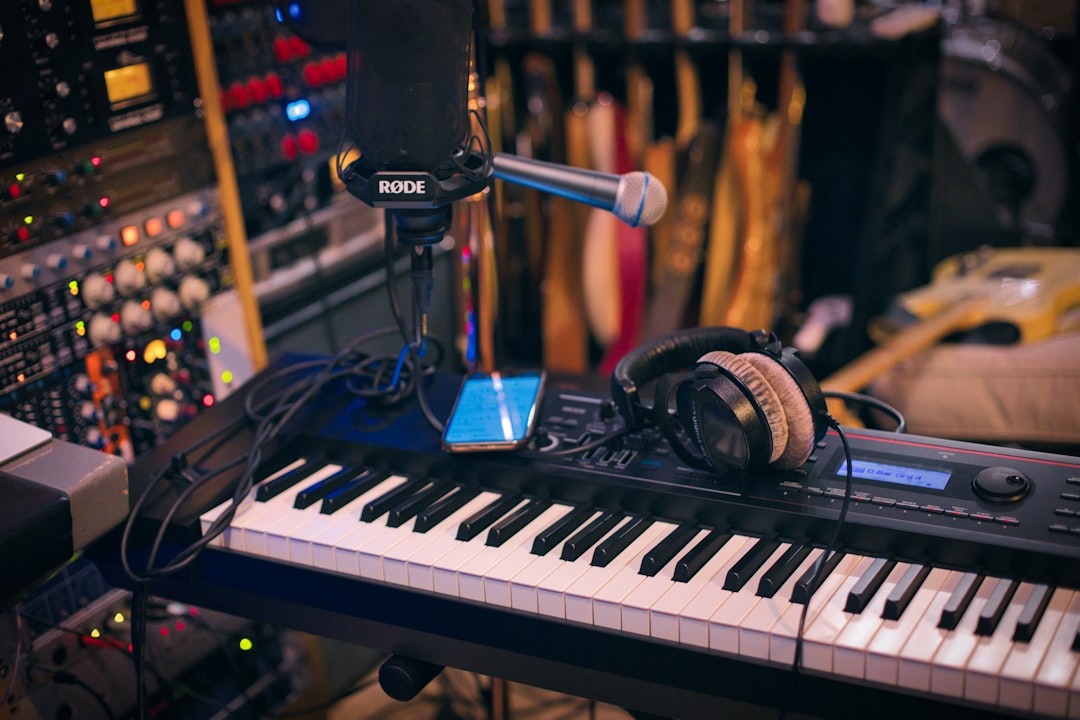
The best audio interface for streaming is one with low-latency monitoring, enough mic and instrument inputs for your setup, and built-in loopback so you can route game, music, and chat audio into your stream without extra software. If you mostly talk into a single XLR mic, a clean two-channel box is plenty. If you co-host, play instruments, or run a podcast alongside your stream, you’ll want more inputs and onboard mixing.
Quick answer
- Solo talker / single XLR mic: a clean 2-in/2-out interface with loopback.
- Two hosts or mic + instrument: a 2-mic interface with two headphone outs.
- Podcast-and-stream hybrid / multiple sources: a 4-channel interface or a streaming-focused mixer-interface with per-channel control.
What makes a good audio interface for streaming
Streaming is a live, one-take medium, so the qualities that matter are slightly different from a tracking-focused studio rig. You care less about pristine 32-bit capture and more about routing flexibility, stable drivers, and being able to hear yourself without delay while you talk for hours. Here’s what to weigh up.
Inputs and preamps
Count your sources. One XLR mic needs one good mic preamp. A guitar or bass needs a high-impedance (Hi-Z) instrument input. Two hosts need two mic preamps, ideally with independent gain. If you’re unsure how much clean level your mic needs, our guide to gain staging will help you set levels that don’t clip or hiss. Condenser mics also need 48V power — see what phantom power is if you’re not sure whether your mic requires it.
Loopback (the feature that matters most for streamers)
Loopback lets the interface feed your computer’s playback audio — music, game sound, a guest on a call — back into a recording channel, so your streaming software captures everything in one tidy mix. Without it you’re stuck juggling virtual audio cables. If clean, software-free routing matters to you, treat loopback as a must-have feature rather than a bonus.
Monitoring and headphone outputs
You’ll be wearing headphones for the whole stream, so headphone output quality and volume matter. Look for direct (zero-latency) hardware monitoring so you hear your own voice instantly, with a blend control to balance your live input against computer playback. If a second person is in the room, two headphone outputs save you a splitter.
Latency and drivers
Round-trip latency is the delay between making a sound and hearing it back through the computer. For streaming it’s less critical than for tracking because hardware monitoring sidesteps it, but stable, low-latency drivers still keep your stream in sync and avoid glitches during long sessions. Our explainer on audio latency covers why this happens and how to reduce it.
Connectivity and power
USB-C bus power keeps your desk tidy and works with most modern computers. Check the connector your machine actually has, and whether the interface ships with the right cable. If you stream from a laptop, bus power means one less wall wart to deal with.
Build, controls and software
Physical gain knobs and a hardware mute or monitor-mix dial are far nicer mid-stream than fiddling with software. Many interfaces also bundle control software for routing and effects, plus a DAW and plugins you can use for recording and editing later.
Audio interface for streaming vs a USB mic or mixer
Not everyone needs an interface. If you only ever use one microphone and never plan to add instruments or a second host, a good USB mic can be simpler — we compare the trade-offs in USB mic vs audio interface. At the other end, if you’re routing many live sources and want hands-on faders, a dedicated streaming mixer can beat an interface; see audio interface vs mixer to decide which side of that line you fall on. An interface is the sweet spot for most streamers who want studio-grade mic sound plus the option to grow.
How to choose the right one for your setup
- List your sources. Mics, instruments, a backing-track machine, a guest call — count them and the connector each one uses.
- Decide if you need loopback. If you stream music, gameplay, or call audio, prioritise it.
- Match channels to people. One host: 2-in is fine. Two hosts: two mic inputs and two headphone outs.
- Check monitoring. Direct hardware monitoring with a mix blend is the comfort feature you’ll use every stream.
- Confirm the connection. USB-C bus power suits most desks; verify your computer’s port and the included cable.
- Leave headroom. Buying one channel more than you need today is cheaper than replacing the unit in six months.
If you’re building a wider setup around the interface, our home studio gear checklist covers the mics, stands, and cables that pair with it.
Compared at a glance
| Pick | Why it stands out |
|---|---|
| Focusrite Scarlett Solo | The Scarlett Solo is a compact USB-C interface with one quiet mic preamp, an instrument input and clean direct… |
| Focusrite Scarlett 2i2 | The Scarlett 2i2 gives you two preamps with independent gain plus instrument inputs, so you can run two mics or a… |
| Focusrite Scarlett 4i4 | The Scarlett 4i4 steps up to four ins and four outs with two preamps and flexible routing, plus loopback for… |
| Behringer UMC22 | The UMC22 is a very affordable single-mic, single-instrument USB interface with a Midas-designed preamp and 48V… |
Full picks and details below.
The best audio interfaces for streaming
Below are our recommendations grouped by the kind of streamer they suit. Each pick is chosen on the criteria above — inputs, loopback, monitoring, and reliable drivers — rather than on spec-sheet bragging rights.
Best for solo streamers (single mic)
For one host on one XLR microphone, you want a simple, well-built two-channel interface with a quiet preamp, loopback, and clean headphone monitoring. This is the easiest, lowest-clutter way to get studio mic sound onto your stream.
Focusrite Scarlett Solo
The Scarlett Solo is a compact USB-C interface with one quiet mic preamp, an instrument input and clean direct monitoring — exactly what a single-mic streamer needs. Focusrite’s control software adds loopback so you can route system and chat audio into your stream without extra tools. A popular, low-clutter way to get studio mic sound onto a solo broadcast.
Best for two hosts or mic + instrument
If you co-host or play guitar while you talk, look for two mic preamps with independent gain, a Hi-Z instrument input, and ideally two headphone outputs so both people can monitor.
Focusrite Scarlett 2i2
The Scarlett 2i2 gives you two preamps with independent gain plus instrument inputs, so you can run two mics or a mic and a guitar at once. Its bundled software supports loopback for capturing game, music and call audio cleanly. A widely recommended choice for co-hosted streams or for talking while you play.
Best for podcast-and-stream hybrids
Streamers who also record a podcast benefit from four or more channels and per-channel control, plus solid loopback for bringing in remote guests. The extra inputs future-proof you as the show grows.
Focusrite Scarlett 4i4
The Scarlett 4i4 steps up to four ins and four outs with two preamps and flexible routing, plus loopback for bringing remote guests and system audio into the mix. The extra channels and outputs suit a stream-and-podcast hybrid that may grow. A solid pick for creators who want room to add sources without changing interfaces.
Best budget pick
If you’re starting out, a compact entry-level interface with one mic input and loopback covers the essentials without overspending. You can always add a bigger unit later once your format settles.
Behringer UMC22
The UMC22 is a very affordable single-mic, single-instrument USB interface with a Midas-designed preamp and 48V phantom power. It’s class-compliant and simple to get running for a first stream, covering the essentials without overspending. A sensible starting point for new streamers who plan to upgrade once their format settles.
Setting it up
Once your interface arrives, install the latest drivers and control software before plugging anything in, then set it as your default input and output. Walk through the full process — driver install, buffer size, and selecting it in your DAW or streaming software — in our guide on how to set up an audio interface. For more options across price brackets, browse the audio interfaces hub.
Frequently asked questions
Do I really need loopback for streaming?
If you ever route music, game audio, or a guest’s voice into your stream, loopback makes that clean and software-free. If you only ever use a single mic with no computer playback going to your audience, you can live without it — but most streamers end up wanting it eventually.
How many inputs do I need for streaming?
Count your simultaneous sources. A solo talker needs one mic input. Two hosts, or a mic plus a guitar, need two inputs. Podcasters and anyone mixing several live sources should look at four or more channels so they don’t run out as the show grows.
Will an audio interface reduce latency on my stream?
An interface with direct hardware monitoring lets you hear your own voice with effectively zero delay, which solves the most annoying form of latency. Round-trip latency through the computer still exists but rarely affects a stream once monitoring is handled — see our audio latency explainer for the details.



