Mixing & Mastering
Turn rough takes into release-ready tracks. Practical mixing and mastering guides covering EQ, compression, levels, loudness and the workflow that gets your songs sounding finished.Start here: The Best Free VST Plugins · The Best EQ Plugins · The Best Compressor Plugins · The Best Reverb Plugins.
-

How to Master a Song with AI
Learn how to master with AI the right way, with prep steps, target LUFS and true-peak numbers, and when LANDR…
-

How to Fix a Master That Clips
Fix a master that clips with exact true-peak ceilings, limiter settings, and the gain-staging moves that kill distortion without losing…
-

Streaming Loudness Normalization Explained
Loudness normalization explained with each platform’s LUFS target, why louder masters get turned down, and how to master smart in…
-

True Peak vs Peak: What Is the Difference?
True peak vs peak explained simply, with the exact -1 dBTP ceiling and why sample peak meters miss the clipping…
-
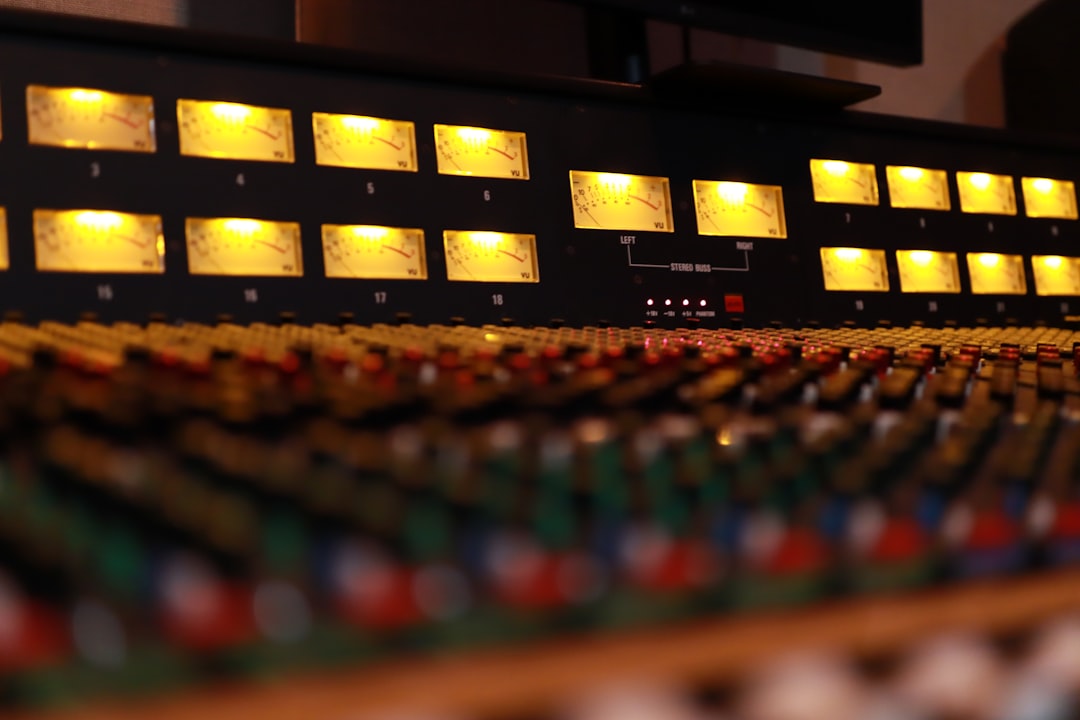
How to Self-Master Your Own Music (Step by Step)
A step-by-step self mastering guide with exact LUFS, true-peak, and EQ numbers to get a loud, clean, release-ready master at…
-

The Mastering Chain Explained
The mastering chain explained in order: EQ, compression, multiband, saturation, limiting, with real dB moves and -14 LUFS, -1 dBTP…
-
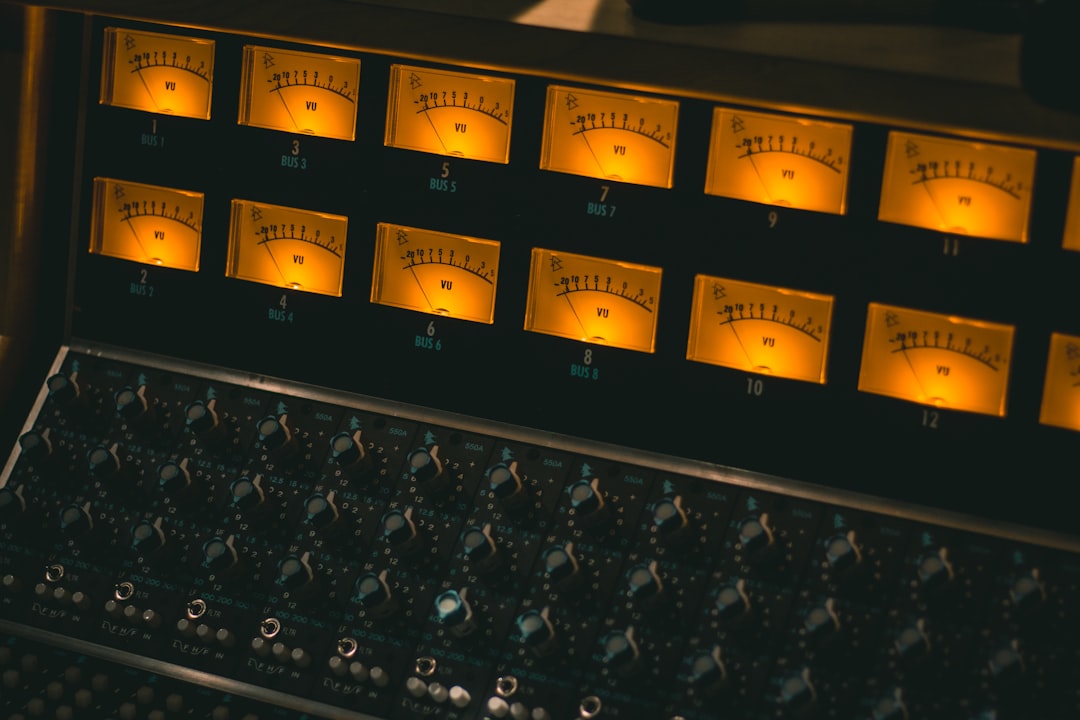
How to Get a Loud Master
Get a loud master that stays clean: gain staging, clipping, multiband control, and true-peak limiting to -1 dBTP without crushing…
-
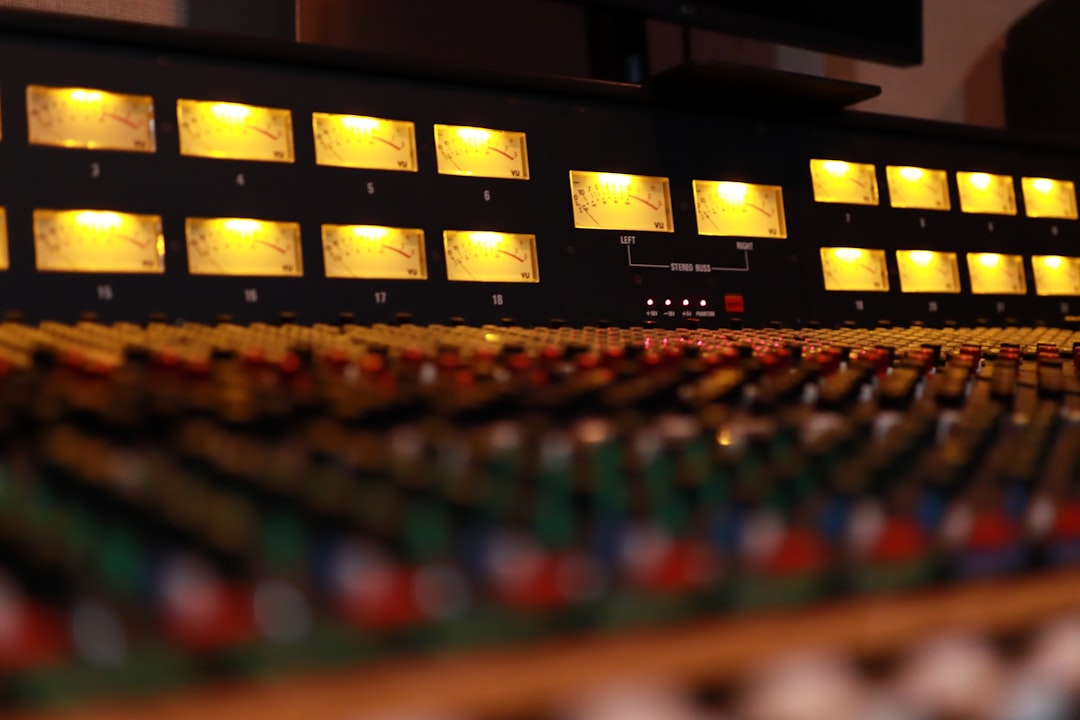
How to Master with Reference Tracks
Master with reference tracks the right way: match loudness first, compare tone and low end, and use A/B tools so…
-

How to Add Loudness Without Clipping
Add loudness without clipping using true-peak limiting, gain staging, and -14 LUFS streaming targets so your master stays clean, punchy,…
-

How to Check Your Master in Mono
Learn how to master in mono to catch phase problems, protect your low end, and make sure your track holds…