Mixing & Mastering
Turn rough takes into release-ready tracks. Practical mixing and mastering guides covering EQ, compression, levels, loudness and the workflow that gets your songs sounding finished.Start here: The Best Free VST Plugins · The Best EQ Plugins · The Best Compressor Plugins · The Best Reverb Plugins.
-

iZotope Nectar vs Waves for Vocals: Which Wins?
Nectar vs Waves for vocals compared – workflow, sound, tuning and value – so you know which vocal chain actually…
-

Melodyne vs VocAlign: Which Do You Need?
Melodyne vs VocAlign compared: pitch editing versus timing alignment, what each does best, honest limitations, and which to buy for…
-

Auto-Tune vs Waves Tune: Which Is Better?
Auto-Tune vs Waves Tune compared: sound, workflow, real-time vs graphical editing, pros and cons, and which vocal tuner is right…
-

Waves Clarity Vx Review: AI Noise Removal
Our Waves Clarity Vx review tests this AI noise-removal plugin on real vocals, with honest pros, cons, and settings for…
-

VocAlign Review: Vocal Alignment Tested
This VocAlign review explains how Synchro Arts’ alignment tool tightens doubles and comps, with honest pros, cons, and real workflow…
-
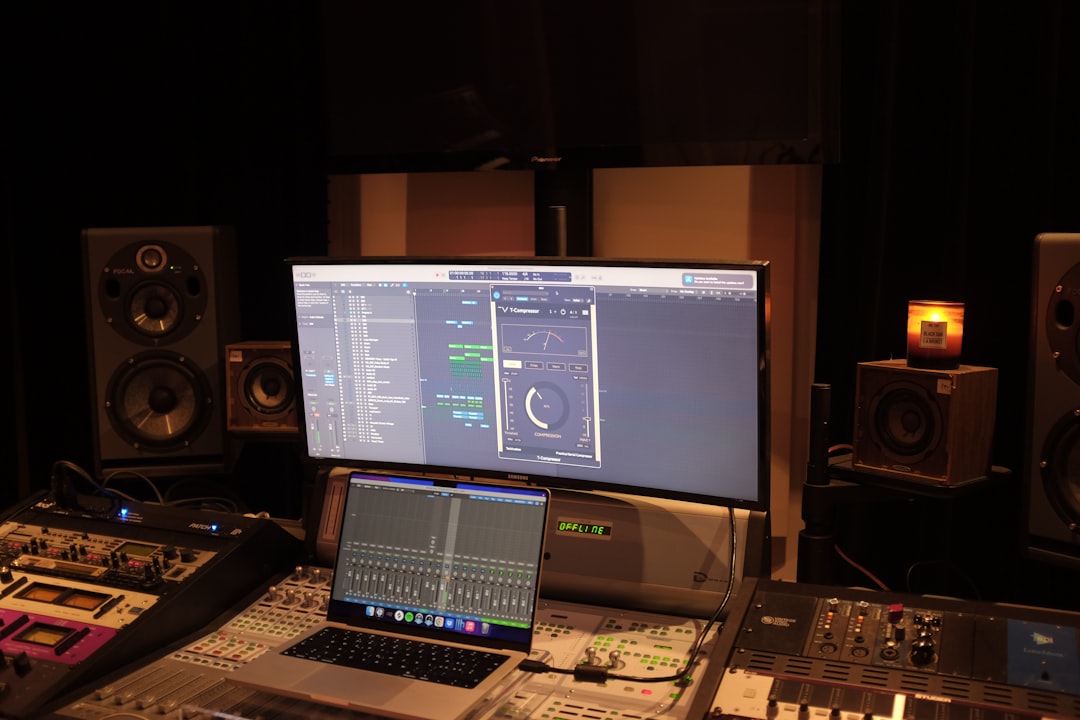
Waves Vocal Rider Review: Automatic Level Control
Our Waves Vocal Rider review covers how this level-automation plugin tames vocals, its real pros and cons, and whether it…
-

Soundtoys Little AlterBoy Review: Voice Warper
Our Little AlterBoy review covers pitch, formant and Transpose modes, the robot Quantize effect, and honest pros and cons of…
-

Antares Auto-Tune Pro Review: The Original
Our Auto-Tune Pro review covers Auto and Graph modes, Retune Speed, Flex-Tune, low-latency mode, and honest pros and cons of…
-

iZotope Nectar Review: Full Vocal Chain Tested
Our iZotope Nectar review covers the Vocal Assistant, the module chain, Auto-Level and Follow EQ, and honest pros and cons…
-

Waves Tune Real-Time Review: Live Pitch Fix
Our Waves Tune Real-Time review covers low-latency correction, settings that matter, the hard-tune effect, and honest pros and cons for…