Mixing & Mastering
Turn rough takes into release-ready tracks. Practical mixing and mastering guides covering EQ, compression, levels, loudness and the workflow that gets your songs sounding finished.Start here: The Best Free VST Plugins · The Best EQ Plugins · The Best Compressor Plugins · The Best Reverb Plugins.
-

Melodyne 5 Review: Still the Best Pitch Editor?
Our Melodyne 5 review covers DNA note detection, the Fade and Loudness tools, editions compared, and honest pros and cons…
-

How to Master to a LUFS Target
Learn how to master to a LUFS target the right way: set integrated loudness, control true peaks, and hit streaming…
-

How to Use Multiband Compression
Learn how to use multiband compression to control frequency ranges without dulling your mix, with starting settings, bands, and pro…
-

How to Mix the Low End
Learn how to mix low end with clear starting EQ ranges, kick versus bass balance, mono checks and headroom tips…
-

How to Use Saturation in a Mix
Learn how to use saturation in a mix to add warmth, glue and presence. Types, starting settings, where to place…
-

Common Mixing Mistakes and How to Fix Them
The most common mixing mistakes home producers make — plus simple, by-ear fixes for muddy low end, harsh highs, over-compression…
-

How to Mix Faster Without Losing Quality
Learn how to mix faster without losing quality using templates, reference tracks, top-down balancing and decision-first habits that cut hours…
-
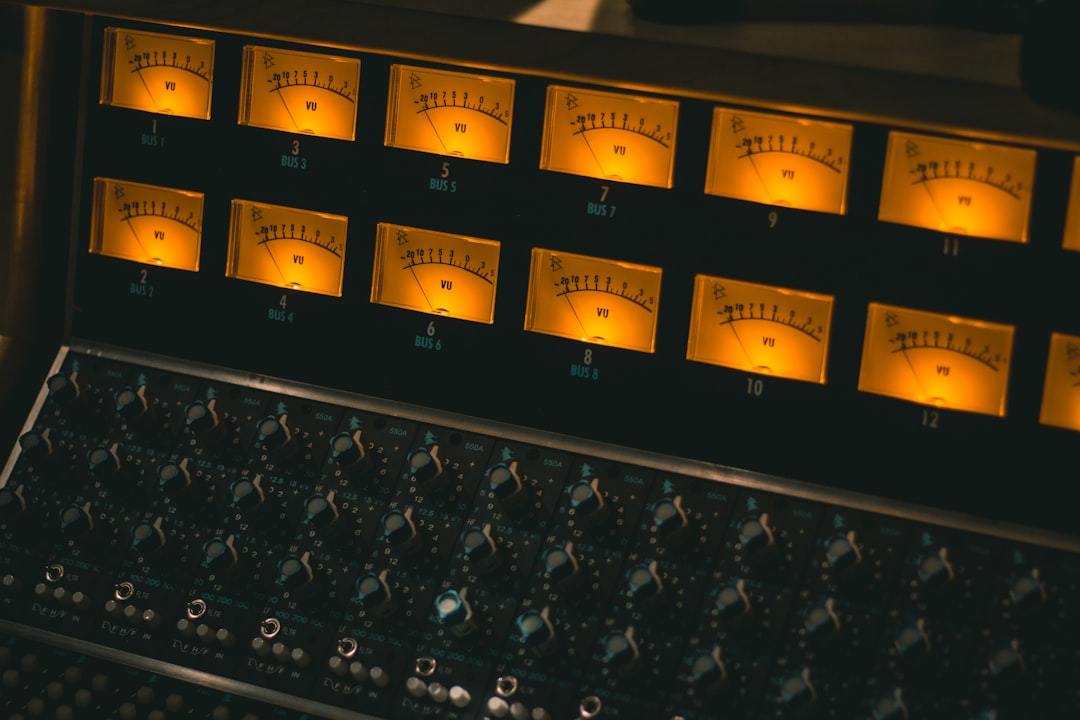
How to Prepare a Mix for Mastering
Learn how to prepare a mix for mastering: leave headroom, bounce a clean stereo file, fix problem frequencies, and hand…
-

Mixing vs Mastering: What’s the Difference
Mixing vs mastering explained simply: mixing balances the tracks inside a song, while mastering polishes the finished stereo file for…
-

How to Know When a Mix Is Finished
Learn how to tell when a mix is finished — the ear checks, reference tracks, and technical signs that show…