
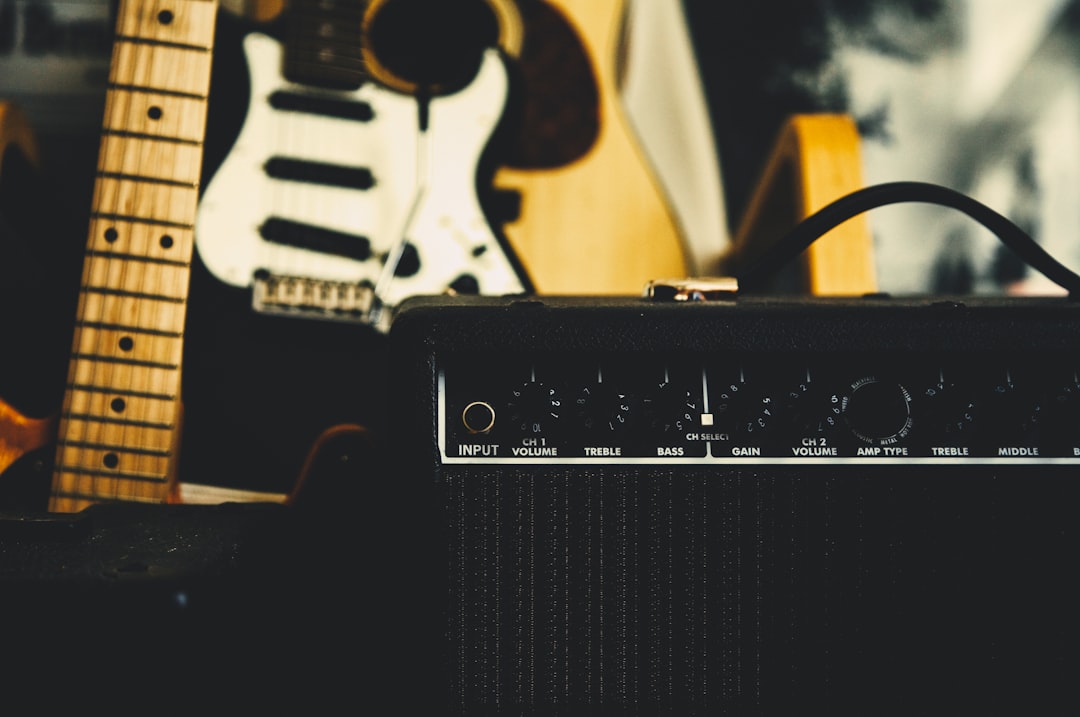
A reamp box takes a recorded clean guitar (or bass) signal from your interface and converts it back into something a real amp or pedal expects to see, so you can run a finished DI track through physical gear. Do you need one? Only if you record a dry DI and want to send it back out to hardware later. If you stay entirely in the box with amp sims, you don’t. This guide explains exactly when it’s worth it.
What reamping actually is
Reamping is recording your guitar as a clean DI first, then later playing that recorded signal back out through an amp, pedals, or other hardware and re-recording the result. It lets you nail the performance once, then audition and capture different tones afterwards without replaying a note. It’s the reverse of a DI box: a DI box turns a guitar into a recordable signal, while a reamp box turns a recorded signal back into a guitar-level, high-impedance feed an amp likes.
Why the box matters
You can’t just run a line output straight into a guitar amp and expect it to sound right. The levels and impedance are wrong: your interface puts out a balanced, low-impedance line signal, but an amp input wants an unbalanced, high-impedance, instrument-level signal. A reamp box does that conversion — matching impedance and level, and providing a ground lift to stop hum. Without it, you’ll get level mismatches and noise.
The impedance point is the part people underestimate. A guitar pickup is a high-impedance source, and an amp’s input stage is voiced around that — it expects to “load” a pickup, which shapes the top end and the way the amp reacts to your playing. A line output is the opposite: low impedance, ready to drive long cables cleanly. Feed that straight into an amp and the front end never behaves the way it would with a real guitar, so the tone comes out thin, harsh, or oddly bright even before you account for the level mismatch. The reamp box puts the signal back into the territory the amp was designed for.
When you need a reamp box
- You record DI and process later. If you capture clean DIs and want to run them through your real amp or pedalboard, a reamp box is the clean way to do it.
- You want to re-track tones without re-playing. Perfect for committing a great take, then experimenting with amps and mics afterwards.
- You blend real and virtual tones. Some players reamp through a real amp for one layer and use an amp sim for another — if you’re weighing that up, our look at amp sim vs a real amp covers the trade-offs.
When you don’t need one
- You only use amp sims. If your tones come from plugins like Neural DSP, Amplitube, or free amp sims, you reamp entirely inside the DAW — no hardware box required. Just record a DI and load a different amp sim on it whenever you like.
- You commit your amp tone while tracking. If you mic a cab and print the tone, there’s nothing to reamp.
- Your interface or modeler has reamp outputs. Some units, like the IK Multimedia AXE I/O and various multi-effects pedals, include a dedicated reamp output that does the job for you.
How to reamp at home
The basic workflow:
- Record a clean DI. Plug into your interface’s instrument input and record the dry guitar. It helps to record this alongside your monitoring tone so you can play in time. See how to record a clean bass DI — the same approach works for guitar.
- Route the DI to a spare output. Send the recorded DI track to a balanced line output on your interface.
- Feed it through the reamp box. The box converts the signal to instrument level and impedance.
- Run into your amp or pedals, then mic the cab or capture the result on a fresh track.
For the all-software version, you skip the hardware entirely: just record the DI, then drop an amp sim on the track and audition tones freely. You can even chain real stompboxes in this way without a reamp box by running guitar pedals inside your DAW. Our guides on using amp sims and setting up a home guitar recording rig cover this in depth.
How to choose a reamp box
If you’ve decided you need hardware, the units on the market are more alike than different — the job is narrow, so the spec sheet matters less than a few practical details. Keep these in mind when you compare:
For specific recommendations, see our roundup of the best reamp boxes for home studios.
- Active or passive. Passive reamp boxes use a transformer and need no power, which keeps things simple and quiet. Active boxes add a buffer and a bit more level control, which can help if your interface output is on the weak side or you’re driving long cable runs. For most home setups a good passive box is plenty.
- Ground lift. This is the single feature you don’t want to skip. Connecting your interface and your amp together creates a ground loop that hums, and the ground-lift switch breaks that loop. A reamp box without one will fight you.
- A level control. A volume or trim knob on the box lets you set how hard you hit the amp’s front end, which is effectively your gain staging for the whole reamp. Without it you’re stuck adjusting in the DAW only.
- Matched DI pairing. Some ranges sell a DI box and a reamp box designed to work as a set. That’s handy if you don’t already own a DI, but it isn’t essential — the reamp box stands on its own.
Common reamping mistakes
Reamping is simple once it works, but a few things trip people up the first time:
For the full routing and gain-staging walkthrough, see our guide on how to reamp a guitar step by step.
- Sending a line signal straight to the amp. Bypassing the reamp box entirely is the classic error. The level and impedance are wrong, and you’ll chase a bad tone that no amount of EQ fixes.
- Forgetting the ground lift. If you hear hum the moment everything is connected, reach for the ground-lift switch before you assume the gear is faulty.
- Reamping a processed DI. The track you send out should be the clean, dry DI — not one with amp sims, compression, or EQ already on it. Bounce or route the raw signal so the box and amp do the shaping.
- Pushing the level too hard. Driving the amp’s input with too hot a signal can sound fizzy and clip the front end. Start conservative and bring the level up until the amp reacts the way it would to a real guitar.
- Not printing the wet result. Reamping is a real-time, one-way process through hardware, so record the amp’s output to a new track as you go. If you don’t capture it, you’ve nothing to mix.
The bottom line
Buy a reamp box if you record clean DIs and want to send them through real amps or pedals — it’s the proper, quiet way to do it. Skip it if you work entirely with amp sims, since plugins let you reamp in the box for free. Either way, the smartest habit is to always record a clean DI: it costs nothing and keeps every option open.
Frequently asked questions
Can I reamp without a reamp box?
Inside the box, yes — record a DI and load any amp sim on it to change tones freely. To reamp through real hardware, you need a reamp box (or a unit with a reamp output) to match level and impedance, otherwise the signal will be wrong and noisy.
Is a reamp box the same as a DI box?
No, they work in opposite directions. A DI box turns a guitar into a recordable signal for your interface. A reamp box turns a recorded signal back into a guitar-level feed for an amp. Some product ranges sell matched DI and reamp units.
Should I always record a clean DI?
Yes, it’s a great habit. A clean DI lets you reamp later, swap amp sims, fix tone choices after the fact, and re-track without replaying. It costs nothing extra and saves you whenever a tone decision changes.
Does reamping reduce audio quality?
Each pass through your converters and the reamp box adds a tiny amount of noise, but in practice it’s negligible with decent gear and sensible levels. The bigger quality factor is your gain staging — set a healthy level into the box and amp, and a reamped track will sit in a mix just like a live-tracked one.
Can I reamp bass the same way?
Yes. The signal chain is identical: record a clean bass DI, send it back out through the reamp box into a bass amp or pedals, and capture the result. Bass benefits especially from keeping the clean DI, since many mixes blend the dry DI underneath the amp tone for low-end weight and definition.



