
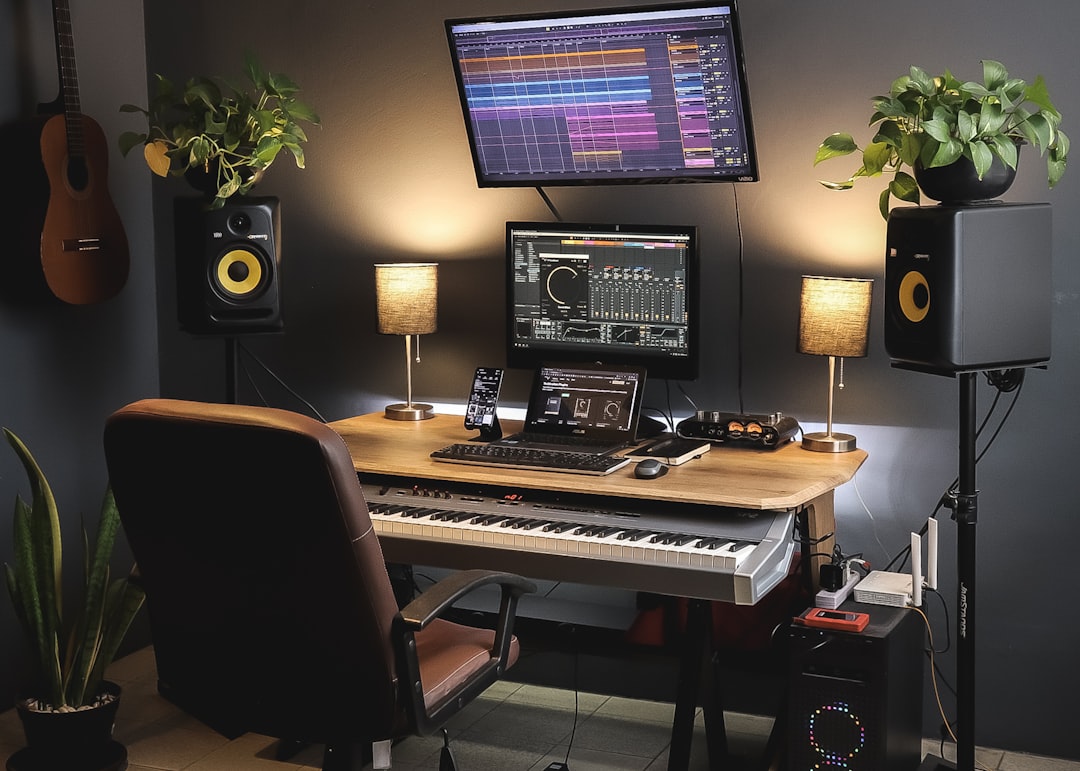
Here’s how to double-track vocals: record the same vocal part two or more times in separate takes, then pan the copies left and right to thicken and widen the sound. The natural timing and pitch variation between real performances is what makes doubling work — and what a single duplicated copy can’t fake.
Double-tracking is one of the most common ways to make vocals sound bigger and more polished. Done well it’s invisible; done badly it smears the words. Here’s how to get it right.
What double-tracking actually does
When you learn how to double-track vocals, the key idea is that you’re stacking two genuinely separate performances. Tiny differences in timing, pitch, and tone between the takes create width and richness when panned apart. Simply copying one take and pasting it twice does nothing useful — the copies are identical and phase-cancel into the original. You need real, distinct performances.
Record the doubles
Sing the part again as closely as you can to the first take — same phrasing, same emphasis, same energy. Keep the same mic, distance, and position so the tone matches. A few tips:
- Perform tightly, but don’t obsess over perfection — small variation is the point.
- Record several doubles and keep the tightest ones.
- Match the vibe of the lead so the double supports rather than distracts.
If your recording chain isn’t dialled in yet, start with how to record vocals at home and vocal mic placement.
Pan and balance
The classic move is to keep the lead vocal centred and pan the doubles outward — hard left and hard right for two doubles, or partial spreads for a subtler effect. Set the doubles lower in volume than the lead so they support it rather than compete. Stack more layers (four or more panned in pairs) for big choruses, and keep verses cleaner for contrast. This widening sits well in a balanced mix — see how to mix vocals for context.
Tighten the timing
Loose timing is what gives double-tracking a sloppy, blurry feel. Line up the consonants — especially the start and end of words — between the takes so they hit together. Most DAWs let you nudge or time-align regions. You don’t want them perfectly identical (that defeats the purpose), just tight enough that the lyrics stay crisp. Pay special attention to hard consonants like “t”, “k”, and “s”.
Where to use it
Double-tracking isn’t for every part. Common uses:
- Choruses — to lift energy and width versus a single verse vocal.
- Harmonies and backing vocals — doubling these adds lush thickness, and the same care applies when you record backing vocals from scratch.
- Specific words or hooks — to emphasise a moment.
Leaving intimate verses as a single take creates contrast that makes the doubled sections hit harder. This layering is a form of overdubbing, and it pairs naturally with other ways to layer vocals for depth — see the recording techniques hub for related approaches.
Real doubles vs plugins
Plugin doublers (like the widely used Waves Doubler or built-in DAW doublers) simulate the effect using pitch and timing shifts on a single take. They’re fast and useful, but they rarely sound as convincing as genuine performances because they lack the real human variation. Use a plugin when you can’t re-record, or to thicken an existing double; record real doubles when you want the most natural, professional result. For broader processing on stacked vocals, see EQ and compression fundamentals.
How to choose how many doubles to track
More layers isn’t automatically better. The right number depends on the part and the genre. As a rough guide:
- One double (two takes total) — the everyday choice. Panned moderately or hard, it widens the vocal without making it sound like a crowd. Start here for most pop, rock, and singer-songwriter material.
- Two doubles (three takes) — keep one centred with the lead and pan the other two apart, or pan all three for a fuller spread. Good for big choruses that still need to feel like one voice.
- Four or more (stacked in panned pairs) — reserved for anthemic, gang-style choruses and dense backing vocals. The individual words start to blur, so this works best on simple, repeated lyrics rather than wordy lines.
Track more than you think you’ll need. It’s far easier to mute a layer you don’t use than to set up the mic and re-perform later, and having extra takes lets you choose the tightest pairings.
Common mistakes to avoid
Most double-tracking problems come down to a handful of repeatable errors. Watch for these:
- Copying instead of re-singing. A duplicated region is identical and phase-cancels — it adds level, not width. Always perform a fresh take.
- Doubles too loud. When the double rivals the lead, the vocal loses its centre and the words smear. Keep the lead in front.
- Sloppy consonants. Mismatched word endings — trailing “s” and “t” sounds especially — flam against each other and read as untidy. Tighten these first.
- Over-doubling everything. If every section is doubled, nothing stands out. Save the effect for where you want lift.
- Changing the chain between takes. A different mic distance or angle on the double shifts the tone and makes the layers fight rather than blend. Keep the setup consistent.
Frequently asked questions
Can I just copy and paste the vocal to double it?
No. A copied track is identical to the original, so it phase-cancels and adds nothing — it just makes the single vocal slightly louder. Real double-tracking requires separate performances with natural timing and pitch differences. If you can’t re-record, a doubler plugin is a better fallback than a copy.
How loud should the double be compared to the lead?
Keep the double below the lead so it supports rather than competes — often well under the main vocal’s level. Push it up for wide, anthemic choruses and pull it down for subtle thickening. Let your ears judge: you want richness without the double pulling focus from the lead.
Should I double-track every vocal?
No. Doubling is most effective on choruses, hooks, and harmonies, and works best when it contrasts with single-tracked verses. Doubling everything flattens the dynamics and can blur the lyrics, so use it deliberately where you want more size and energy.
Do I need a different mic or setting for the double?
No — keep the same mic, preamp, distance, and position so the takes share the same tone and blend cleanly. The variation you want comes from the performance itself, not the gear. Changing the chain mid-session usually makes the layers harder to sit together rather than wider.



