
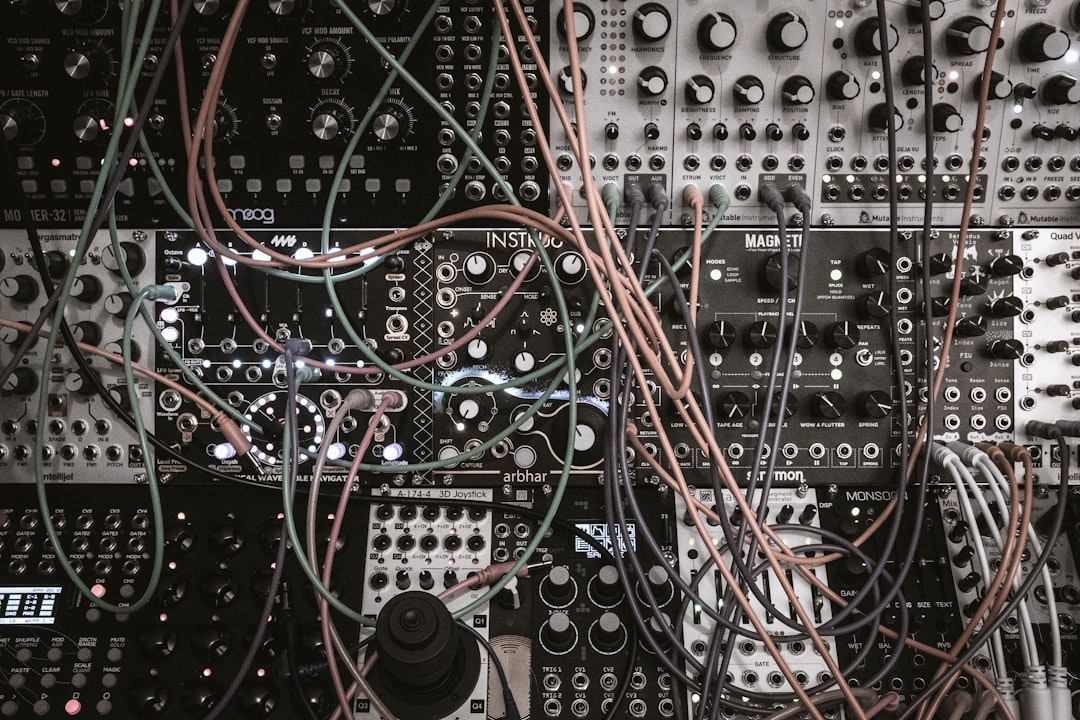
To make impact sounds, you layer three parts — a sharp transient for the “hit”, a body or tonal layer for weight, and a low-end sub for the punch you feel in your chest — then glue them together with compression, distortion and reverb. A great impact is almost always a stack of sounds, not a single sample. This guide walks through building one from scratch in any DAW.
Impacts (also called “hits” or “booms”) are the dramatic thuds you hear on a logo sting, a scene cut, a drop in a track, or a punch landing in a game. The recipe is the same whether you are scoring a trailer or accenting a breakdown.
The three layers that make impact sounds work
Think of every big hit as a sandwich of frequency ranges. Build each layer separately, then balance them:
- Transient layer (the click/crack): a short, bright burst that gives the ear something to latch onto. A snare, a clap, a stick hit, or a noise burst with a fast attack works. This lives mostly above 1 kHz.
- Body layer (the weight): the mid-range “boom” — a tom, a kick, a metallic resonance, or a synth hit. This is what gives the impact its character and tone.
- Sub layer (the punch): a low sine wave, typically 30–60 Hz, that drops in pitch slightly. This is the part you feel more than hear.
Step 1: Build the sub drop
Open any synth — Vital (free), Serum, or your DAW’s stock synth like Ableton Operator. Use a single sine oscillator and draw a fast pitch-envelope that starts high and falls to a low note over 200–400 ms. Add a quick amplitude decay so it thumps and fades. That falling pitch is the classic “sub drop” that gives impacts their cinematic weight. The same falling-sine trick is the foundation of designing an 808 from scratch, so the technique transfers directly. If you are new to envelopes, our guide on designing sounds with a synth covers the controls in detail.
Step 2: Add body and a transient
For body, layer a processed drum hit or a metallic synth stab. Reversed cymbals, gongs, and resonant metal sources work brilliantly here. If you would rather build the percussive body yourself, our guide on designing drum sounds from scratch shows how to shape a kick or tom into the perfect weight layer. For the transient, drop in a short, bright noise burst or a snappy snare and shorten its tail so only the initial crack remains. Tighten everything so all three layers trigger on the exact same downbeat.
Step 3: Process and glue
This is where a flat stack becomes a real impact:
- Distortion / saturation: a touch on the body and transient adds harmonics so the hit cuts through. Soundtoys Decapitator or your DAW’s saturator works.
- Reverb: a long, dark reverb (Valhalla VintageVerb or a stock plate) on the body creates the “tail” that makes the impact feel huge. Keep the sub dry.
- Compression / OTT: bus the layers together and compress them so they move as one. A little OTT adds aggression for trailer and electronic styles.
- EQ: carve space so the sub, body and transient each occupy their own range and do not muddy each other.
For deeper reverb tricks specific to design work, see how to use reverb for sound design, and for grit, how to use distortion for sound design.
Use recorded sources for character
Synths give you control, but recorded material gives you realism. Slamming a door, dropping a heavy book, or hitting a metal object with a Zoom recorder running can become the perfect body or transient layer. Pitching those recordings down adds size. Building a stock of these is worth the effort — our guide on building a sound effects library explains how to organise them.
How to choose the right impact for the job
Not every impact wants to be a wall-shaking cinematic boom. The same three-layer recipe scales up or down depending on context, and the trick is matching the weight and length of the hit to what it has to sit next to. A few rules of thumb:
- Trailer and logo stings: go big and slow. Let the sub ring for 800 ms or more, push the dark reverb tail hard, and lean on saturation so the hit reads even on small phone speakers. Tonal body layers tuned to the key of the music help the impact feel composed rather than random. The wider craft of sound design for trailers goes deeper on building tension around these hits.
- EDM and breakdown drops: keep the transient aggressive and the tail tighter so the hit lands on the beat without smearing into the next bar. OTT and a short, bright body suit this best.
- Game and UI hits: shorten everything. A game impact often needs to fire dozens of times, so a long reverb tail becomes fatiguing. Trim the body, keep the transient crisp, and rein in the sub so it does not overwhelm dialogue or footsteps. The same restraint applies when you design UI and app sounds that repeat constantly.
- Film and foley accents: favour recorded sources and a more natural balance. Too much sub or OTT reads as “produced” and pulls the audience out of a realistic scene.
When in doubt, audition the impact in context with the rest of the mix playing, never in isolation. A hit that sounds enormous on its own often disappears the moment the music or scene comes back in, and one that sounds modest solo can be exactly right in the mix.
Common mistakes to avoid
Most weak impacts come down to the same handful of errors. Check your hit against this list before you commit:
- Stacking layers that fight in the same range: two body sounds both centred around 200 Hz cancel and muddy rather than reinforce. EQ each layer into its own band first, then balance levels.
- Letting the sub clash with the kick or music: an untuned sub drop will beat against a bassline. Tune the lowest point of the drop to the track’s key, or duck the sub briefly under the kick so they take turns.
- Over-compressing until it loses punch: impacts live and die on their transient. Crush the bus too hard and you flatten the very crack that makes the ear notice the hit. Use bus compression to glue, not to squash.
- Forgetting to high-pass the rumble: sub-25 Hz energy you cannot hear still eats headroom and can trip a limiter, robbing the audible part of the impact of its level.
- Reaching for one perfect preset: a single sample rarely covers transient, body and sub well. If a hit feels flat, it almost always needs another layer rather than another plugin.
Layering is the core skill behind almost every big sound, and the same habit of separating, processing and gluing applies far beyond impacts.
Quick workflow recap
- Make a falling sine sub.
- Layer a tonal body (drum, metal, or synth).
- Add a bright transient on top.
- Saturate, reverb the tail, EQ for separation.
- Bus-compress so it hits as one sound.
Layering is the core skill behind almost every big sound — if you want to go further, read how to layer sounds.
Frequently asked questions
What frequency should an impact sub be?
Most cinematic sub drops land between 30 Hz and 60 Hz. Going much lower than 30 Hz risks energy that small speakers and laptops can’t reproduce, so check your impact on multiple systems and high-pass anything below about 25 Hz to keep it clean.
Why do my impacts sound thin?
Usually you are missing one of the three layers — most often the sub or the long reverb tail. A thin hit is often just a transient with no body or weight behind it. Add a low sine and a dark reverb and it will instantly feel bigger.
Can I make impact sounds without recording anything?
Yes. You can build a convincing impact entirely from a synth sub, a drum sample, and a noise burst, all processed with distortion and reverb. Recorded sources add realism, but they are optional.
How long should an impact sound be?
It depends on the job. A cinematic trailer hit can ring out for a second or more thanks to its reverb tail, while a game or UI impact that fires repeatedly should be trimmed to a few hundred milliseconds so it stays punchy and never feels fatiguing. Match the length of the tail to how often the sound will play and what it sits beside.



