
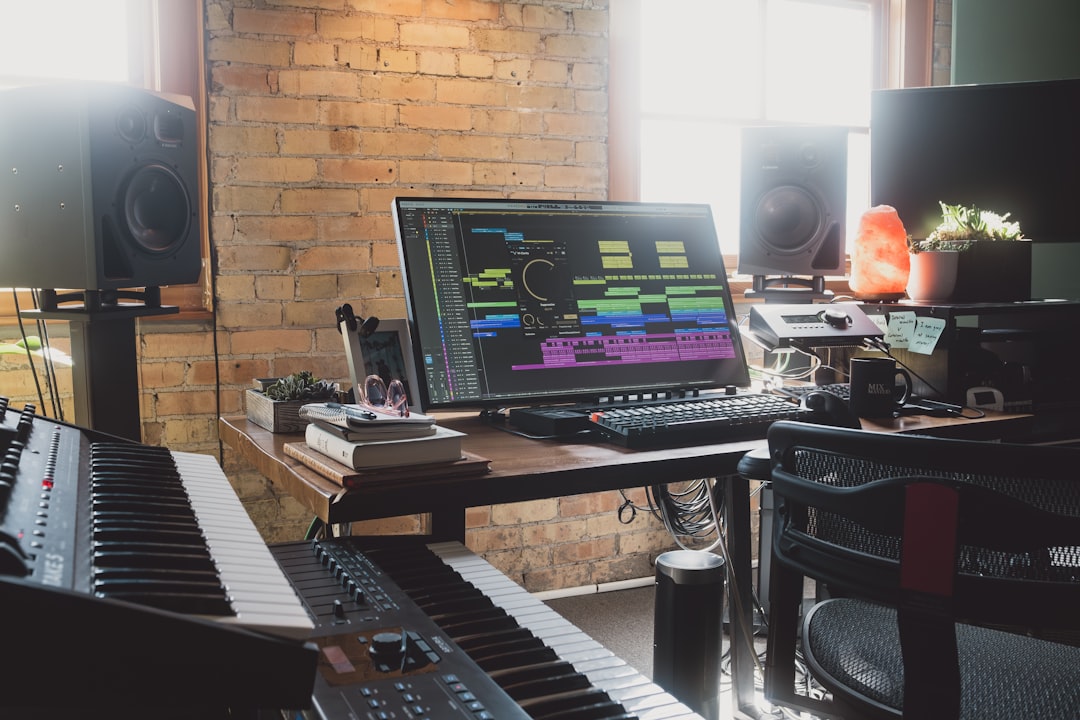
So what is a lyric video? It is a video that displays a song’s words on screen, timed to the music, usually over a moving background, animation, or a simple audio-reactive visual. It gives listeners something to watch and read while the track plays, and it is far cheaper and faster to produce than a filmed music video. If you have a finished song and want it live on YouTube this week, a lyric video is usually the smartest first move.
Violet Recording is reader-supported — we may earn a commission from links on this page, at no extra cost to you.
What is a lyric video, exactly?
So, what is a lyric video? At its core it is an audio track paired with on-screen text that shows the lyrics as they are sung. The words typically appear in sync with the vocal — line by line, sometimes word by word — over a background that can be anything from a static photo to a full animated scene. There are no actors, no camera crew, and no shoot day. Everything is built on a computer from the song you already have.
The format took off in the 2010s when artists noticed that fans searched for lyrics constantly, and that an official lyric video could capture those searches instead of leaving them to third-party lyric sites. Today it sits between the raw audio upload and the polished cinematic video: more engaging than a still image, far lighter to make than a film.
Lyric video vs music video vs visualizer
These three formats get muddled all the time, so it helps to separate them clearly.
- Lyric video: The song’s words are the main event, animated in time with the vocal. Backgrounds are decorative. The goal is readability and singalong appeal.
- Music video: A filmed or heavily produced visual narrative — performance footage, a storyline, or stylised scenes. It usually has no on-screen lyrics and costs the most to make.
- Visualizer: Abstract motion — waveforms, spectrums, geometric shapes or looping art — that reacts to the audio. It rarely shows lyrics and is the quickest of all to produce. If that is what you are after, our free music visualizer tool spins one up in the browser.
A quick way to choose: if you want people to learn and sing the words, make a lyric video. If you want a mood or a brand loop for a track without vocals, make a visualizer. If you have a budget and a story to tell, invest in a full music video.
Why lyric videos are worth making
The appeal is not just that they are cheap. Lyric videos pull real weight for independent artists.
They catch lyric searches. Huge numbers of listeners type song words plus “lyrics” into YouTube and Google. An official lyric video is your chance to own that traffic rather than hand it to an aggregator.
They lift watch time and retention. A moving, readable video keeps viewers on the page longer than a static thumbnail with audio. That signals engagement to the platform and can help the track surface in recommendations.
They drive singalongs and shares. When people can read along, they learn the hook faster, which is exactly what turns a casual listen into a repeat play. Readable lyrics also make a track easier to clip and reshare on short-form platforms.
They fill the gap before a real video. Releasing a song with nothing but a waveform feels flat. A lyric video gives you a proper visual asset on day one, and you can always follow up with a filmed version later.
What you need before you start
Three ingredients make a good lyric video, and getting them right up front saves hours of fiddling.
A clean, mastered audio file. The video is only as good as the track underneath it. If your mix still needs work, sort that first — our guides on mixing vocals and what mastering does will get the song release-ready.
The exact lyrics, with timings. You need the words written out and a sense of when each line lands. Word-by-word sync looks slick but takes longer; line-by-line is faster and perfectly acceptable for most releases.
A visual direction. Pick a look that matches the song’s mood — colours, typography, and a background style. Even a single well-chosen font and a slow-moving gradient can look professional. If you also need cover art to match, our album cover art tool keeps the whole release visually consistent.
How to make a lyric video: three routes
There is no single right way to build one. Your choice comes down to time, budget, and how much control you want over every frame.
1. Manual editing software. Tools like DaVinci Resolve, CapCut, or After Effects give you total control. You place each text layer, keyframe the animation, and design the background yourself. The result can be stunning, but the learning curve is steep and a single video can eat a full day or more.
2. Template-based makers. Plenty of online editors offer lyric-video templates where you drop in your audio, type the words, and nudge the timing. Faster than starting from scratch, though you are boxed into the template’s style and the sync is often manual.
3. AI music-video generators. The newest route: feed in your song and let the tool build the visuals and sync the words for you. This is where the time savings are biggest, and it is why AI generators have become the default for busy independent artists. For a broader look at the software landscape, see our roundup of the best AI music tools and the wider AI music tools hub.
Solmi: the fastest all-in-one pick
If your priority is getting a finished, shareable video without learning an editor, Solmi is the pick we point most creators to. It is an all-in-one AI music suite that actually makes the video — not just the song — and it runs entirely in the browser on both desktop and mobile.
What makes it a strong fit for lyric videos specifically:
- Turns a song into a video in the aspect ratio you need — 16:9 for YouTube, 9:16 for Reels, TikTok and Shorts, or 1:1 for feed posts — so one track can become several platform-ready clips.
- Dedicated lyric-video output alongside AI Cover and AI Singing Video, so the words-on-screen format is a first-class feature rather than an afterthought.
- Suno-to-Video: paste a track you generated in Suno or Udio and Solmi builds a finished video around it — handy if you already produce songs with an AI generator (see our Suno vs Udio comparison).
- Flat pricing: a free tier to try it, with Pro from $9.99/mo and no credit wall metering every render.
For exact free-tier limits, resolution, export length, and commercial-rights terms, check the Solmi site for current details — those specifics change and are best confirmed at the source. If you want a deeper walkthrough, read our full Solmi review.
Other tools worth knowing
Solmi is not the only option, and the right tool depends on the look you are chasing. A few names you will run into:
- Specterr is best known for audio visualizers and reactive graphics.
- Kaiber and Runway focus on AI video generation for more abstract, cinematic visuals.
- Sondo and Freebeat lean toward quick, mobile-first AI music videos.
- Neural Frames, Plazmapunk, and Vizzy each offer their own take on generative or reactive visuals.
Most of these run on subscription or credit-based plans that change often, so check current pricing on each site before committing. The general rule: visualizer-first tools handle abstract motion well, while AI video generators shine when you want scenes and story over on-screen text.
Frequently asked questions
Is a lyric video cheaper than a music video?
Yes, by a wide margin. A filmed music video involves a crew, location, and editing time that can run into thousands. A lyric video is built entirely on a computer from your existing audio, and with an AI generator you can produce one for the cost of a low monthly subscription — or free while you test.
Do lyric videos help a song rank on YouTube?
They can. A lyric video captures the many searches for a song’s words, and its higher watch time and retention send positive engagement signals. It is not a magic ranking button, but it is a far stronger asset than a static image with audio, and it gives the algorithm more to work with.
Can I make a lyric video for an AI-generated song?
Absolutely. If you produced the track in a tool like Suno or Udio, you can paste it straight into a generator such as Solmi using its Suno-to-Video feature and get a finished lyric video back. Just confirm the usage and commercial-rights terms for both the song and the video tool before you publish.



