
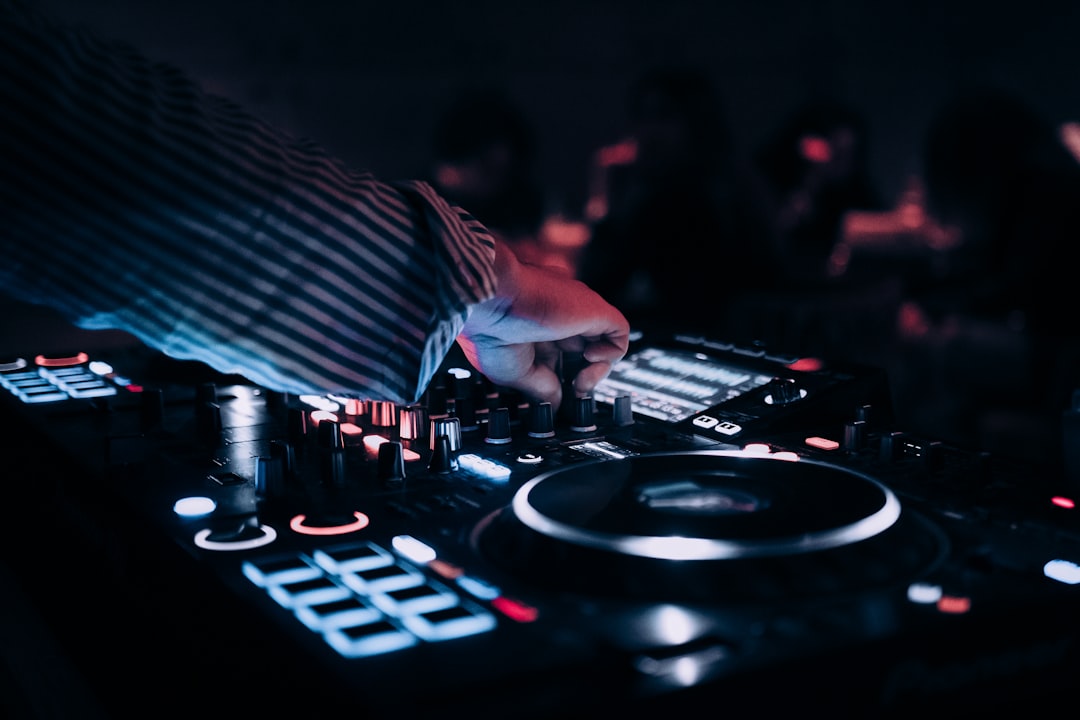
A hot cue is a saved point in a track that you can jump to instantly with the press of a button. Whenever you ask what is a hot cue, the simplest answer is: it is a bookmark in your music that lets you start playback from an exact spot — a drop, a vocal, a breakdown — without scrolling to find it.
Hot cues are one of the most useful features on modern DJ gear, and they unlock everything from tighter transitions to live remixing.
What is a hot cue, exactly?
You set a hot cue by pressing one of the labelled pads (often called performance pads) at the moment you want to save. From then on, hitting that pad jumps playback straight to that point. Most controllers and players give you several hot cue slots per track — typically eight on modern gear — usually colour-coded so you can tell them apart at a glance.
You will find hot cues on Pioneer DJ DDJ controllers, CDJ-3000 and XDJ players, Denon DJ Prime gear, and in software like Serato DJ Pro, rekordbox, Traktor Pro and Mixxx. Once saved, hot cues are stored with the track and recalled every time you load it.
What DJs use hot cues for
Jumping to the right starting point
Instead of starting a track from the very beginning, you can set a hot cue on the first usable beat or the intro, then trigger it exactly on time with the playing track. This makes mixing two songs together far more precise.
Skipping to the drop
Set a hot cue on the drop or the main section, and you can launch straight into the energy when the moment is right — handy for quick, high-impact transitions in open-format and party sets.
Live remixing and re-edits
By placing hot cues on a track’s key sections (intro, verse, chorus, drop) you can rearrange it on the fly, triggering pads in a new order to create a live edit. Combined with loops, this turns a single track into a flexible performance.
Recovering from a mistake
If a mix goes wrong, a well-placed hot cue lets you jump back to a safe point and reset rather than letting the track run off the rails. Used this way, cues become a tool for pulling off smooth DJ transitions even when things start to drift.
Hot cues vs the main cue
It is easy to mix these up:
- The main cue (CUE button) sets a single temporary start point for the deck. Pressing CUE jumps back to it; it is mainly for setting up a track before you bring it in.
- Hot cues are multiple saved points that stay with the track and can be triggered instantly during play.
Think of the main cue as where the track is parked, and hot cues as permanent bookmarks you perform with.
Hot cues vs loops
A hot cue jumps you to a point and plays from there; a loop repeats a section. They complement each other — many DJs trigger a hot cue and then drop into a loop at that spot to hold a section while they prepare the next move.
Setting up hot cues efficiently
The best time to set hot cues is during prep, not mid-set. As part of organising your music library, go through your key tracks and place cues on the points you actually use — the first beat, the drop, a vocal hook. A consistent system (for example, always putting your “mix in” cue on the same pad) means you build muscle memory and never fumble during a performance.
How to set a hot cue step by step
The exact buttons differ between brands, but the workflow is almost identical everywhere. Load a track onto a deck, then play or scrub to the spot you want to mark. With the track paused on the right beat — or playing, if your gear lets you set on the fly — press an empty performance pad to drop the cue. The pad lights up to show it is now active. To recall the point, simply press that pad again; playback jumps there immediately. To delete a cue, most gear uses a shift-plus-pad combination, and renaming or recolouring is usually done in the software’s track view rather than on the hardware.
Choosing where to place your cues
Good cue placement is less about the number of points and more about the points being musically useful. A reliable starting framework is one cue on the first strong beat (your “mix in” point), one on the breakdown, one on the drop or main hook, and one on the outro. That covers the moments you reach for most without crowding the pads. Always place cues on a downbeat — the “1” of a bar — so that when you trigger them the phrasing lines up with whatever is already playing. This is the same accurate-beat-grid thinking that underpins beatmatching; cues set off the grid will sound rushed or late no matter how good your timing is.
Common mistakes to avoid
- Setting cues off the beat. A cue placed a fraction early or late throws your phrasing out. Use a tight beat grid and place cues on downbeats.
- Treating every track the same. A vocal track and a peak-time roller need cues in different places. Tailor placement to how each track is built.
- Relying on cues you have not rehearsed. Cues only help if your fingers know where they are. Practise your common moves so triggering them is automatic.
- Forgetting to back them up. Cues live in your library data, so an un-exported library or a corrupted database can wipe hours of prep. Keep your collection backed up.
Tips for using hot cues
- Be consistent. Use the same pad for the same purpose across your library so it becomes second nature.
- Quantize on. With quantize enabled, hot cue triggers snap to the beat grid, so your jumps stay in time and your phrasing stays aligned.
- Do not over-set them. Eight random cues you never use just create clutter. Set the few that matter.
- Colour-code if your gear allows. Visual cues help you find the right pad fast under pressure.
Frequently asked questions
How many hot cues can I set per track?
It varies by gear and software, but modern controllers and players commonly offer eight hot cue slots per track. The exact number depends on your equipment and how the performance pads are configured.
Do hot cues stay saved when I close my software?
Yes. Hot cues are stored with the track’s data, so once you set them they are recalled every time you load that track — as long as you are using the same library and software, or have exported it to your USB or device.
What is the difference between a hot cue and the cue button?
The main CUE button sets one temporary start point for cueing up a track. Hot cues are multiple saved points stored with the track that you trigger live during a performance to jump to specific sections.
Should I set hot cues on every track in my library?
No. Focus on the tracks you actually play out and on the few points within each one that you genuinely use. Cueing your whole collection in advance is a poor use of time, and pads cluttered with cues you never trigger only make it harder to find the ones that matter.



