
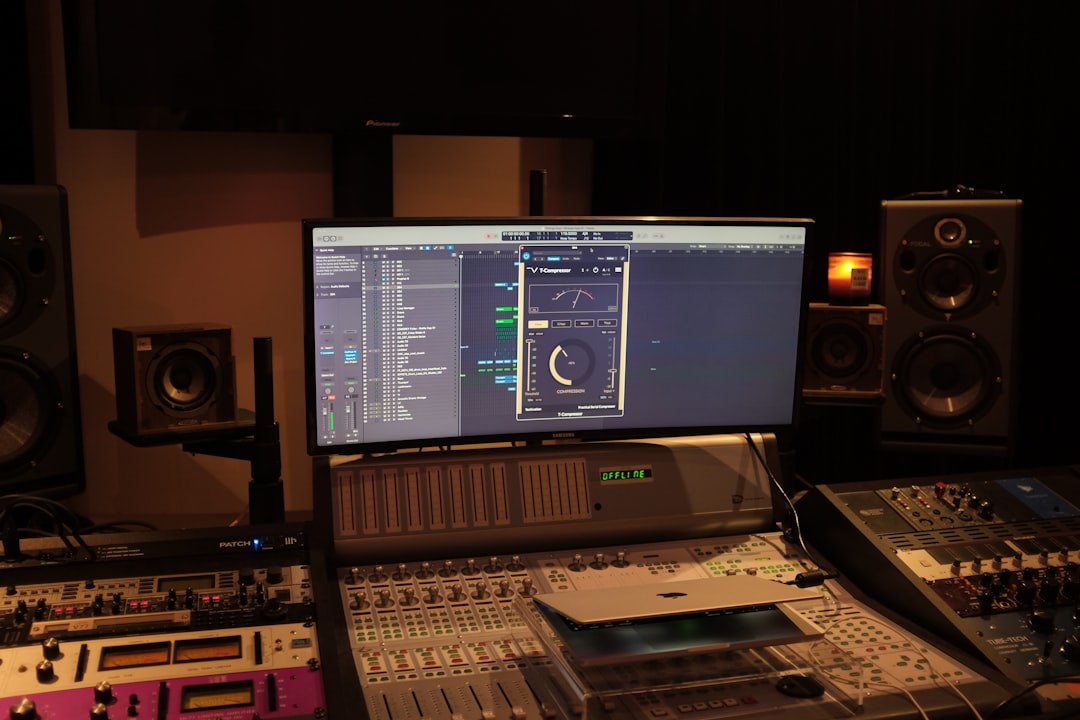
This metric ab review covers a plugin that does not process your audio at all, which is exactly why it might be the most important tool on your master bus. ADPTR MetricAB is a reference-comparison and metering suite built around one deceptively simple idea: let you instantly A/B your master against professional commercial tracks at matched loudness, so your ears judge tone and balance rather than being fooled by whichever version is louder. If you have ever thought your master sounded great until you compared it to a released song, this is the fix.
Why This Metric AB Review Argues for Loudness Matching
The single most common mastering mistake is the louder-sounds-better trap. When you A/B two versions and one is even 1 dB louder, your brain almost always prefers it regardless of actual quality. MetricAB solves this by loudness-matching your mix against loaded reference tracks so both play at the same perceived level, which forces you to hear real tonal and dynamic differences. You load up to sixteen reference tracks, define loop points, and switch between your master and any reference instantly. Because levels are matched, a brighter reference genuinely sounds brighter rather than just louder, and you can chase that difference with confidence.
The targets you are checking against still matter. Aim for an integrated level near -14 LUFS for the major streaming services and keep true-peak at or below -1 dBTP, because lossy encoding creates intersample peaks that clip a master sitting at 0 dBFS. MetricAB’s metering displays integrated, short-term, and momentary LUFS alongside true-peak, so it doubles as a compliance check for whatever platform you are delivering to.
The Metering That Comes With It
MetricAB is far more than an A/B switch. It bundles a comprehensive metering suite that turns invisible mix problems into things you can see.
- Loudness metering: Full LUFS readouts plus true-peak and dynamic range, so you know exactly where your master sits against a -14 LUFS streaming target and whether you have crushed your dynamics below a healthy range.
- Spectrum analyzer: Overlay your mix against a reference to see where your low end is heavy or your top is dull. If a commercial reference has more energy at 12 kHz, that tells you a 0.5 to 1 dB high-shelf might close the gap.
- Correlation and stereo metering: A vectorscope and correlation meter reveal mono-compatibility problems, especially crucial for keeping content below roughly 120 Hz centered.
- Crest factor and dynamics: These readouts help you judge whether your master is punchy or squashed, letting you target 2 to 3 dB of limiting rather than blindly maximizing.
- Mono, sides, and channel solo: Instantly audition your mix in mono or solo the side channel to hunt down phase issues before they reach a club system.
How It Fits Your Workflow
MetricAB sits last on your master bus, after your processing chain, purely for monitoring. The workflow is to load two or three commercial references in your genre, master your track, then loop a chorus and rapidly switch between your version and the references at matched loudness. When your master holds up tonally and dynamically against professional releases, you are done. It pairs naturally with a dedicated loudness meter like Youlean Loudness Meter if you want a second opinion on integrated LUFS, though MetricAB’s own readouts are thorough enough for most deliveries.
Pros and Cons
Even an essential tool has trade-offs worth knowing.
- Pro: Loudness-matched A/B switching is the single best defense against the louder-sounds-better illusion.
- Pro: The bundled metering suite is genuinely comprehensive, covering loudness, spectrum, stereo, and dynamics in one clean window.
- Pro: Up to sixteen reference slots with loop points make genre benchmarking fast and repeatable.
- Con: It does no processing, so it is an addition to your chain, not a replacement for EQ, dynamics, or a limiter.
- Con: The wealth of meters can overwhelm beginners who are not yet sure what each readout should tell them.
- Con: You must supply your own reference tracks, and choosing poor references leads you astray as easily as good ones guide you.
Who MetricAB Is For
Honestly, MetricAB belongs on nearly every serious master bus. It is invaluable for the self-mastering producer who needs an objective yardstick, for the mixing engineer sanity-checking tonal balance, and for anyone who has ever been embarrassed by how their track sounds next to a commercial release. The only people who will not benefit are those unwilling to gather good references, because the tool is only as good as what you compare against.
My recommended approach is to curate a small library of exceptionally well-mastered tracks in your genre, keep them loaded, and reference constantly rather than only at the end. Match loudness, check your integrated LUFS and true-peak against a -14 LUFS and -1 dBTP target, and trust the comparison over your first impression. For how reference tracks fit into a full chain, our mastering guide covers the method, and you can measure loudness for free in the audio tools hub. MetricAB does not make your master louder or fuller, but it tells you the truth about where it stands, and in mastering, an honest reference is worth more than another processor.



