
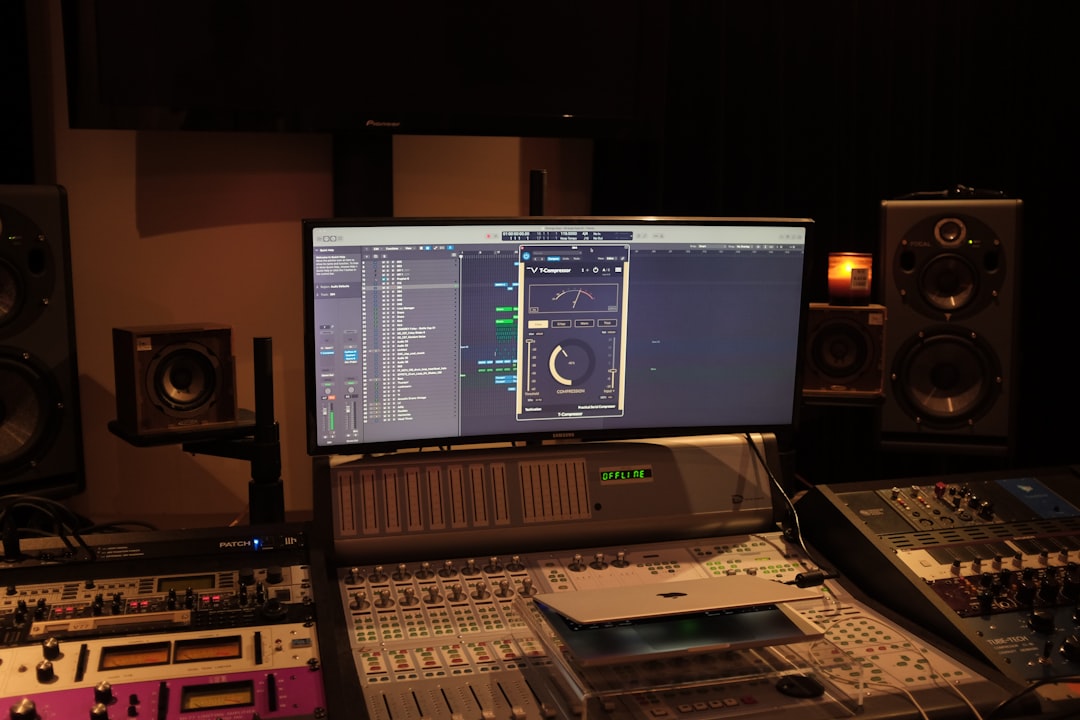
For most home producers, the honest answer to AI mastering vs DIY is: use AI mastering when you need a fast, consistent, release-ready result and you don’t yet trust your own ears or room — and master it yourself when you want full control, are learning the craft, or the track has quirks a robot will fight you on. Neither is “cheating.” They’re different tools for different moments, and plenty of working producers use both.
This guide breaks down where each approach genuinely wins — on cost, speed, sound quality, control, and how much you actually learn — so you can choose with your eyes open instead of arguing about it online.
Violet Recording is reader-supported — we may earn a commission from links on this page, at no extra cost to you.
AI mastering vs DIY at a glance
If you just want the quick-pick before the detail, here’s the short version. AI mastering is the faster, more forgiving option that gets you 80–90% of the way with almost no learning curve. DIY mastering is slower and harder, but it’s the only path that gives you complete control and teaches you the skill for good.
| Factor | AI mastering | DIY (do it yourself) |
|---|---|---|
| Speed | Minutes — upload and download | Anywhere from 30 minutes to hours per track |
| Cost | Free previews or a limited free tier; paid plans are billed monthly or per track — check each service’s site for current pricing | Free if you own a DAW; plugins optional |
| Skill needed | Almost none | Moderate to high — EQ, compression, limiting, metering |
| Control | Limited — a few reference/intensity presets | Total — every band, every dB |
| Consistency across a release | Very consistent | Depends on your discipline |
| Best for | Fast turnarounds, beginners, demos, batch releases | Learning the craft, tricky mixes, full creative say |
Quick pick: If you’re releasing this week and mastering isn’t your strength, use an AI mastering service — see our roundup of the best AI mastering services. If you want to actually get good at this, master it yourself and lean on the AI version as a reference to check your work against.
What each approach actually is
Before comparing them, it’s worth being precise, because “mastering” gets thrown around loosely. Mastering is the final polishing stage after your mix is done: it sets overall tonal balance, glue, loudness, and consistency so the track translates well across phones, cars, earbuds, and club systems. If you’re fuzzy on the fundamentals, start with what mastering is and come back.
AI mastering means uploading your finished stereo mix to a service that analyses it and applies EQ, compression, stereo processing, and limiting automatically — often benchmarking against a genre profile or a reference track you supply. You typically pick an intensity or style, preview, and download. Tools like LANDR and eMastered are built around this workflow.
DIY mastering means doing that chain yourself inside your DAW, usually with a mastering EQ, a compressor, maybe saturation and stereo tools, and a limiter — while watching your meters (especially LUFS and true peak). It’s the same job, done by hand, with your judgement in the loop at every step. Our LUFS guide covers the loudness targets you’ll be aiming for either way.
Sound quality: which one sounds better?
This is the question everyone really wants answered, and the honest reply is: it depends on the mix and the person. On a clean, well-balanced mix, a good AI master can sound genuinely excellent — competitive, loud, and neutral. Modern algorithms are trained on huge libraries of commercial masters, so they rarely make an embarrassing mistake on a solid source.
Where AI struggles is with mixes that have problems or personality. If your low end is muddy, your vocal is buried, or the track deliberately breaks genre conventions, the AI will “correct” toward an average that may not be what you want. It can’t hear intent. A skilled human — even a beginner who knows their room — can make a musical decision the algorithm never will, like leaving a track darker on purpose or riding a section’s loudness for drama.
The flip side: DIY only sounds better if you actually have the skills and a trustworthy listening environment. Mastering in an untreated room on consumer headphones is how well-meaning producers ship harsh, bass-heavy masters. If that’s your setup, an AI master will very often beat your hand-done one — not because AI is magic, but because it isn’t fooled by your room. This is the uncomfortable truth behind most “AI vs human” arguments: the AI is competing against your current skill level, not against a mastering engineer.
Cost, speed, and control compared
Speed is AI’s clearest win. Upload, wait a minute or two, download. For a producer sitting on ten tracks that all need to go out, or someone who masters weekly, that time saving is enormous. DIY mastering — done properly, with breaks to rest your ears and A/B against references — can eat an evening per song when you’re learning.
Cost is closer than it looks. DIY is “free” only if you already own a DAW and stock plugins, which most producers do; every stock DAW ships with an EQ, compressor, and limiter that are more than good enough to master with. AI services run on monthly subscriptions or per-track fees (check each tool’s site for current pricing), so over a year of steady releasing they can cost more than DIY — but far less than hiring a mastering engineer per song.
Control is DIY’s decisive advantage. You can carve a single 200 Hz resonance, automate the limiter, widen only the reverb, or leave dynamics alone. AI hands you a small set of dials — intensity, style, sometimes a reference upload — and makes the rest of the decisions for you. For a lot of music that’s fine. For anything with strong artistic intent, that ceiling gets frustrating fast.
Do you learn anything? The long game
There’s a cost to AI mastering that never shows up on the invoice: you don’t get better. Every track you push through a service is a track where you didn’t practise hearing tonal balance, setting a compressor, or judging loudness. DIY is slower precisely because you’re building a skill — and once you have it, it compounds across every future mix and master you ever do.
Mastering also feeds back into mixing. Learning to master teaches you what a mix needs to give you, which quietly makes your vocal mixes and overall balances better. If your goal is to become a self-sufficient producer, DIY isn’t just a mastering choice — it’s an investment in the whole craft. The fundamentals in our EQ and compression guide are the exact tools you’ll use.
The pragmatic middle path a lot of pros land on: master it yourself to learn, then run the same track through an AI service and compare. Use the AI version as a free “reference master” that tells you whether your low end, brightness, and loudness are in the right ballpark. You get the learning and a sanity check.
Our verdict: when to use which
Choose AI mastering if you’re on a deadline, you’re mastering demos or a batch of tracks, you don’t trust your room or ears yet, or you simply want a dependable, release-ready result without the deep dive. For the pick and to compare the leading services, see our best AI mastering services roundup, plus our in-depth LANDR review and eMastered review.
Choose DIY mastering if you want full creative control, you’re serious about learning the craft, your mixes have character that an algorithm would flatten, or you’re mastering in a treated room you can trust. It’s slower and harder, but it’s the only route to owning the skill outright.
And honestly? For most home producers the best answer to AI mastering vs DIY is “both”: AI for speed and a reference, DIY to grow. Browse more mastering guides in our mixing and mastering hub to keep levelling up.
Frequently asked questions
Is AI mastering good enough to release music commercially?
Yes, for a great many releases it is. On a clean, well-balanced mix a good AI master is loud, neutral, and competitive with commercial tracks, and countless independent artists release AI-mastered music every day. Its weak spots are problem mixes and tracks with strong artistic intent, where a human decision beats an averaged one. Preview before you commit and trust your ears on the final call.
Can I master my own tracks for free?
Yes. Every major DAW ships with a stock EQ, compressor, and limiter, which is a complete mastering chain — no paid plugins required. The real cost of DIY is learning to use them and having a listening setup you can trust. Watch your LUFS and true-peak meters, reference against commercial tracks you like, and rest your ears between passes.
Should beginners use AI mastering or learn to do it themselves?
Do both, in order: use AI mastering so your early releases sound good now, and start learning DIY mastering in parallel so you’re not dependent on it forever. A useful drill is to master a track yourself, then run it through an AI service and compare the two — the differences show you exactly where your ears or your room are leading you astray.



