
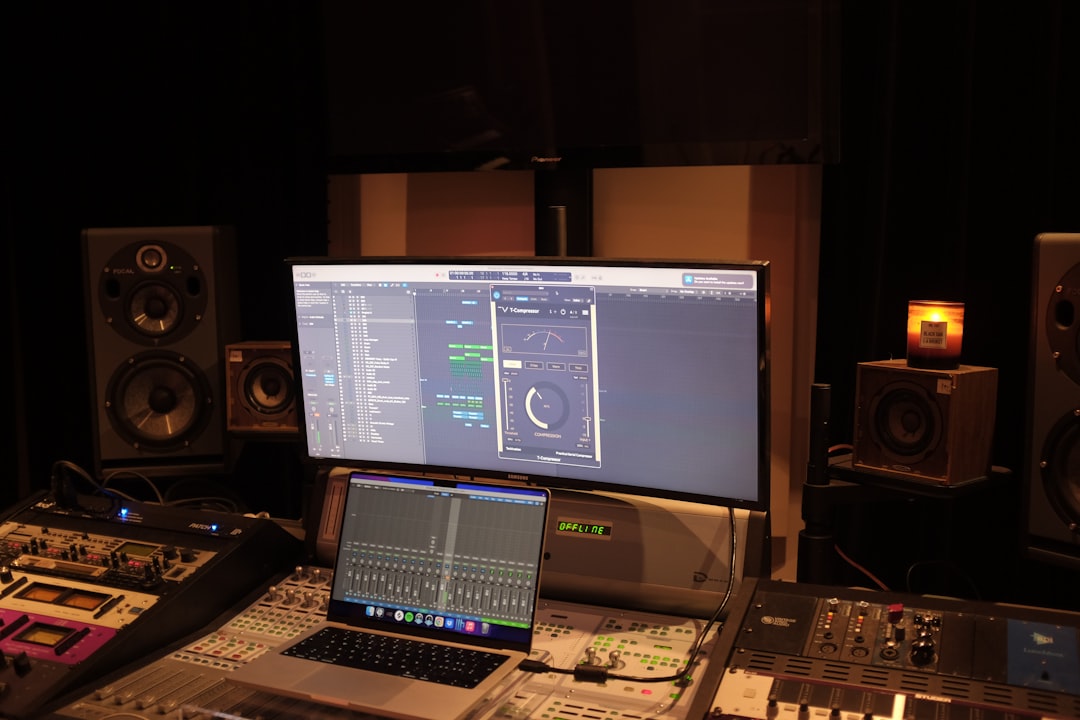
In this komplete review, we cut through the marketing to answer the only question that matters: is Native Instruments’ flagship bundle worth the money for a home-studio producer? The short version is that Komplete is one of the best value-per-dollar collections in music software — but only if you’ll actually use a meaningful slice of what’s inside. Buy the wrong tier and you’re paying for gigabytes you’ll never open.
Violet Recording is reader-supported — we may earn a commission from links on this page, at no extra cost to you.
The verdict at a glance
Komplete is a sprawling collection of instruments, effects and sample libraries built around Native Instruments’ Kontakt sampler and Reaktor engine. It’s aimed at producers who want a deep, do-everything toolkit rather than a handful of boutique plugins. If that’s you, it’s hard to beat on breadth.
Rating: 4.5 / 5 — the deepest all-in-one instrument-and-effects bundle a home producer can buy, and superb value on sale or via an upgrade path. The only real catch is that you pay in disk space and learning time for content you may only partly use.
- Best for: producers who compose across genres and want a single library covering synths, acoustic instruments, drums, effects and mastering.
- Skip it if: you only need one or two specific sounds, or your SSD is already gasping for space.
- Our pick: for most home producers, the entry tier — it covers the core synths, drums, sampled instruments and a full effects set at the lowest cost, with a clear upgrade path as your needs grow.
What Native Instruments Komplete actually is
Komplete isn’t a single plugin — it’s a curated bundle of Native Instruments’ own products plus licensed libraries, sold as one package. At the centre sit two engines almost every producer eventually meets: Kontakt, the industry-standard sampler that hosts thousands of third-party libraries, and Reaktor, a modular environment that powers many of NI’s synths and effects. Around those you get flagship instruments like Massive and the FM synth stack, orchestral and acoustic libraries, drum tools, guitar and bass amp modelling, plus a full set of mixing and mastering effects.
The important thing to understand is that Komplete is sold in tiers. The entry level gives you the core instruments and a solid effects set; the higher tiers pile on cinematic libraries, expanded synths and premium sampled instruments. Each step up roughly multiplies the content — and the download size. That tiering is the single biggest decision in this whole purchase, so we’ll come back to it. Everything installs and updates through NI’s Native Access app, which also handles authorisation.
The key features that earn their place
Rather than list every title in the bundle — there are far too many, and the exact contents shift between versions — it’s more useful to think in categories. Here’s what you’re actually getting and why it matters for a working home studio.
Synths and sound design
The synth roster is Komplete’s strongest suit. You get wavetable, subtractive, FM and granular options, which means almost any electronic sound you can imagine is reachable without buying anything else. Massive in particular remains a go-to for bass and lead patches across electronic and hip-hop production. If you’re building a synth palette from scratch, this alone can replace a shelf of separate purchases — see our roundup of the best free synth VSTs if you want to hear how the paid options compare to no-cost alternatives.
Sampled and acoustic instruments
Because full Kontakt is included, you get deeply sampled pianos, strings, ensembles, world instruments and more — and access to the huge marketplace of third-party Kontakt libraries beyond the bundle. These are the sounds that are genuinely hard to fake with a synth, and they’re the reason a lot of composers buy Komplete in the first place. Quality is high across the board, though the very best cinematic libraries live only in the top tier.
Drums and beats
Komplete ships with drum synths, sampled kits and groove tools that cover everything from acoustic kits to electronic and trap-style percussion. It pairs naturally with a pad controller, and for beat-focused producers it removes the need for a separate drum-VST purchase. If drums are your priority, weigh it against our guide to the best free drum VSTs.
Mixing and mastering effects
This is the part home producers underrate. The bundle includes EQs, compressors, saturation, reverbs, delays and mastering-style processors — enough to mix and finish a track without third-party plugins. They’re modelled on classic hardware and sound genuinely good. If you’re still learning what these tools do, our primer on EQ and compression fundamentals will help you get more out of them, and the effects here slot neatly into a typical vocal mixing chain.
Our komplete review of the day-to-day workflow
On paper the content is overwhelming, and in practice the first hour can be too. The saving grace is Native Access and the browser that tags every instrument by type, mood and character. Once everything is installed and indexed, finding a usable sound is fast: filter by “bass”, “warm” or “analog” and audition presets until something fits.
What producers consistently report matches the design: once the initial install and indexing are done, the tagged browser makes pulling up a usable sound quick, and the instrument and effect quality is high enough that many finished tracks never leave the bundle. The friction is front-loaded — the first hours go into installing, organising and learning where things live rather than making music.
A few workflow realities are worth knowing before you commit. Installation is a genuine project — the higher tiers run to hundreds of gigabytes, and you’ll want a dedicated SSD for the sample content rather than clogging your system drive. Kontakt libraries load into RAM, so a machine with generous memory makes a real difference on big orchestral patches. And while the sheer choice is a feature, it can also be a distraction; many producers end up leaning on a personal shortlist of twenty or so instruments and effects, with the rest waiting for the day a project calls for them. If you run NI’s Komplete Kontrol keyboards or Maschine, the hardware integration tightens all of this into a hands-on workflow.
Pricing and how the tiers work
Native Instruments sells Komplete in ascending tiers — broadly an entry level, a standard level and a full “Ultimate” collection, with a “Collector’s Edition” at the very top in some cycles. Each tier adds more instruments and larger libraries. Two paths can save you serious money: upgrade pricing if you already own a qualifying NI product (even a free one that shipped with a controller), and crossgrade pricing if you own competing software. NI also runs frequent seasonal sales, and the bundle refreshes on a roughly annual cycle, so the previous version often drops in price when a new one lands.
We won’t quote figures here because they move constantly and vary by region and promotion — check the current tier prices and any active upgrade path before buying.
On pricing: Native Instruments does not hold prices steady — tiers, promotions and upgrade paths shift through the year and vary by region, so check the tool site for current terms before you buy. As a rule of thumb, the entry tier is the best-value starting point for most home producers.
As a general framing: the entry tier is the value sweet spot for many home producers, the standard tier makes sense if you score to picture or need deep acoustic libraries, and the top tier is really for full-time composers who will use the cinematic content daily.
Pros and cons
Here’s the honest balance sheet after weighing what Komplete does well against where it frustrates.
What we like
- Unmatched breadth — synths, acoustic instruments, drums and effects in one purchase, covering nearly every genre.
- Kontakt and Reaktor included — the full Kontakt sampler alone unlocks a huge third-party ecosystem that keeps paying off.
- Genuinely usable effects — you can mix and master a track without buying anything else.
- Strong value per tier — bought on sale or via an upgrade path, the cost-per-instrument is very low.
- Deep controller integration — pairs tightly with NI keyboards and pad controllers for hands-on control.
What holds it back
- Huge storage and install footprint — the bigger tiers demand a dedicated SSD and patience.
- Choice paralysis — the sheer volume can slow you down until you build a personal shortlist.
- You pay for content you may not touch — the top tiers only pay off if you use the cinematic libraries.
- Resource-hungry — big Kontakt patches want plenty of RAM and CPU headroom.
How Komplete compares to the alternatives
Komplete isn’t the only “everything bundle,” and it isn’t always the right one. Depending on your needs, a more targeted spend might serve you better.
| Option | Best for | Trade-off |
|---|---|---|
| NI Komplete | Producers who want breadth across synths, sampled instruments and mixing effects in one buy | Large, pricey at top tiers, lots to learn |
| Arturia V Collection | Anyone chasing authentic vintage synth and keyboard emulations | Synth/keys focus — lighter on drums and effects |
| Spectrasonics Omnisphere | Deep, cinematic synth and patch design | Fewer instruments; no full effects suite |
| Sample subscription | Beat-led producers who want fresh sounds monthly | Ongoing cost; samples, not instruments |
| À-la-carte buying | Producers in one genre who need two or three tools | Costs more per unit; no ecosystem consistency |
If your priority is vintage synths, Arturia may suit you better; if it’s cutting-edge patch design, Omnisphere is unmatched. For deeper reading, see our guides to the best free synth VSTs, the best free drum VSTs and the best compressor plugins — useful for filling gaps around, or instead of, a big bundle. If you’re weighing dedicated mastering suites, our iZotope Ozone review covers the specialist option Komplete’s effects rack competes with.
Who should buy Komplete
Komplete makes the most sense for the producer who works across genres and wants one library to cover almost everything — someone who might write a synth-heavy track one week and a strings-and-piano piece the next. It’s also a strong foundation for beginners who’d rather buy once and grow into a collection than assemble it plugin by plugin, provided they have the storage to host it. If that’s the direction you’re heading, it slots neatly into a wider setup — see our home studio gear checklist for where the software fits among the hardware.
It’s the wrong buy if you already own strong synths and effects and only have a specific gap to fill, or if you’re on a tight machine where hundreds of gigabytes simply won’t fit. In those cases, targeted purchases beat the bundle. If you’re still assembling the basics, start with our budget home studio guide first, and browse the wider library in our Mixing & Mastering hub.
If Komplete is the right fit, start with the entry tier unless you specifically need the expanded cinematic and acoustic libraries, and check whether you qualify for upgrade or crossgrade pricing before you check out — it can change the cost dramatically.
Frequently asked questions
Is Native Instruments Komplete worth it for beginners?
For many beginners, yes — it removes the need to research and buy a dozen separate plugins and gives you professional-quality sounds and effects from day one. The main caveats are storage space and the learning curve of a big library. If budget or disk space is tight, start with the entry tier and free instruments, then upgrade later using NI’s upgrade pricing.
Which Komplete tier should I buy?
The entry tier is the value sweet spot for most home producers and covers synths, drums, core sampled instruments and a full effects set. Step up to a higher tier only if you specifically need the expanded cinematic and acoustic libraries — for example if you score to picture. Always check whether you qualify for upgrade or crossgrade pricing first, as it can dramatically change the cost. Prices and promotions move often, so check the tool site for current terms.
Do I need NI hardware to run Komplete?
No. Komplete works with any MIDI keyboard in any DAW. NI’s own Komplete Kontrol keyboards and Maschine add tighter browsing and hands-on control, but they’re optional — the software stands on its own. What does matter is a dedicated SSD for the sample content and plenty of RAM, since Kontakt loads samples into memory.



