
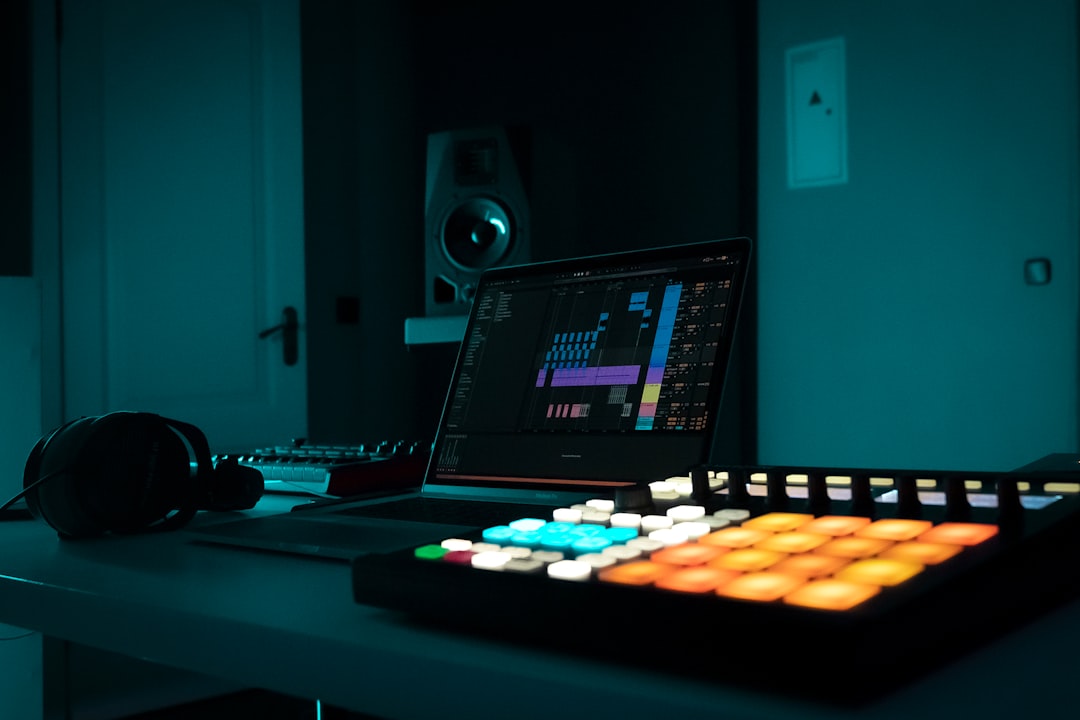
Rap is one of the hardest genres for AI to get right, and also one of the most fun to experiment with. Between rhythmic vocal flow, punchy beats, and lyrics that need to actually scan, there’s a lot that can go wrong. But the tools have improved fast, and a good ai rap generator can now turn a text prompt into a full track with a beat, a flow, and rapped vocals in minutes. This guide covers the best tools for the job, what each does well, and the honest limitations you’ll run into.
What to expect from an ai rap generator
There are really two things people mean by an AI rap generator, and it helps to be clear about which you want:
- Full-track generators take a prompt (and often your own lyrics) and produce a complete song with beat and rapped vocals. This is the closest to “type an idea, get a rap song.”
- Beat and lyric tools handle one part of the pipeline: generating an instrumental you can rap over, or drafting lyrics you perform yourself.
Full-track tools are the most impressive but also the most variable. Flow, timing, and pronunciation are genuinely difficult for models, so expect to generate several takes and cherry-pick the best. Vocal clarity, natural cadence, and lyrics that land on the beat are the areas where quality varies most.
The best ai rap generator tools
For an all-in-one that generates a full song from a prompt and then produces a matching music video, Solmi is a strong starting point, especially if you want to release a track and have social visuals in one go. Describe the style, mood, and theme, optionally supply your own bars, and get a finished song plus a video you can post. As with any generator, quality on rapped vocals improves when you give a detailed prompt and generate a few options, and you should confirm the commercial-use terms before releasing anything monetised.
Other tools worth knowing:
- Suno is one of the most capable full-song generators and handles rap and hip-hop styles well, producing beats and vocals from a prompt. You can supply your own lyrics for more control over content.
- Udio similarly generates full vocal tracks with strong audio quality and is worth trying head-to-head with Suno since they excel at different things.
- Musicfy and Kits AI focus on AI voices and vocal conversion, useful if you want to rap a part yourself and transform the vocal, or apply a voice model to an existing performance (with appropriate rights).
- Mureka and Sonauto are newer prompt-to-song generators that support vocal genres and are worth trying for variety in flow and production.
For beats alone, general generators like Soundraw or Mubert can produce hip-hop instrumentals you write and perform over, which gives you full control of the lyrics and flow while letting AI handle production.
How to write prompts that produce good rap
The prompt is where most of your quality comes from. Be specific and layered:
- Name the subgenre and era. “Boom-bap, 90s East Coast, jazzy sample, dusty drums” gives a model a clear target; “rap song” does not.
- Describe the flow. Ask for a laid-back, conversational delivery or a fast, aggressive double-time flow, whichever fits.
- Set the tempo. Hip-hop typically sits in a broad tempo range; specifying it keeps the beat and vocals locked together.
- Supply your own lyrics where possible. Writing your own bars is the single biggest quality upgrade, because you control rhyme, meaning, and how words land on the beat.
- Call out the structure. Intro, verse, hook, verse gives you a track you can actually use, rather than an undifferentiated stream.
Generate multiple takes from the same prompt. Rap vocals vary a lot between generations, and the difference between a usable track and a throwaway is often just which take you keep.
Honest limitations
Being realistic saves frustration. Even the best tools have weak spots with rap:
- Pronunciation and diction. Slang, proper nouns, and dense wordplay can come out garbled. Simpler, clearer phrasing generates more reliably.
- Flow and timing. Vocals sometimes drift off the beat or use an unnatural cadence. Regenerating is often faster than fixing.
- Coherent lyrics. Fully AI-written bars can be generic or nonsensical. Writing your own lyrics solves this.
- Consistency. Getting the same voice and vibe across multiple songs is hard, since output varies between generations.
If you care about lyrical content, the reliable approach is to write the bars yourself and let AI handle the beat and, optionally, the vocal delivery.
Rights and releasing your track
If you plan to release or monetise an AI rap track, a few things matter. Confirm the commercial-use terms on your tool and plan. If you use a voice model or voice-conversion tool, make sure you have the rights to the voice you’re emulating, since using a real artist’s voice without permission raises serious legal and ethical issues. And keep records of your prompts and license terms. The legal status of AI-generated music, including copyright and ownership, is still unsettled, so treat this as general information rather than legal advice, and verify current terms before you release commercially.
To compare the broader field, see our best AI song generators roundup and the AI music tools hub. For chopping beats, aligning vocals, and prepping your track for release, the free audio tools hub has the editing utilities to take a generated rap from rough take to finished record.



