
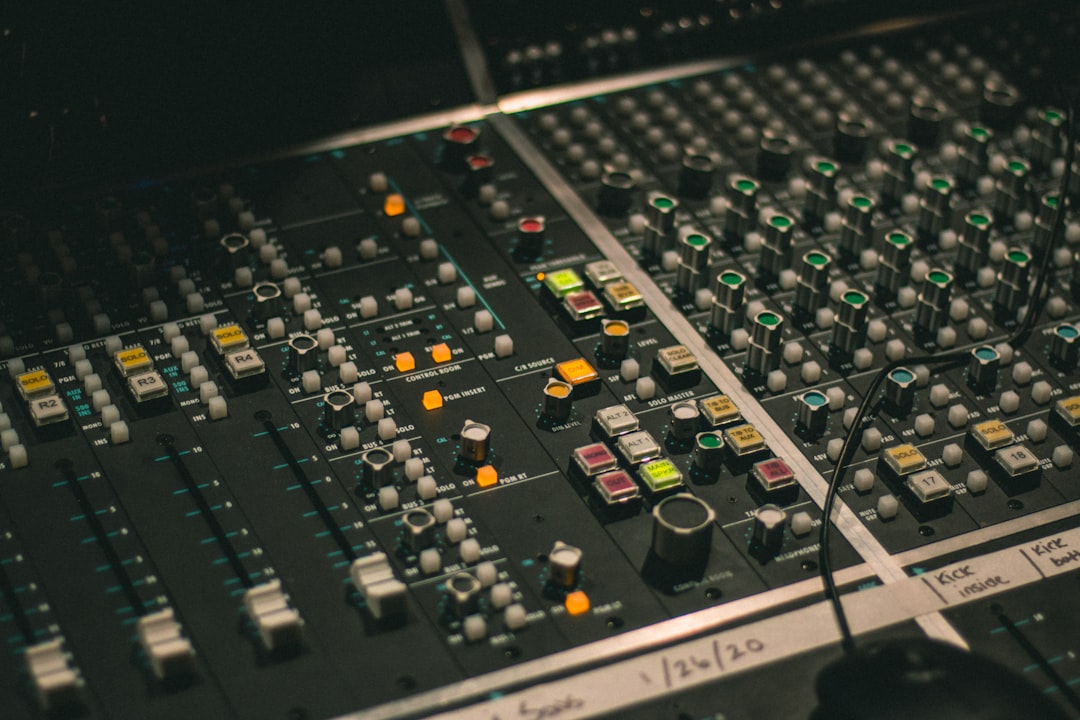
Amp sim plugins let you record convincing electric guitar and bass tones without a loud amp, a mic or a treated room. Modern amp sim plugins model the amp, cabinet, microphone and room together, so a DI guitar straight into your interface can sound like a fully mic’d rig. Here are the ones worth your time, from free to premium.
Violet Recording is reader-supported — we may earn a commission from links on this page, at no extra cost to you.
Quick answer: best amp sims by need
- Best free: Neural Amp Modeler (NAM) and Ignite Amps Emissary.
- Best all-rounder: Neural DSP Archetype series and STL Tones AmpHub.
- Best for variety: IK Multimedia AmpliTube and Positive Grid BIAS FX.
- Best for tone-tweakers: Native Instruments Guitar Rig.
What makes a good amp sim plugin
The realism of amp sim plugins comes from three things: the amp model, the cabinet simulation (usually impulse responses, or IRs) and how the two interact with your DI signal. Capturing a clean DI matters as much as the plugin you pick — get your levels right first using our guide to gain staging, and see how to capture a clean signal in recording electric guitar at home.
Two technical approaches sit behind most modern plugins, and it helps to know the difference. Traditional sims use component modelling, where the developer recreates the amp’s circuit in software so every knob behaves like the real thing. Newer tools such as NAM use profiling or capture, where a neural network listens to a real amp at a fixed setting and reproduces that exact snapshot. Captures tend to nail a specific tone with uncanny accuracy, while modelled amps give you the full range of the original’s controls. Neither is “better” — they simply suit different ways of working, and many engineers keep both kinds on hand.
Best free amp sims
Neural Amp Modeler (NAM) is an open-source plugin that loads community “captures” of real amps. The model quality is excellent and the library of free captures is huge, so it punches well above its price (free). Pair it with a free IR loader and cabinet IRs.
Ignite Amps Emissary and NadIR (a free IR loader, also from Ignite) make a complete free rig. Emissary is a high-gain-capable two-channel amp that sounds great for rock and metal, and NadIR handles the cab. If those heavier styles are your thing, our walkthrough on how to mix metal covers how to make those high-gain tones sit in a dense mix.
Best premium amp sim plugins
Neural DSP Archetype plugins are artist-focused suites (each modelled around a specific player’s rig) that include amps, cabs and a full effects chain. They are CPU-friendly and sound studio-ready out of the box.
STL Tones AmpHub is a subscription suite with a large rotating library of amps and tones, good if you want lots of options without buying individual packs.
IK Multimedia AmpliTube and Positive Grid BIAS FX are deep, long-running suites with huge gear collections, pedalboards and presets — strong choices if you want one plugin to cover everything from clean jazz to modern metal.
Native Instruments Guitar Rig is a flexible, modular rig builder with quality amps and a deep effects rack, and it integrates neatly if you already use Komplete.
Do not forget the cabinet and IRs
The cabinet stage shapes more of your final tone than most players expect. Many amp sims include cab modelling, but loading third-party impulse responses (from makers such as Celestion or various free packs) can transform a so-so tone into a great one. If your amp sim has an IR slot, experiment there before blaming the amp model.
A few practical pointers go a long way here. Try swapping the microphone position within an IR pack before swapping cabs entirely — moving from the centre of the speaker cone towards the edge takes brightness off the top end and is often all a harsh tone needs. Blending two IRs (for example a dynamic mic capture with a ribbon capture) can give you body and clarity at once. And keep your IR collection small and trusted rather than hoarding thousands of files; a handful you know well will serve you better than endless A/B testing.
How to choose the right one for you
- On a budget: start with NAM plus free captures and a free IR loader.
- Want one polished tone fast: a Neural DSP Archetype in your style.
- Want endless options: AmpliTube, BIAS FX or AmpHub.
- Recording bass: look for sims with dedicated bass amps and a clean blend control, then treat the tone the way you would any DI in our guide to mixing bass.
Before you commit, check the obvious practical things too. Make sure the plugin format matches your DAW (VST3, AU or AAX) — if those acronyms are unfamiliar, our explainer on VST vs AU plugins clears it up — and that your computer can handle the CPU load, since capture-based and high-resolution modelled amps can be demanding when you stack several instances across a busy session. If money is tight, almost every paid suite offers a free trial, so audition the exact tone you need on your own playing rather than judging it from a demo video.
Common mistakes with amp sims
Most disappointing amp-sim tones come down to the same handful of avoidable errors, not the plugin itself.
- A weak or clipped DI. If your recorded guitar signal is too quiet, too hot or already distorted at the interface, no amp model will rescue it. Set instrument-level gain so peaks sit comfortably below clipping.
- Burying everything under gain. Beginners often crank the drive to chase aggression. In a mix, too much gain turns to mush; back it off and let the cabinet and EQ do the work.
- Ignoring the cab. As above, the cabinet and IR stage is where most of the tone lives. Reaching for a new amp when the cab is the problem wastes time.
- Judging tone in solo. A sound that feels thin on its own can sit perfectly in a full arrangement. Always check your guitar against the rest of the track.
- Forgetting to high-pass. Removing the lowest rumble from a guitar track tightens the whole low end and stops it fighting your bass and kick — the same balancing act covered in mixing kick and bass together.
Whatever you choose, monitor through accurate speakers or headphones so you judge the tone fairly — see monitors vs headphones for mixing. For more plugin and mixing guides, visit the mixing and mastering hub.
Frequently asked questions
Are amp sim plugins as good as a real amp?
For recording, the best modern amp sims are good enough that many released records use them. A real amp in a great room still has its place, but for home recording a quality sim is usually the more practical and consistent choice.
Do I need a special interface or DI box for amp sims?
You need an instrument-level (Hi-Z) input, which most audio interfaces have. Plug your guitar into that input, record the clean DI, then run it through the amp sim. No amp or mic required.
What is an impulse response (IR)?
An IR is a snapshot of how a specific speaker cabinet and microphone sound together. Loading an IR in your amp sim replaces or supplements the built-in cab model and is often the single biggest tone improvement you can make.
Should I record the dry DI as well as the amp sim tone?
Yes, whenever you can. Recording the clean DI alongside (or instead of) the processed sound lets you re-amp later — you can change the amp, cabinet or settings after tracking without re-recording the part. It is one of the biggest practical advantages of working with amp sims.
