
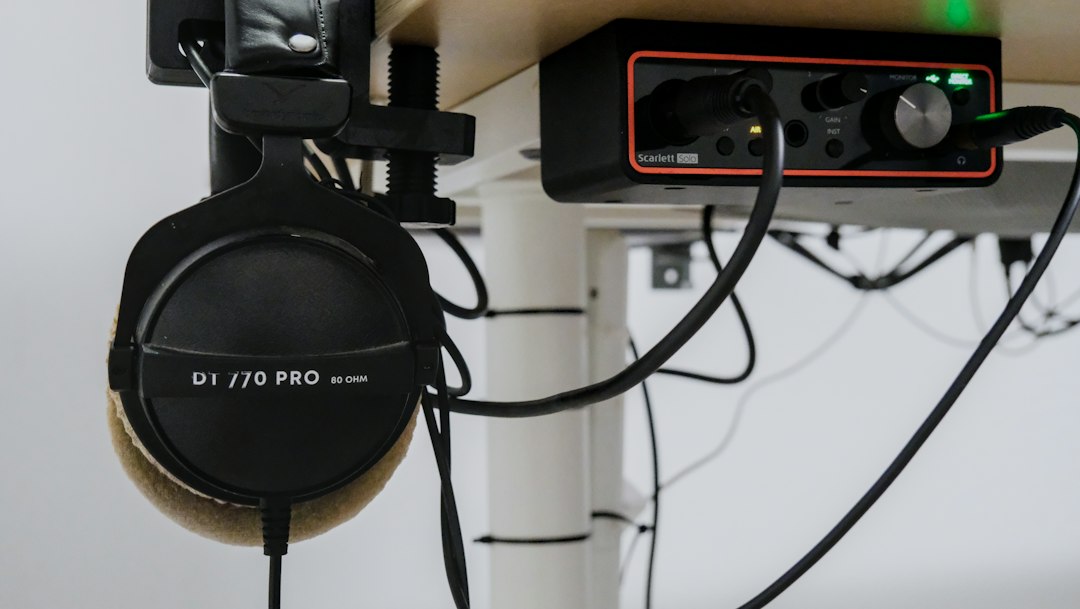
A plain audio interface gets sound into your computer. A mixer gives you physical faders, knobs and mute buttons so you can balance a mic, a guitar, game audio and music in real time without opening a single software window. The right audio mixer for PC recording or streaming does both jobs: it shows up in Windows as a USB sound device, and it lets you ride levels by hand while you talk, play or broadcast. Below are nine USB mixers and mixer-style interfaces, from compact streaming desks to traditional analog boards, with the trade-offs that matter once you plug them into a computer.
USB mixer or audio interface: what you are actually buying
Every pick here connects to a PC over USB, but they handle audio in two different ways. Stereo USB mixers, such as the Yamaha MG and Behringer Xenyx lines, send one stereo mix to the computer. That is perfect for streaming and live recording, but you cannot separate the mic and guitar later in your DAW. Mixer-style interfaces, such as the Yamaha AG series and the RODECaster Duo, add loopback (feeding computer audio back into your stream) and more flexible routing, which suits streamers and podcasters. If you mainly record multitrack music, read our audio interface vs mixer explainer before you buy, because a dedicated interface may be the better tool.
Our picks
Yamaha AG06MK2
The Yamaha AG06MK2 is the most common recommendation for a desktop PC mixer, and it earns it. Two combo mic/line inputs cover a vocal mic plus a guitar or second guest, stereo line channels take a keyboard or phone, and a loopback switch sends PC audio into your stream alongside your voice. It connects over USB-C and is bus-powered, so it lives happily next to a keyboard and mouse.
Best for: streamers and solo creators who want a hardware mixer that behaves like a clean USB interface.
- Pros: loopback built in, compact, simple to learn, Steinberg software included.
- Cons: rotary knobs on most channels rather than faders, and only two mic inputs.
Yamaha AG03MK2
The Yamaha AG03MK2 is the one-mic version of the same idea, with a proper fader for your voice, loopback, and a mute button you can hit without looking. It takes up less desk space than the AG06MK2 and is the easier choice if you will never plug in a second microphone.
Best for: solo streamers, gamers and voice-chat users with one XLR mic.
- Pros: mic fader, loopback, tiny footprint, USB-C bus power.
- Cons: one mic input only, so it does not grow with a co-host.
RODE Streamer X
The RODE Streamer X is not a traditional mixer at all. It combines a one-input audio interface with a 4K video capture card, programmable sound pads and RODE’s onboard voice processing, all controlled from a few large dials. Dual USB connections let you run it between a gaming PC and a streaming PC.
Best for: game streamers who want audio and video capture in one box.
- Pros: capture card plus interface, onboard processing, sound pads, two-PC setups.
- Cons: a single mic input, and you are paying for video features musicians may never use.
RODECaster Duo
The RODECaster Duo is a compact production console with two combo inputs, physical faders, sound pads and onboard processing such as compression and noise gate. It can record separate tracks, connect two computers and take a phone call over Bluetooth, which makes it far more flexible than a plain stereo USB mixer.
Best for: two-person podcasts and streamers who want broadcast-style control.
- Pros: excellent preamps and processing, multitrack recording, real faders, very polished software.
- Cons: premium budget band, and the menu system rewards some setup time.
Yamaha MG10XU
The Yamaha MG10XU is a traditional analog board with ten inputs, four mic preamps, built-in SPX effects and a USB connection to your PC. It is the right shape for a band rehearsal, a small church or a live room where you also want to capture a stereo recording or stream the show.
Best for: bands and live rooms that want a real mixing desk plus a stereo feed to the computer.
- Pros: four mic channels, usable onboard reverbs, sturdy metal chassis.
- Cons: USB sends a stereo mix only, and it is bigger than most desks need.
Mackie ProFX6v3+
The Mackie ProFX6v3+ packs Onyx mic preamps, GigFX effects and USB recording into a small six-channel analog mixer, and the plus version adds Bluetooth for playing backing tracks from a phone. It is a sensible middle ground between a desktop streaming mixer and a full band board.
Best for: singer-songwriters and small acoustic setups that record and gig with the same mixer.
- Pros: good preamps, useful effects, Bluetooth, compact and roadworthy.
- Cons: only a couple of mic inputs, and the knob-heavy layout is busier than a streaming desk.
Behringer Xenyx 802S
The Behringer Xenyx 802S is the budget route into a real analog mixer with a USB streaming interface. Eight inputs, Xenyx preamps and simple EQ give you hands-on control of a mic, an instrument and a music source for very little money.
Best for: beginners who want physical knobs and a USB feed on a tight budget.
- Pros: very affordable, straightforward layout, works without drivers on most PCs.
- Cons: no faders, no loopback switch, and preamps get noisy at high gain with quiet dynamic mics.
Behringer Xenyx X1204USB
The Behringer Xenyx X1204USB scales the same formula up to twelve inputs with mic preamps, one-knob compressors on the mic channels, British-style EQ and a built-in multi-effects processor. It is a lot of mixer for the money if you need more channels than a desktop unit can offer.
Best for: rehearsal rooms, small venues and home studios on a budget that need many inputs.
- Pros: plenty of channels, onboard compression and effects, long-running proven design.
- Cons: stereo-only USB, large footprint, and build quality is a step below Yamaha and Mackie.
MAONO G1 Neo
The MAONO G1 Neo represents the new wave of budget gaming mixers: one XLR input with 48V phantom power, faders for mic and PC sound, and RGB lighting. It is a fair entry point for voice chat and casual streaming, as long as you keep expectations realistic.
Best for: gamers who want a cheap XLR mic hub and hardware volume control.
- Pros: low cost, easy setup, phantom power, desk-friendly size.
- Cons: preamp quality and long-term durability trail Yamaha and RODE, and it is not built for music recording.
Comparison table
| Mixer | Best for | Mic inputs | PC audio |
|---|---|---|---|
| Yamaha AG06MK2 | Streaming all-rounder | 2 | Loopback, USB-C |
| Yamaha AG03MK2 | Solo streamer | 1 | Loopback, USB-C |
| RODE Streamer X | Game streaming | 1 | Interface plus 4K capture |
| RODECaster Duo | Two-person podcasts | 2 | Multitrack, two PCs |
| Yamaha MG10XU | Bands and live rooms | 4 | Stereo USB |
| Mackie ProFX6v3+ | Record and gig | 2 | USB, Bluetooth |
| Behringer Xenyx 802S | Tight budgets | 2 | Stereo USB |
| Behringer Xenyx X1204USB | Many inputs on a budget | 4+ | Stereo USB |
| MAONO G1 Neo | Gaming voice chat | 1 | USB with PC-sound fader |
How to choose an audio mixer for PC use
Count your sources first. List every mic, instrument and playback device you need live at the same time, then add one spare. A solo streamer is fine with one mic input; a band rehearsal is not.
Decide whether you need separate tracks. If you want to edit the vocal and guitar independently afterwards, choose a multitrack device such as the RODECaster Duo, or pair a mixer with a dedicated interface from our best audio interfaces for PC guide. Stereo USB mixers print one finished mix.
Look for loopback if you stream. Loopback lets viewers hear game audio, music or a Discord call through the same device as your mic. Without it you will be juggling routing software on Windows.
Match preamps to your mic. Low-output dynamic mics such as the Shure SM7B need clean gain. Cheaper mixers can hiss when turned up, so budget for a better unit or an inline booster.
Faders versus knobs. Faders are faster to ride during a live show. If you mostly set levels once, knobs are fine and save space. For bigger live boards, see our best mixing boards roundup, and for desk-sized broadcast consoles our best streaming mixers guide.
Setting up a USB mixer on Windows
- Drivers: most of these work class-compliant, but install the maker’s ASIO driver if you record in a DAW, because it lowers latency.
- Default device: set the mixer as both the input and output device in Windows Sound settings, then select it in OBS or your DAW.
- Avoid echo: if loopback is on, do not also monitor the computer output in OBS, or you will hear yourself twice.
- Gain staging: set gain so your loudest speech peaks around the yellow meter, then use the fader for balance.
FAQ
Can I use a mixer as an audio interface on a PC?
Yes, if it has a USB audio connection, as every pick here does. Windows sees it as a sound card. The limitation is that most analog USB mixers send only a stereo mix, so you cannot separate the channels in your recording software.
Do I need a mixer for streaming?
No, but it helps. A mixer gives you instant hardware mute, physical volume control and loopback for game or music audio, which is quicker than adjusting software sliders while you are live.
Which audio mixer for PC podcasting with two people?
Choose one with at least two mic inputs and, ideally, separate track recording. The RODECaster Duo and Yamaha AG06MK2 are the strongest two-person options here, and our best podcast mixers guide covers larger shows.



