
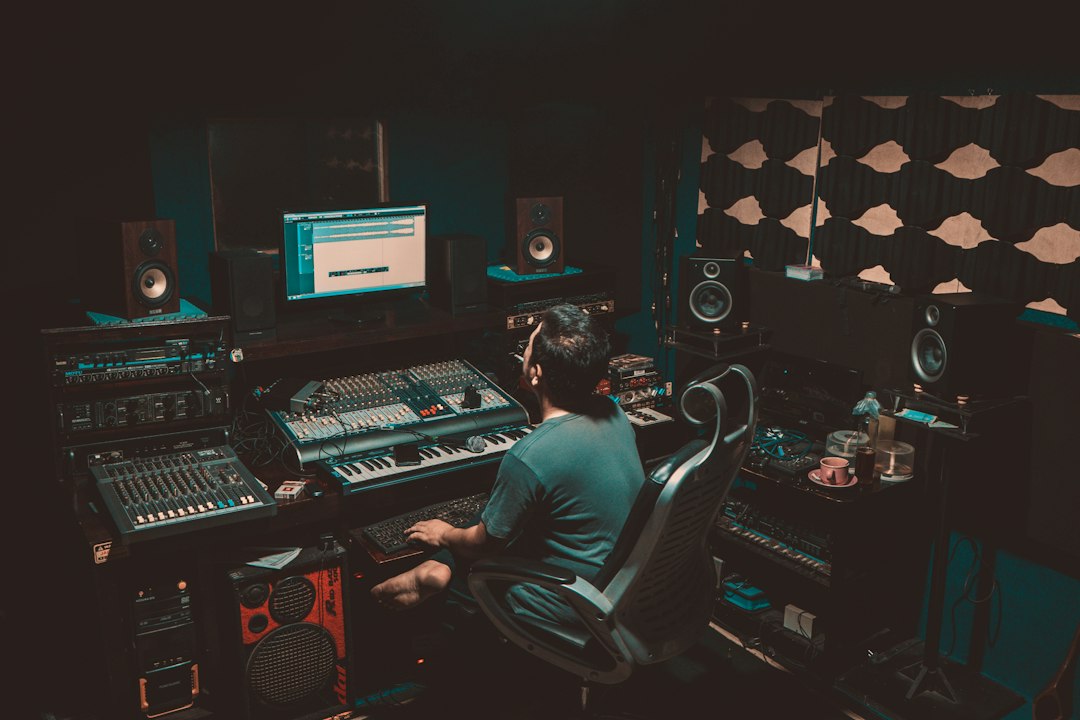
A karaoke machine with a built-in speaker is fine for a living-room sing-along, but the moment you want two good microphones, a proper echo on the vocals and a backing track that sits underneath the singer instead of drowning them, you need an audio mixer for karaoke. A mixer is the hub of the system: microphones and the music source go in, you balance and colour them, and a single clean feed goes out to powered speakers or an amplifier. This guide covers seven proven options across budget bands, from simple plug-and-sing echo boxes to compact mixers that can also run a small gig or record your performances.
What a karaoke mixer actually does
Every karaoke setup has three jobs to handle. First, it has to amplify the microphones to line level through a mic preamp. Second, it has to blend the vocals with the music, which usually arrives from a TV, laptop, phone or streaming box over RCA, a 3.5 mm cable, optical or Bluetooth. Third, it should add echo or reverb, because a dry vocal sounds thin and exposed in a room, while a touch of echo makes amateur singers sound and feel more confident.
Products that do this fall into three groups. Dedicated karaoke interfaces are built around wireless mics and a big echo knob. Compact analog mixers with effects, such as the Yamaha MG and Mackie ProFX ranges, give you more control and better preamps. Digital and streaming mixers add Bluetooth, app control and USB recording. The right group depends on whether you want plug-and-play simplicity or a mixer that grows with you.
Our picks
Yamaha MG06X
The Yamaha MG06X is a six-input compact mixer with two mic preamps and Yamaha’s built-in SPX digital effects, which include reverb and delay programs that work well on karaoke vocals. The remaining inputs take a stereo line source, so a TV or laptop plugs straight in. Its metal chassis and simple layout make it a reliable box that rarely needs touching once it is set.
Best for: home karaoke rooms with two singers who want better vocal quality than a karaoke box.
- Pros: clean preamps, quality onboard reverb, small and sturdy.
- Cons: no Bluetooth or USB, and only two microphone inputs.
Yamaha AG06MK2
The Yamaha AG06MK2 is a streaming mixer and USB-C audio interface with a one-touch effect button that adds reverb to the mic channels, plus loopback for mixing computer audio into a stream. For karaoke, that means you can run backing tracks from a laptop, sing with reverb, and record or livestream the result without extra gear.
Best for: singers who also want to record covers or stream karaoke sessions online.
- Pros: USB recording and loopback, one-button reverb, very compact.
- Cons: limited hands-on effect control, and not designed for driving a party PA with lots of sources.
Behringer FLOW 8
The Behringer FLOW 8 is an eight-input digital mixer with Bluetooth audio streaming, two FX processors and app control from a phone or tablet. Stream the karaoke track from a phone over Bluetooth, put reverb and delay on the singers, and adjust levels from the app while you walk around the room to hear the real balance.
Best for: party hosts and small bars that want wireless music input and modern digital processing.
- Pros: Bluetooth input, two effects engines, app control, USB audio.
- Cons: menus and app take some learning compared with a knob-per-function analog mixer.
Mackie ProFX6v3
The Mackie ProFX6v3 pairs Mackie’s Onyx mic preamps with the GigFX effects engine and a USB connection for recording. It is a small-gig mixer at heart, so it handles a karaoke night at a café or a community hall as comfortably as a home setup, and it is built to take some knocks.
Best for: anyone who wants one mixer for karaoke, small live gigs and basic recording.
- Pros: strong preamps, a wide choice of effects, USB, road-ready build.
- Cons: no Bluetooth, and the extra features cost more than a karaoke-only box.
Behringer Xenyx 1002SFX
The Behringer Xenyx 1002SFX is a ten-channel analog mixer with two mic preamps, plenty of line inputs, built-in effects and a USB streaming interface. The extra line inputs are handy when you want to connect a TV, a laptop and a phone at the same time and switch sources between songs without re-plugging.
Best for: budget-conscious setups with several music sources.
- Pros: lots of inputs for the money, effects, USB streaming.
- Cons: only two mic preamps, so larger groups will need to pass the mics around.
Rockville RKI60
The Rockville RKI60 is a dedicated karaoke interface that includes two UHF wireless handheld mics, a wired mic input, adjustable echo and multiple music inputs including optical, coaxial and 3.5 mm aux. It is not an amplifier, so it needs powered speakers, an amp or an AV receiver to make sound.
Best for: families who want wireless mics and a TV-friendly hookup in one box.
- Pros: wireless mics included, optical input for TVs, simple echo controls.
- Cons: less refined sound and fewer controls than a proper mixer.
Pyle 4-Channel Bluetooth Mixer
The Pyle 4-channel Bluetooth mixer combines XLR mic inputs with phantom power, a three-band EQ per channel, Bluetooth streaming and a built-in USB/MP3 player. It is the entry point for people who want a “real” mixer layout on the tightest budget.
Best for: first-time karaoke setups and kids’ parties where cost matters most.
- Pros: very affordable, Bluetooth and USB playback, simple layout.
- Cons: budget build and noisier preamps than Yamaha or Mackie; check whether the listing you choose includes a digital echo/effects section.
Comparison table
| Product | Best for | Key feature |
|---|---|---|
| Yamaha MG06X | Home karaoke, two singers | SPX reverb and delay effects |
| Yamaha AG06MK2 | Recording and streaming | USB-C, loopback, one-touch reverb |
| Behringer FLOW 8 | Parties and small bars | Bluetooth, two FX engines, app control |
| Mackie ProFX6v3 | Karaoke plus small gigs | Onyx preamps, GigFX, USB |
| Behringer Xenyx 1002SFX | Many music sources | Ten channels, FX, USB streaming |
| Rockville RKI60 | Wireless family karaoke | Two UHF mics, optical input, echo |
| Pyle 4-Channel | Tightest budgets | Bluetooth and USB/MP3 player |
How to choose an audio mixer for karaoke
Count your microphones. Most compact mixers have two true mic preamps. If you regularly run duets plus a host mic, look for three or more, or use a wireless system that combines mics into one output.
Echo versus reverb. Classic karaoke “echo” is a short repeating delay; reverb is a smoother sense of space. Both flatter vocals. Mixers with a proper effects section let you choose either, while basic karaoke boxes give you a single echo knob.
Music connections. Check how your music source connects. Modern TVs often output audio via optical, phones via Bluetooth or a 3.5 mm cable, and laptops via USB or 3.5 mm. Buy a mixer that matches, or budget for an adapter.
Recording and streaming. If you want to capture performances, a USB mixer is the easiest route. Our guide on audio interface vs mixer explains where each fits.
Size of the room. A home lounge needs a small mixer and a pair of powered speakers. A bar or event space benefits from more channels and sturdier hardware. For a broader look at home-studio mixers, see our roundup of the best mixing boards.
Setting up your karaoke mixer
- Connect the music source (TV, laptop, phone or karaoke player) to a stereo line input or pair it over Bluetooth.
- Plug microphones into the mic channels with XLR cables. Turn phantom power off unless you are using condenser mics; most karaoke mics are dynamic.
- Connect the main outputs to powered speakers or an amplifier. Start with the speaker volume low.
- Set each mic’s gain while someone sings at full volume, so the level meter peaks well below the red.
- Bring up the music, then balance the vocals so they sit clearly on top.
- Add echo or reverb gradually. A good starting point is just enough that you miss it when it is switched off.
Avoiding feedback: keep the speakers in front of the singers, not behind them, and roll back a little low-mid EQ if the room starts to ring. Good handheld mics make a big difference; see our guide to the best karaoke microphones, and our walkthrough on how to set up karaoke at home for the full room layout.
FAQ
Can I use any audio mixer for karaoke?
Yes, as long as it has mic preamps and a line input for the music. The main thing a general mixer may lack is a built-in effect, so look for a model with onboard reverb or echo, or add an external vocal effects unit.
Do I need powered speakers with a karaoke mixer?
Usually yes. Most mixers and karaoke interfaces, including every pick here, do not contain a power amplifier. Connect them to powered speakers, an amplifier with passive speakers, or an AV receiver.
Is Bluetooth good enough for karaoke backing tracks?
For music playback, Bluetooth works well and is very convenient. It adds a little delay, which rarely matters for backing tracks unless the lyrics are shown on a separate screen and drift slightly out of sync. Avoid using Bluetooth headphones or Bluetooth mics for singing, where that delay can throw off your timing.



