
Live sound is the craft of getting voices and instruments from a stage to an audience clearly and without feedback, and this guide is for bands, solo performers and new sound engineers running small gigs, open mics, busking spots and livestreams. It moves from how a PA works to setup, mixing, monitoring and the habits that keep a show calm.
Small-venue sound is far less mysterious than it looks from the crowd. Nearly every problem traces back to the same short list: speakers in the wrong place, gain set badly, monitors too loud, and nobody owning the soundcheck. Get those right and a modest rig can sound excellent.
How a PA system fits together
Every PA follows the same path. Microphones and instruments feed a mixer, the mixer feeds amplifiers and speakers, and a separate set of monitor mixes goes back to the performers. On bigger stages, a stage box gathers all those inputs at the front and sends them down one snake or network cable to the mixing position.
The first sizing question most people ask is power, and our guide to how many watts a PA needs gives sensible ranges for different rooms. Wattage is only part of the story, though. Speaker sensitivity and placement matter as much, which is why our SPL distance calculator is useful: it shows how quickly level falls off as the audience gets further from the speakers.
Next comes the speaker type. The trade-offs in powered vs passive PA speakers boil down to convenience against flexibility; powered boxes win for most small acts because there’s no separate amp rack to match. If you play bass-heavy music, read whether you need a subwoofer before buying, then browse our pick of powered PA speakers.
Choosing a mixer and cabling the stage
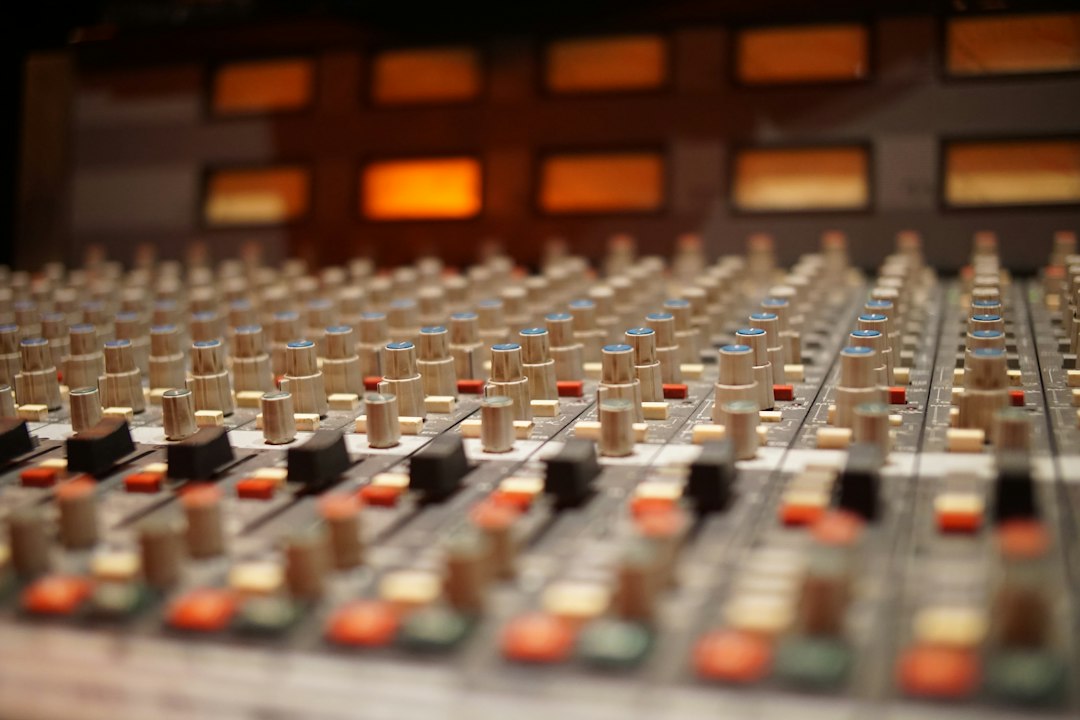
The mixer is the control center of the show. The analog vs digital mixer decision is really about workflow. Analog desks are immediate, with one knob per job. Digital desks add scene recall, built-in effects and tablet control, so you can walk the room while you mix. Our roundups of digital mixers for live sound and mixers for small venues and bars show what each approach looks like in practice.
Cables cause more gig-night headaches than any piece of electronics. Use balanced connections for anything running more than a few feet; our explainer on XLR vs TRS for live sound covers when each connector fits. Keyboards, acoustic guitars and bass usually go through a DI box, and connecting instruments to a PA walks through every common source. For a full band, write an input list and a stage plot in advance. The engineer will thank you, and changeovers get noticeably faster.
Setting up and running a soundcheck
Good setup is mostly about speaker position. Place the main speakers in front of the microphones, not behind them, and raise them so the sound clears the first rows of heads. Our step-by-step on setting up sound for a small gig covers the whole sequence from load-in to line check.
Then set gain properly. Gain staging a live mixer means asking each performer to play or sing as loud as they will during the show and setting the input so it’s strong without clipping. Faders do the balancing afterward. Rushing this step is behind a lot of harsh, distorted gigs.
A reliable soundcheck order is drums, bass, guitars, keys, then vocals, followed by a song with everyone playing. Our band-friendly guide to doing a soundcheck lays it out. Before the doors open, our speaker test is a quick way to confirm both sides of the system are working and wired the right way round.
Mixing the show: vocals, feedback and effects
In most small venues the job is simple to state: make the vocal clear. Start with EQ for live vocals, using a high-pass filter to remove stage rumble and a careful cut wherever the voice sounds boxy or harsh. Gentle compression in live sound keeps a singer steady between quiet verses and loud choruses.
Feedback is the fear of every new engineer, and it’s mostly preventable. Keep the mics behind the speakers, ask singers to hold the mic close, and reduce the frequencies that ring first rather than pulling down the whole mix. Our guide to preventing vocal feedback on stage explains the routine. Reverb helps a vocal sit in the room, but a live space already has its own, so reverb in a live mix usually needs less than you’d use on a record. New to all of it? How to mix live sound ties these pieces together.
Monitoring: wedges, in-ears and hearing
Performers can’t play well if they can’t hear themselves. The choice between in-ear monitors and wedges depends on stage volume, budget and how much control the band wants. Wedges are simple and shared; in-ears give each player a personal mix and lower the overall stage volume. See how to set up stage monitors for positioning and ringing out, and mixing monitors from front of house if you’re doing both jobs from one desk.
A rule that saves shows: keep monitors as quiet as possible. Loud wedges spill into the vocal mics, muddy the front-of-house sound and invite feedback. Use our decibel calculator to understand how levels add up when several sources are playing at once, and protect your ears on every gig.
Going further: solo rigs, backing tracks and livestreams
Solo acts can run surprisingly sophisticated shows. Our busking setup guide covers battery-powered rigs for street performing, and playing live with backing tracks explains how to run click, cues and tracks without losing the human feel. If you’d like to take the show online, start with our guide to live streaming a music performance. Many of the same microphones work on stage and in a home studio, so our microphone buying guide is worth a read when you expand the kit.
Explore the Live Sound & Performance guide
Start here
- What Is a Stage Box in Live Sound?
- Busking Setup Guide: Gear and Tips for Street Performing
- What Is an Input List and How Do You Make One?
How-to guides
- How Many Watts Does My PA System Need?
- How to Set Up Sound for a Small Gig
- How to Play Live With Backing Tracks
- How to Use Compression in Live Sound
- How to EQ Live Vocals for a Clear, Cutting Sound
- How to Mix Monitors From the Front of House
- How to Set Up Stage Monitors for Your Band
- Do I Need a Subwoofer for My PA System?
Gear picks
- The Best Drum Machines for Live Performance
- Best Stage Monitors for Live Performance
- Best Digital Mixers for Live Sound
- Best Mixers for Small Live Venues and Bars
- Best Portable PA Systems for Busking
- Best Gear for Streaming Live Music Performances
Comparisons & reviews
- XLR vs TRS Cables for Live Sound: What's the Difference?
- In-Ear Monitors vs Wedges for Live Performance
- Analog vs Digital Mixers for Live Sound: Which to Choose?
- Powered vs Passive PA Speakers: Which Should You Buy?
Free tools
SPL Distance CalculatorDecibel CalculatorSpeaker TestTone Generator
Frequently asked questions
How do I stop feedback with a small PA?
Put the main speakers in front of the microphones and point them away from the stage. Have singers work close to the mic so you need less gain, keep monitor levels modest, and cut the specific frequency that starts ringing rather than turning everything down. Most small-gig feedback comes from speaker placement and loud wedges.
Do I need a digital mixer for small gigs?
No. A small analog mixer handles a solo act or a simple band perfectly well and is quick to learn. A digital mixer earns its place when you want saved scenes for repeat venues, built-in effects and processing, or the freedom to adjust the mix from a tablet while standing in the audience.
Are in-ear monitors better than wedges?
They suit some bands better, not all. In-ears give each performer a personal mix, reduce stage volume and protect hearing, but they take more setup and some players feel cut off from the room. Wedges are simpler and need no extra receivers. Many small acts start on wedges and move to in-ears later.
What order should a soundcheck go in?
A common order is kick, snare and the rest of the drums, then bass, guitars, keys and finally vocals. Set each input’s gain at full performance volume, then play a song together to balance the mix. Finish by checking each performer’s monitor mix, because confident musicians give a better show than a perfect front-of-house mix.
How do I connect a laptop to a PA mixer for backing tracks?
Connect a laptop to a PA mixer through a stereo line input, ideally via an audio interface or a stereo DI box rather than the headphone jack. A DI box gives balanced cables for longer runs and often a ground-lift switch to cure hum. Turn off system sounds and notifications so nothing unexpected plays through the PA.
Should I use dynamic or condenser microphones on stage?
Dynamic microphones are the usual choice for live vocals and loud sources because they are rugged, need no phantom power and pick up less of the stage around them, which helps against feedback. Condensers are useful for acoustic instruments, choirs and overheads where detail matters. Many small rigs run mostly dynamics with a condenser or two.
How loud should a small gig be for the audience?
A small gig should be loud enough for clarity and energy without being painful or fatiguing, and many venues have local noise limits. Watch the room: people leaning away or shouting to talk suggests it is too loud. Offering earplugs and keeping monitors quiet helps, and anyone with ringing ears afterward should consider seeing an audiologist.
How do I record a live gig straight from the mixer?
Many mixers record the main mix to USB or send it from a record or aux output into a recorder or laptop. A desk recording reflects what the PA needed in that room, so loud instruments may be missing and vocals too loud. Digital mixers with multitrack USB recording allow a proper mix afterward.
Why does my PA sound muddy in a small room?
A muddy PA in a small room usually comes from too much low end building up, from bass instruments, a subwoofer turned up too far, and mics that are not high-passed. Use high-pass filters on every channel that does not need lows, lower the sub and cut boxy low mids on vocals. Moving speakers away from corners helps too.