
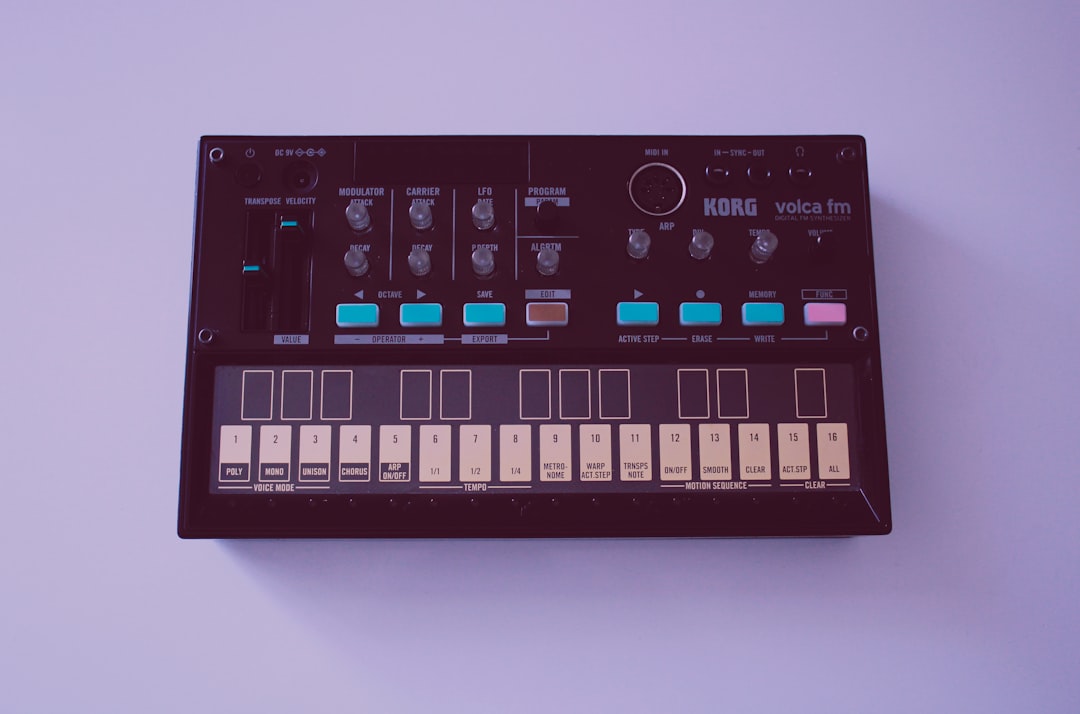
If you want the short version: the best synth VST for you depends on what you make. Wavetable synths like Serum and Vital dominate modern electronic music, virtual-analog synths like Diva and Sylenth1 own warm classic tones, and workstation-style instruments like Omnisphere cover everything at once. Below we break down the categories, name a clear pick in each, and show you how to choose so you don’t end up with forty synths and no finished tracks.
Violet Recording is reader-supported — we may earn a commission from links on this page, at no extra cost to you.
Quick-pick: the best synth VST for each type of producer
Here’s the fast answer if you don’t want to read the whole guide. Match the row to how you actually work, then jump to that section for the reasoning.
| You are… | Best category | Why | Our pick |
|---|---|---|---|
| Making EDM, pop, future bass, dubstep | Wavetable | Aggressive, modern, endlessly modulatable tones | Serum |
| On a tight budget or just starting out | Free/wavetable | Pro-grade sound design with no upfront cost | Vital |
| Chasing warm, vintage analog character | Virtual analog | Emulates classic hardware oscillators and filters | u-he Diva |
| Scoring, ambient, cinematic, or “one synth for everything” | Workstation/hybrid | Vast library plus deep synthesis under the hood | Spectrasonics Omnisphere |
| Into metallic, bell, and evolving textures | FM | Complex harmonics analog synths can’t produce | Native Instruments FM8 |
How to choose a synth plugin without wasting money
The most common mistake is buying synths by reputation instead of by fit. A synth that sounds incredible on a producer’s YouTube channel might be wrong for the music you make, or so deep that you never learn it. Before you spend anything, work through these questions honestly.
What genre do you actually finish tracks in? This matters more than any feature list. Wavetable synths are built for movement and modern, edgy timbres, so they suit electronic and pop production. Virtual-analog synths recreate the fatness of hardware from the 1970s and 80s, which is what you want for synthwave, house, funk, and classic-sounding leads and basses. If you score to picture or make ambient music, a big hybrid library instrument will get you further, faster.
Do you want to design sounds or find them? Some producers love turning knobs; others just want a great preset in ten seconds. If you’re the second type, prioritise a synth with a large, well-organised factory library and a good browser. If you love sound design, prioritise the depth of the modulation system — how many modulators, how flexibly they route, and how visual the workflow is.
How steep a learning curve can you tolerate? FM synthesis and modular-style patching are powerful but genuinely hard. A beginner is usually better served by a subtractive or wavetable synth with an obvious signal flow, then graduating to the complex stuff later. There’s no prize for owning a synth you can’t program.
Will it run on your machine? Big library instruments need disk space and RAM; heavy voice-count patches need CPU. Check the system requirements before you buy, and remember that older laptops struggle with the most demanding modern synths.
Wavetable synths: the modern electronic workhorse
Wavetable synthesis scans through a table of single-cycle waveforms, and by modulating that scan position you get the sweeping, morphing, “it moves” quality that defines a huge amount of current electronic and pop music. This is the category most new producers should start with, because a good wavetable synth covers basses, leads, pads, plucks, and screaming risers all in one instrument.
The genre-defining plugin here is Serum, prized for a clean sound, a drag-and-drop wavetable editor, and a modulation system you set up by dragging one control onto another. If you want the same approach at zero cost, Vital offers a strikingly similar workflow and spectral warping in a free tier — we cover the no-cost options in depth in our roundup of the best free synth VSTs. For the paid pick in this category, see the choice below.
Choose a wavetable synth if: you make EDM, future bass, pop, trap, dubstep, or any style that leans on bright, evolving, aggressive synth tones and you want one instrument that does most jobs.
Our wavetable pick: Serum — it set the standard for the category, and its clean sound, drag-and-drop wavetable editing, and drag-to-assign modulation make it the one most producers reach for.
Virtual-analog synths: warmth, fatness and vintage character
Virtual-analog (or “analog-modelling”) synths recreate the behaviour of classic hardware — the drift, the filter saturation, the slightly imperfect oscillators that make old synths sound alive. If your reference tracks are warm and round rather than digital and sharp, this is your category. It’s the sound of synthwave basslines, house chords, and buttery vintage leads.
u-he’s Diva is widely regarded as one of the most authentic analog emulations available, at the cost of high CPU use in its best-sounding mode. Sylenth1 remains a favourite for fat trance and EDM leads with a light CPU footprint, and Native Instruments’ Massive still turns up on countless bass-heavy records. For pure vintage recreations, the various emulations of the Minimoog and Juno-style polysynths deliver those specific classic voices. A warm analog lead pairs beautifully with tasteful processing — our guide to using reverb and delay shows how to place these sounds in a mix.
Choose a virtual-analog synth if: you want authentic vintage warmth, fat basses and leads, and a hands-on subtractive workflow (oscillators into a filter into an amp) that’s easy to understand.
Our virtual-analog pick: u-he Diva — widely regarded as one of the most authentic analog emulations available. Just budget for the CPU hit in its highest-quality mode.
Workstation and hybrid synths: one plugin to cover everything
Some instruments aren’t really “a synth” so much as an entire sound universe. Spectrasonics Omnisphere is the headline example — a massive sampled and synthesised library with deep engines under the hood, used heavily in film scoring, ambient, and pop production. Xfer’s and Arturia‘s collections, and hybrid instruments that combine samples with synthesis, sit in this space too. You pay more and you give up disk space, but you gain enormous range from a single window.
These are ideal if you value inspiration and speed over hands-on design, or if you score to picture and need convincing textures now. The trade-off is depth of ownership: with a library this size you’ll spend more time browsing than programming, which is fine — many working composers never build a patch from scratch. If you’re building out a scoring or production setup, our overview of building a home studio on a budget helps you spend where it counts.
Choose a workstation/hybrid synth if: you want maximum range from one instrument, you score or make cinematic and ambient music, or you’d rather find a great sound than design one.
Our workstation pick: Spectrasonics Omnisphere — its enormous sampled-and-synthesised library and deep engines make it the go-to for scoring, ambient, and pop producers who want maximum range from one window.
FM and additive synths: metallic, bell-like and evolving tones
FM (frequency modulation) synthesis uses one oscillator to modulate the pitch of another, producing complex, harmonically rich timbres — the electric pianos, bells, glassy plucks, and metallic textures that subtractive synths simply can’t make. It’s the classic DX-style sound plus a whole world of digital tones. Native Instruments’ FM8 modernised the approach with a friendlier interface, and there are excellent modern and free FM instruments too.
Additive synthesis, which builds sounds by stacking individual sine harmonics, lives in a similar space: precise, digital, and capable of textures nothing else produces. Both reward patience. FM programming is famously unintuitive — small changes to a modulation ratio produce big, unpredictable shifts — so most producers rely on presets and tweak from there rather than building patches blind. That’s a perfectly valid way to use these synths.
Choose an FM or additive synth if: you want digital bells, electric pianos, metallic basses, and evolving textures that analog and simple wavetable synths can’t reach — and you don’t mind leaning on presets.
Our FM pick: Native Instruments FM8 — it modernised classic DX-style FM with a far friendlier interface, making the metallic, bell-like, and electric-piano tones far easier to reach.
Free vs paid: do you even need to spend money?
Honestly, a beginner can go a long way on free instruments. Vital gives you a professional wavetable engine for nothing, plenty of capable free FM and analog synths exist, and every major DAW ships with stock synths that are better than their reputation. The case for paying comes down to three things: a larger and better-curated preset library, deeper features and modulation, and — with the big commercial synths — a huge ecosystem of third-party preset packs that plug straight in.
Our advice: start with one free wavetable synth and your DAW’s stock instruments, finish a few tracks, and notice what you keep wishing for. If you find yourself fighting the preset browser, buy the workstation. If you’re maxing out the modulation, buy the deeper designer synth. Let the gap you actually hit decide the purchase. When you’re ready, the picks above and our free synth VST guide are the fastest way in. You may also want to pair your new synth with strong dynamics processing — see our best compressor plugins roundup.
A quick note on sound design fundamentals
Whichever synth you land on, the skills transfer. Oscillators, filters, envelopes, and LFOs work the same way across nearly every instrument — learn them once on any synth and you can drive all of them. Understanding a filter’s cutoff and resonance, how an amp envelope shapes attack and release, and how to route an LFO to add movement will improve your patches more than owning another plugin ever will. For the wider picture of shaping tone and dynamics in a mix, our EQ and compression fundamentals guide is a useful companion, and you can browse everything in our sound design category hub.
The producers who make the most of their synths aren’t the ones who own the most — they’re the ones who know one or two instruments deeply. Pick the category that matches your music, get one great synth, and spend your energy learning it rather than shopping for the next one.
Frequently asked questions
What is the best synth VST for beginners?
For most beginners, a wavetable synth with a clear, visual workflow is the best starting point because it covers basses, leads, pads, and plucks in one instrument. A free option like Vital lets you learn professional sound design with no upfront cost, and the skills carry over to any paid synth you buy later. Start there, finish some tracks, then upgrade toward whatever you find yourself wishing for.
Is a free synth VST good enough for professional tracks?
Yes. Several free synths — Vital in particular — deliver genuinely professional sound quality, and your DAW’s stock instruments are more capable than many producers assume. You pay for larger preset libraries, deeper features, and big third-party preset ecosystems, not necessarily for better raw sound. Plenty of released records use free and stock synths, so don’t let cost hold you back when you’re learning.
How many synth plugins do I actually need?
Fewer than you think. A single strong wavetable synth plus your DAW’s stock instruments can carry an entire genre. Most producers benefit from knowing one or two synths deeply rather than owning a dozen they barely understand. Add a second synth only when you hit a specific wall — say you need authentic analog warmth or FM bells — that your current instrument genuinely can’t reach.



